
Home

Welcome to the arthur-mcp wiki!
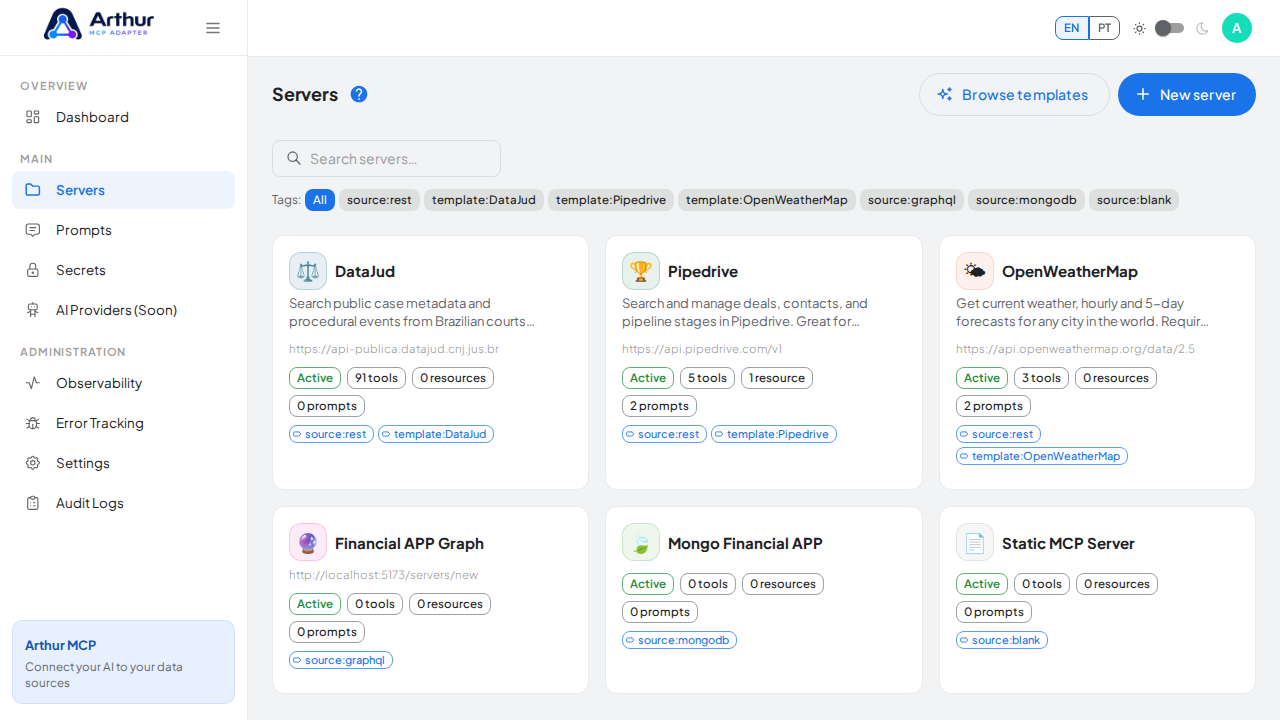
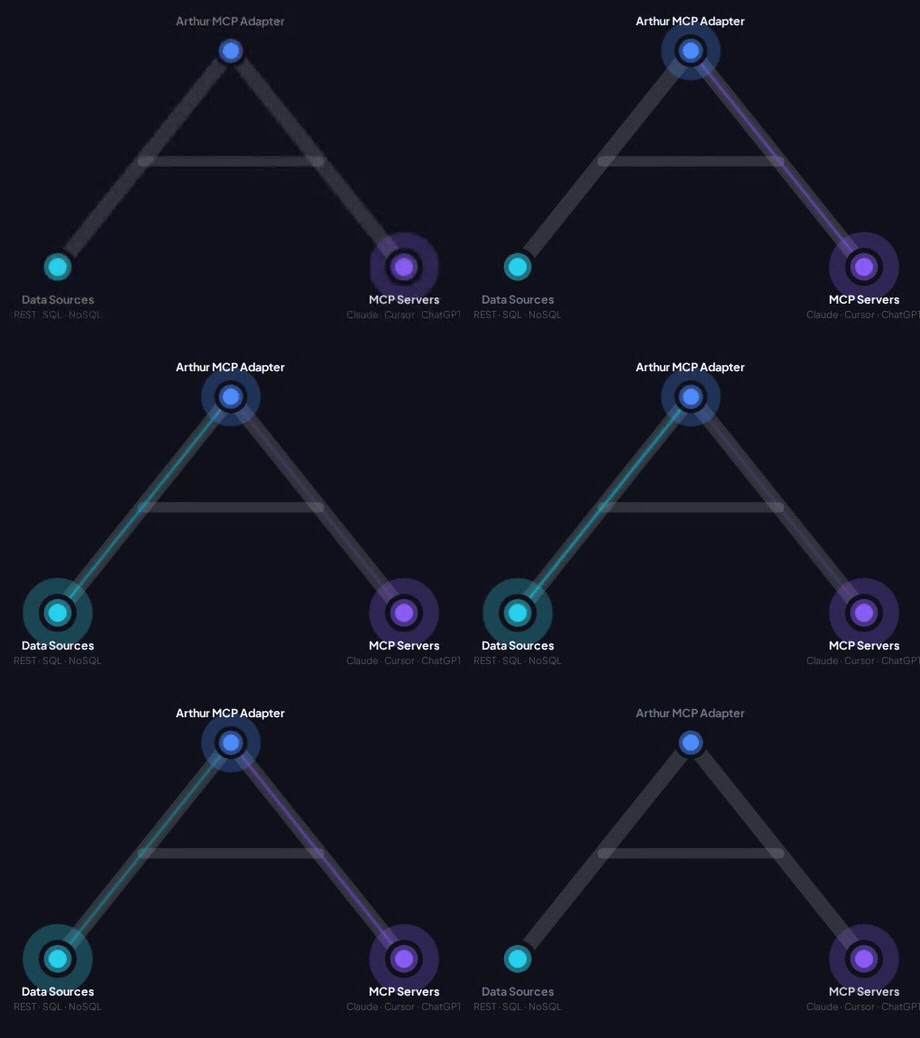
Arthur MCP is an open, self-hostable control plane for building and operating Model Context Protocol servers from APIs, databases, prompts, resources, and internal tools.
- New here? Start with Getting Started — a step-by-step walkthrough from creating your account to an AI client calling your first tool.
- Have a specific question? Check the FAQ.
- Installing or deploying the app itself? See the Quick Start in the README.
Features
Servers & Tools
- MCP Server Management — create, configure, pause, and re-import servers.
- REST API Template Gallery — 69+ ready-made API servers.
- Dynamic Tools — the actions an AI client can call.
- Chains — combine several tools into one multi-step call.
- Resources — read-only data and documents for an AI client.
- Prompts — reusable instruction templates.
Security & Access
- Secrets and Authentication — credential storage, access keys, and OAuth clients.
- Roles and Permissions — built-in and custom roles.
- Public MCP Swagger Pages — shareable public documentation links.
Platform
- Settings — instance-wide configuration.
- AI Providers — connect and use your own LLM providers.
- Multi-Language and Terminology — locales and custom vocabulary.
Operations
- Observability — health checks, metrics, and tracing.
- Audit Logs — who changed what.
- Error Tracking — forward runtime failures to your monitoring provider.
Coming Soon
- Harness — timeouts, retries, and execution hooks.
- Guard Rails — input constraints, output filtering, and tool restrictions.
How To
Task-oriented recipes for common jobs:
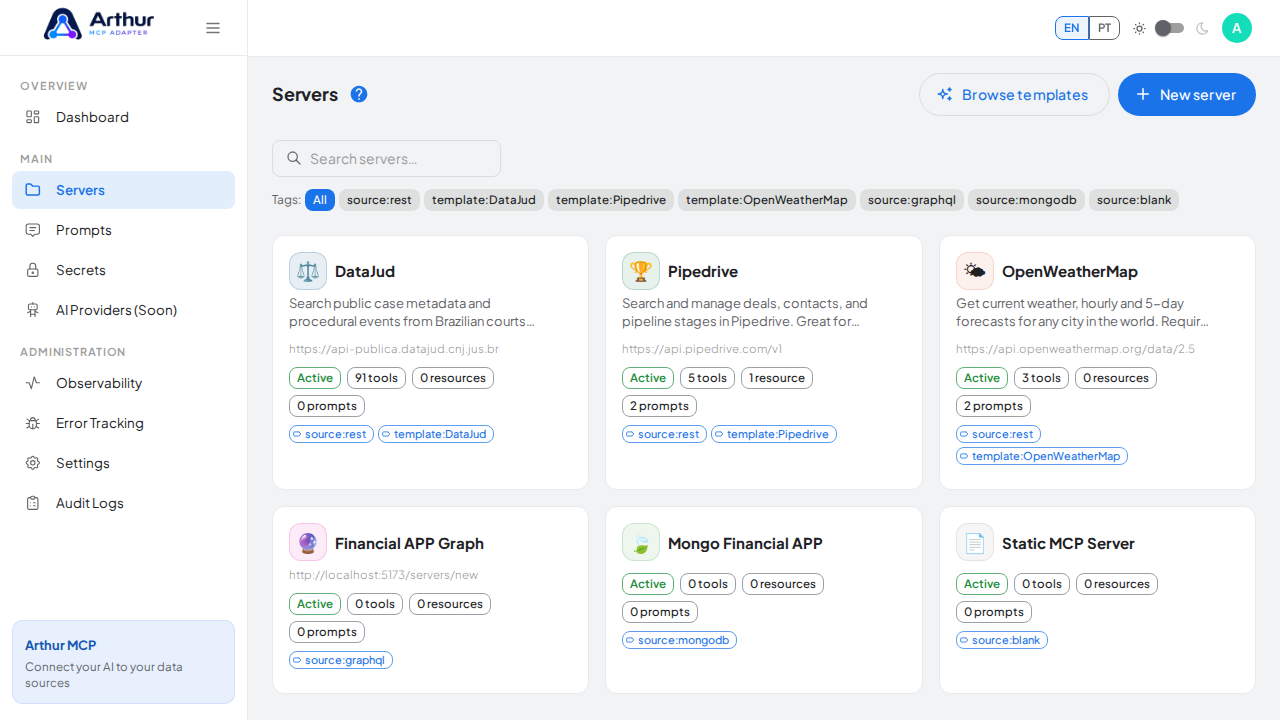
- Connect Claude Desktop
- Connect Cursor
- Connect ChatGPT via OAuth
- Import an OpenAPI Spec
- Import a Postman Collection
- Create a Server from a Template
- Re-import an Updated API Spec
- Protect a Server with an Access Key
- Store and Reference a Secret
- Create a Custom Role
- Share and Revoke a Public Link
- Add a Resource
- Test a Tool
- Create and Link a Prompt
- Build a Chain
- Use AI-Assisted Tool Generation
- Rotate the JWT Signing Secret
- Set Global Request Headers
- Pause and Reactivate a Server
- Connect an Error Tracking Provider
- Import the Grafana Dashboard
- Manage Your Server Slug
- Configure API Credentials
- Add HTML Output to a Tool
- Configure Response Limits
- Configure Multi-Tenant Parameters
- Set Up Error Alerts
Tutorial video