
How to Import a Postman Collection
Turn a Postman collection into a server with one tool per request, reusing the requests your team already maintains.
Steps
In Postman, export your collection as a Collection v2.1 JSON file.
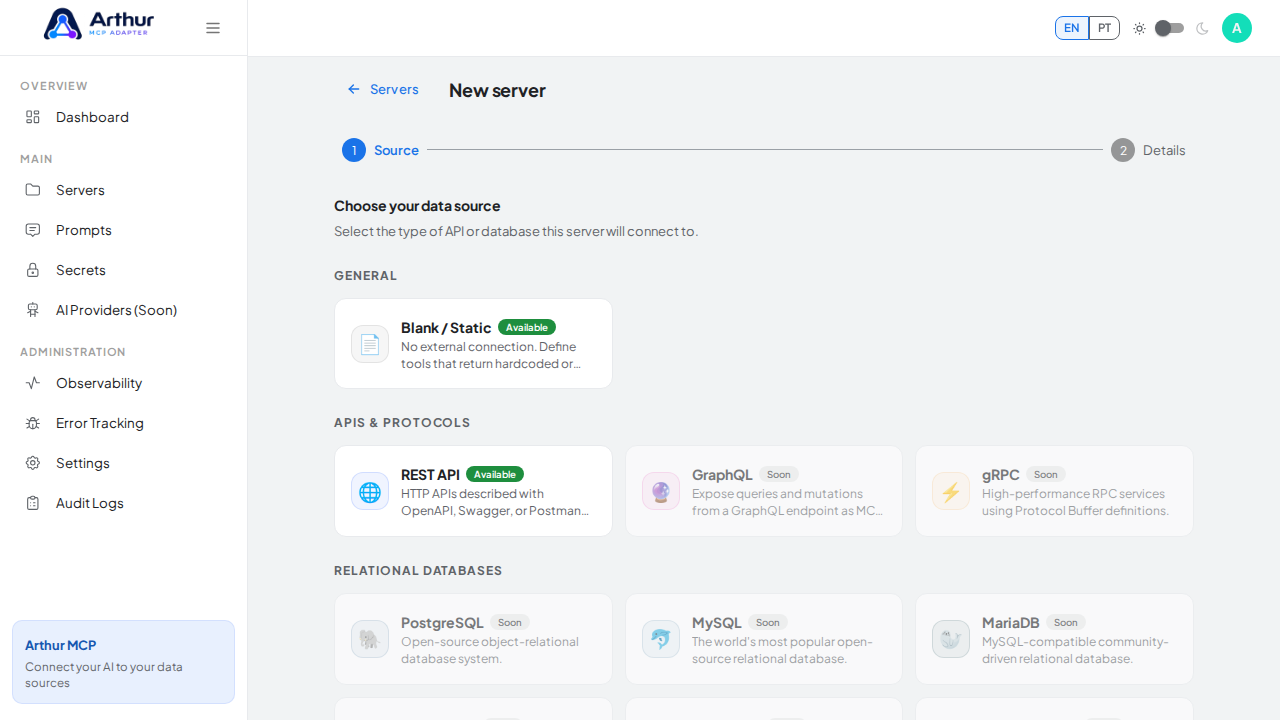
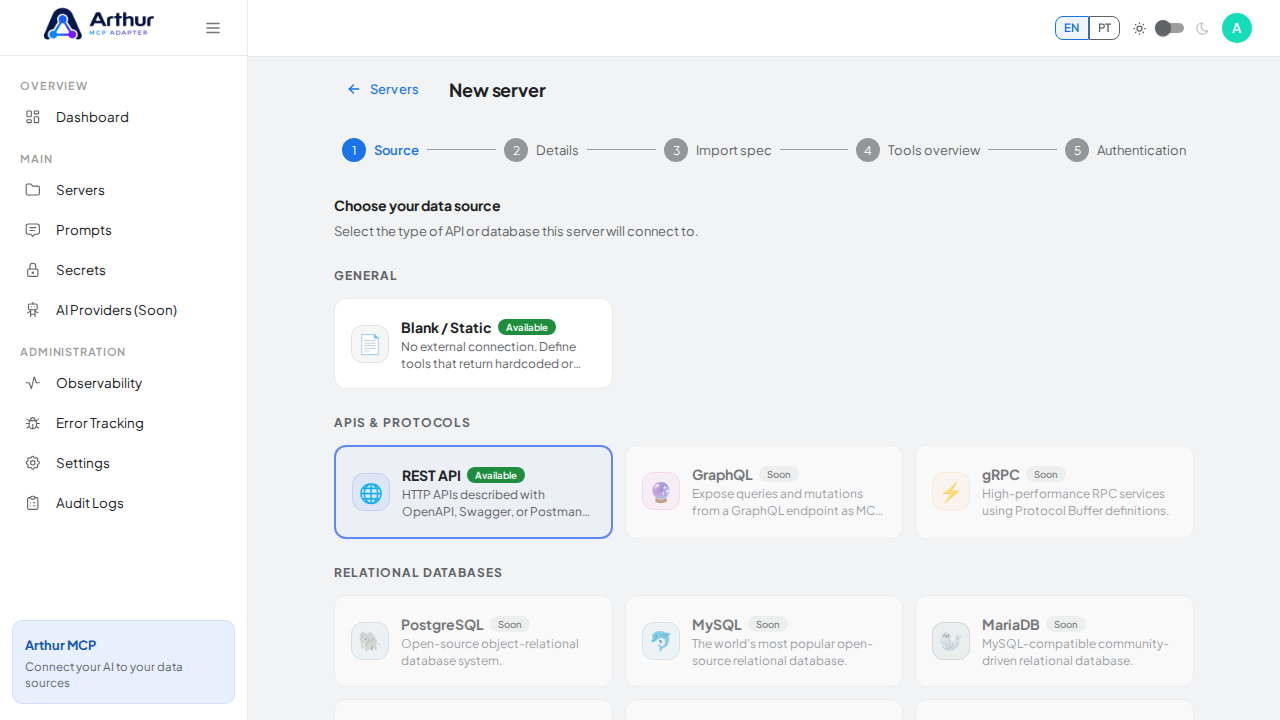
In Arthur, go to New Server and choose Import Postman collection.
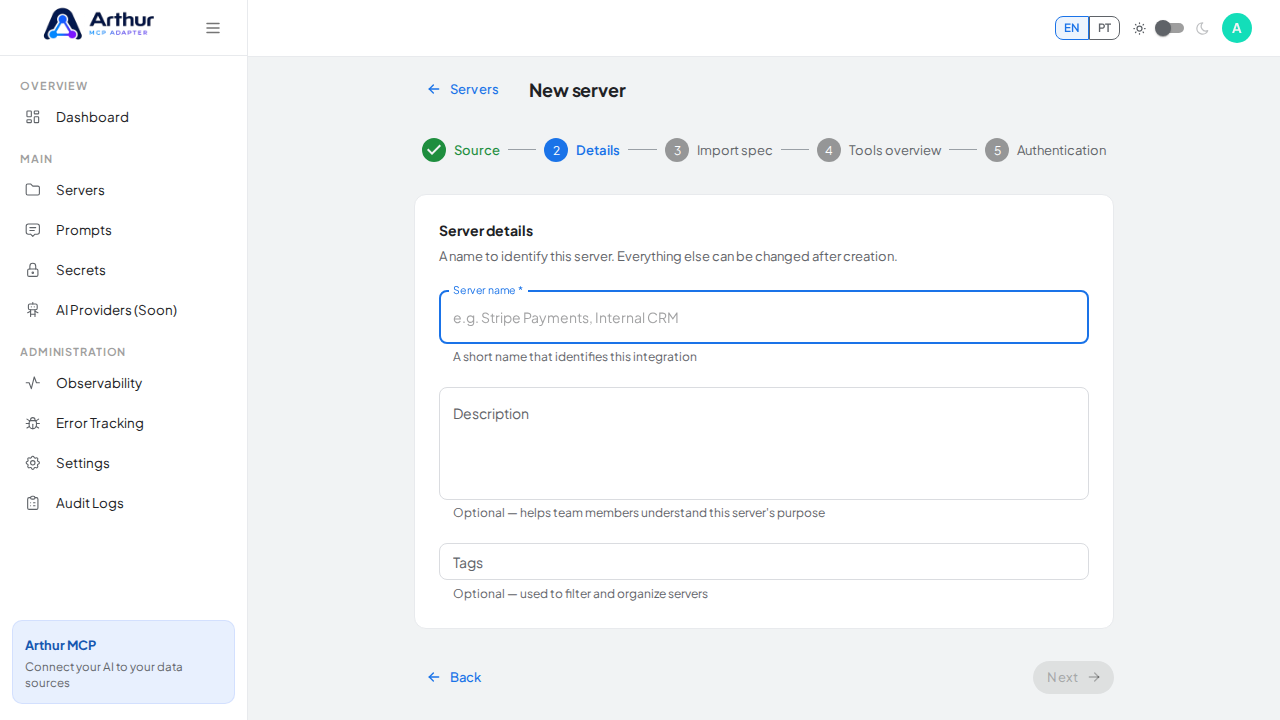
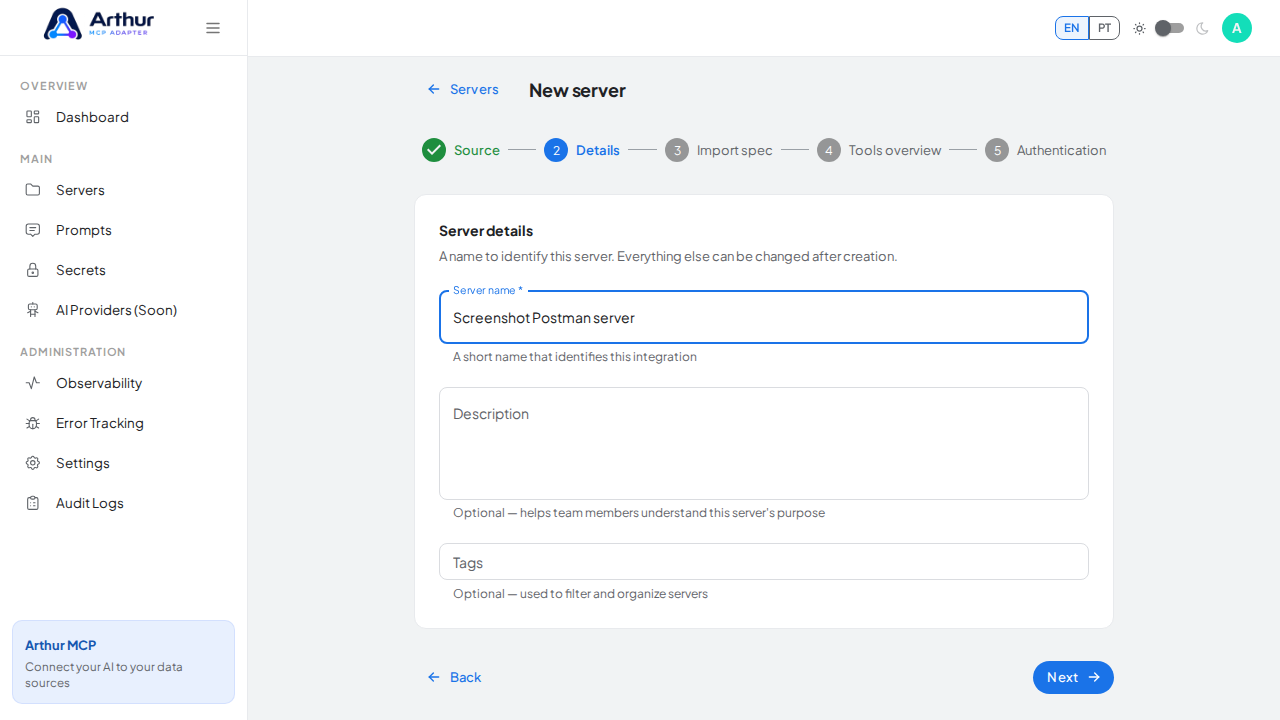
Upload the exported file.
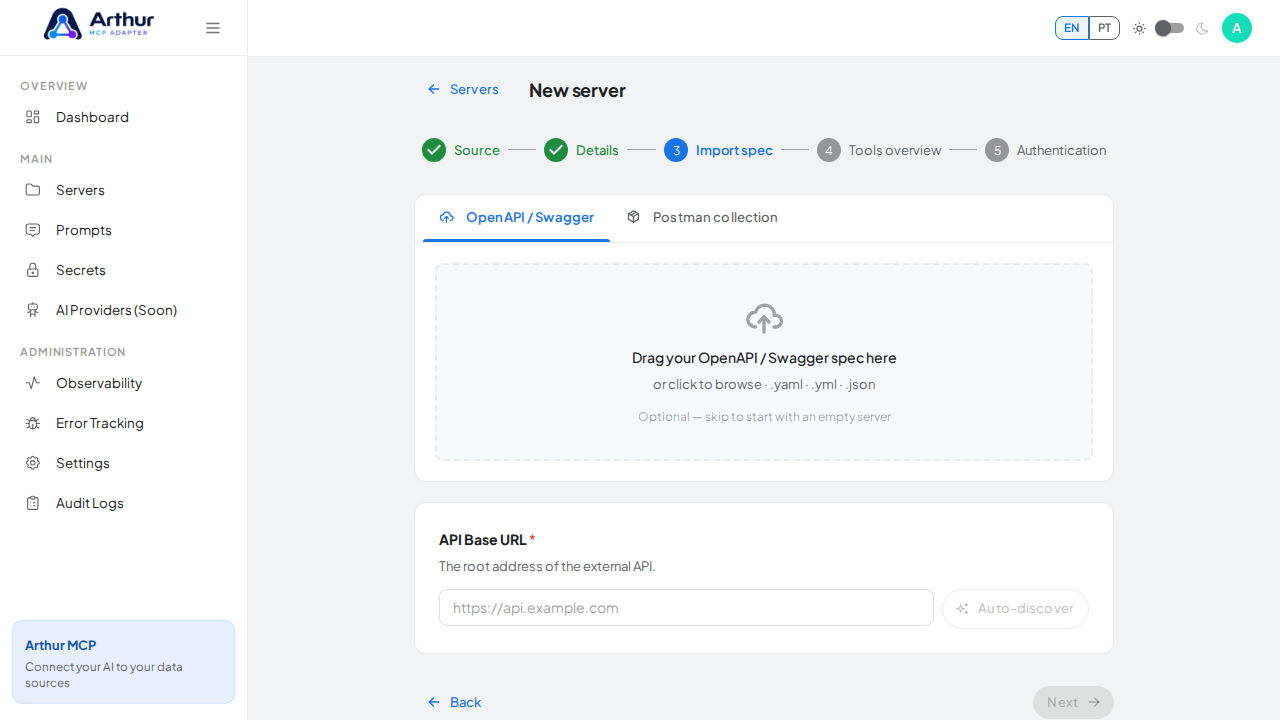
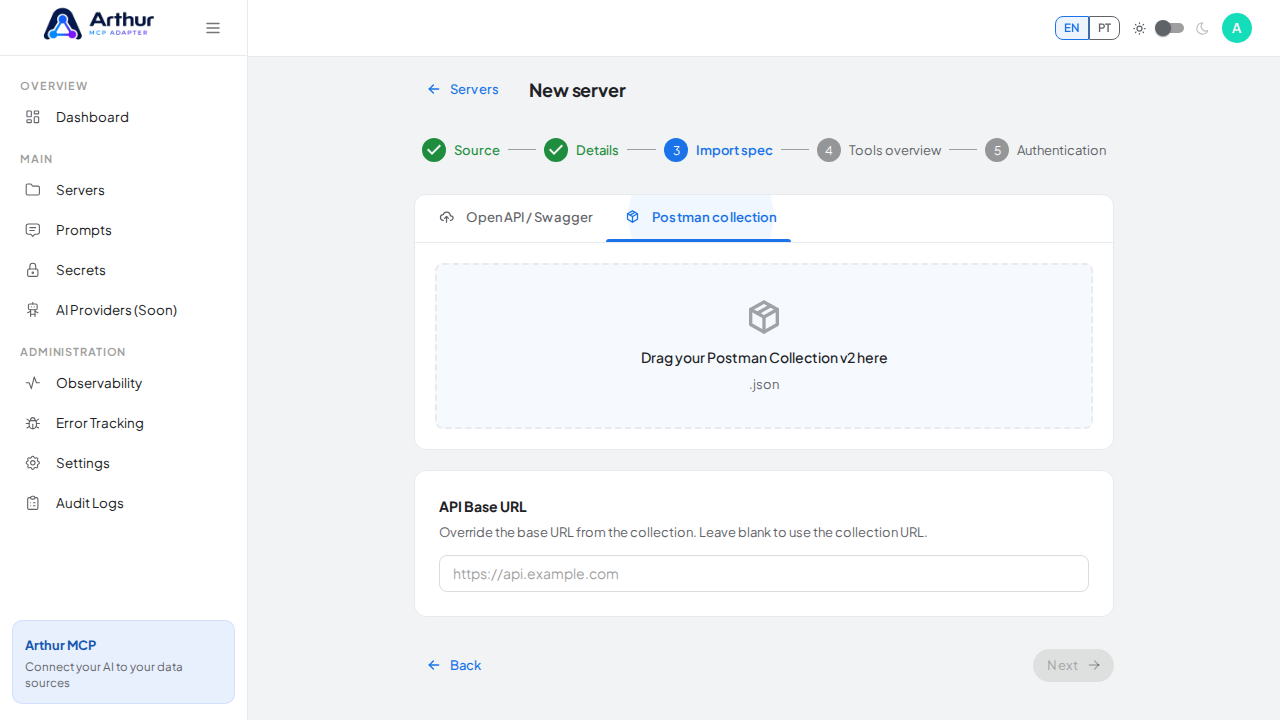
Name the server and create it.
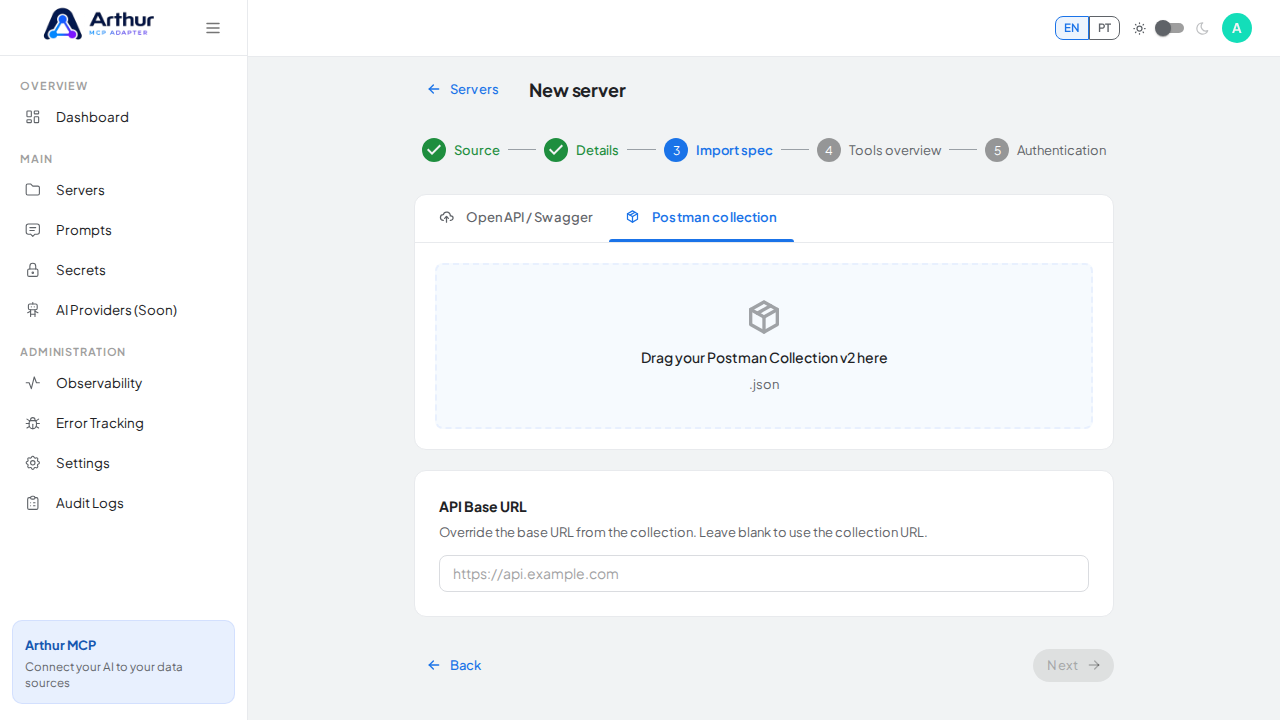
Confirm it worked
The server opens on its Tools tab with one tool per request in the collection.
Good to know
- Postman environment variables aren't carried over automatically. After import, store any credentials as Secrets and reference them with
{{secret:NAME}}in the affected tools or the server's upstream auth config.
Related
Tutorial video