
How to Import an OpenAPI Spec
Turn an existing OpenAPI/Swagger definition into a server with one tool per endpoint, without defining anything by hand.
Steps
Go to New Server and choose Import OpenAPI/Swagger spec.
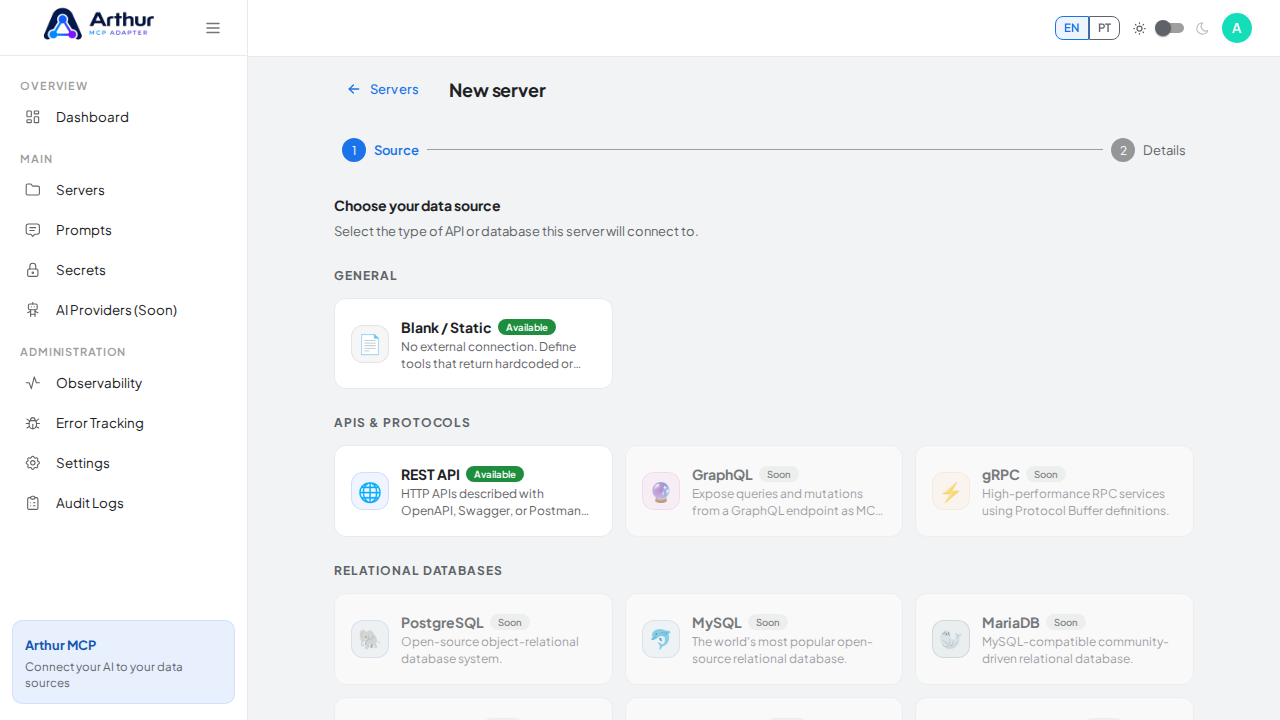
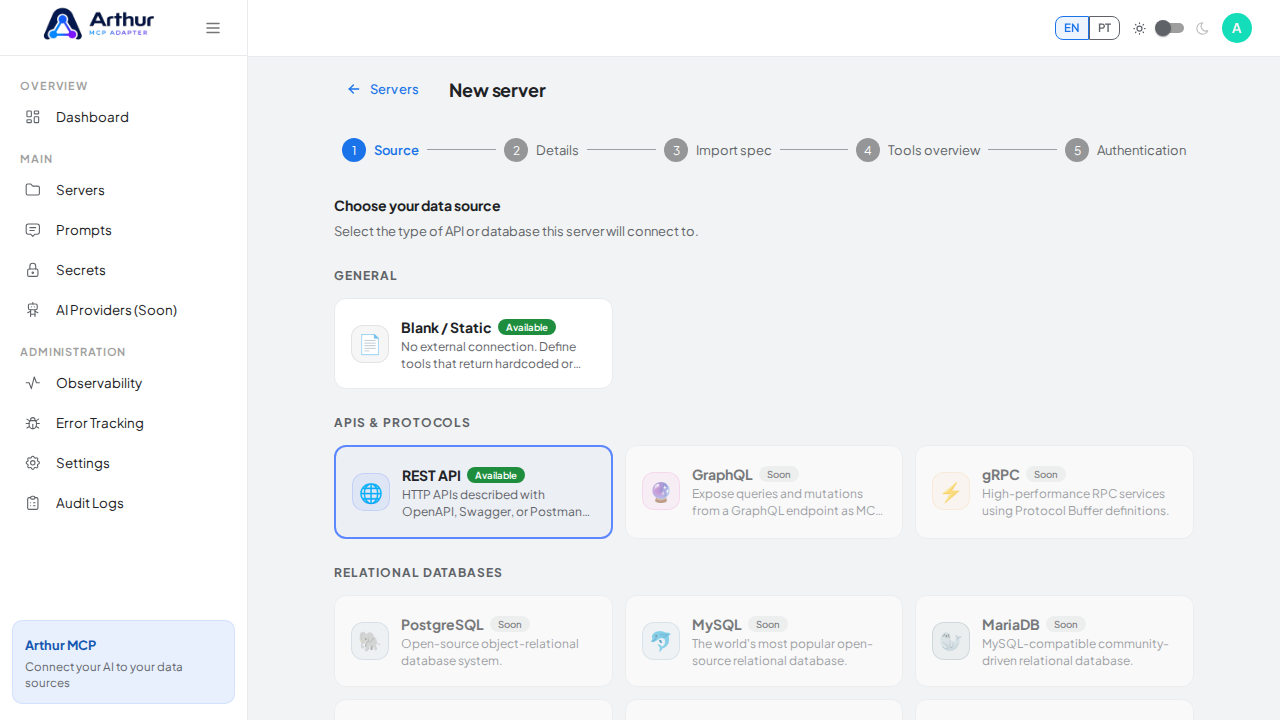
Upload your spec file (JSON or YAML), or paste its URL.
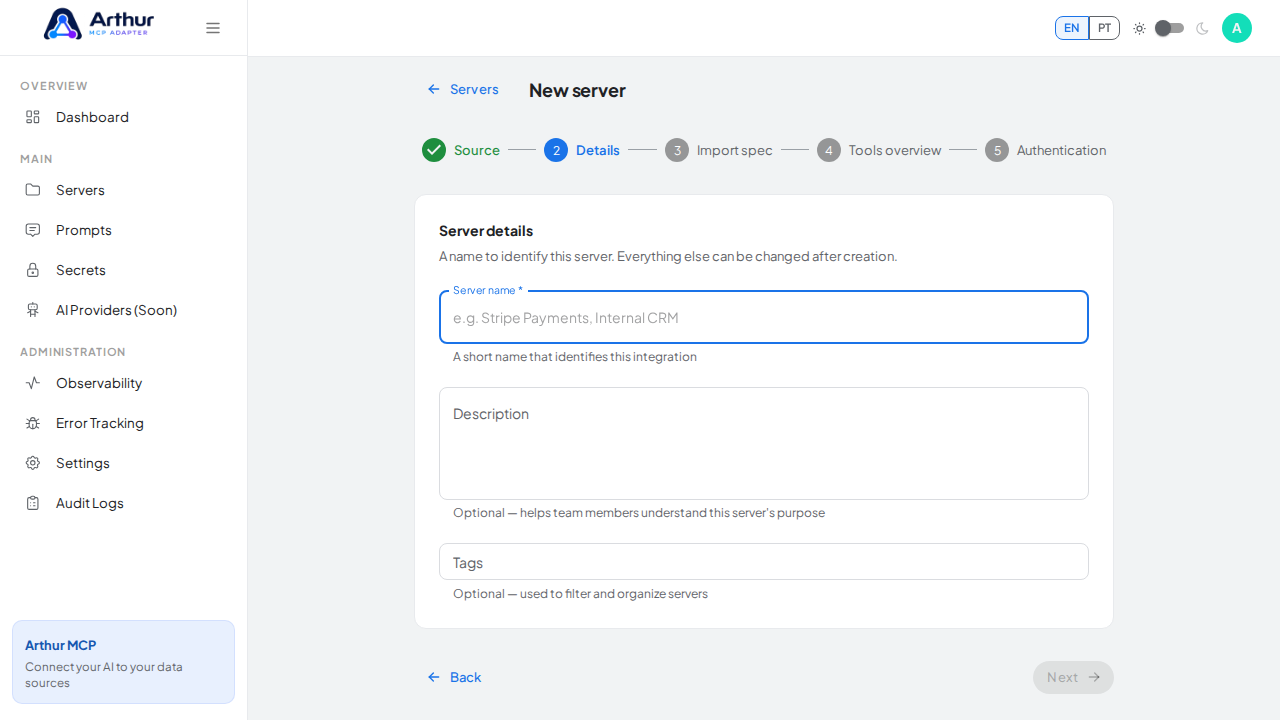
Name the server. Optionally turn on AI-assisted improvements to get better tool names, descriptions, and schemas — see AI Providers.
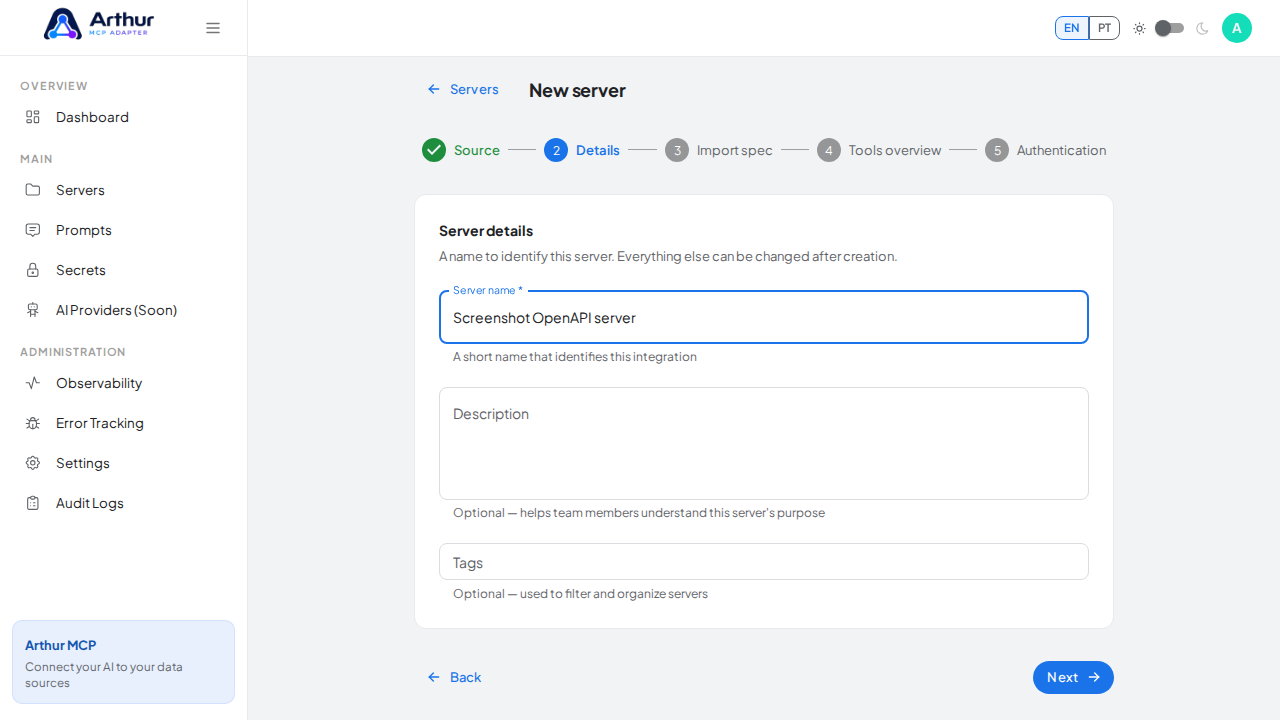
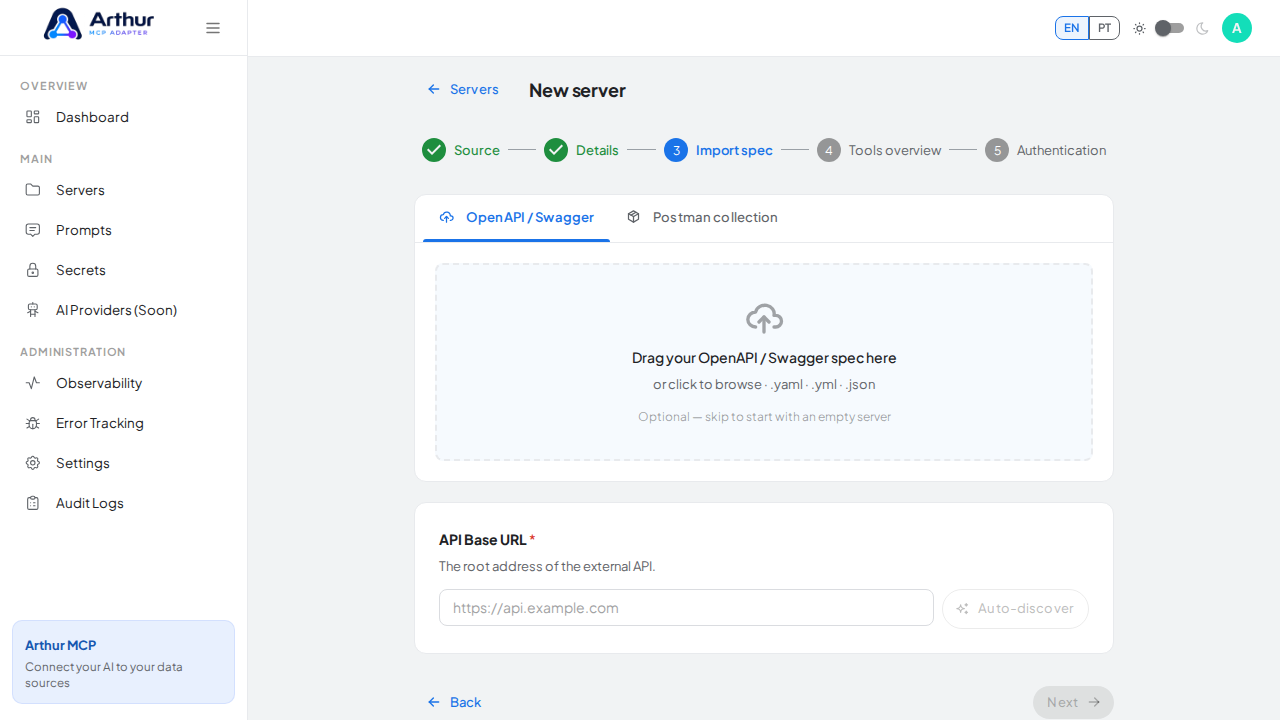
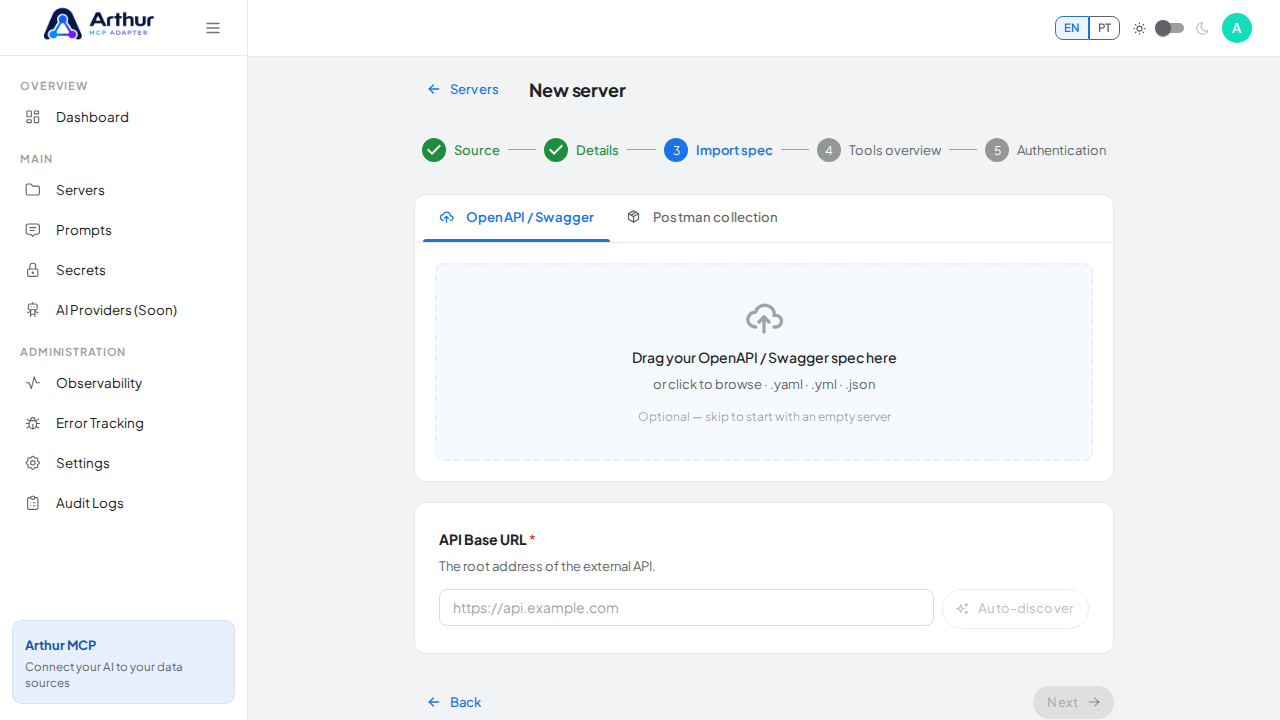
Review the operations Arthur found, then create the server.
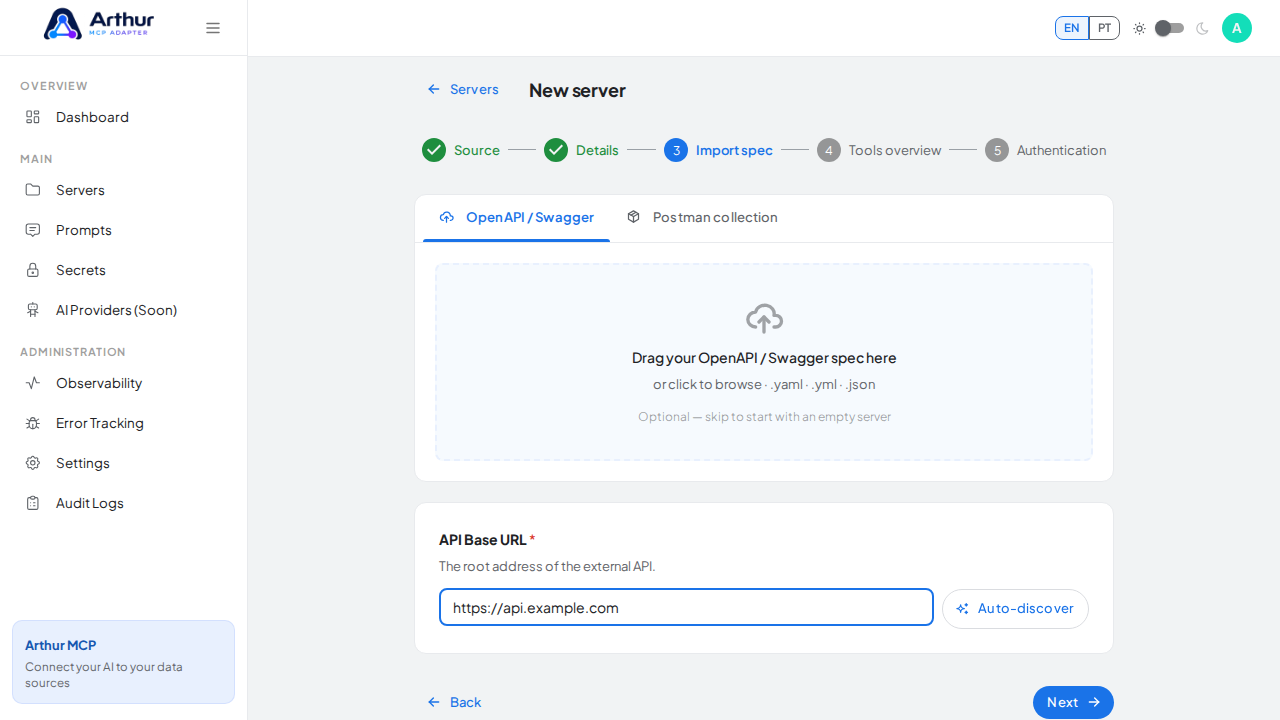
Confirm it worked
The server opens on its Tools tab with one tool per imported endpoint, matching the operation count in your spec.
Good to know
- If the API needs a credential, store it as a Secret and reference it in the server's upstream auth config rather than pasting it in directly.
- Got an updated version of the same spec later? Use How to Re-import an Updated API Spec instead of rebuilding the server.
Related
Tutorial video