
How to Make My Server Available Only on Certain Days and Times
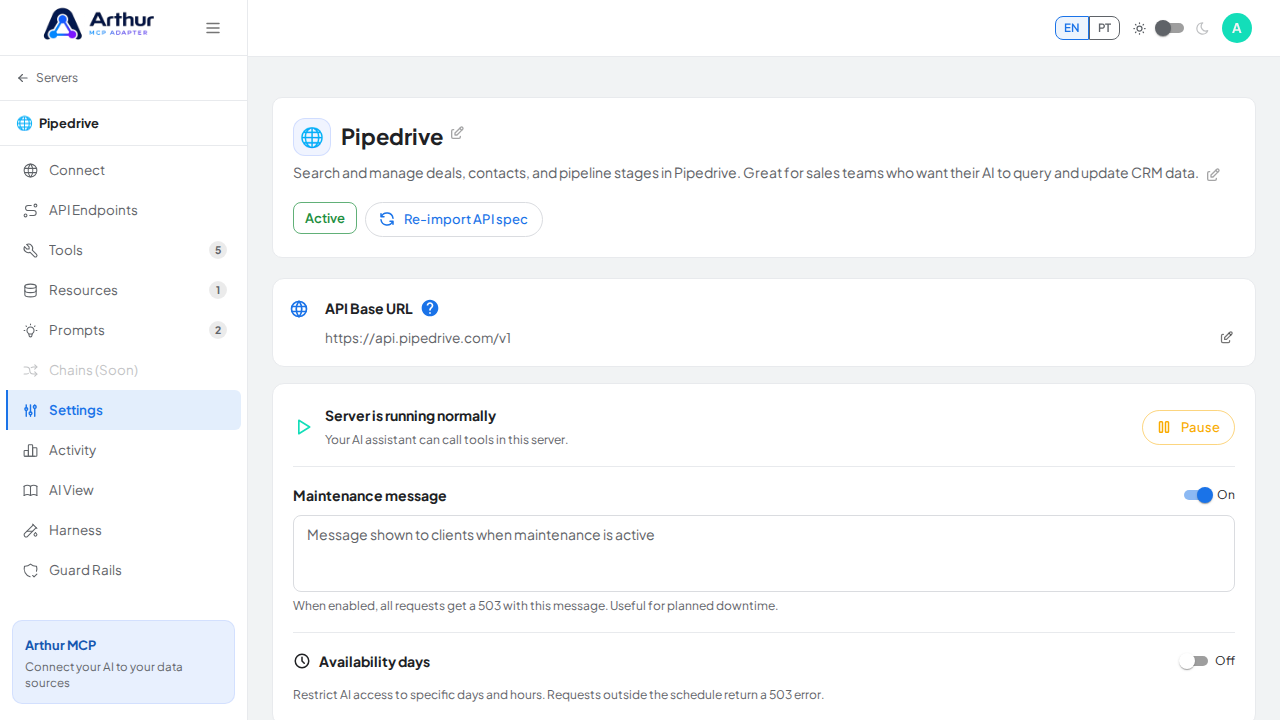
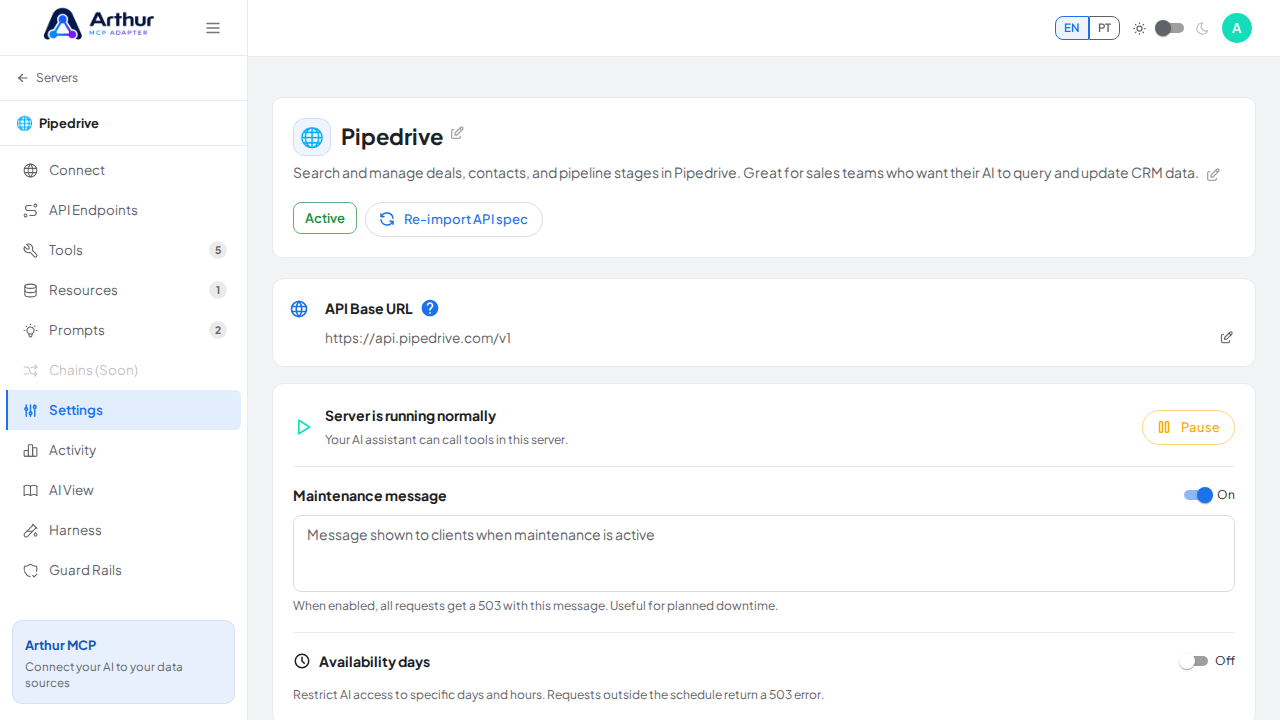
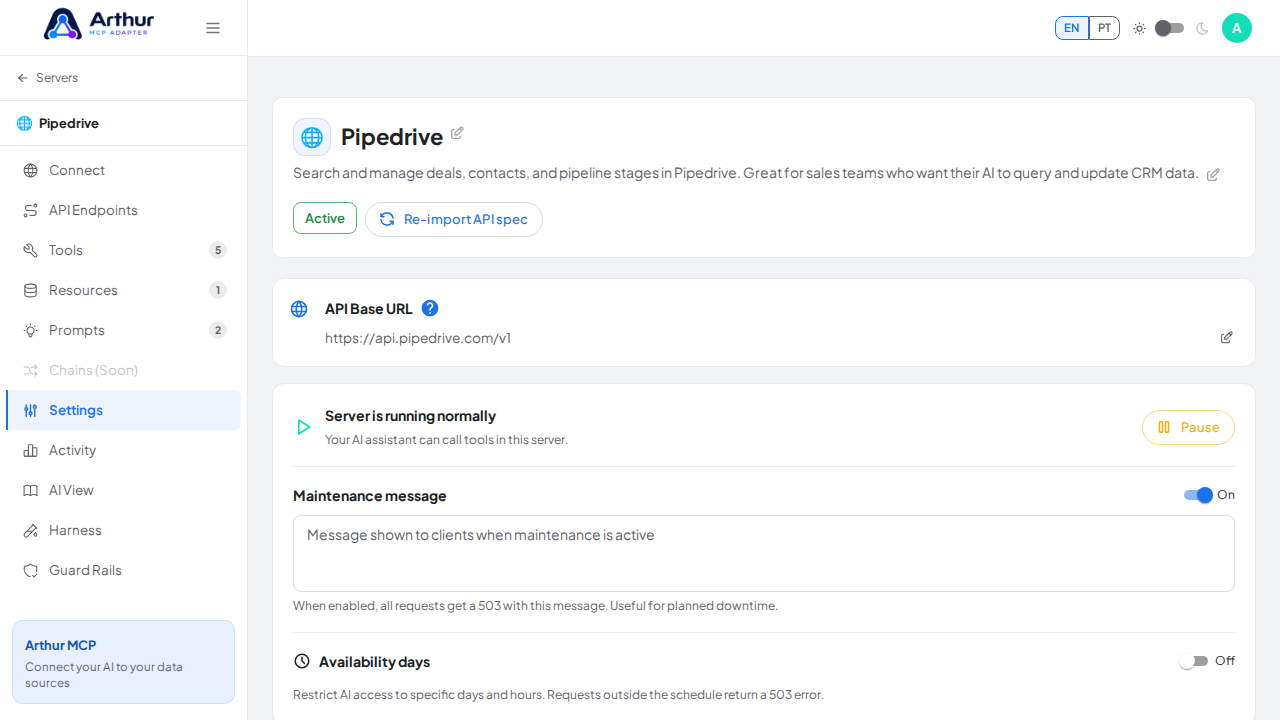
Open the server's Settings tab, find Availability window, and enable it. Pick a timezone, then add schedule entries: a day of the week plus a from-hour and to-hour. Calls outside every configured window get rejected with a 503.
Learn more: MCP Server Management.
Tutorial video