
How to Re-import an Updated API Spec
When the upstream API changes, pull the update into an existing server instead of rebuilding its tools from zero.
Prerequisites: an existing REST server originally created from an OpenAPI/Swagger or Postman import.
Steps
Open the server and go to its API Endpoints tab.
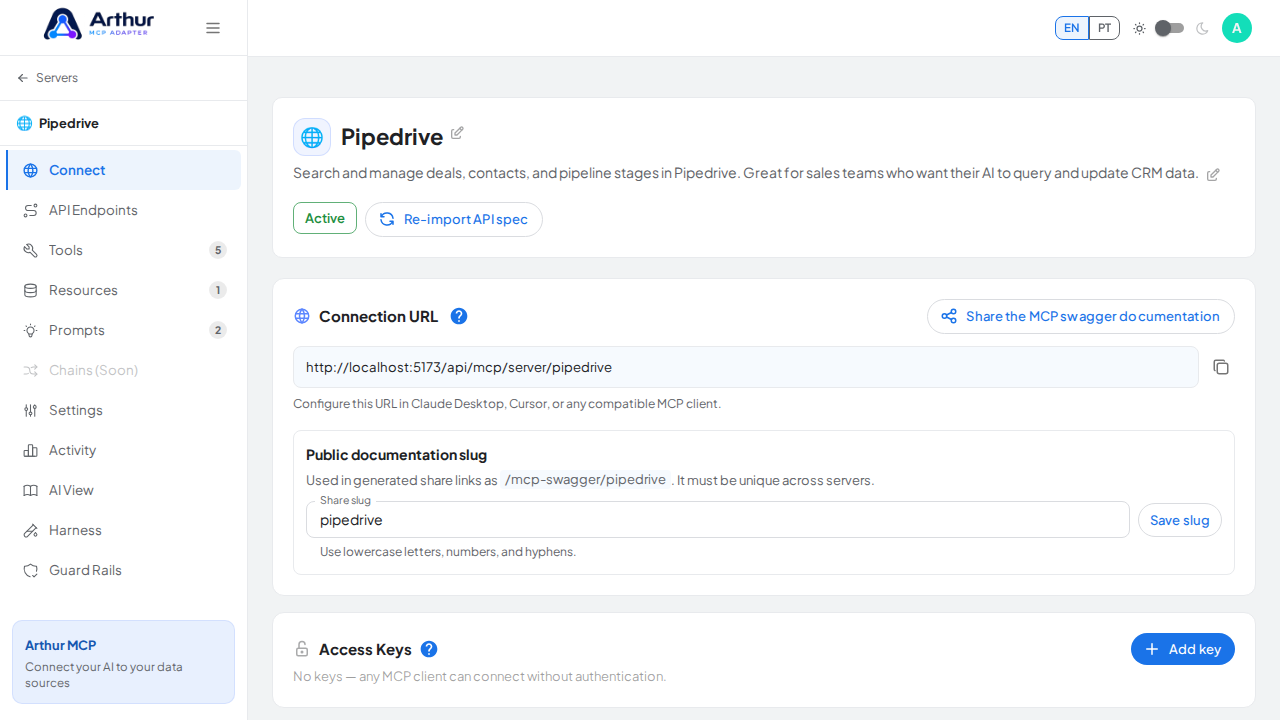
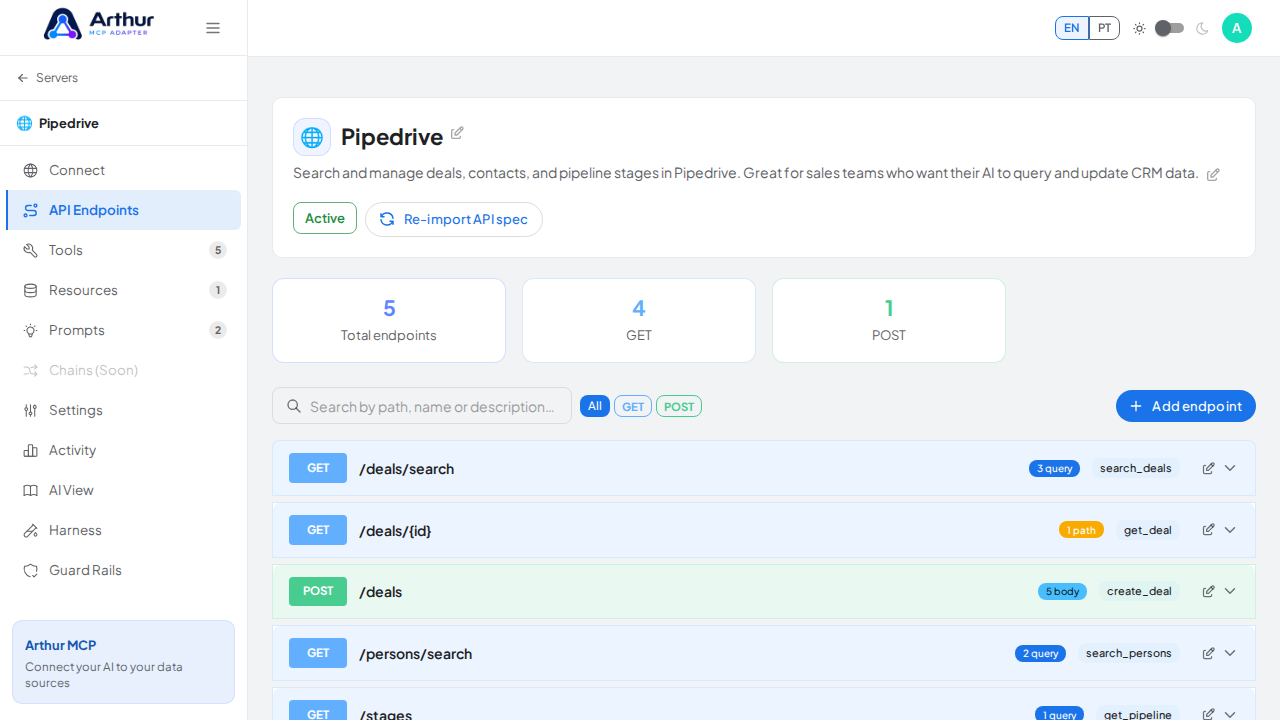
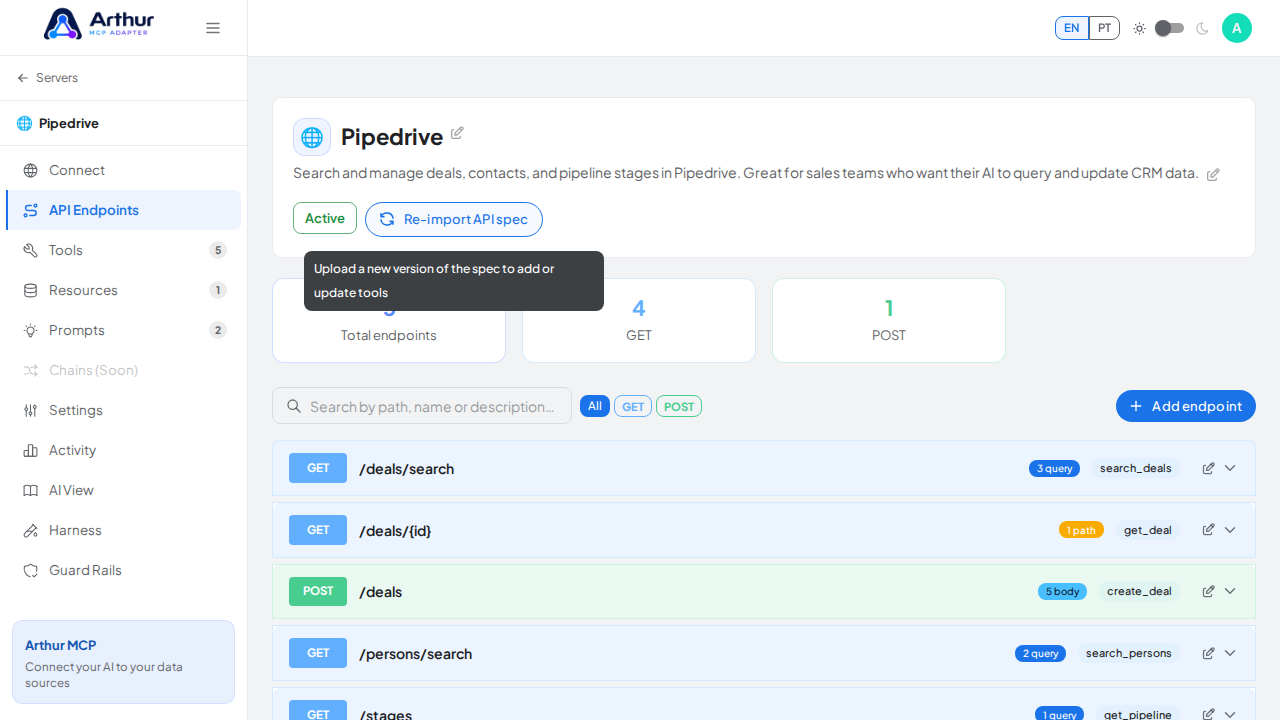
Click Reimport spec.
Upload the updated spec or collection file.
Confirm.
Confirm it worked
Arthur reports how many tools were added and how many were updated. New operations appear as new tools; existing tools are updated in place.
Good to know
- Tools you edited by hand aren't discarded — reimporting only adds and updates what changed in the new spec.
Related
Tutorial video