
How to Create a Slug
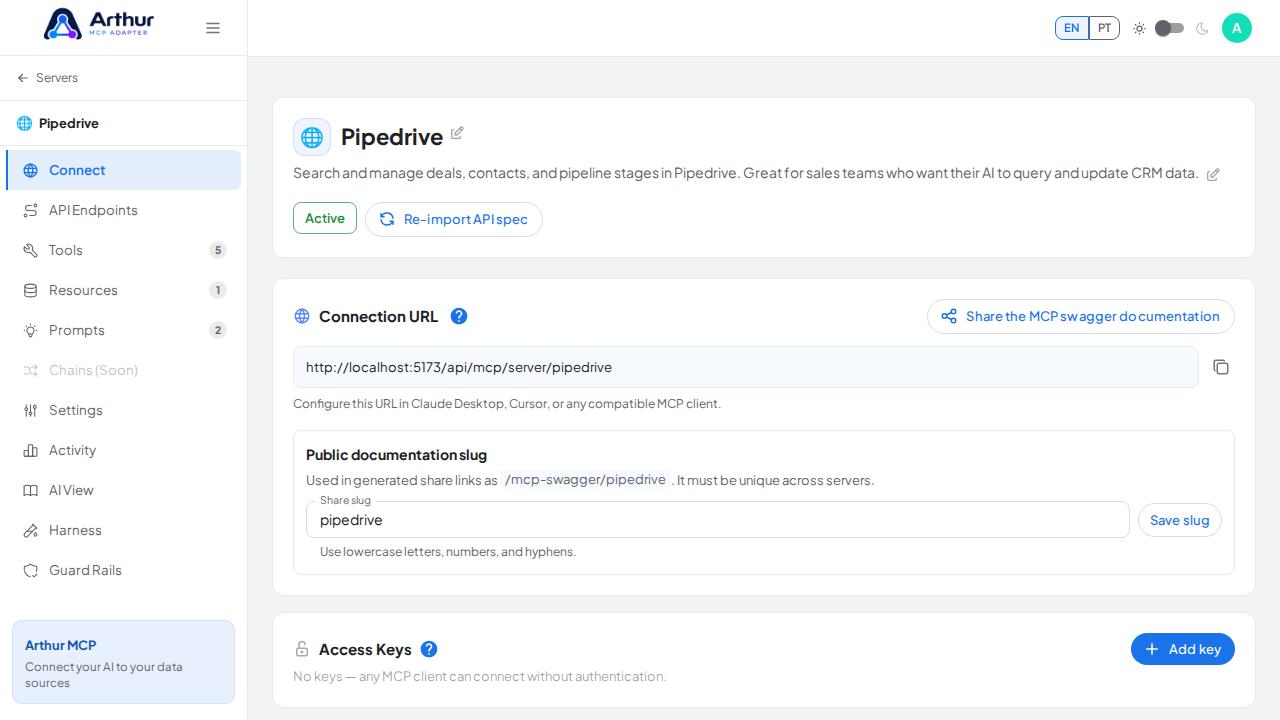
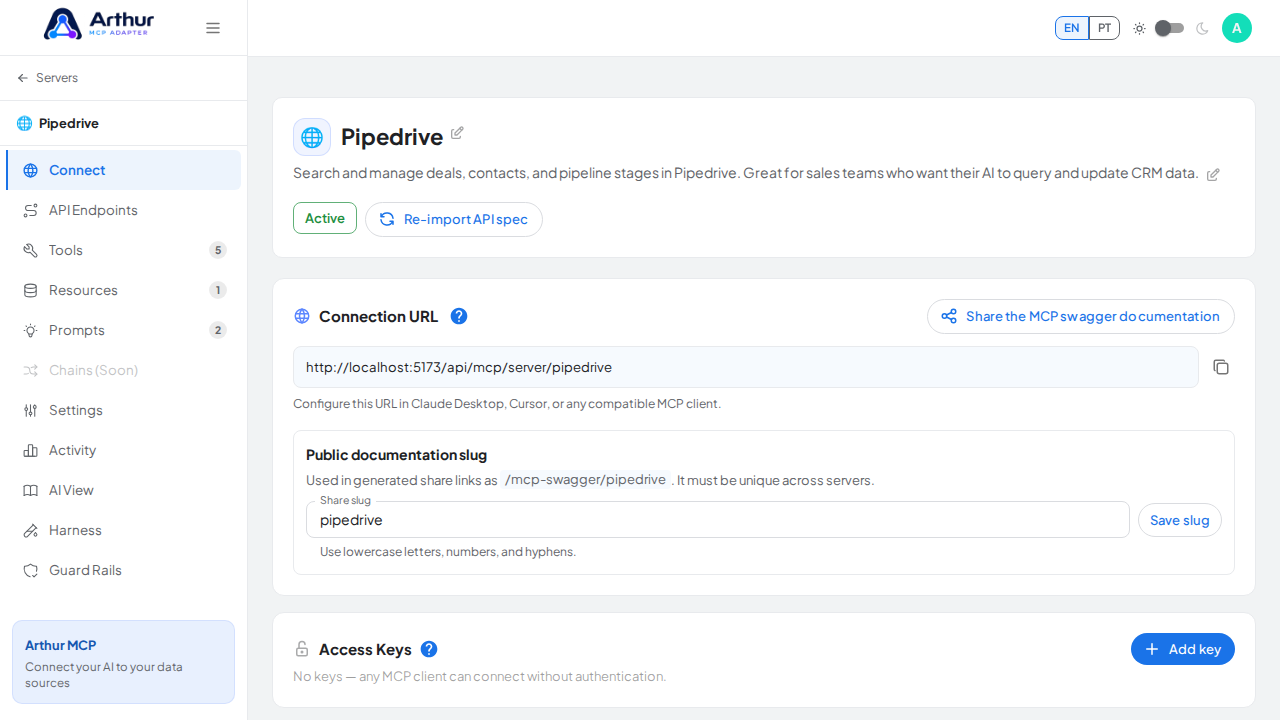
You don't create a slug from scratch — Arthur MCP generates one automatically from the server's name the moment you create the server. What you can do is edit it: open the server's Connect tab, find "Public doc slug," type the value you want, and click "Save slug."
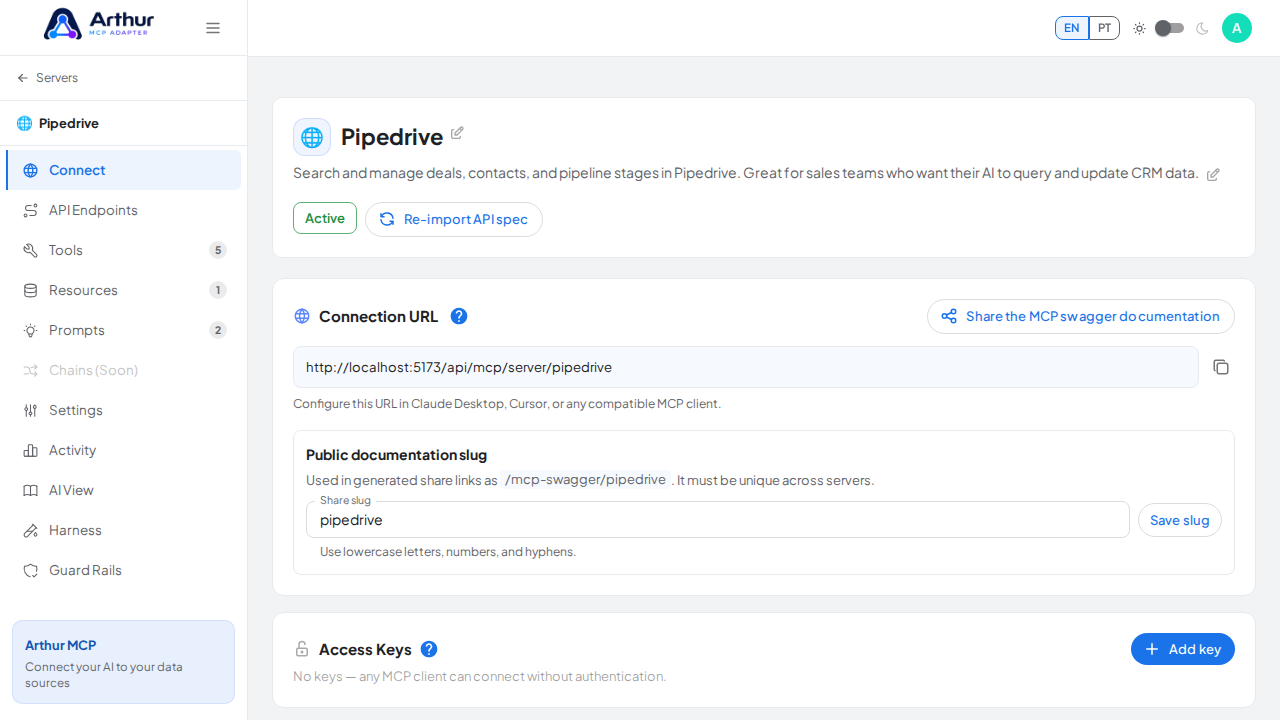
Allowed characters are lowercase letters, numbers, and hyphens (3–80 characters), and it must be unique across every server on the instance — a duplicate is rejected.
Learn more: How to Manage Your Server Slug.
Tutorial video