
How to Create a Server from a Template
Skip the blank page and start from one of Arthur's 69+ built-in REST API templates.
Steps
Go to Templates.
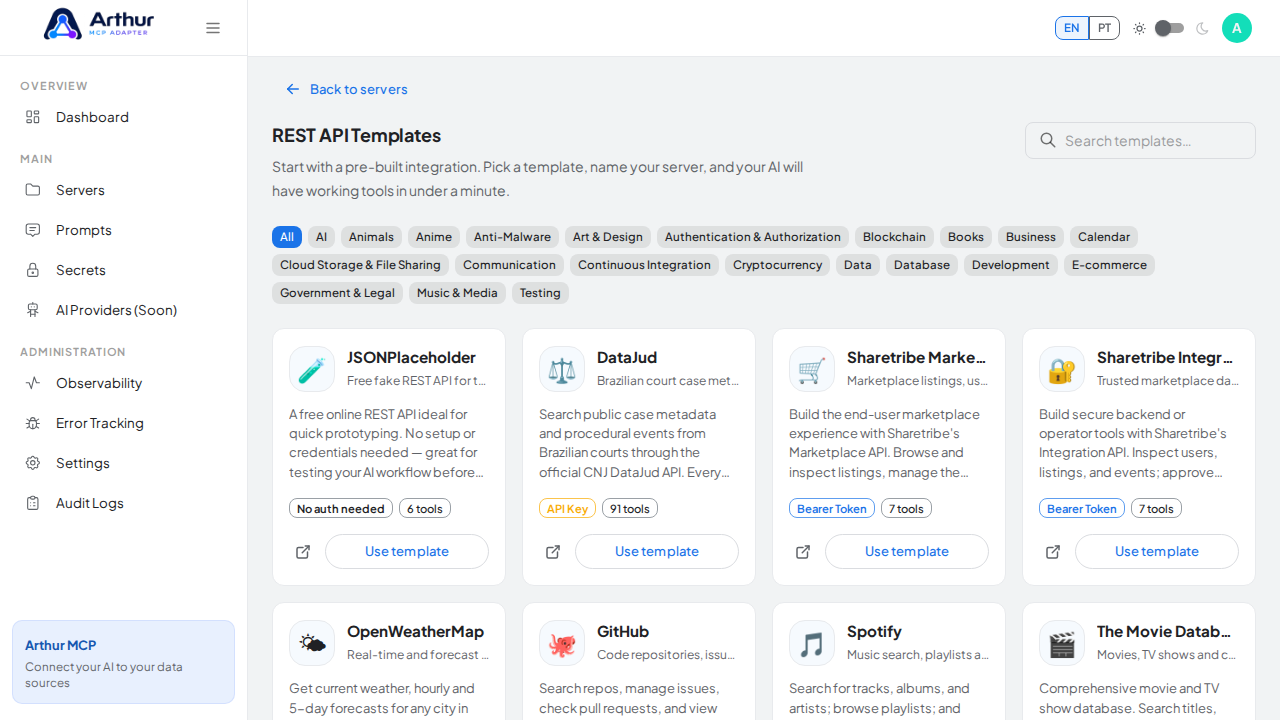
Search or filter by category to find the API you want.
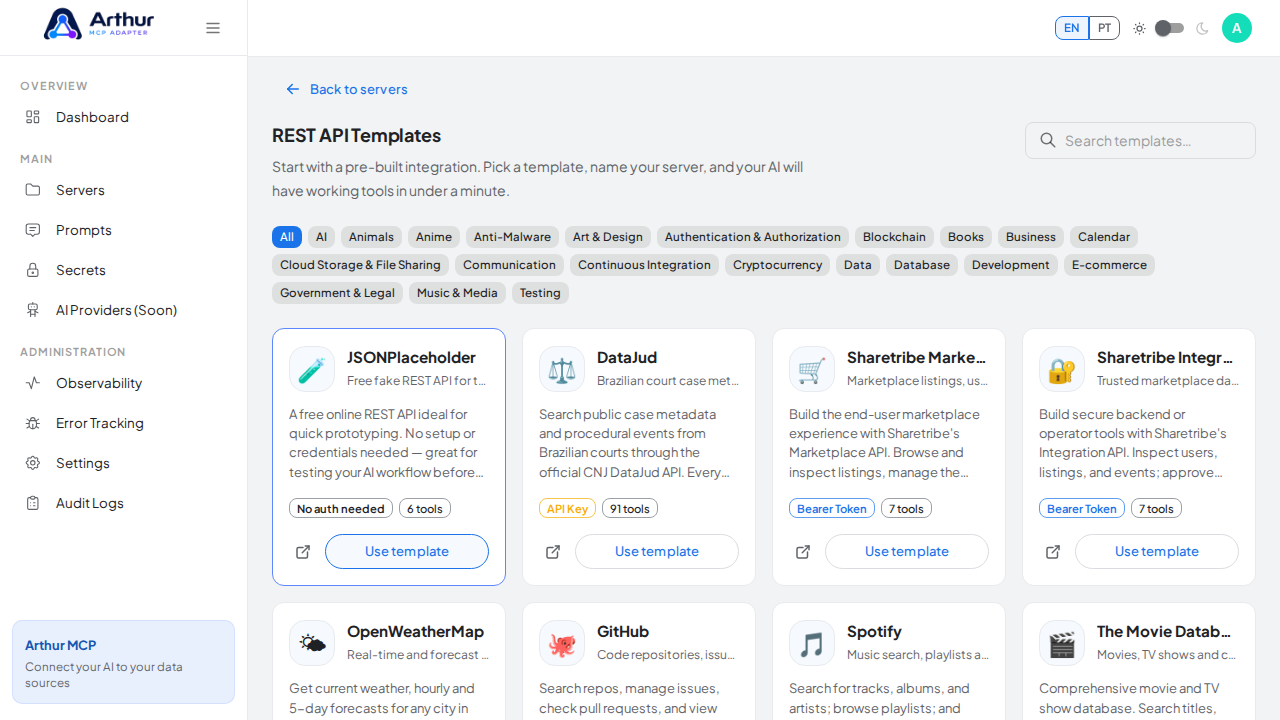
Select a template, name the new server, and provide a credential if the API needs one.
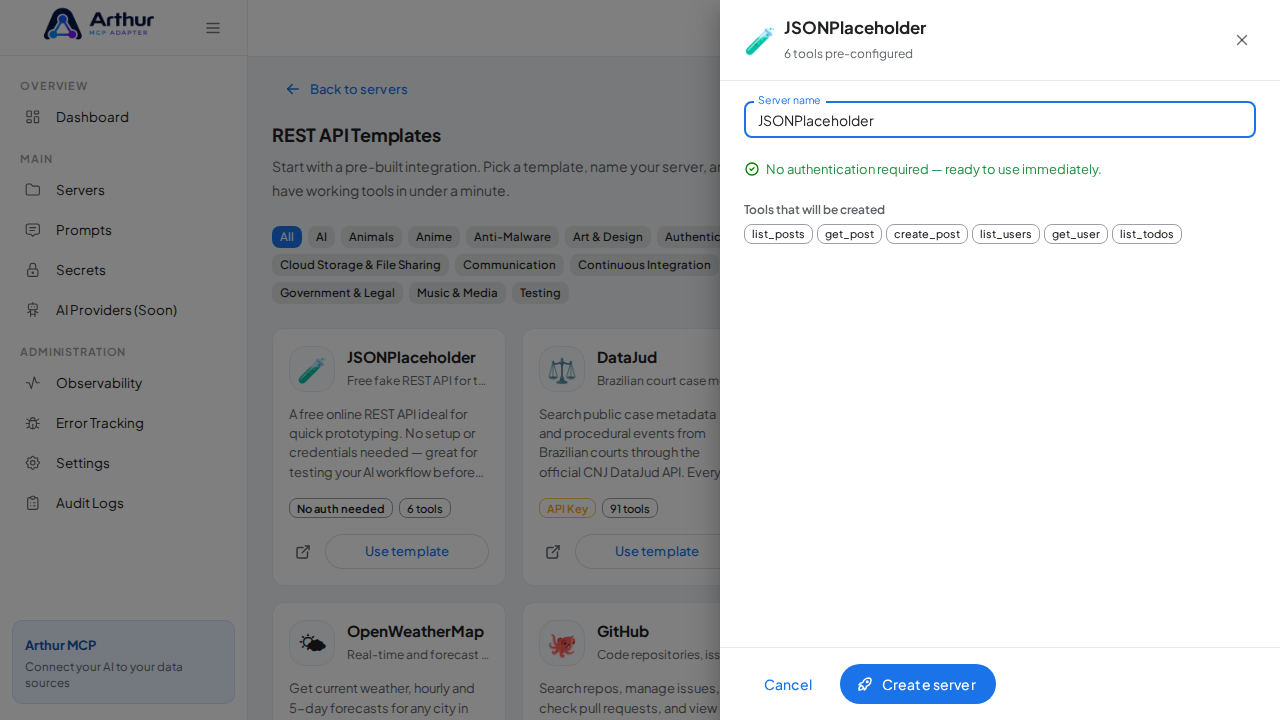
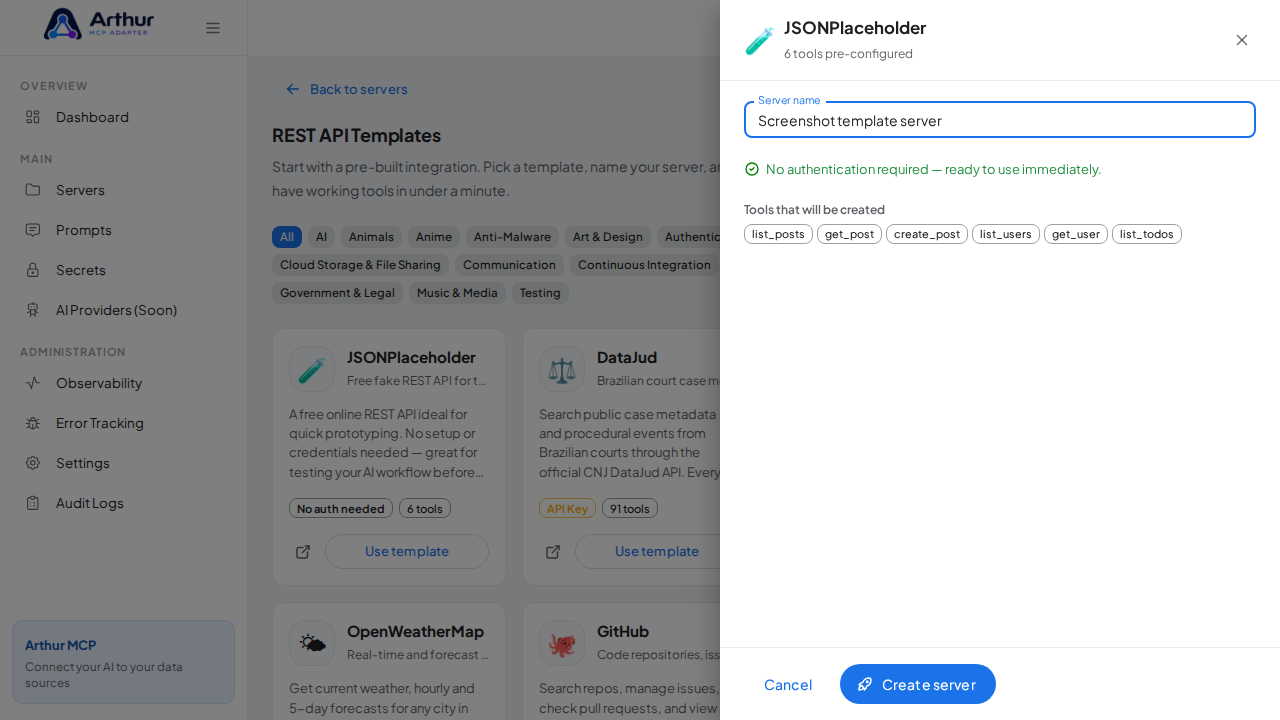
Confirm.
Confirm it worked
The server opens with every tool from the template already defined, visible on the Tools tab.
Good to know
- Try the whole flow with zero setup using a template that needs no credentials, like JSONPlaceholder, PokéAPI, Open-Meteo, or CoinGecko.
- A generated tool is a starting point, not a locked shape — edit or delete anything afterward like any other tool.
Related
Tutorial video