
Dynamic Tools
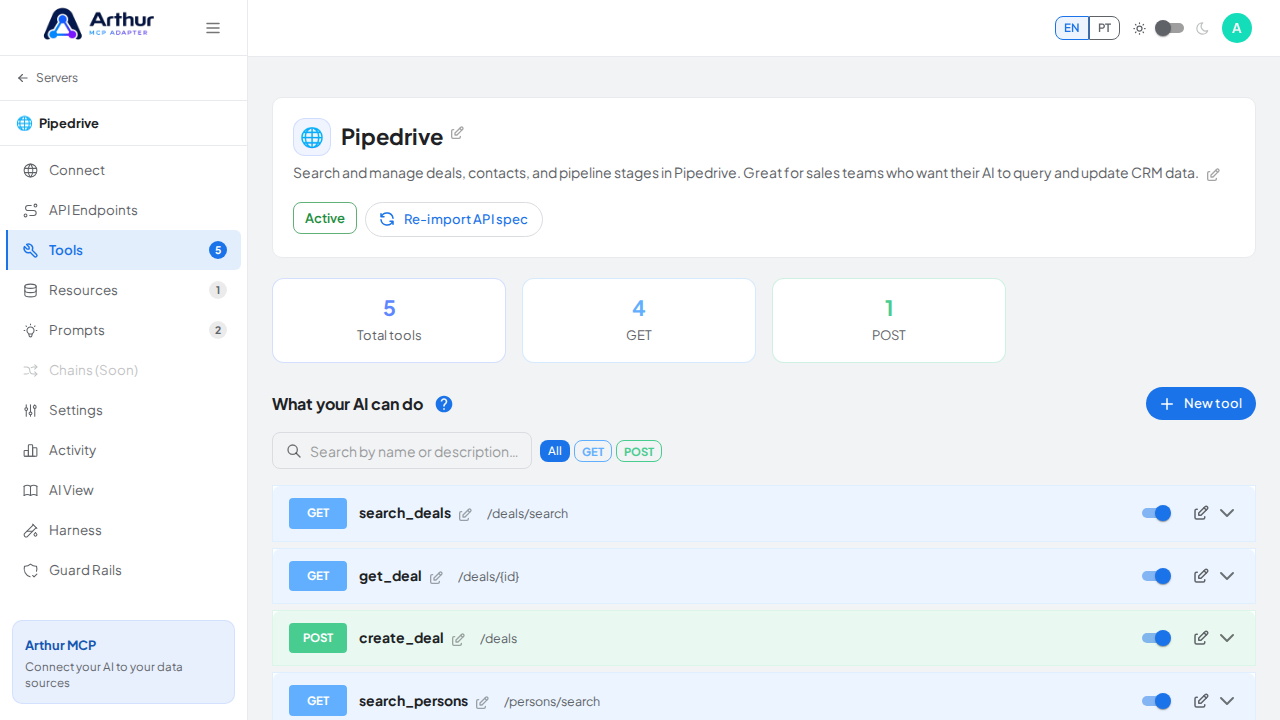
A Tool is an action an AI client can perform — calling an API endpoint, running a database query, or executing a chain. Tools are what turn a passive API into something an AI agent can actually act on.
What you can do
- Generate tools automatically from every operation in an imported OpenAPI/Postman spec.
- Add, edit, or delete tools by hand when you need full control over what's exposed.
- Define the JSON Schema input and output for every tool, so the AI client knows exactly what to send and what it will get back.
- Test a tool directly from the app before handing it to an AI client.
- Attach notes and comments to a tool so teammates know why it exists or what changed.
- Turn a tool's raw JSON response into a rendered HTML view using a Handlebars template, for AI clients that can display rich output. See How to Add HTML Output to a Tool.
How to use it
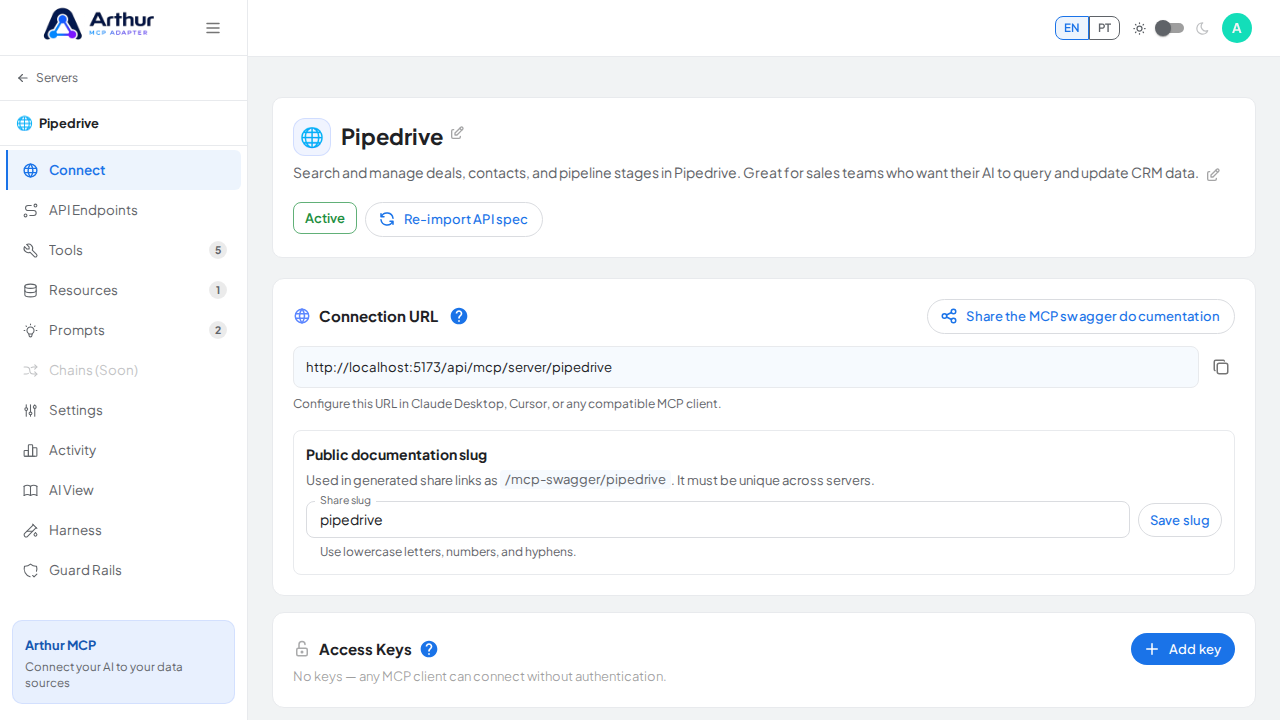
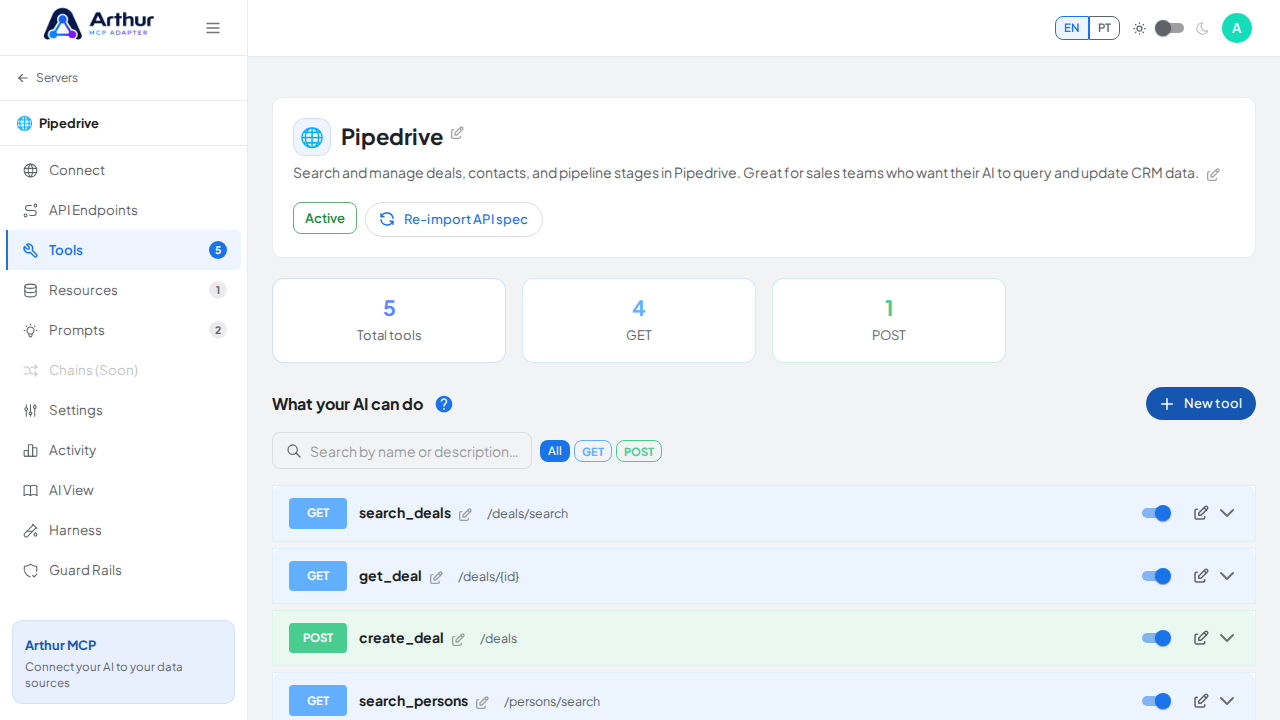
- Open a server and go to its Tools tab.
- Select a tool to review or edit its name, description, and schema — clear, specific wording here directly affects how well an AI client uses it.
- Use the built-in test panel to call the tool and inspect the response before relying on it.
- Enable or disable individual tools to control what's visible to AI clients and on the public documentation page, without deleting them.
Good to know
- A tool's description is what the AI reads to decide when and how to call it — treat it like documentation aimed at a very literal reader.
- Related: Chains for combining several tools into one call, MCP Server Management.
Tutorial video