
Resources
Resources are the "read" half of MCP — data or documents an AI client can pull into context without calling an action.
What you can do
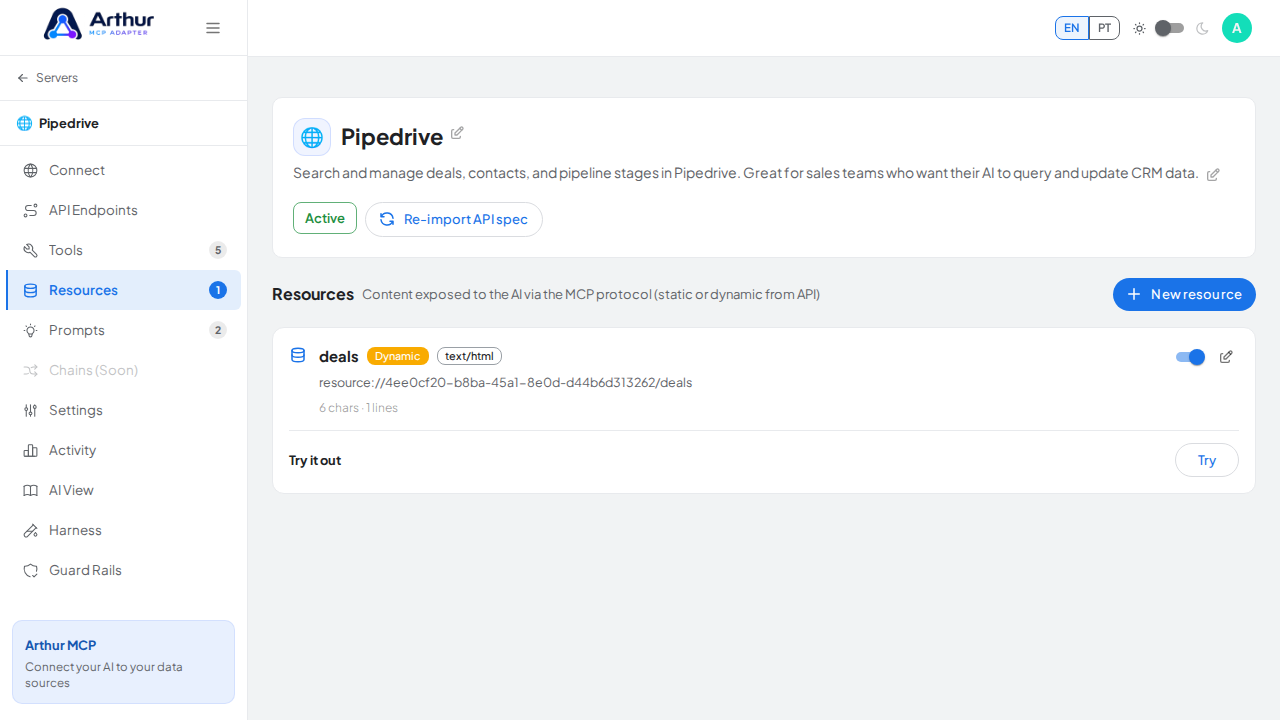
- Publish static resources: fixed content you write once, like a policy document, a glossary, or a config reference.
- Publish dynamic resources, backed by a live REST endpoint that Arthur calls at read time and returns as-is — with support for input defaults and an iterator path when the upstream response is a list that should become multiple resource entries.
- Declare a URI, an optional MIME type, and an error message shown to the AI client if the upstream call fails.
- Enable or disable each resource individually to control what's visible to AI clients and on the public documentation page.
- Write the resource's content as HTML (the default MIME type for a static resource is
text/html) with a live Code/Preview editor, or, for a dynamic resource, render its live data through a Handlebars HTML template the same way a Tool's HTML output works.
How to use it
- Open a server and go to its Resources tab.
- Create a resource and choose static or dynamic.
- For a static resource, write the content directly. For a dynamic one, point it at the endpoint that should back it, and set an iterator path if one upstream response should become several resource entries.
- Enable the resource when it's ready for AI clients to read.
Good to know
- Resources are read-only by design — anything that changes data belongs in a Tool instead.
Tutorial video