
How to Add HTML Output to a Tool
Turn a tool's raw JSON response into a rendered HTML view, for AI clients that can display rich output instead of plain data.
Prerequisites: a tool that already returns a working JSON response — test it once before adding a template.
Steps
Open the server and go to its Tools tab, then open the tool you want to add HTML output to.
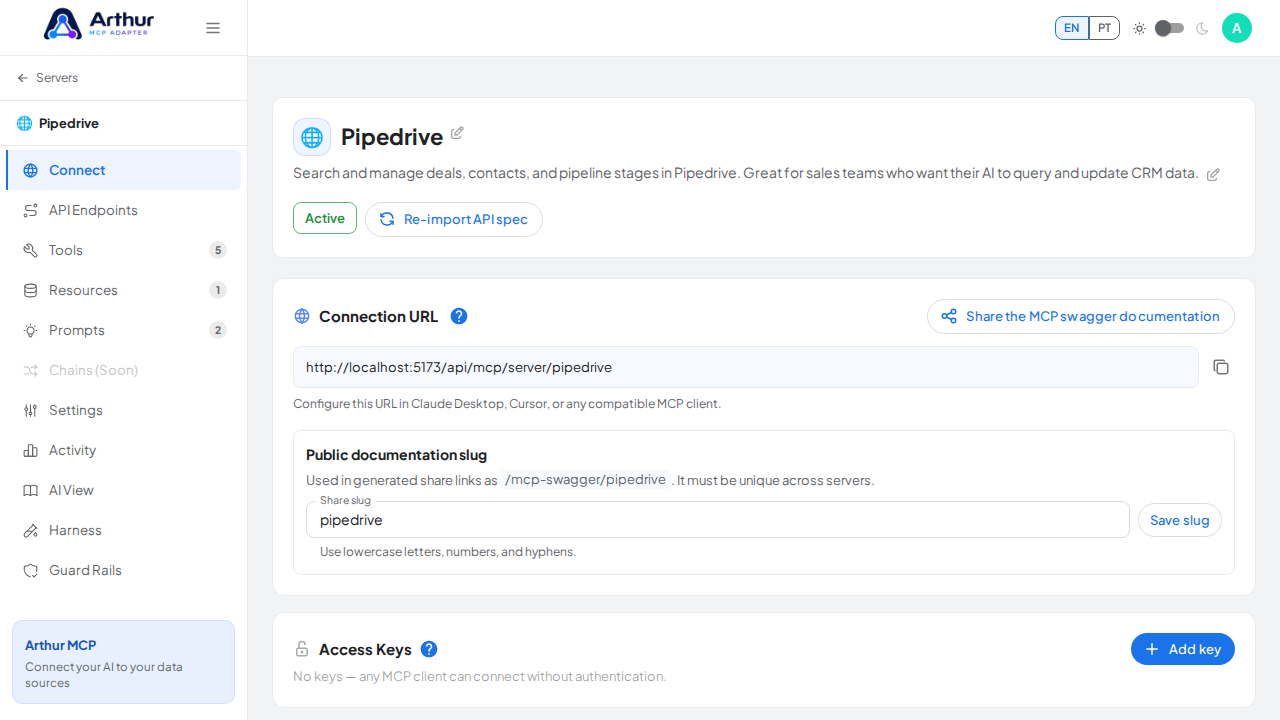
Find the HTML output template section and enable it.
Fill in test argument values and run "Test & map response" — Arthur calls the real endpoint and shows you the actual response.
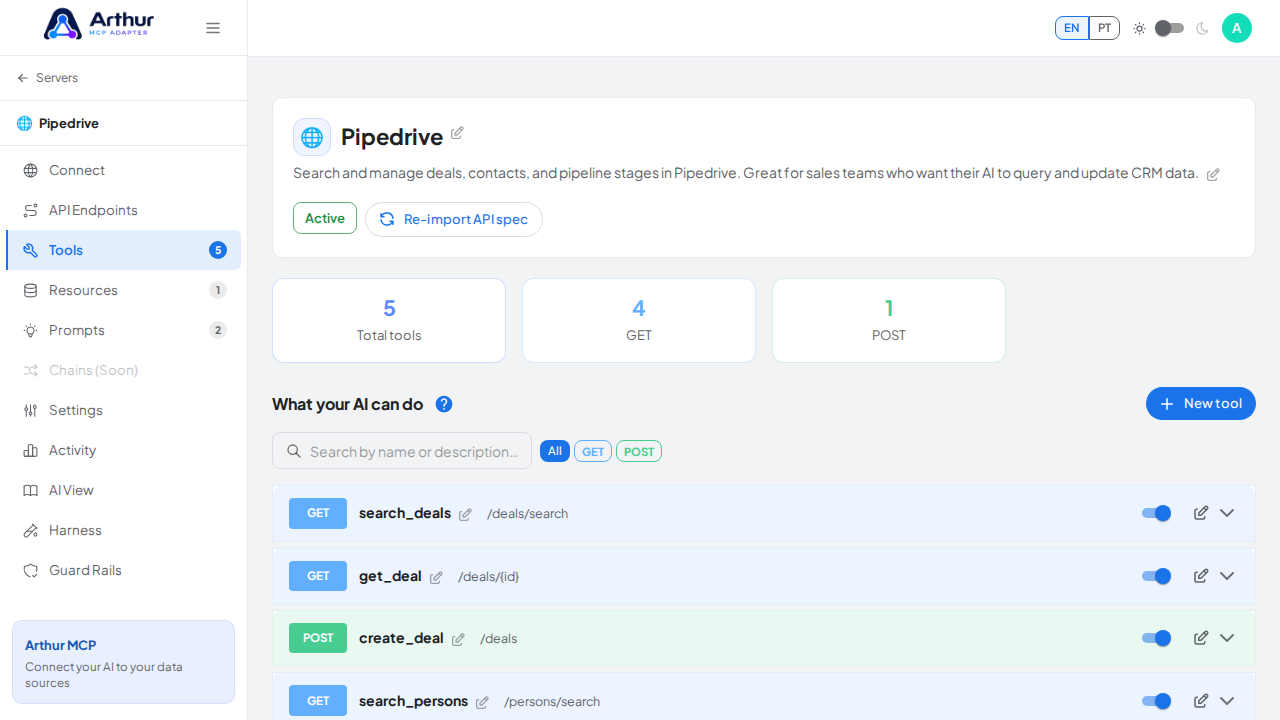
Click "Use response schema" to auto-extract the fields from that response as template variables — scalar fields become
{{field}}, list fields become{{#each items}}...{{/each}}blocks.Write your HTML in the editor, using the extracted variables. Switch to the Preview tab to see it rendered live against your test data.
Save.
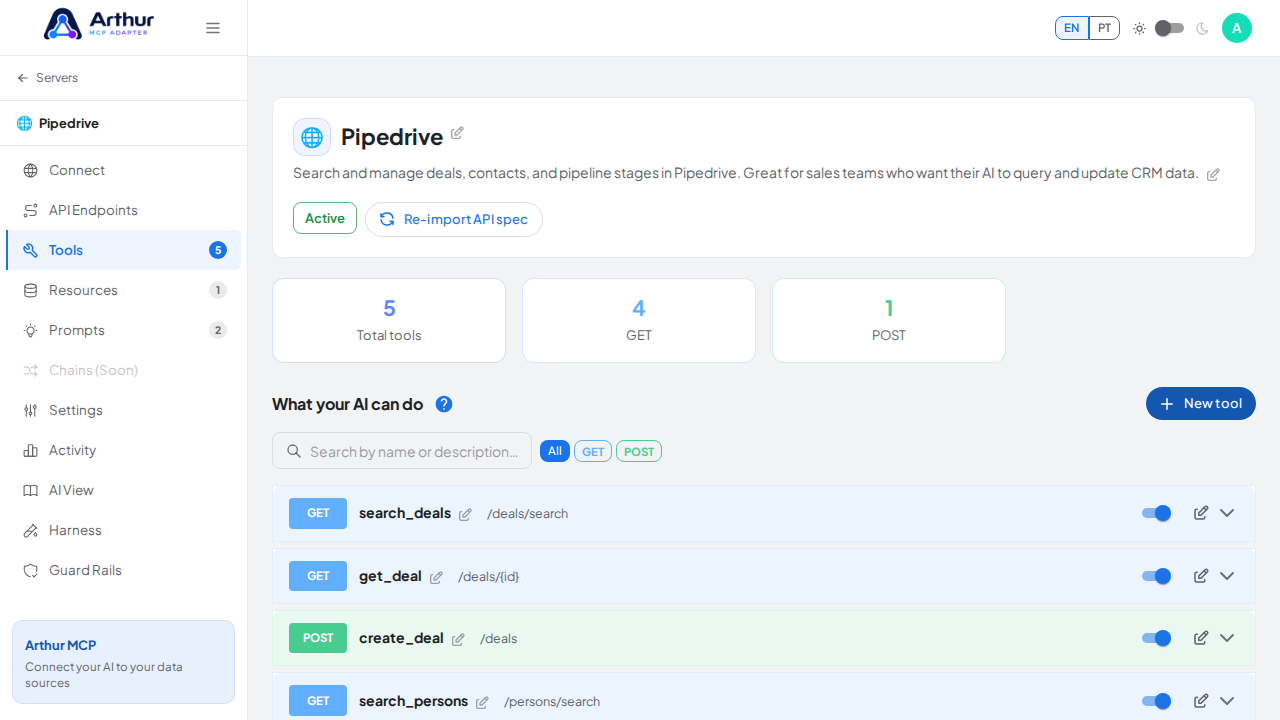
Confirm it worked
The Preview tab shows your real data rendered as HTML, not raw JSON. When the tool is called by an AI client, its output is now the rendered HTML instead of the plain JSON body.
Good to know
- The editor has a full-screen mode if you're writing a longer template.
- The same Handlebars templating approach is used for dynamic Resources — if you've built one HTML template, the other works the same way.
Related
Tutorial video