How it worksFeaturesDocsEarly accessGitHubDashboard

How to Create Prompts

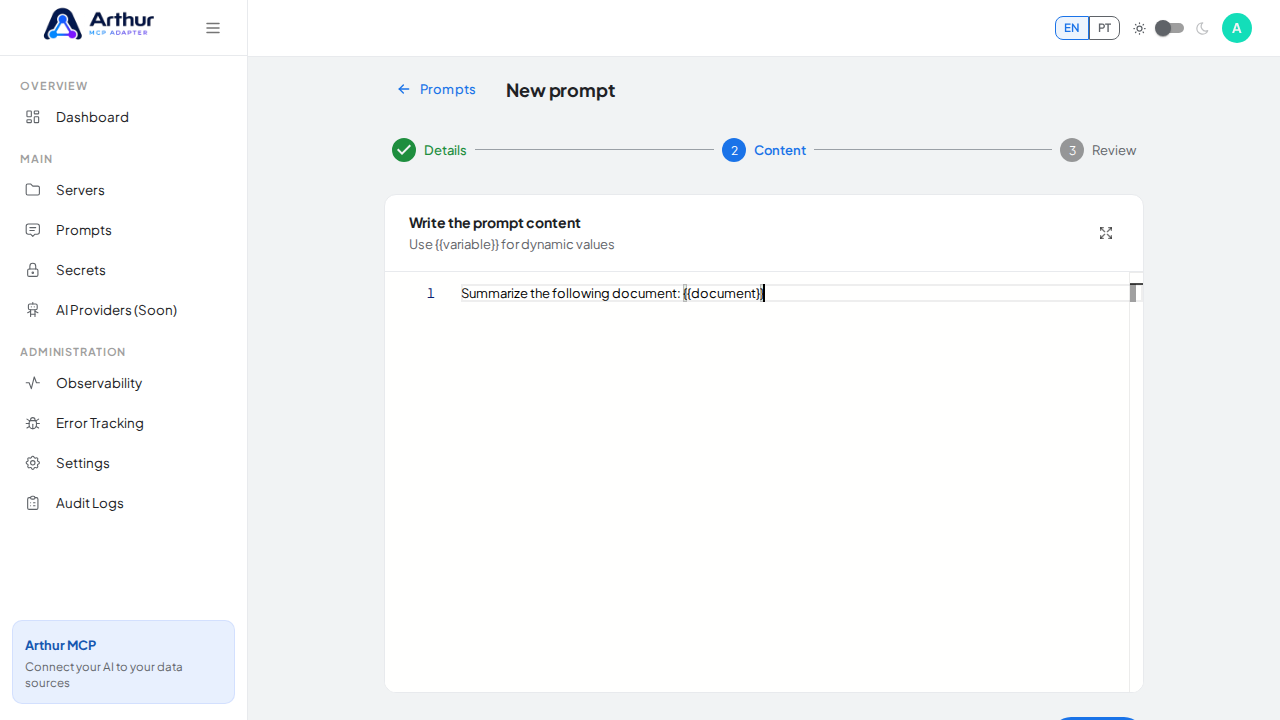
Go to Prompts and create a new one, or start from a curated Prompt Template. Write the content using {{argumentName}} for anything the caller should fill in. Then open a server's Prompts tab and link the prompt there to make it available to that server.
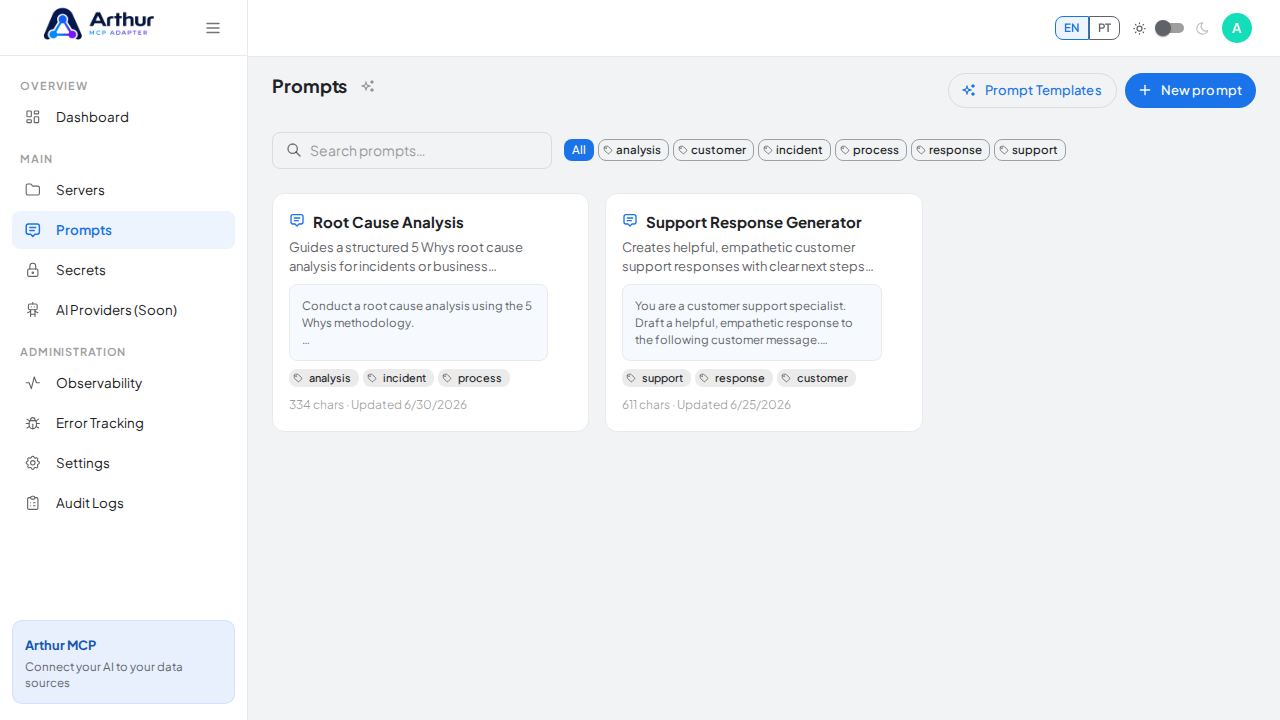
Open the shared Prompt library

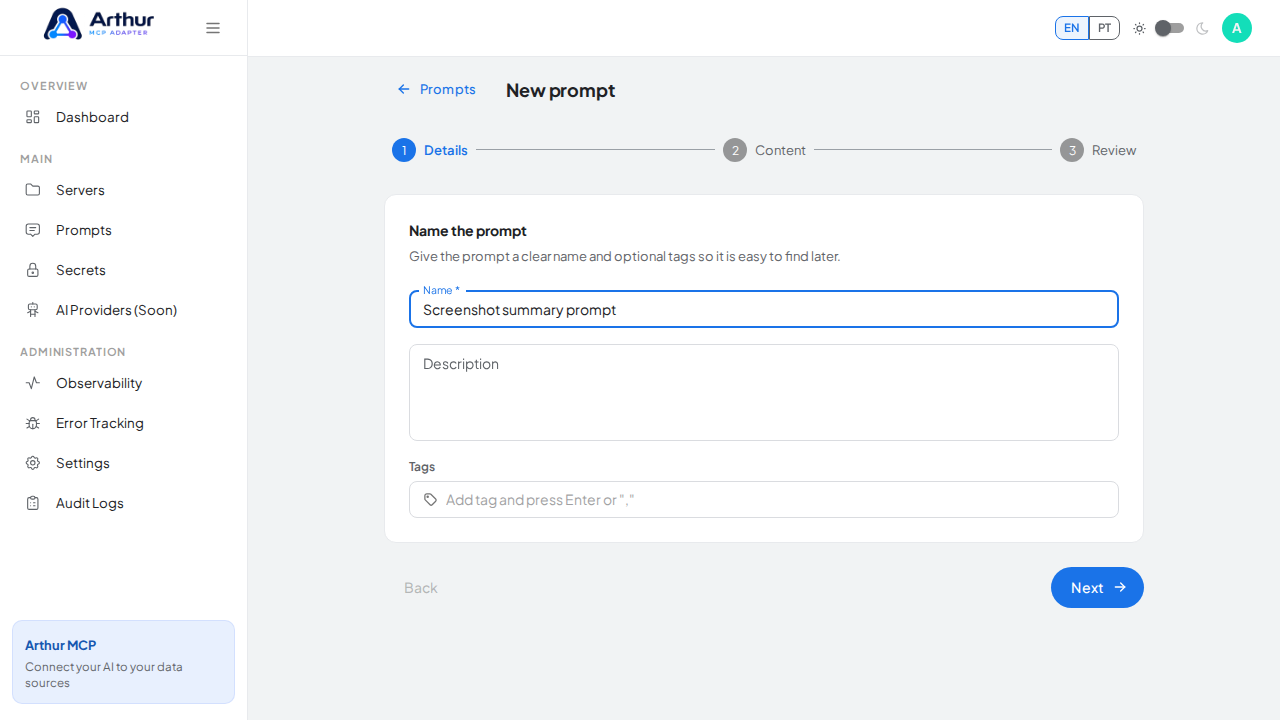
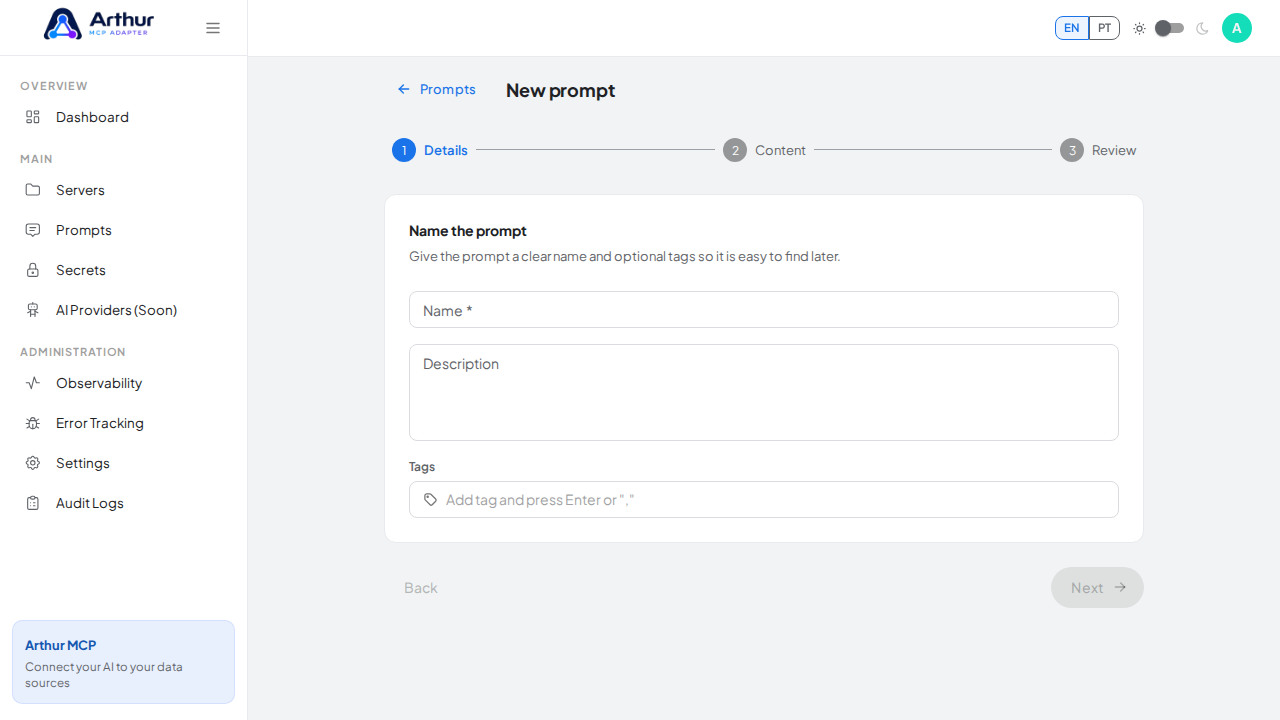
Open the New prompt wizard

Give the reusable prompt a clear name

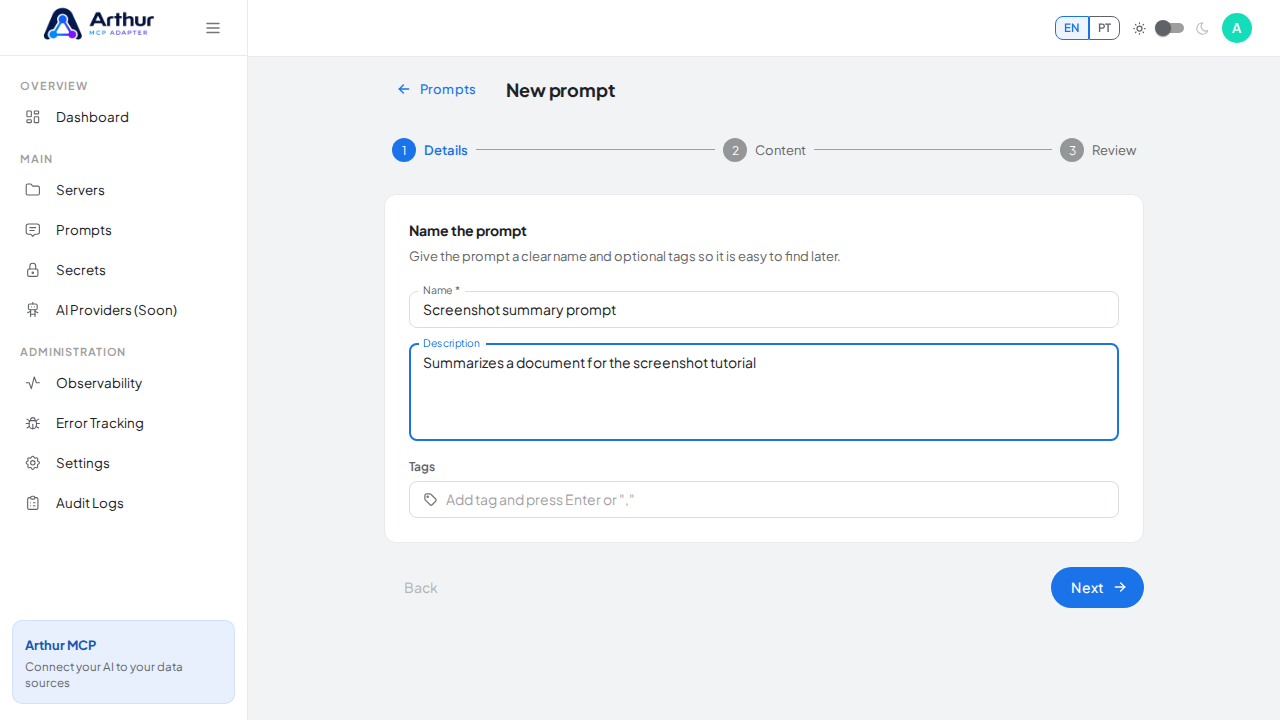
Explain what the prompt does before writing its content

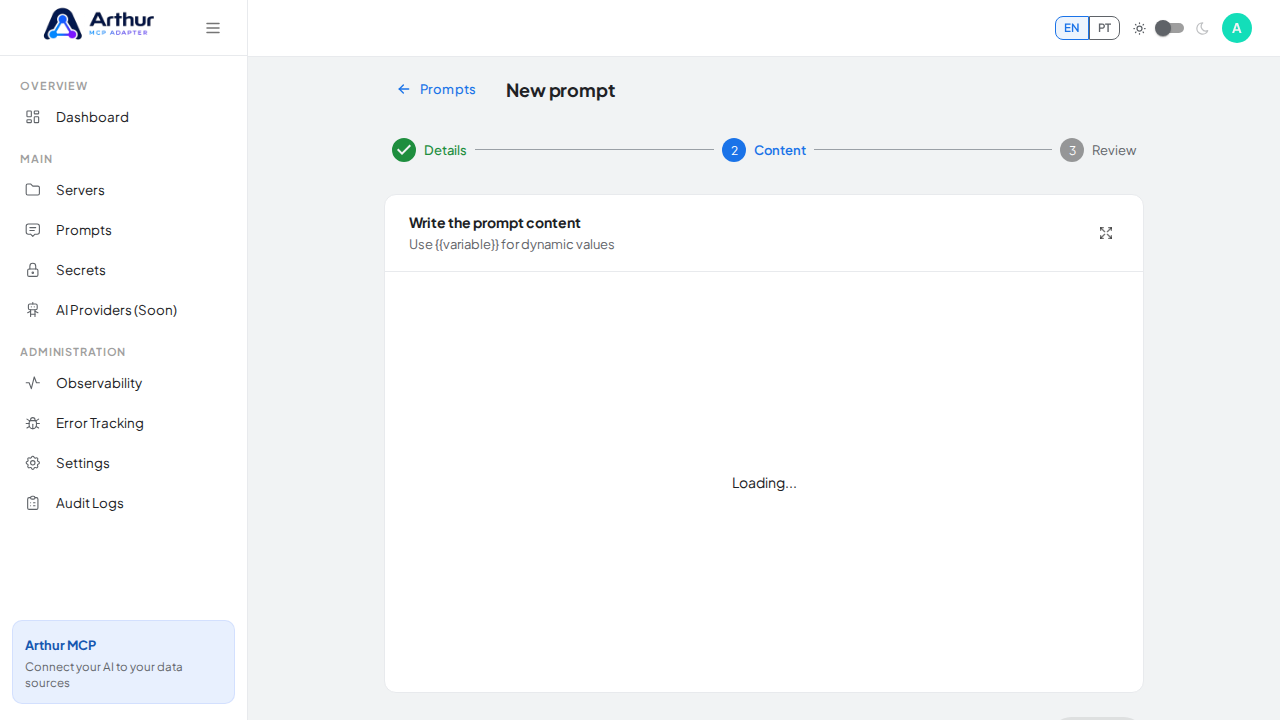
Advance to the prompt-content editor

Write prompt content with a dynamic document variable

Learn more: How to Create and Link a Prompt.
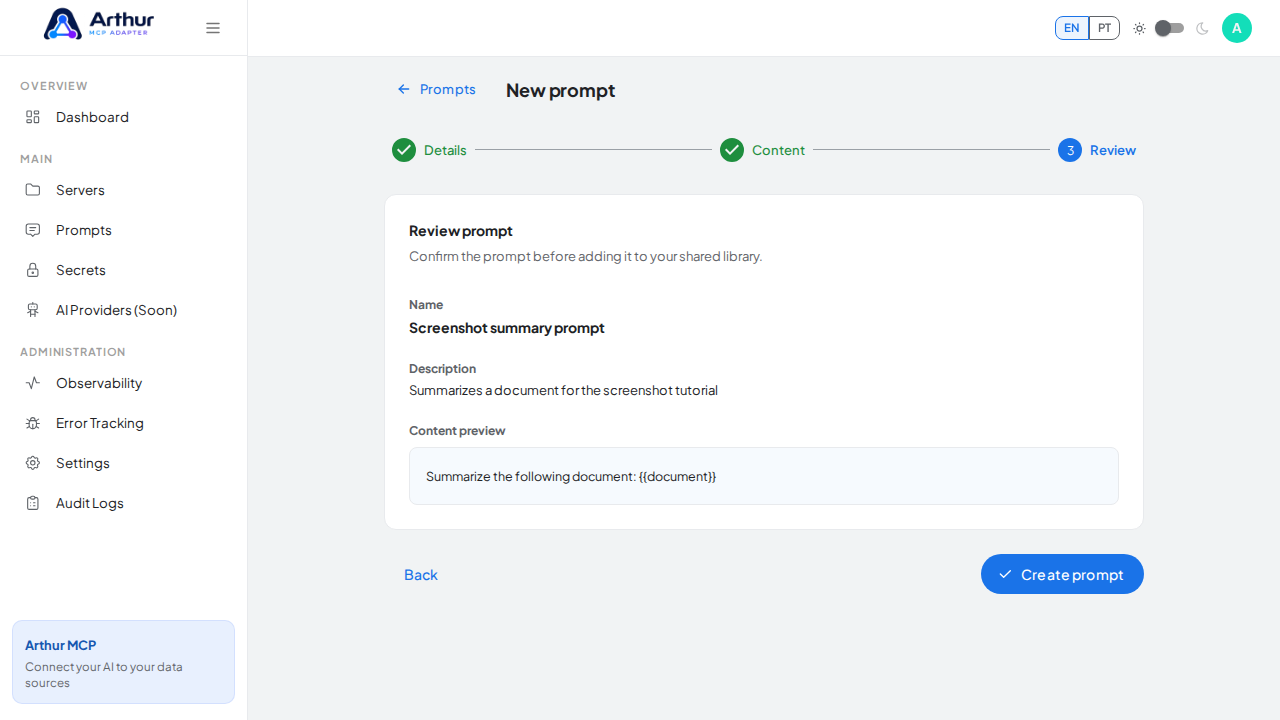
Review the prompt name, content, and detected variable without saving a temporary record

Tutorial video