
How to Return an HTML Template from a Tool
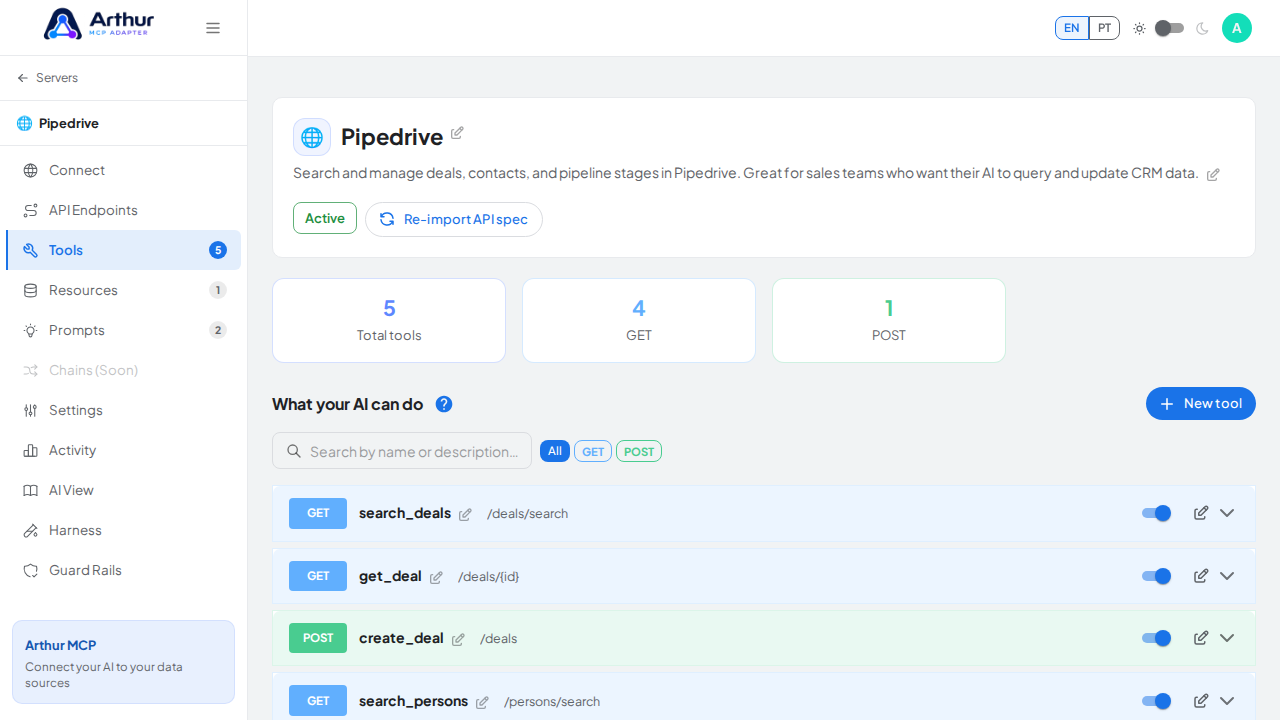
Open the tool and enable its HTML output template section. Run "Test & map response" against the real endpoint, then "Use response schema" to auto-extract the response fields as Handlebars variables. Write your HTML using those variables and preview it live against real data before saving.
Learn more: How to Add HTML Output to a Tool.
Tutorial video