
How to Create a Resource
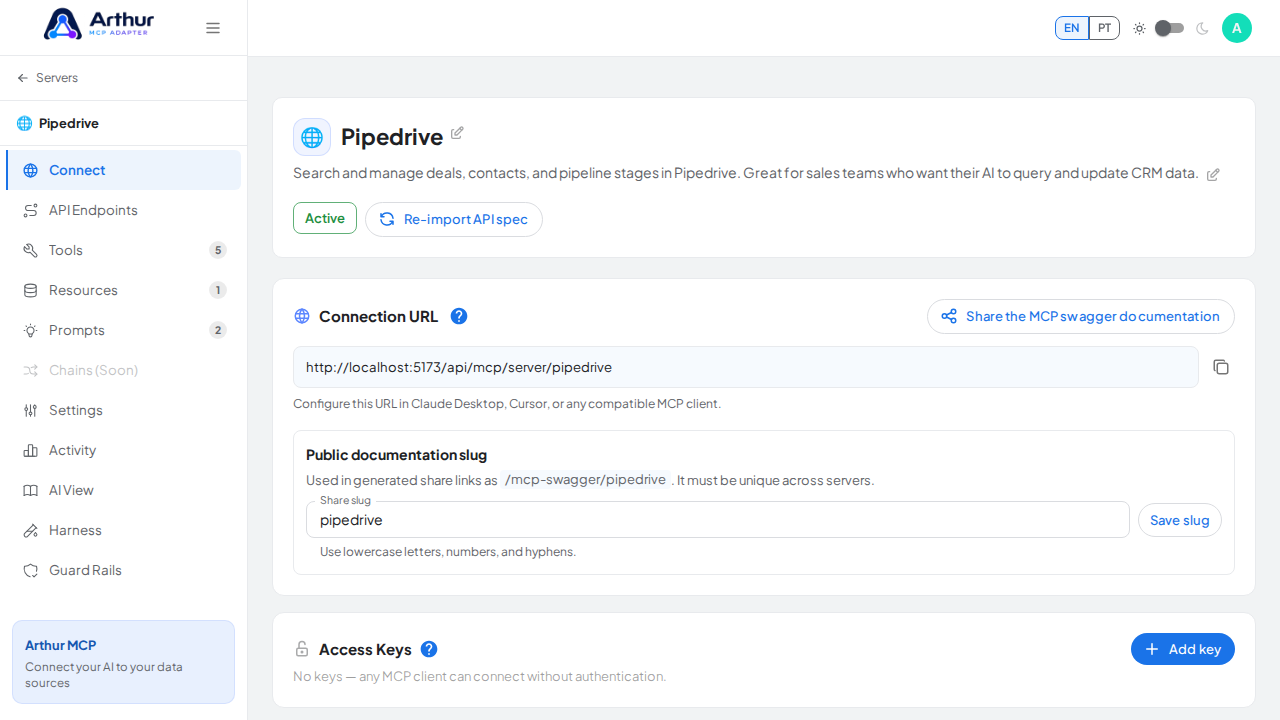
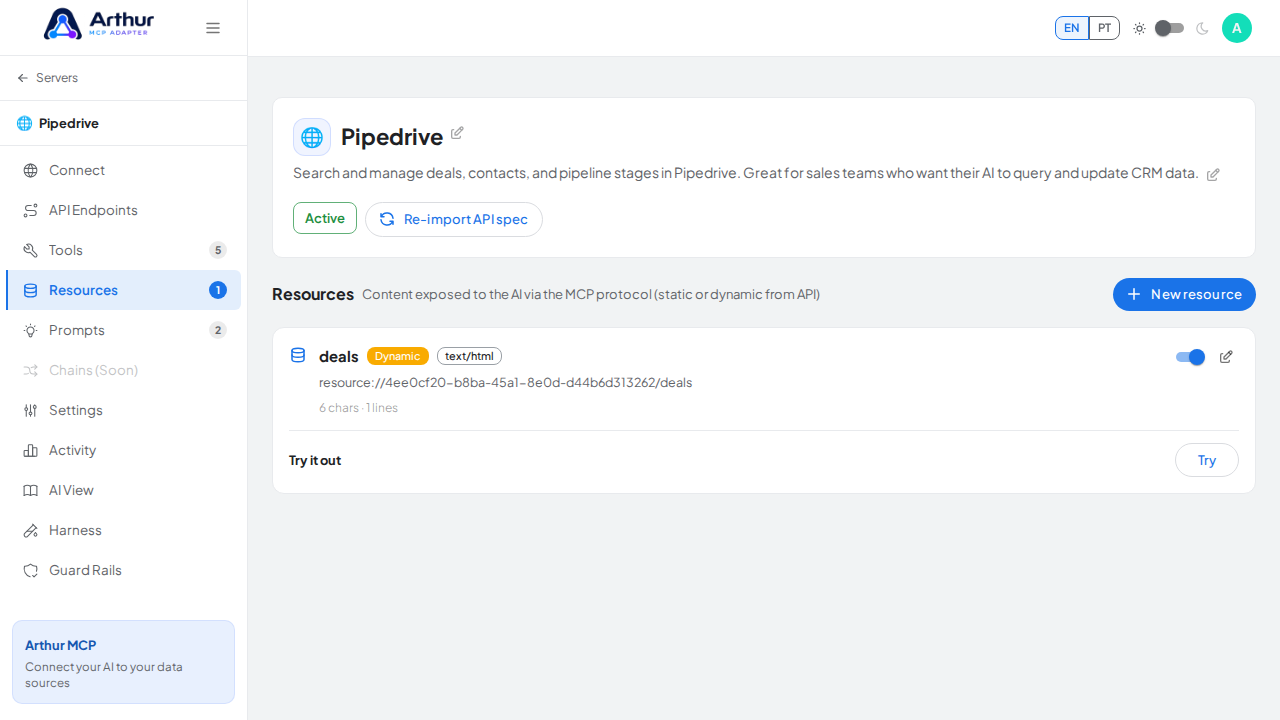
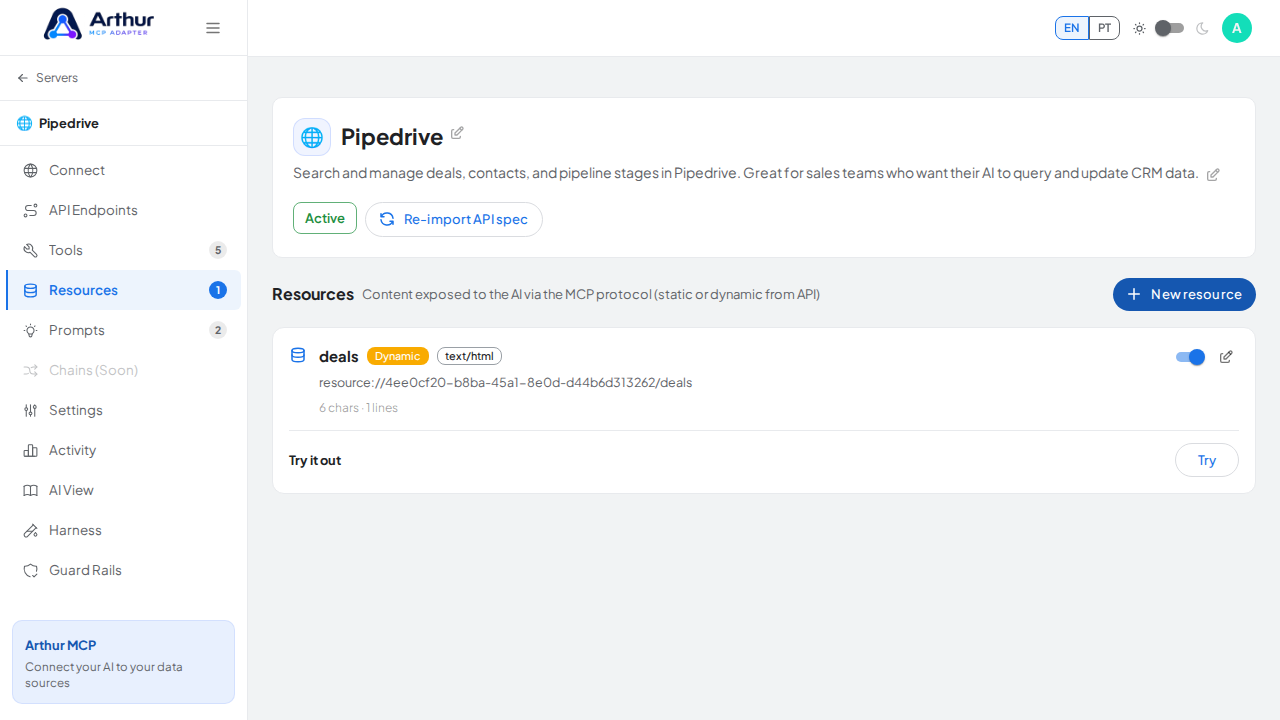
Open a server's Resources tab and click "New Resource." Choose Blank for a static resource you write by hand, or build a dynamic one from an existing tool/endpoint. Give it a URI, set a MIME type, write or generate its content, and enable it.
Learn more: How to Add a Resource.
Tutorial video