
How to Use AI-Assisted Tool Generation
Not currently available. AI provider configuration exists, but the current New Server and tool interfaces do not expose an AI-assisted improvement step for tool names, descriptions, or schemas.
What can be configured today
Open AI Providers and start a new provider configuration.
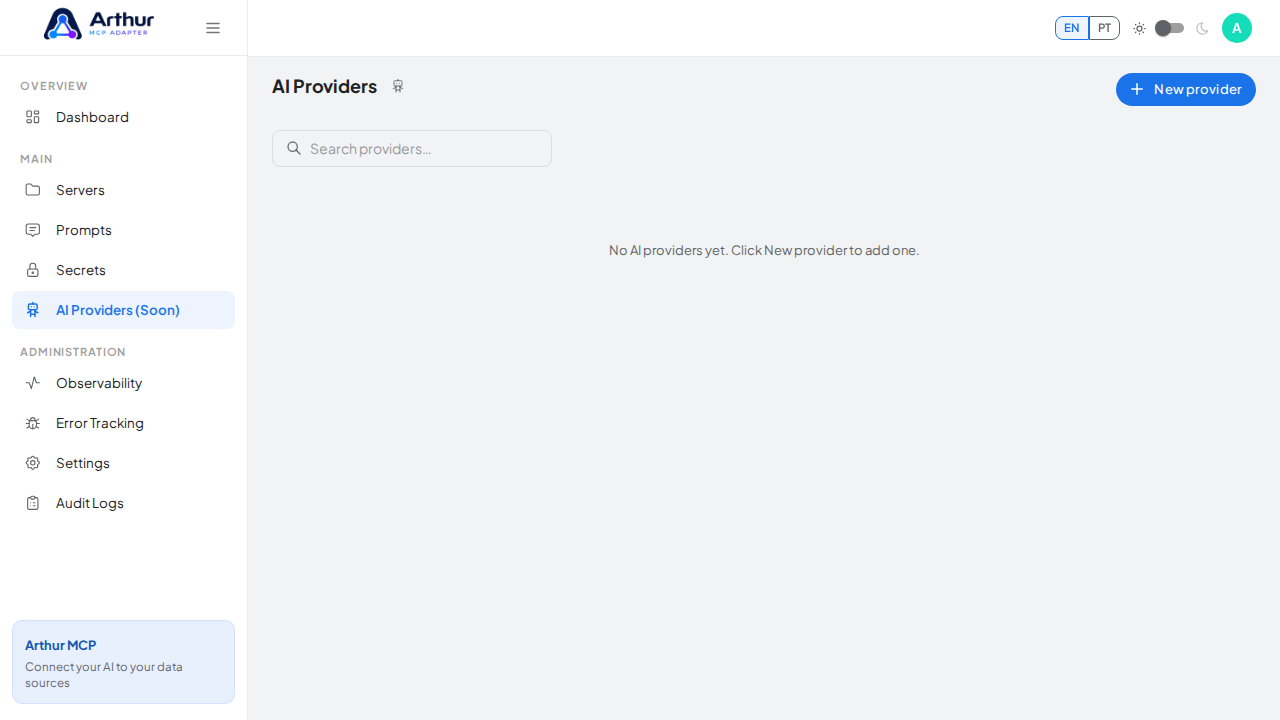
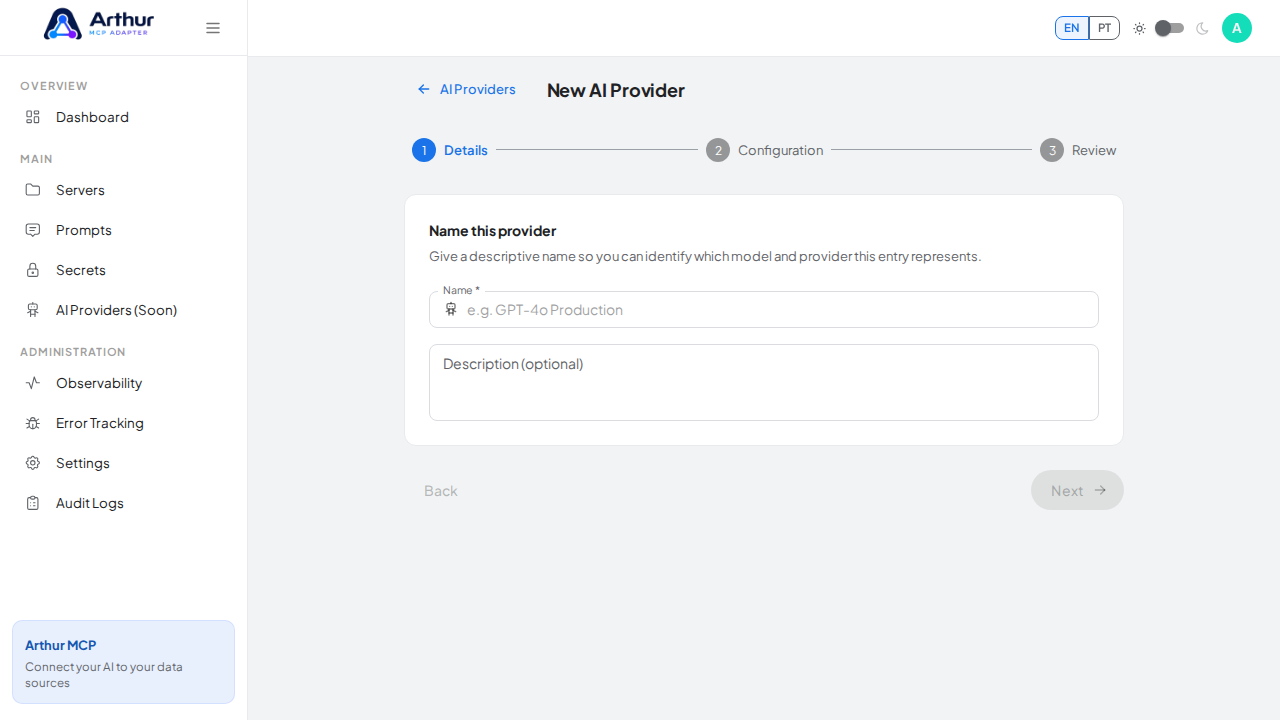
Give the provider a clear name and describe its intended automated use.
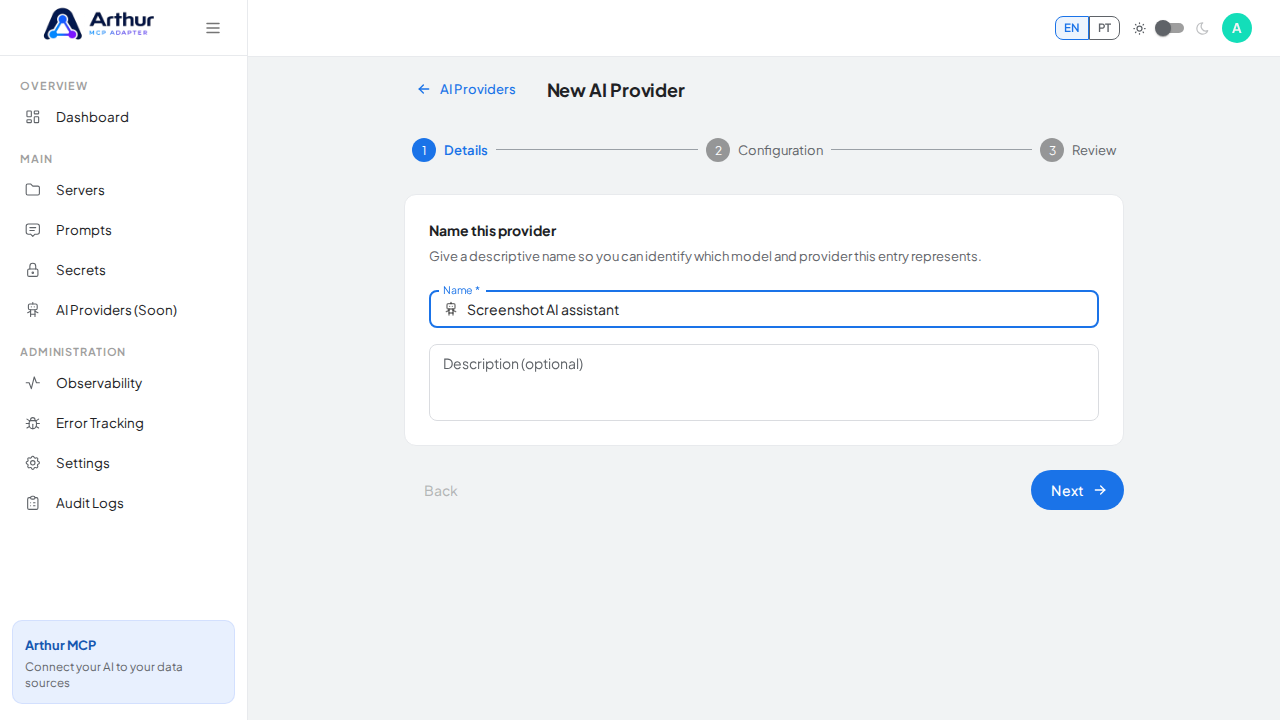
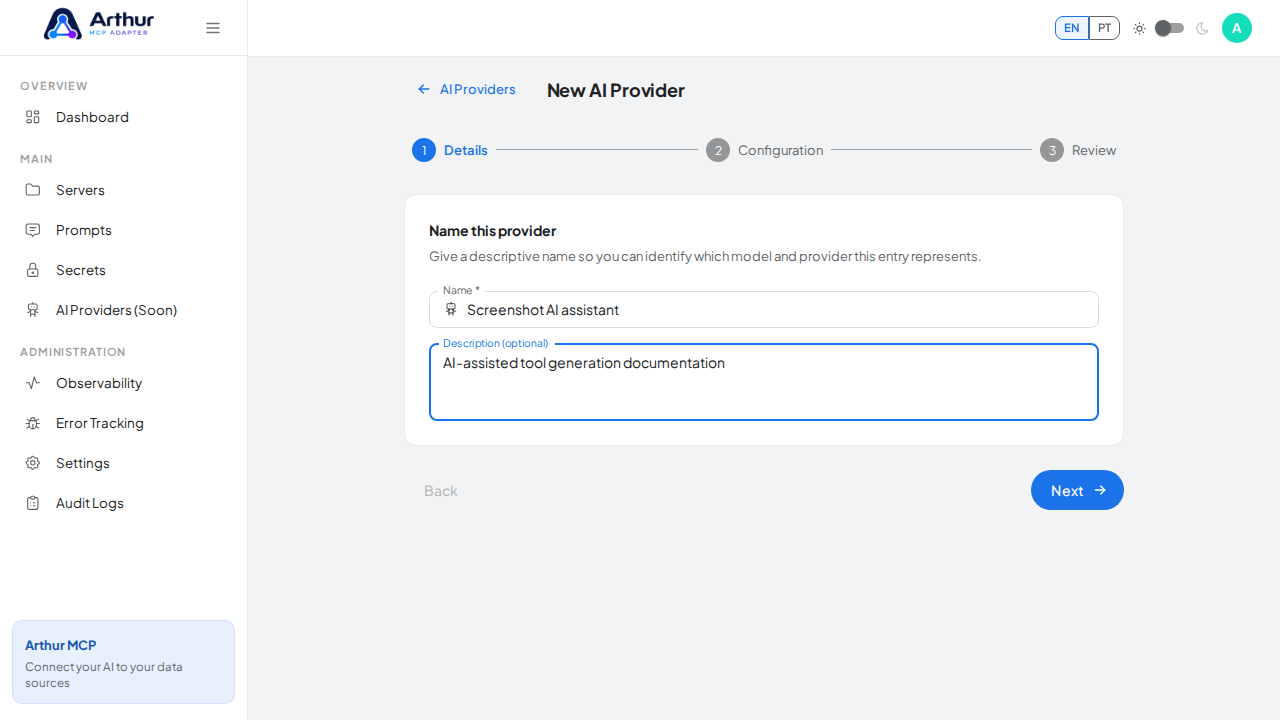
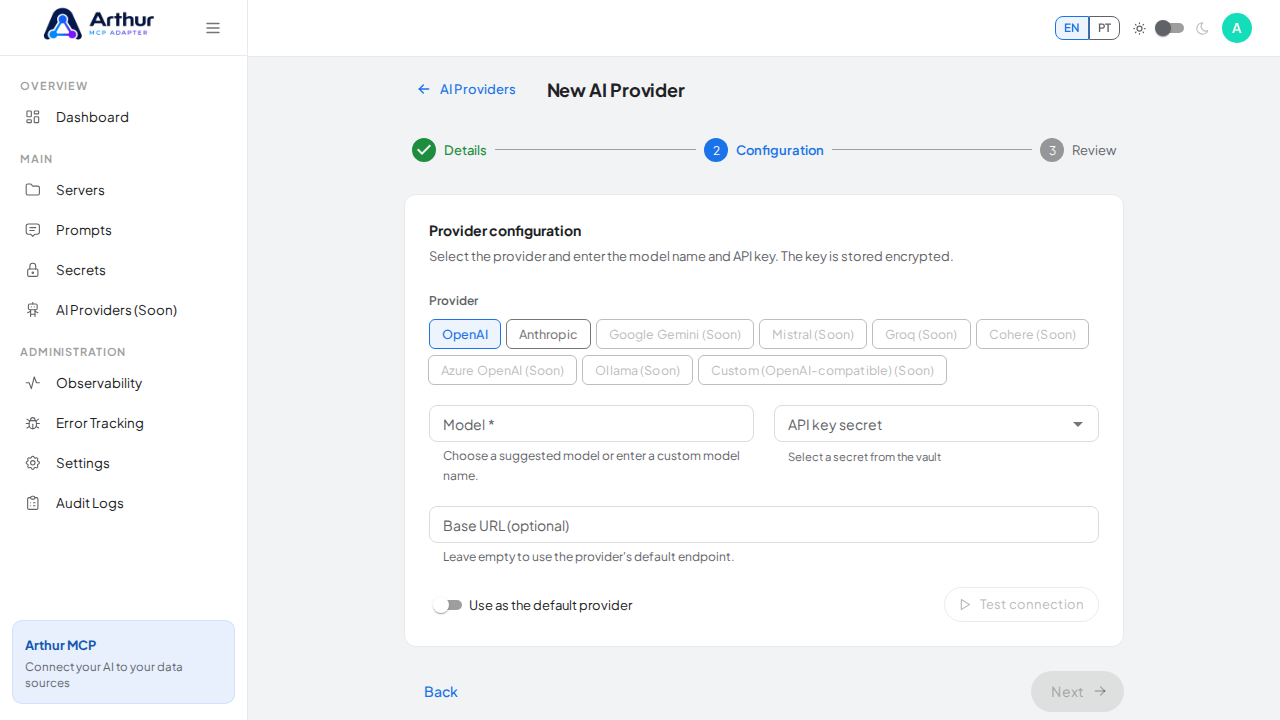
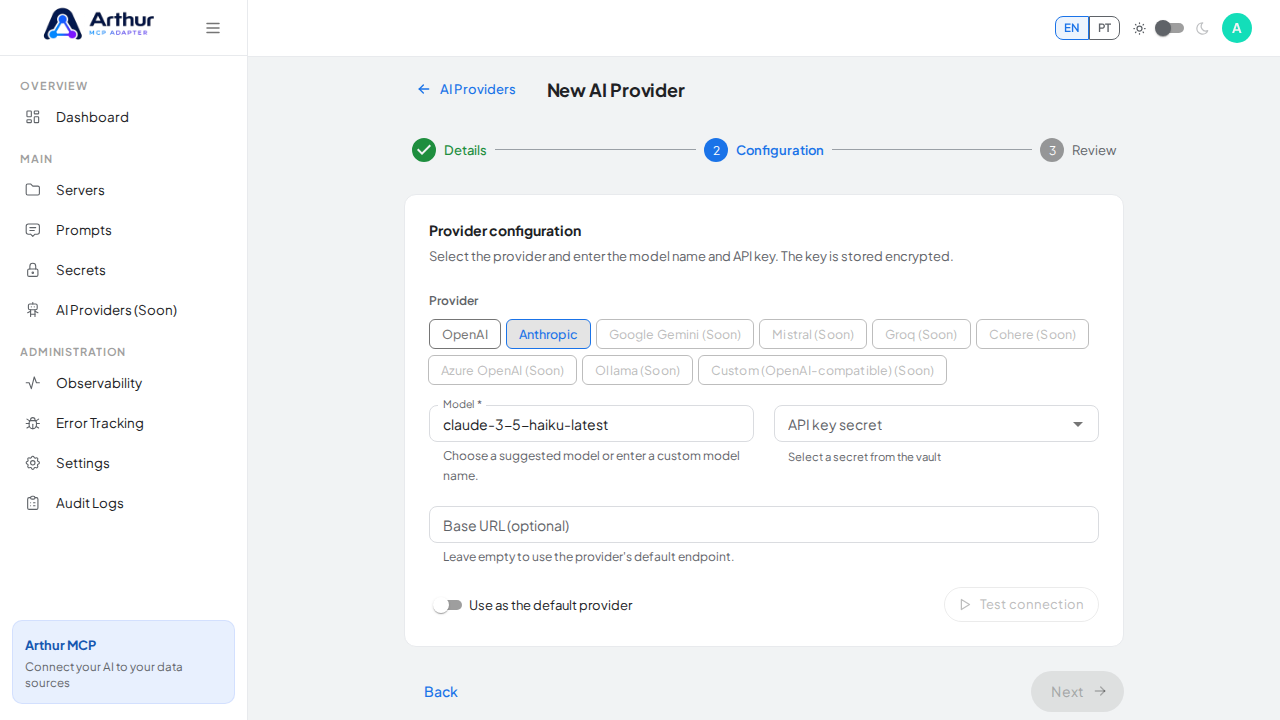
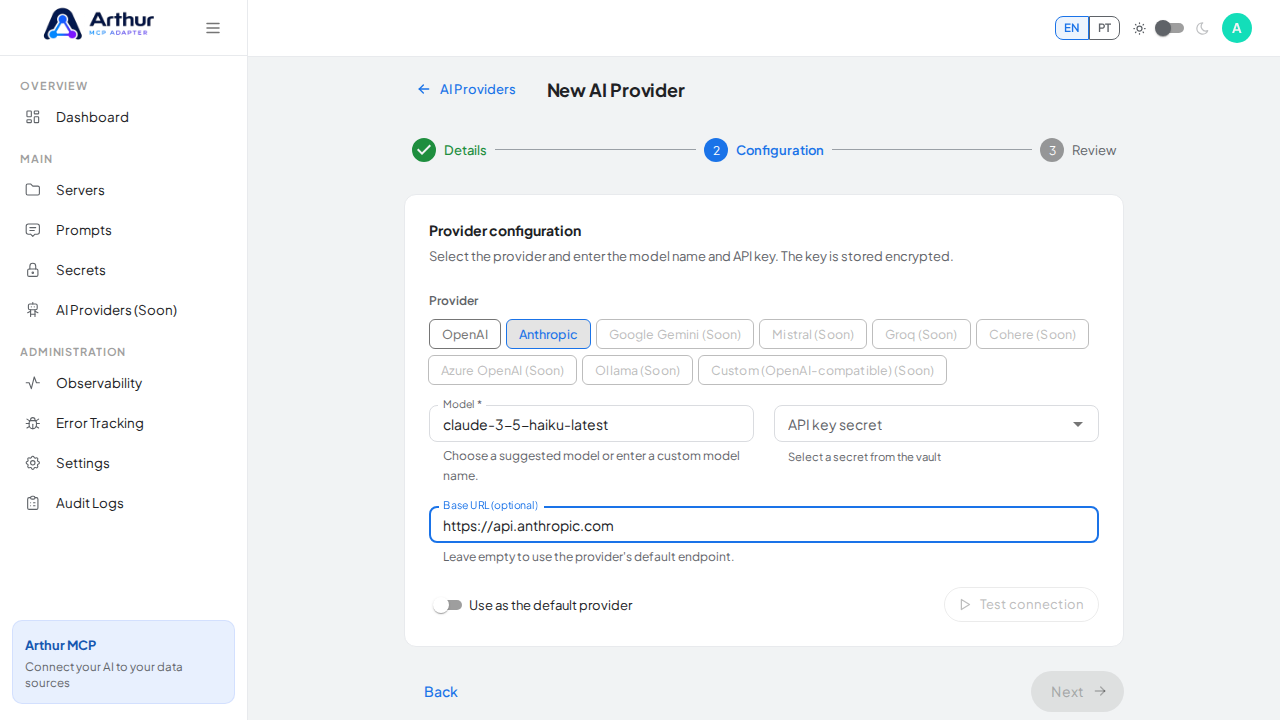
Configure one of the currently enabled providers, OpenAI or Anthropic. Select the model, choose an encrypted API-key secret, and optionally override the endpoint. Other provider buttons shown as Soon cannot be selected.
Current limitation
The New Server wizard can import an OpenAPI/Swagger specification and generate tools from its operations, but it has no provider picker or AI improvement action. Consequently, there is no executable AI-assisted generation step or result to confirm in the present UI.
Related
Tutorial video