
How to Build a Chain
Not currently available. The server navigation shows Chains as disabled with a Soon badge. The current UI cannot create, save, or execute a chain — see Chains.
Compose several existing tools into one ordered sequence, for tasks that always require the same steps (look up a customer, then list their invoices, for example).
Check availability
Open the server and go to its Chains tab.
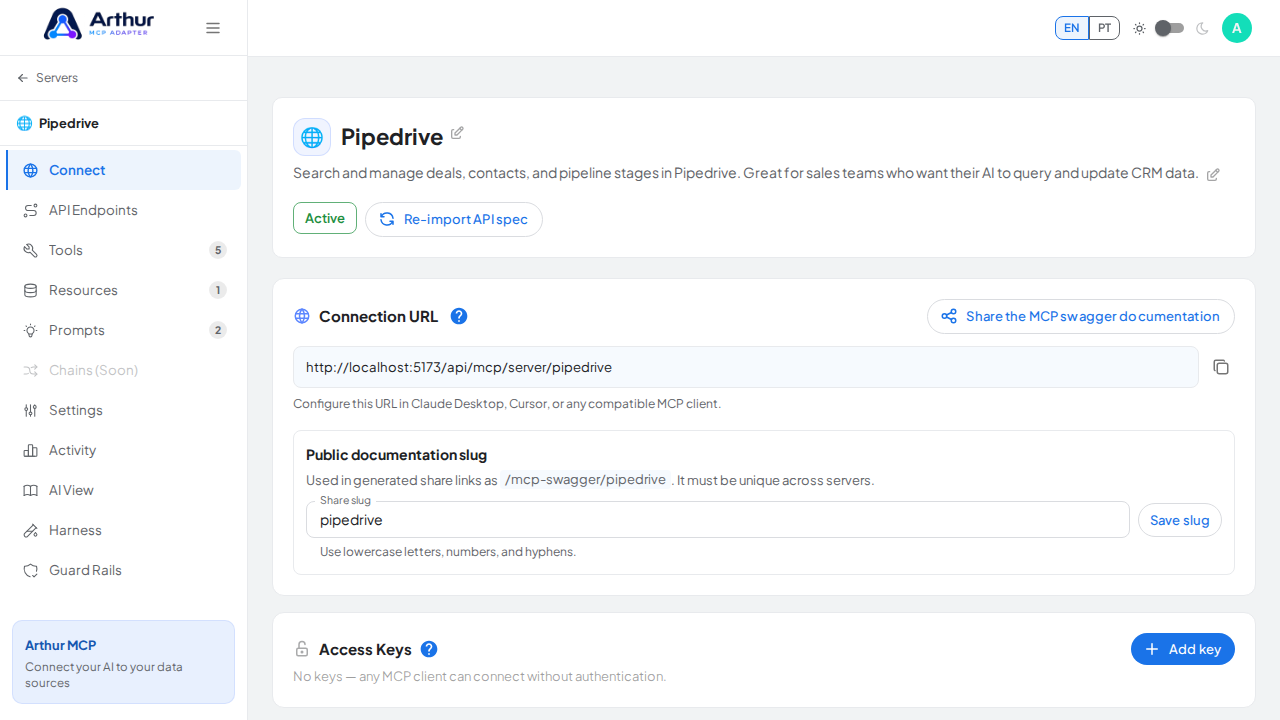
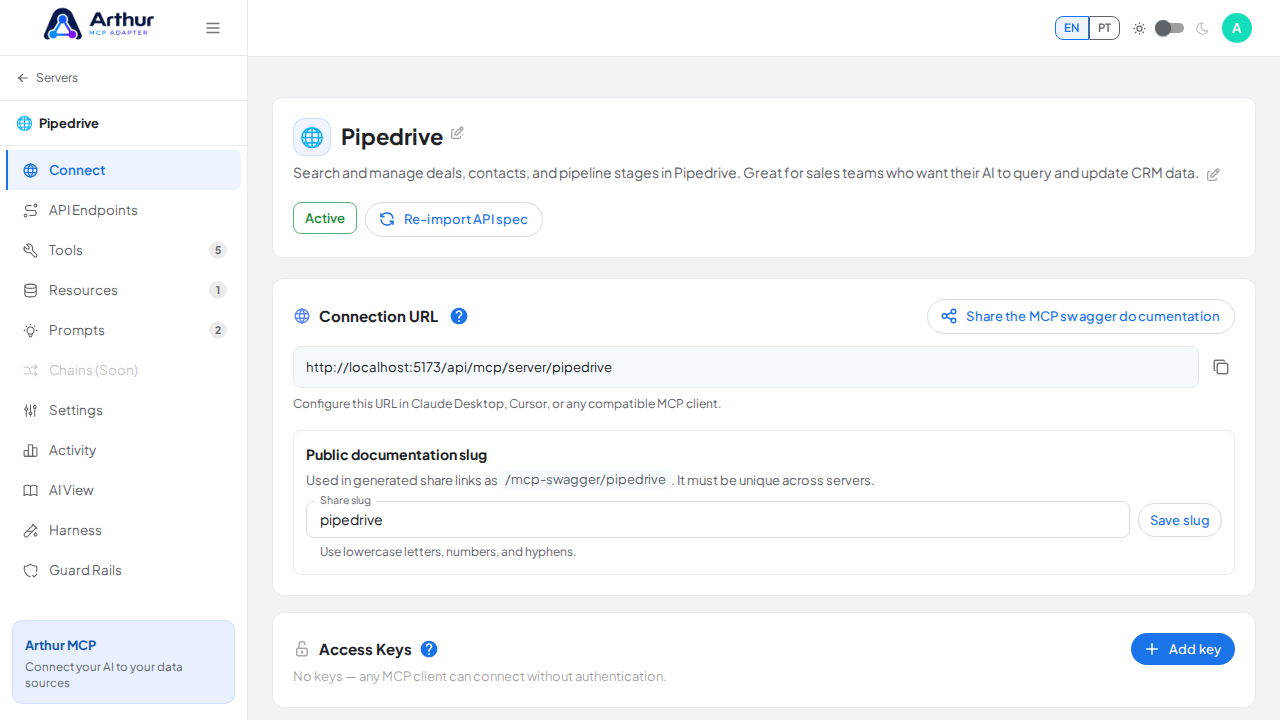
Confirm that Chains is disabled and marked Soon. There is no configuration panel to open while the feature remains unavailable.
Good to know
- The planned design runs steps sequentially on the server side; once released, the AI client should see the whole chain as one ordinary tool.
Related
Tutorial video