
How to Add a Resource
Publish read-only data an AI client can pull into context, without turning it into a callable action.
Prerequisites: a server already created.
Static resource (fixed content)
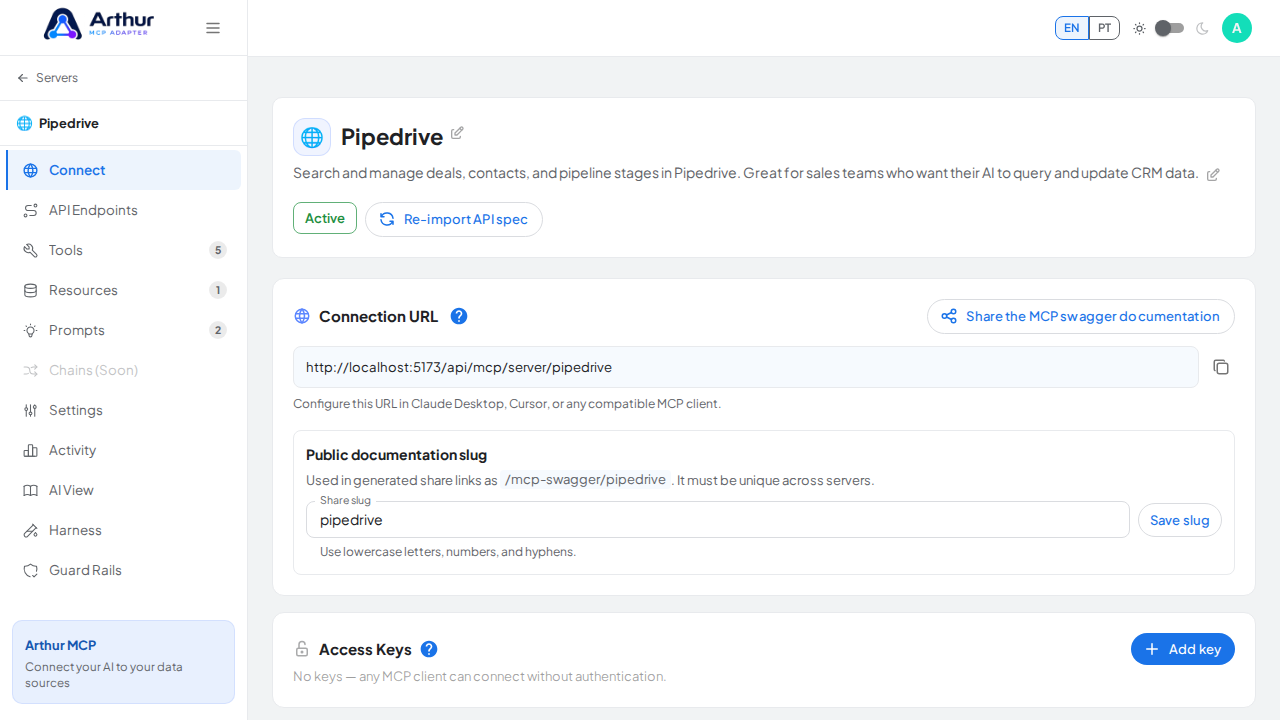
Open the server and go to its Resources tab.
Create a new resource and choose Static.
Give it a URI and, optionally, a MIME type.
Write the content directly — a policy document, a glossary, a config reference, anything fixed.
Enable the resource.
Dynamic resource (backed by a live endpoint)
Open the server and go to its Resources tab.
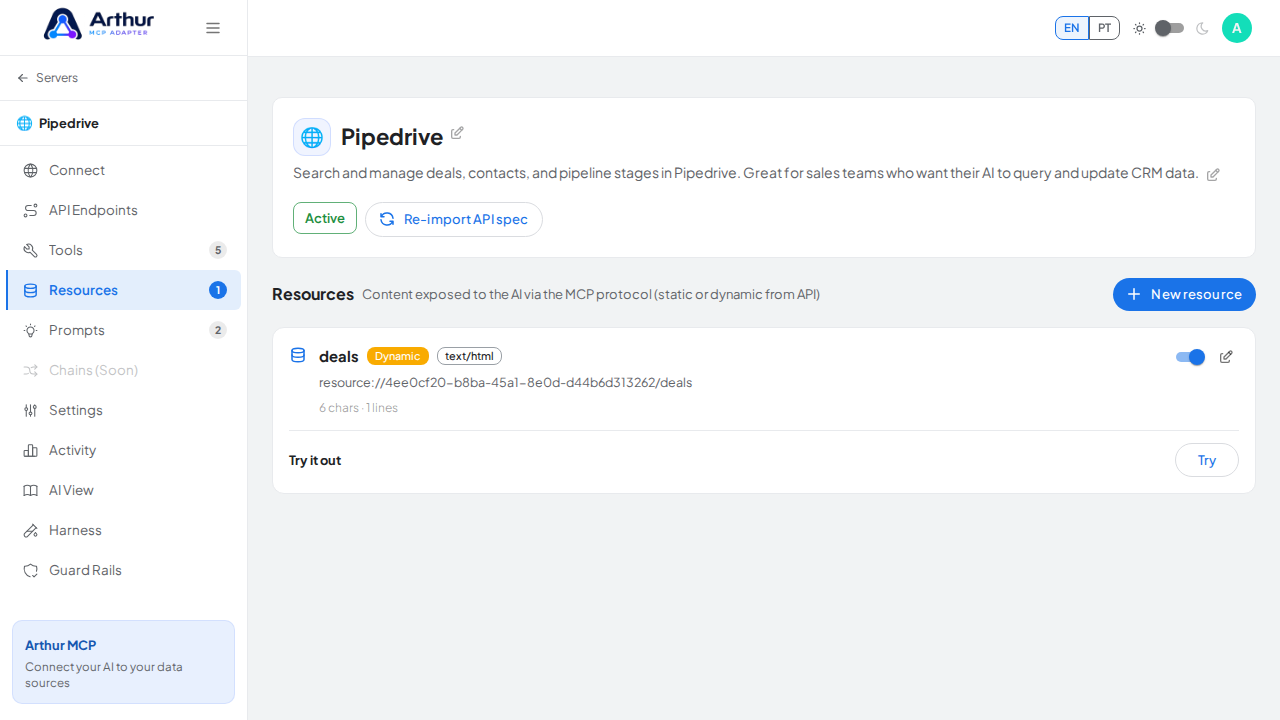
Create a new resource and choose Dynamic.
Point it at the REST endpoint that should back it, and set input defaults if the endpoint needs parameters.
If the upstream response is a list that should become multiple resource entries, set an iterator path.
Set the error message shown to the AI client if the upstream call fails.
Enable the resource.
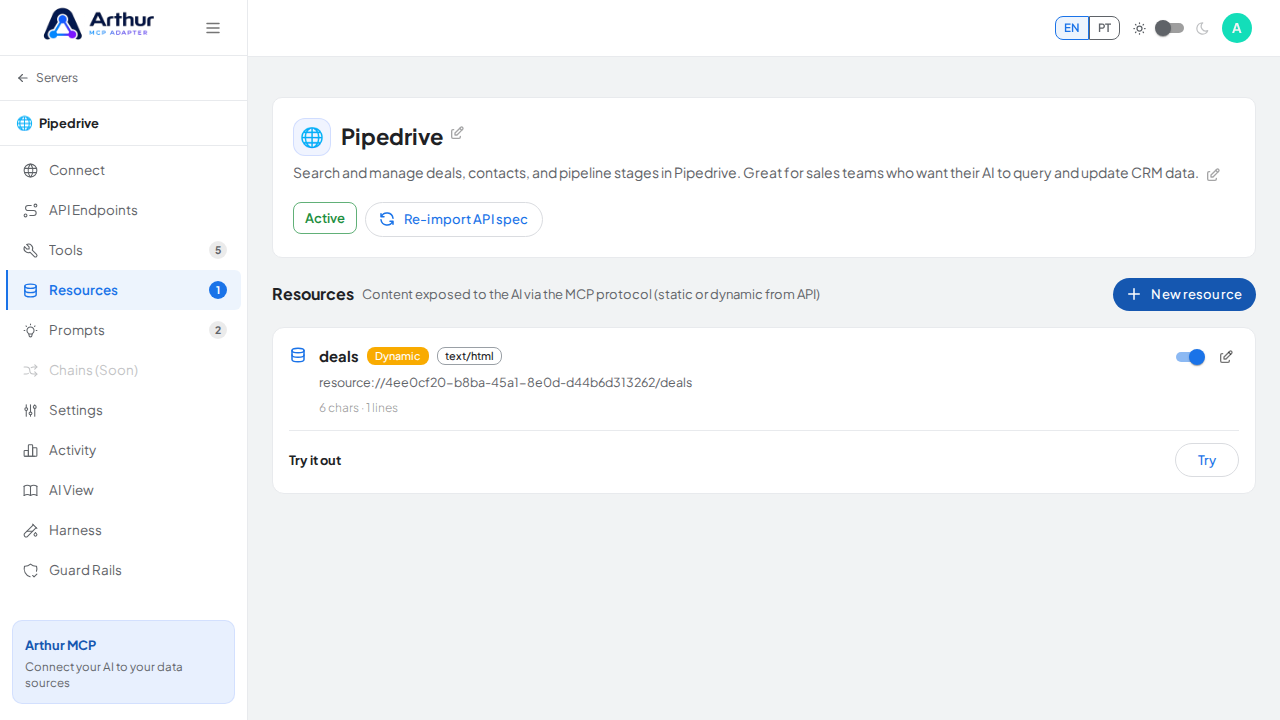
Confirm it worked
The resource appears (enabled) in the Resources tab count, and an AI client connected to the server can read it.
Related
Tutorial video