
How to Test a Tool
Verify a tool works before handing it to an AI client — much faster to debug from inside Arthur than from inside a chat window.
Prerequisites: a server with at least one tool.
Steps
Open the server and go to its Tools tab.
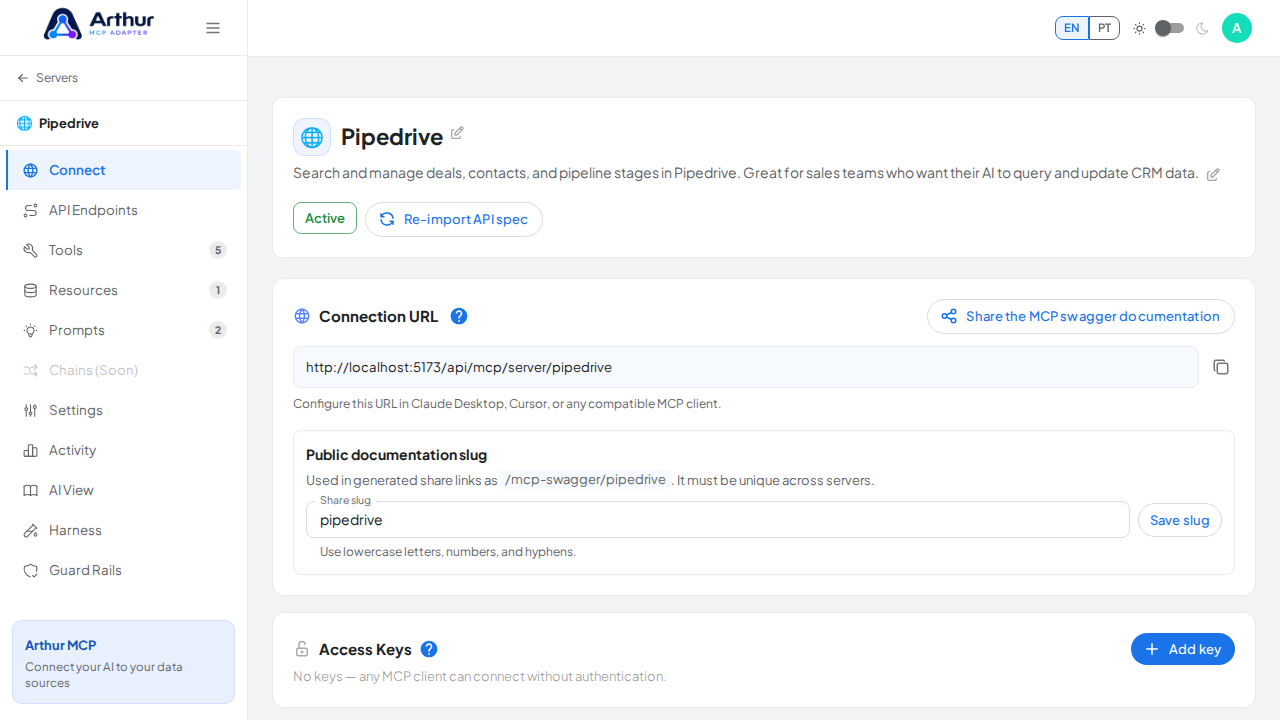
Select the tool you want to test — this opens its editor.
Fill in the test arguments for the tool's parameters.
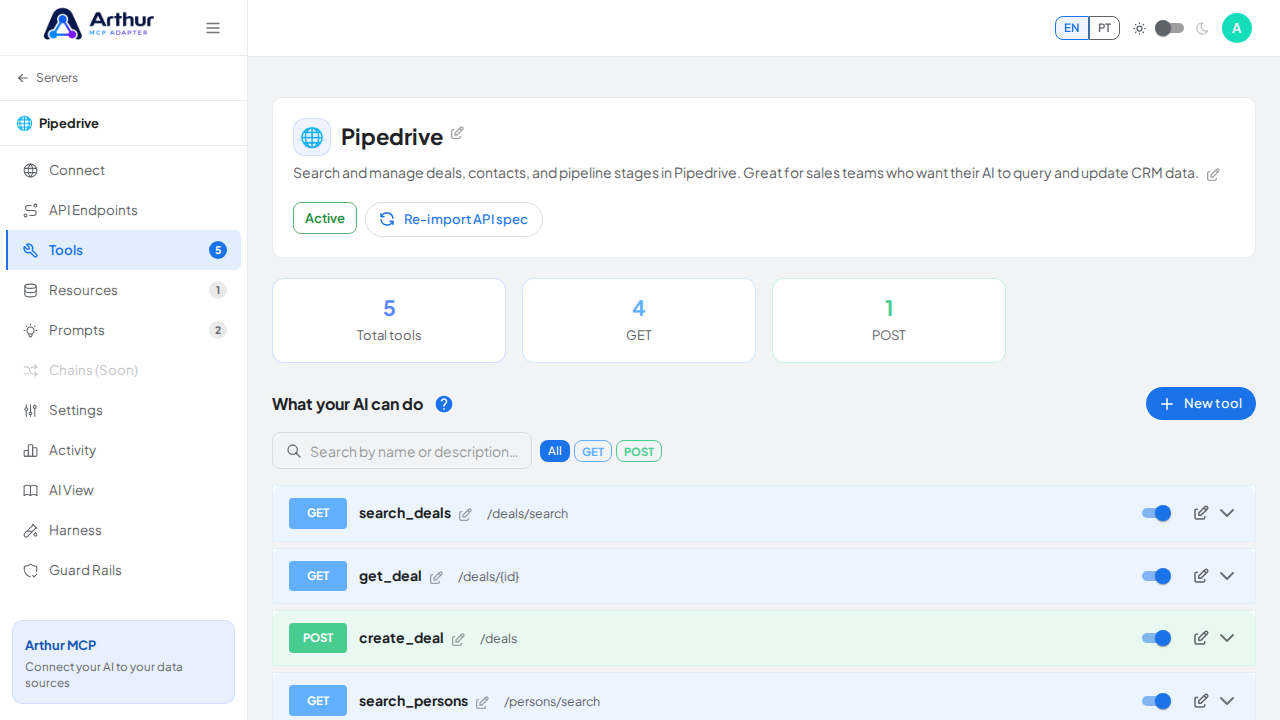
Run the test.
Read the returned status and response body.
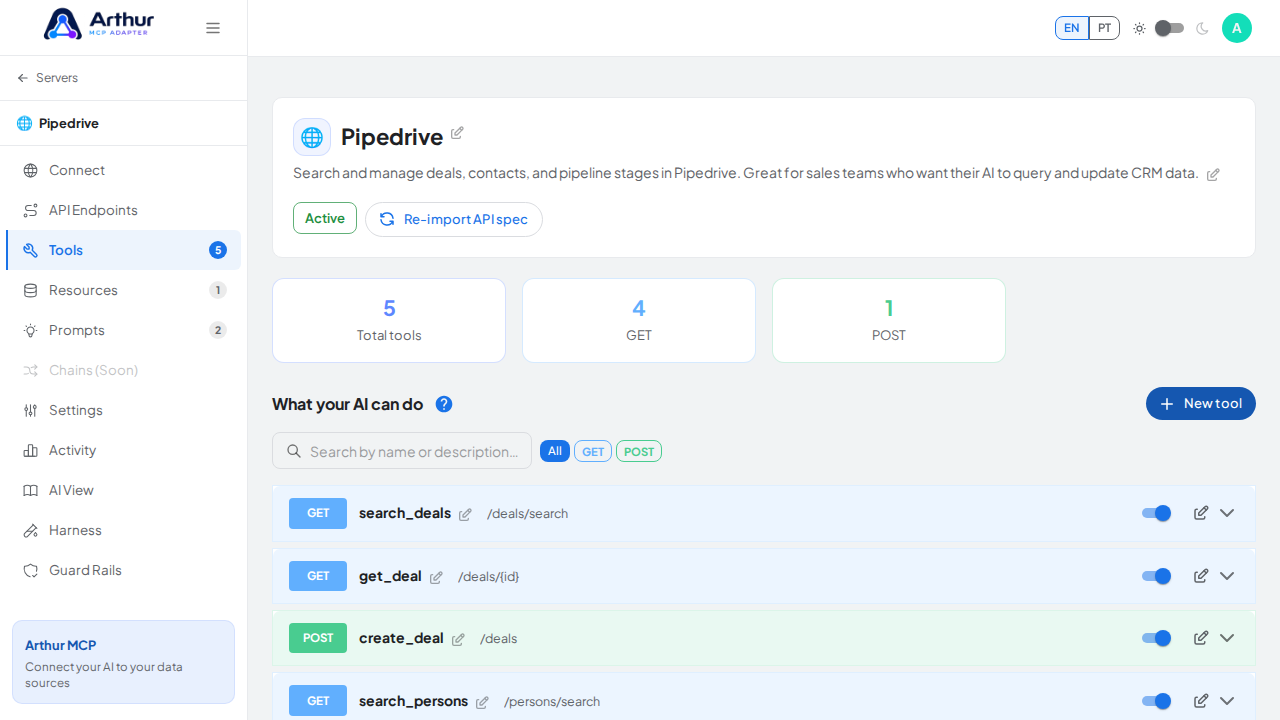
Confirm it worked
The test returns the status and body you expect for the given arguments. If it fails, the error message points at what went wrong (bad argument, upstream auth, unreachable endpoint).
Good to know
- Testing calls the real upstream API — use test data or a sandbox credential if the action isn't safe to run for real.
- The AI View tab on the server shows the server exactly as a connected AI client will see it, which is a good final check after testing individual tools.
Related
Tutorial video