
How to Create an HTML Template in a Resource
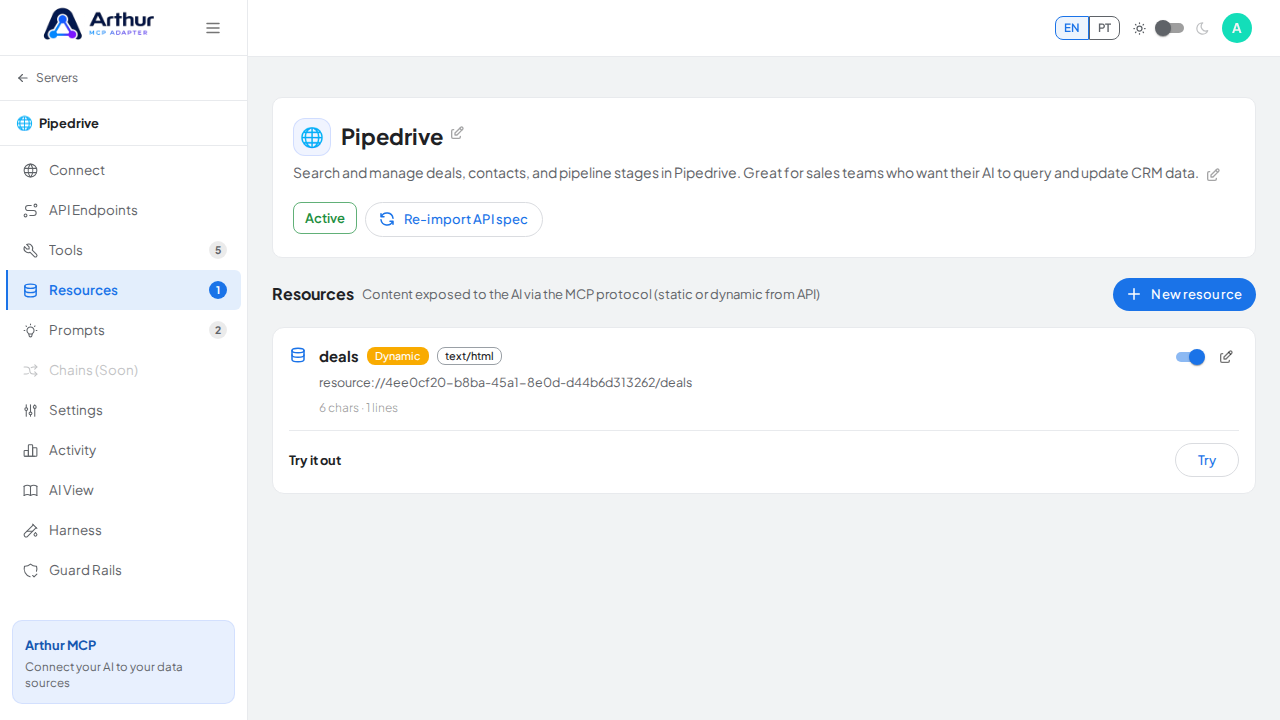
For a static resource, just write HTML directly in the Code editor and switch to Preview to check the render — the default MIME type is already text/html. For a dynamic resource, use the same Handlebars approach as a tool: test against the live endpoint, extract variables from the response schema, then write the HTML template using those variables.
Learn more: Resources, How to Add HTML Output to a Tool (same templating mechanism).
Tutorial video