
Chains
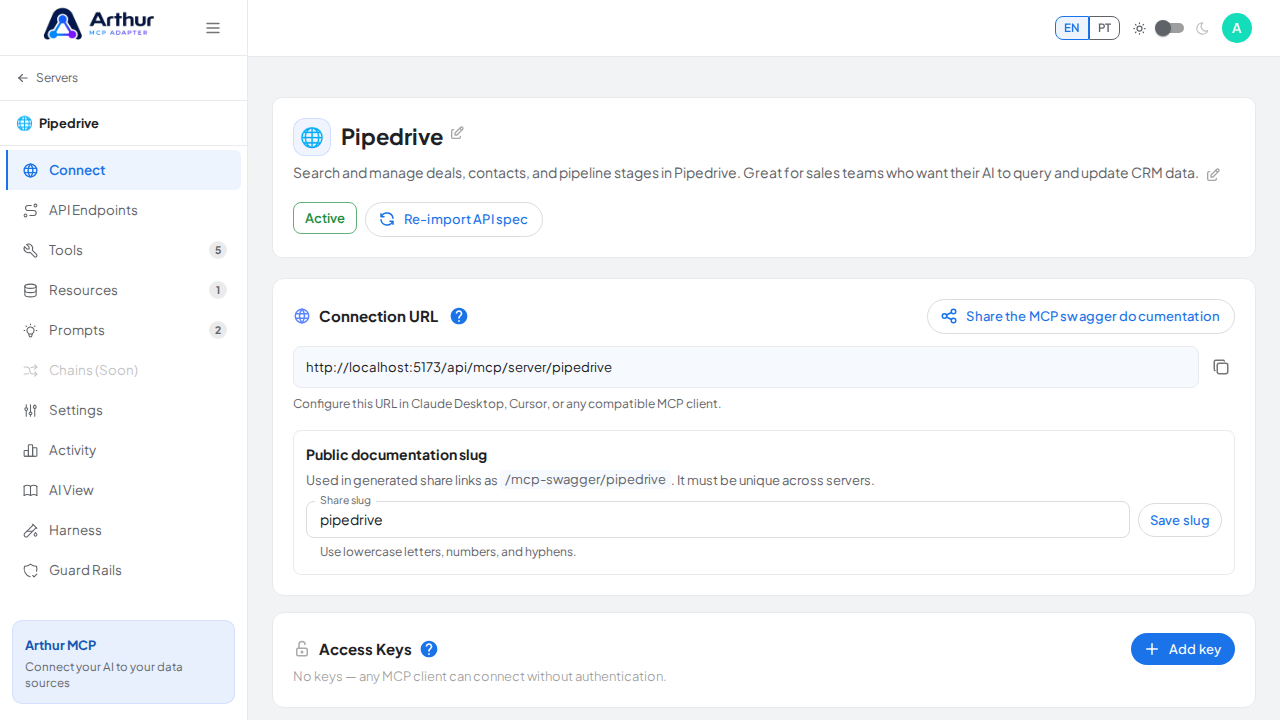
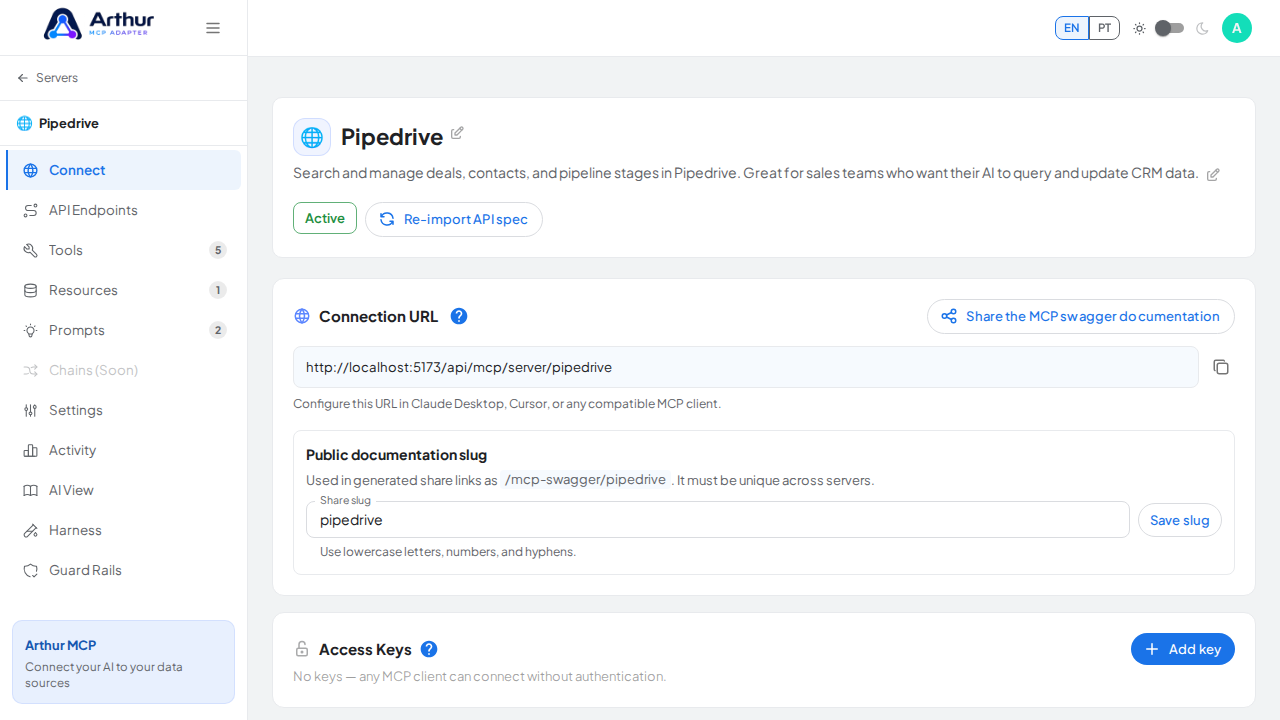
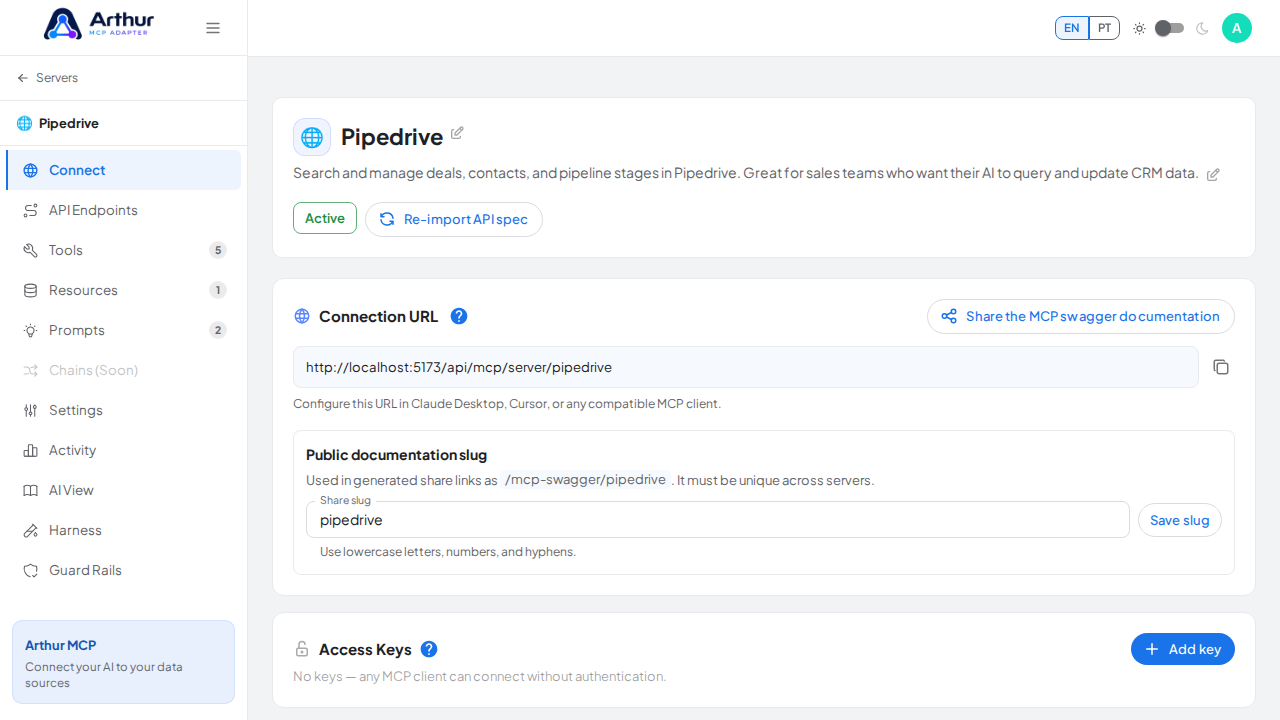
Not currently available. The Chains entry is disabled and marked Soon in the server navigation. Chains cannot yet be created, saved, or executed from the current UI.
A Chain composes several tools into a single multi-step MCP tool — useful when a task always requires the same sequence of calls, like looking up a customer and then listing their invoices.
What is planned
- Define ordered steps, each referencing an existing tool on the server.
- Map a step's input from the chain's own input, or from an earlier step's output.
- Let the AI client see the entire chain as one ordinary tool, without needing to orchestrate the individual calls itself.
Current state
Open a server and look at its navigation. Chains appears disabled with the Soon badge, so there is no configuration panel to open yet.
Good to know
- The planned design runs steps sequentially on the server side, so the AI client will not need to orchestrate intermediate calls.
- Related: Dynamic Tools.
Tutorial video