
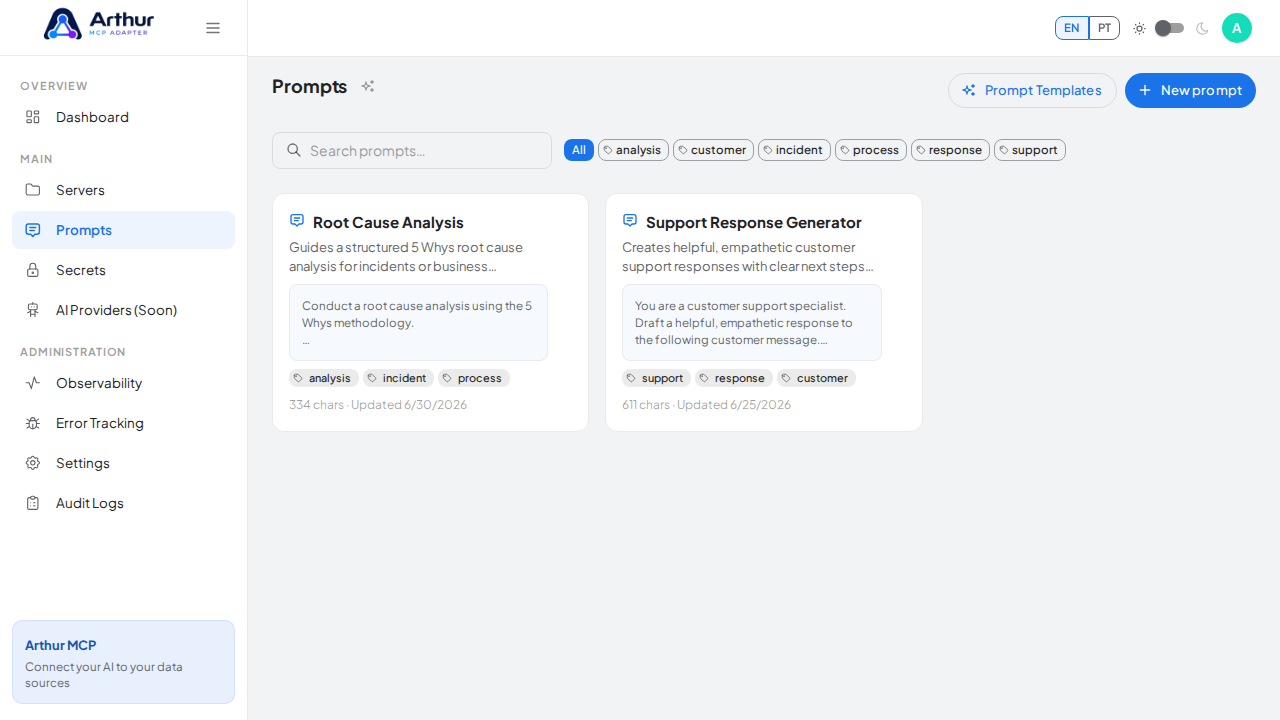
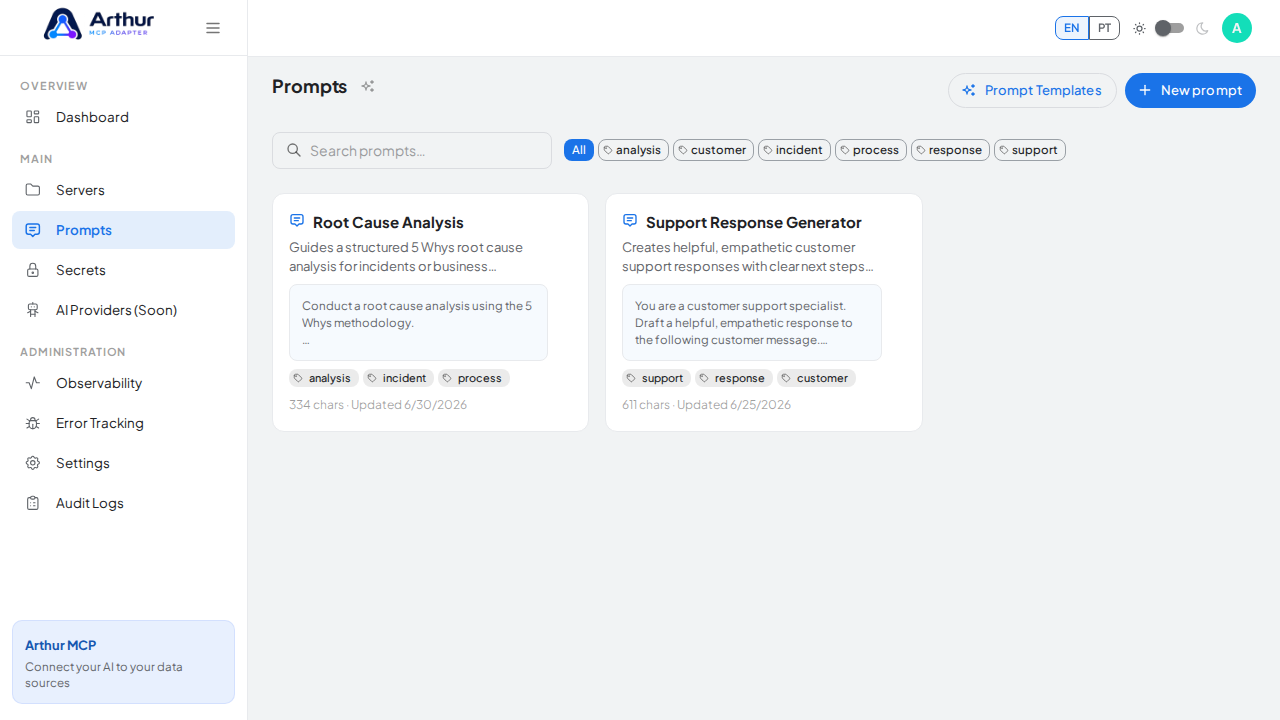
Prompts
Prompts are reusable instruction templates exposed to MCP clients, so an AI assistant can pull a vetted prompt instead of everyone re-writing the same instructions by hand.
What you can do
- Maintain a shared prompt library, independent of any single server, with its own creation wizard and tags.
- Link any prompt from the shared library into a specific server, so the same prompt can be reused across multiple servers without duplicating it.
- Use placeholders like
{{argumentName}}in a prompt's content — Arthur automatically detects the arguments a prompt expects and exposes them to the AI client. - Start from a curated Prompt Template instead of writing one from scratch.
- Enable or disable a linked prompt per server, controlling whether the AI client and the public documentation page see it.
How to use it
- Go to Prompts to create or browse the shared library, or start from Prompt Templates.
- Write the prompt content, using
{{argumentName}}for anything the caller should fill in. - Open a server and, on its Prompts tab, link the prompt you want available there.
- Enable the linked prompt once it's ready for AI clients.
Good to know
- One prompt, many servers: editing the shared prompt updates it everywhere it's linked.
- Related: Dynamic Tools, Resources.
Tutorial video