
AI Providers & AI-Assisted Tooling
Work in progress. Provider testing and AI-assisted tool authoring are live; support for multiple simultaneous providers is not.
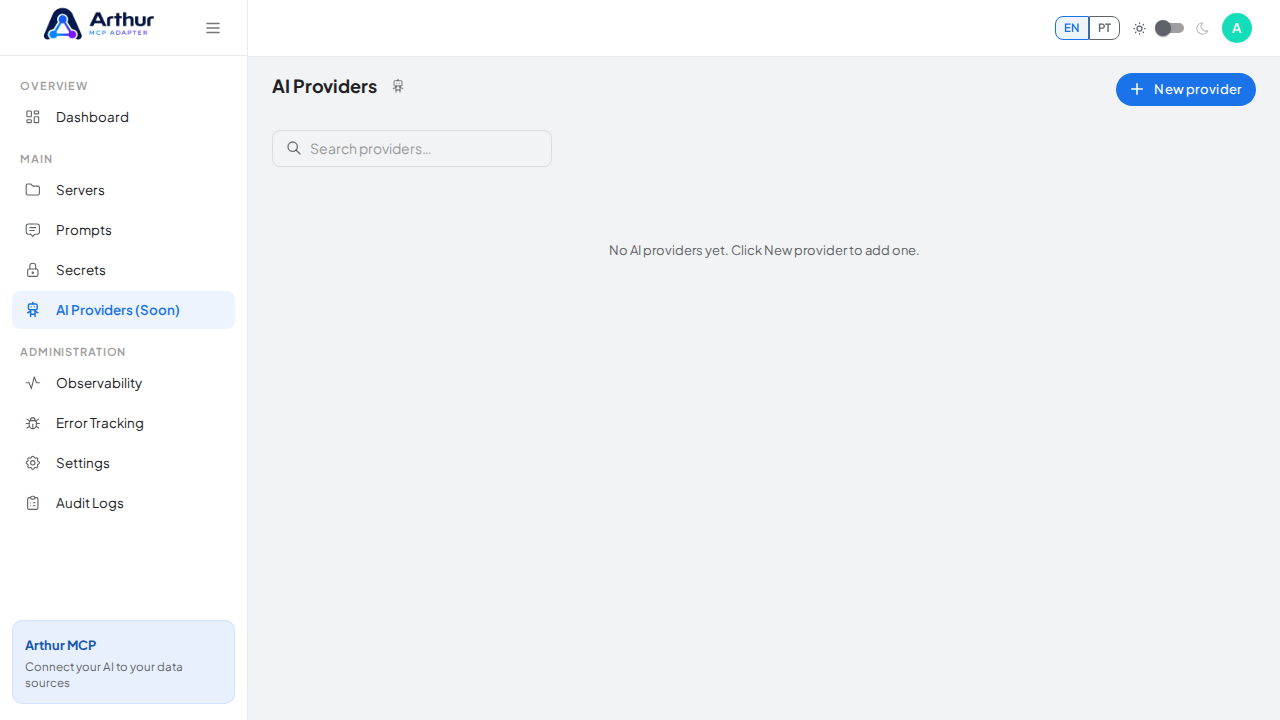
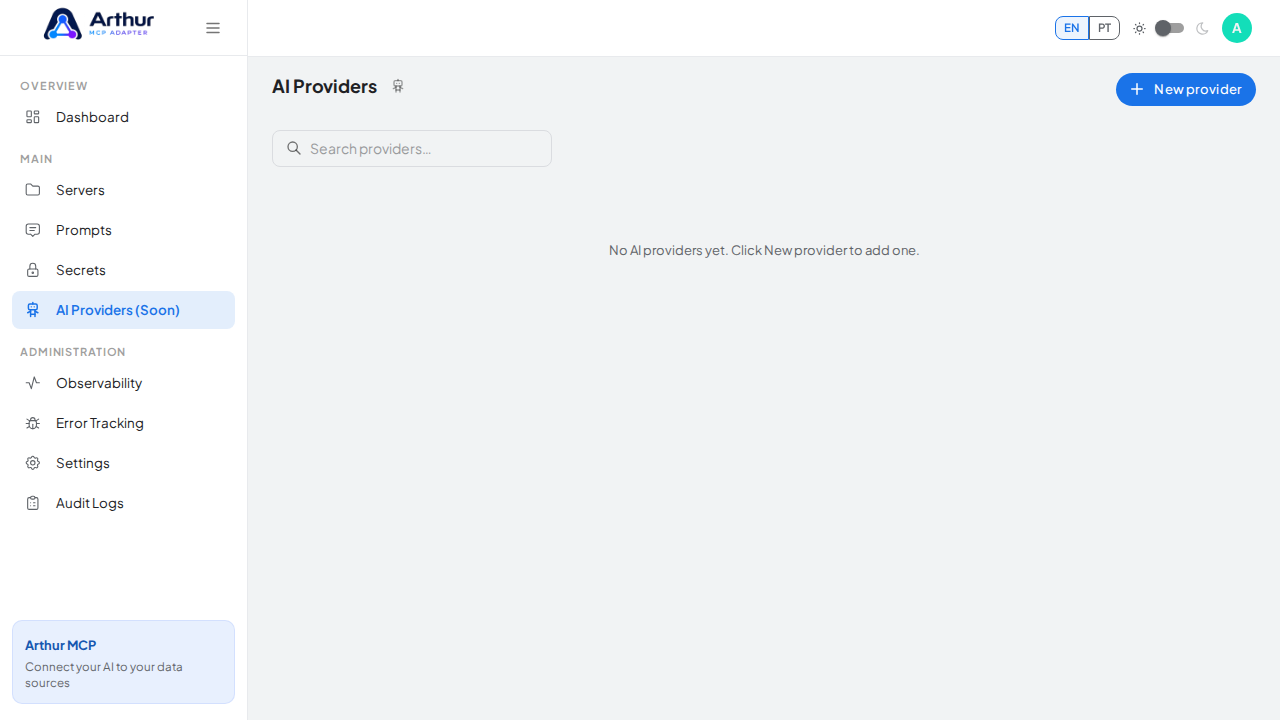
Connect an LLM provider you already use and put it to work inside Arthur itself, not just as the consumer of your MCP servers.
What you can do
- Store credentials for one provider — OpenAI, Anthropic, or any OpenAI-compatible custom endpoint today (Google/Gemini, Mistral, Groq, Cohere, Azure OpenAI, and Ollama are visible in the picker but marked "Soon" and not selectable yet).
- Test the connection before relying on it.
- Use AI assistance during REST server creation to improve tool names, descriptions, and schemas — turning a raw API import into something an AI client can actually reason about.
How to use it
- Go to AI Providers and add your provider: name, provider type, model, API key (or none for a local Ollama endpoint), and optional base URL.
- Test the connection to confirm it works, then mark it as the default.
- When importing an OpenAPI/Postman spec into a new server, opt into AI assistance to get improved names, descriptions, and schemas for the generated tools.
Good to know
- Only one AI provider can exist at a time. Once you've created one, the "New Provider" flow blocks further creation — edit or delete the existing provider to switch to a different one.
- Running the provider (a test call, or AI-assisted generation) can consume external model credits, so it's controlled separately from simply configuring a provider.
- Related: REST API Template Gallery, Dynamic Tools.
Tutorial video