
Multi-Language
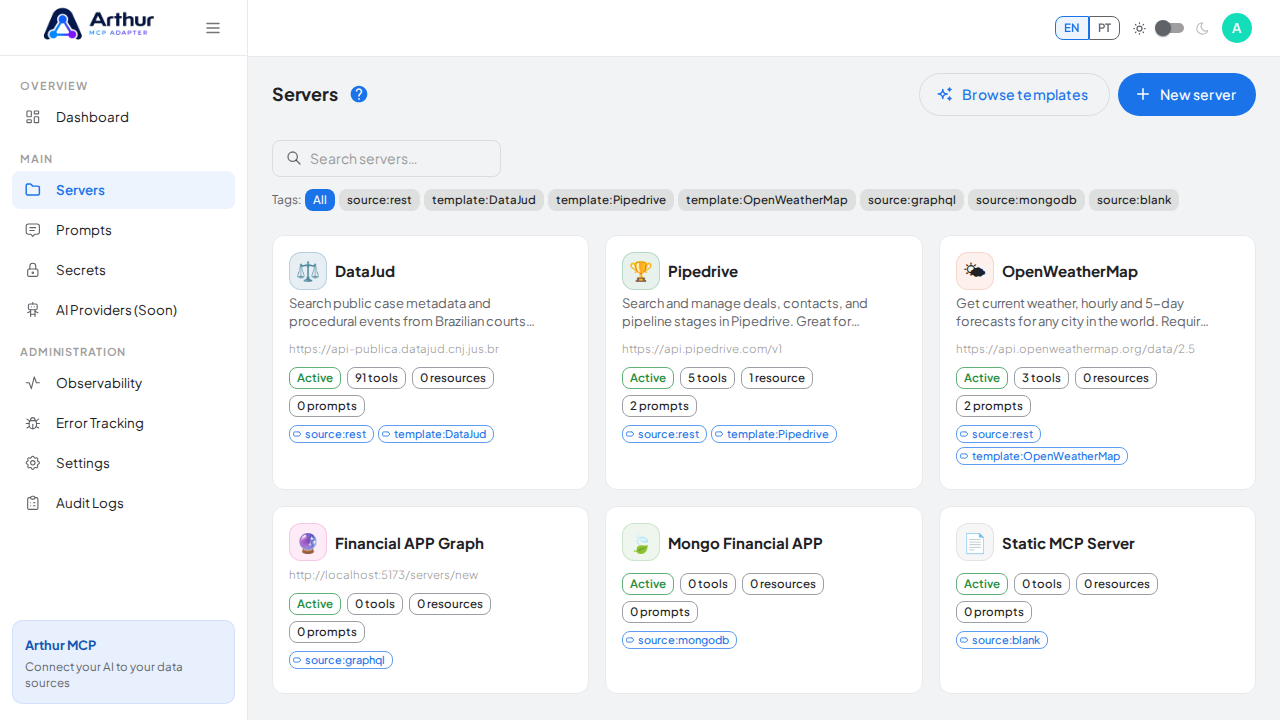
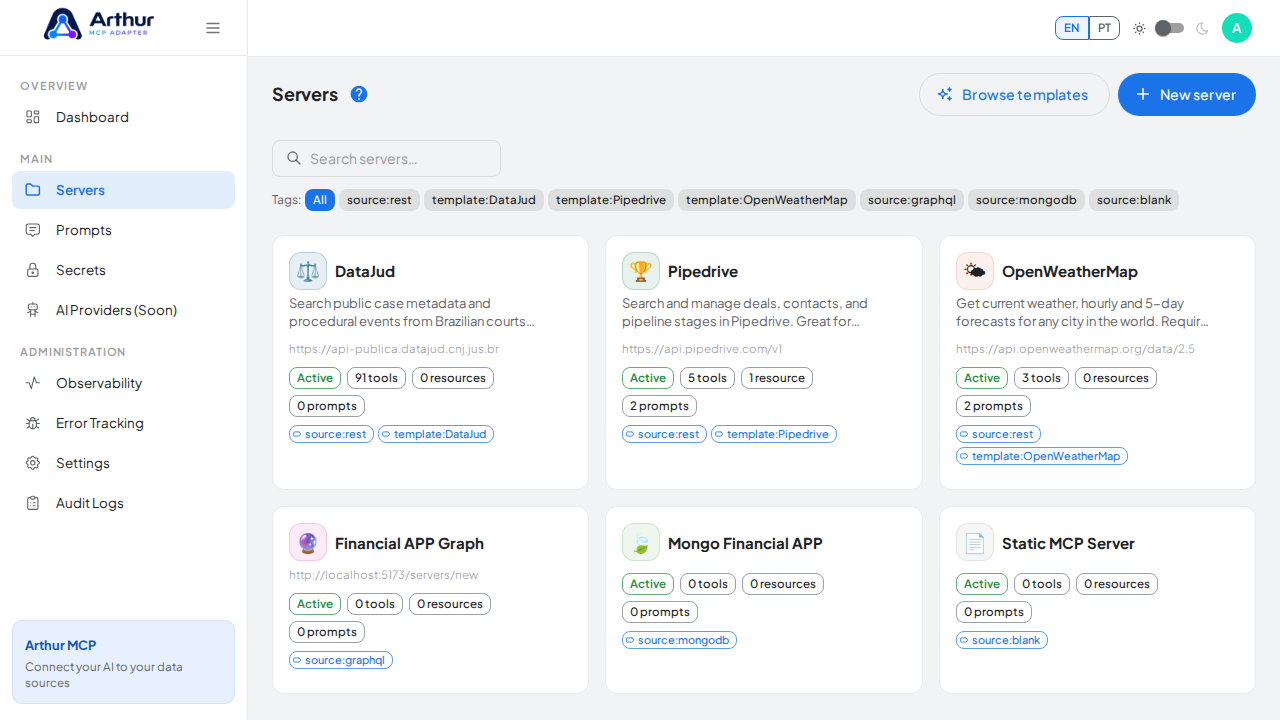
Arthur MCP ships with English and Brazilian Portuguese (pt-BR) translations out of the box.
What you can do
- Switch the app's display language from the global language selector in the app shell.
- Rely on the interface staying consistent in either language — labels, help text, and error messages are all translated, not just page titles.
How to use it
- Open the language selector in the app shell.
- Choose English or Portuguese.
- Confirm the interface updates immediately without a reload.
Good to know
- Custom, per-team renaming of core vocabulary (calling a "Server" something else, for example) is on the roadmap but not available yet — today the choice is limited to the two shipped languages.
Tutorial video