
How to Set Global Request Headers
Attach a header to every upstream API call Arthur makes across the whole instance — useful for a tenant ID or an infrastructure-level auth header your gateway expects.
Steps
Go to Settings → Headers.
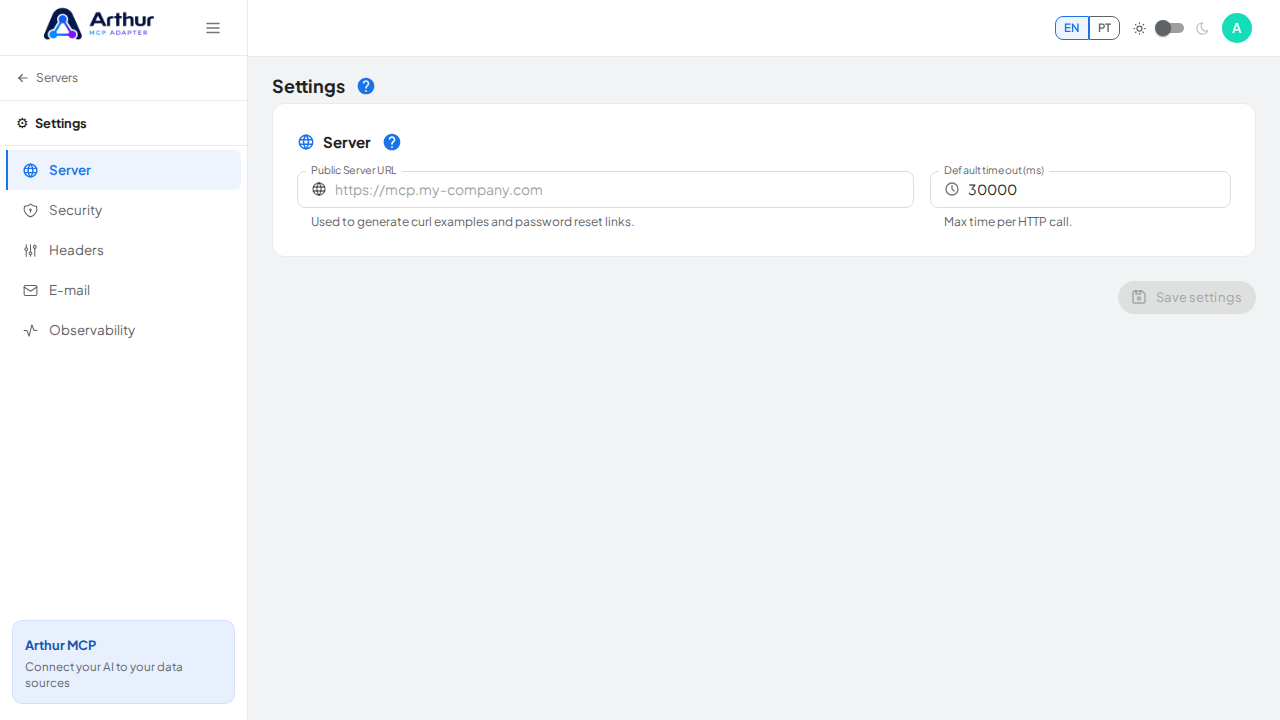
Add a header name and value.
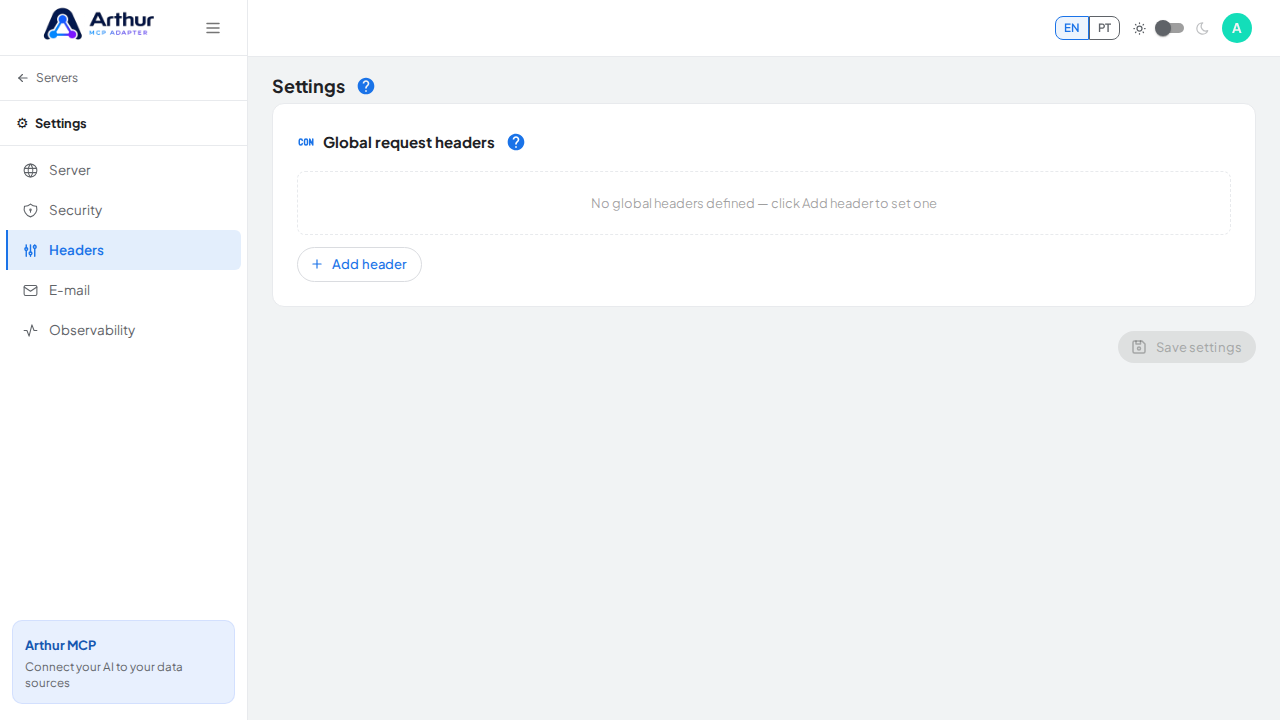
Save.
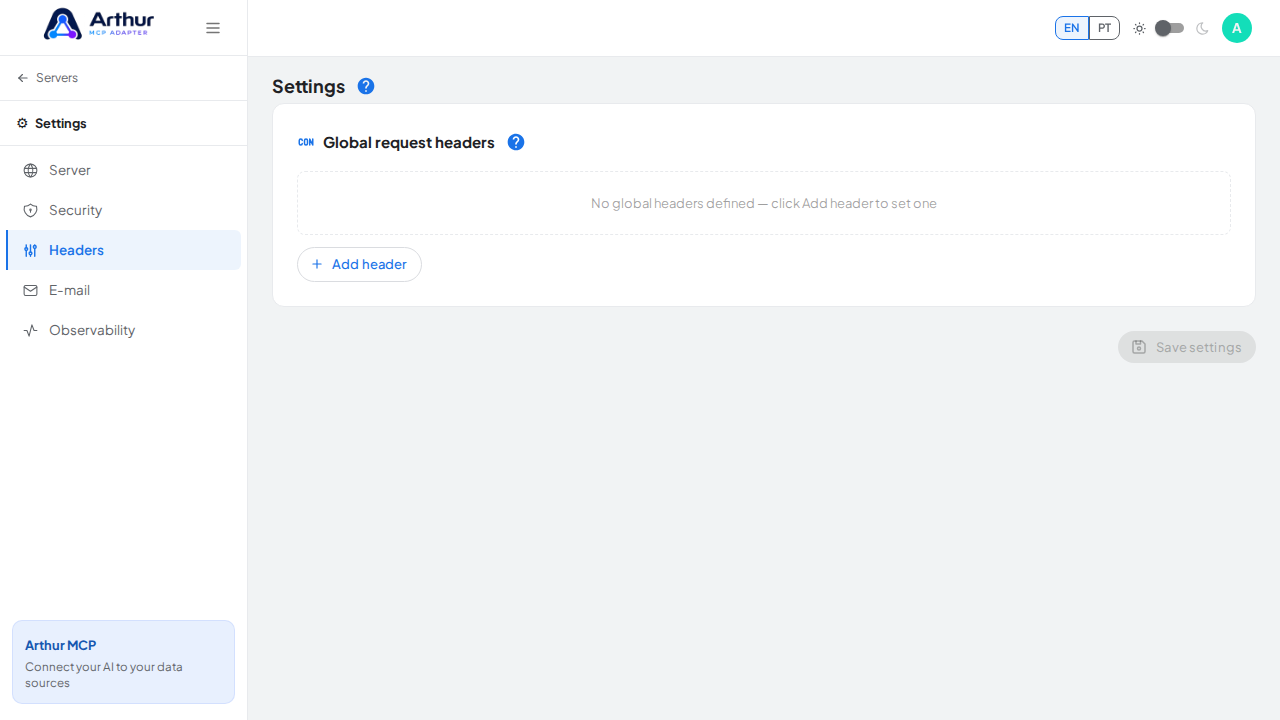
Confirm it worked
Every outgoing upstream call from any server on this instance now includes the header, on top of whatever auth that specific server already sends.
Good to know
- These headers apply instance-wide, not per server. For a header only one server needs, configure it on that server's own upstream auth settings instead.
- Reference a Secret with
{{secret:NAME}}for a header value that shouldn't be visible in plain text.
Related
Tutorial video