
How to Configure Response Limits
Cap how large a tool's response can get before it reaches the AI, so one oversized upstream response can't blow out the AI client's context.
Steps
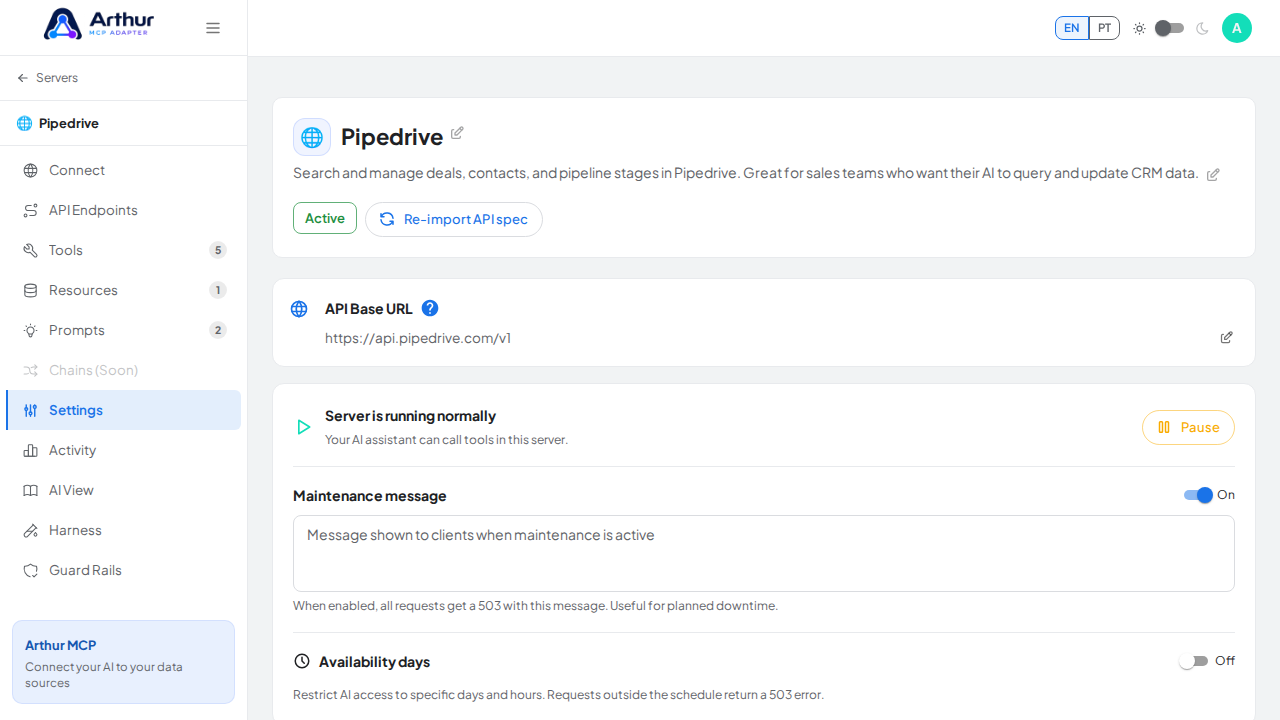
Open the server and go to its Settings tab.
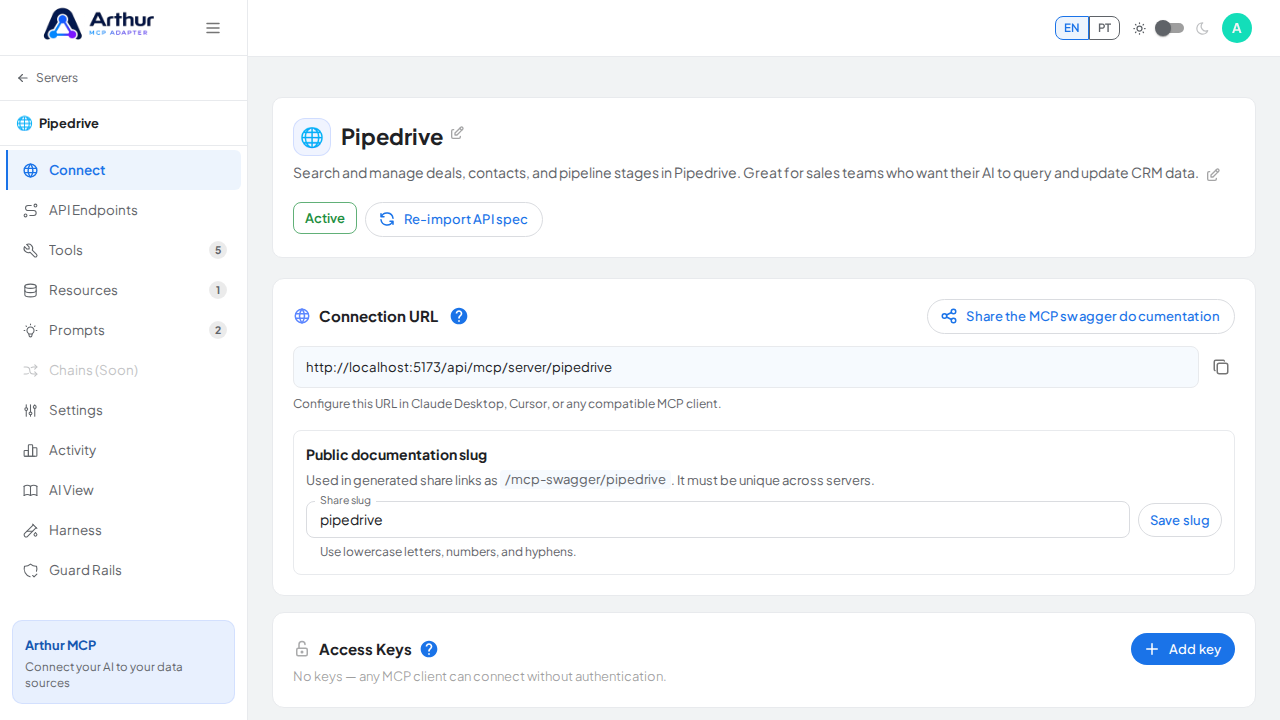
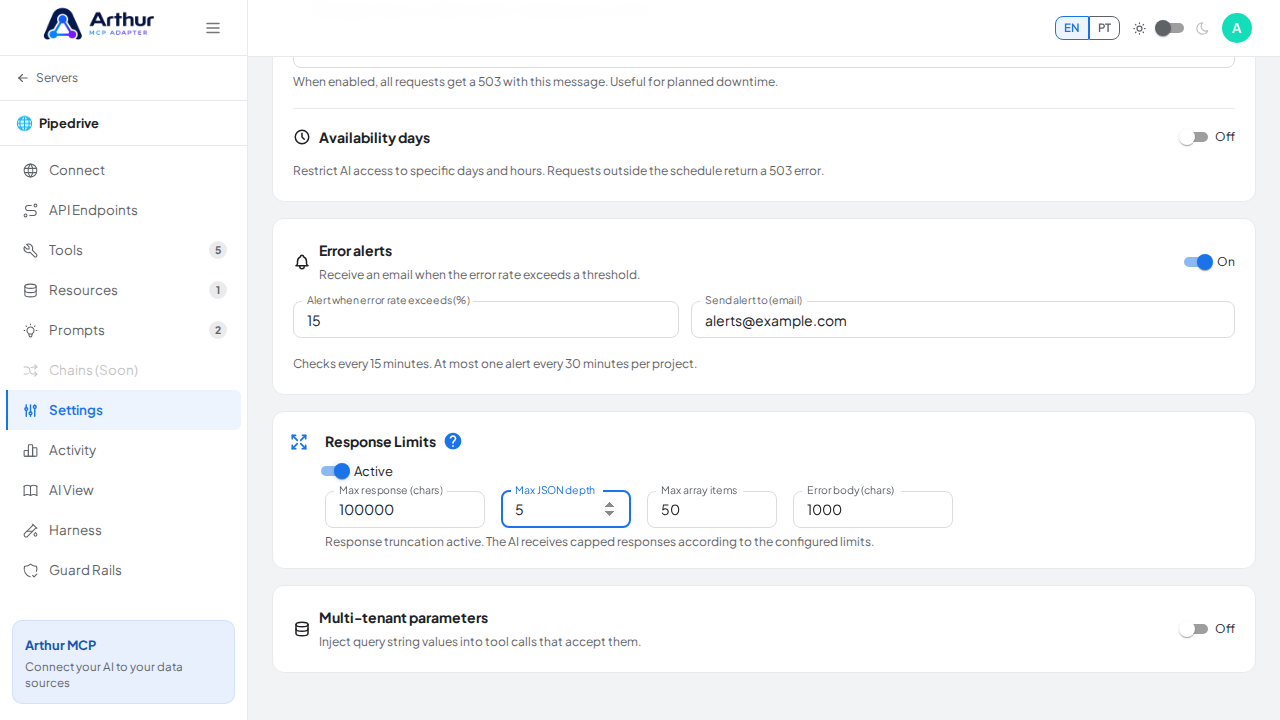
Find Response Limits and enable it.
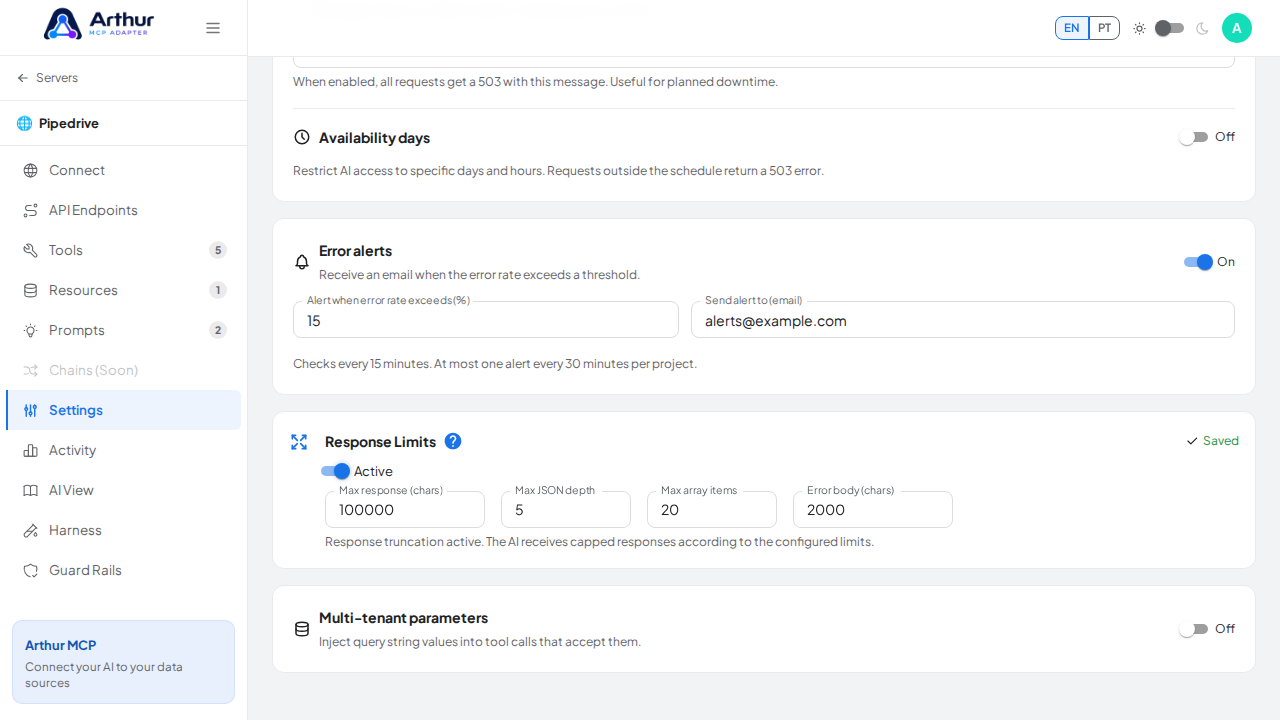
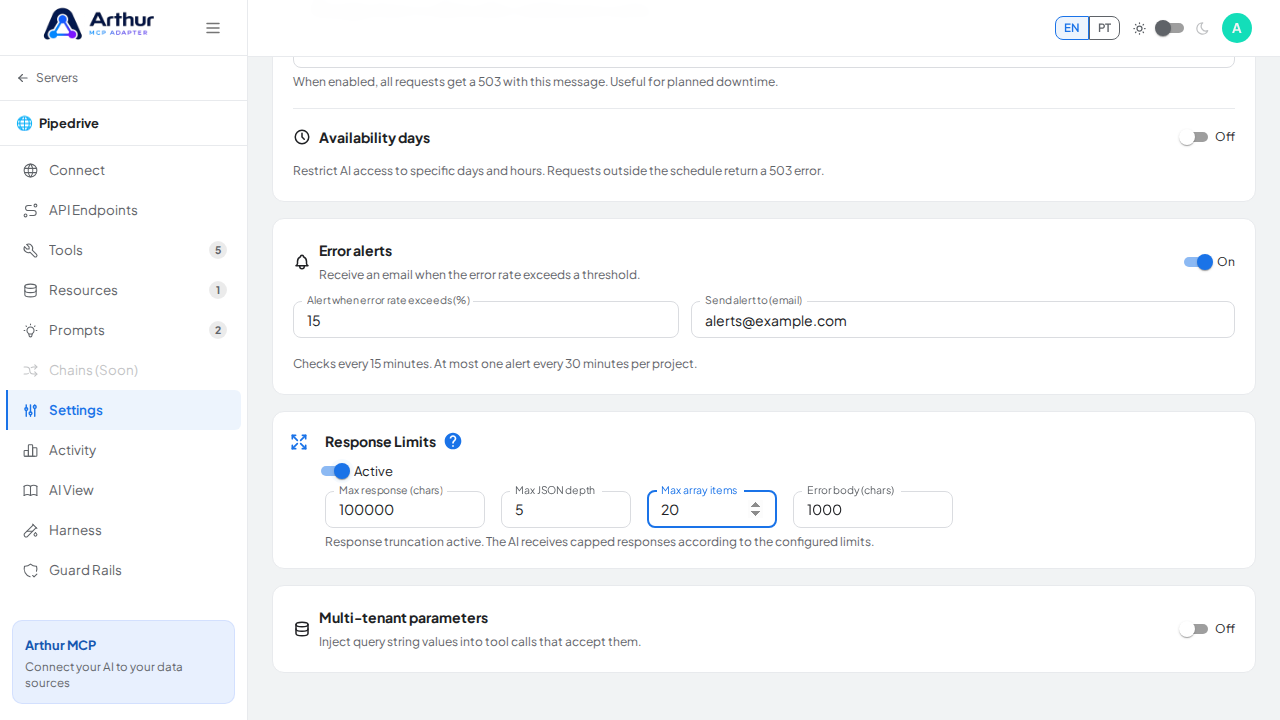
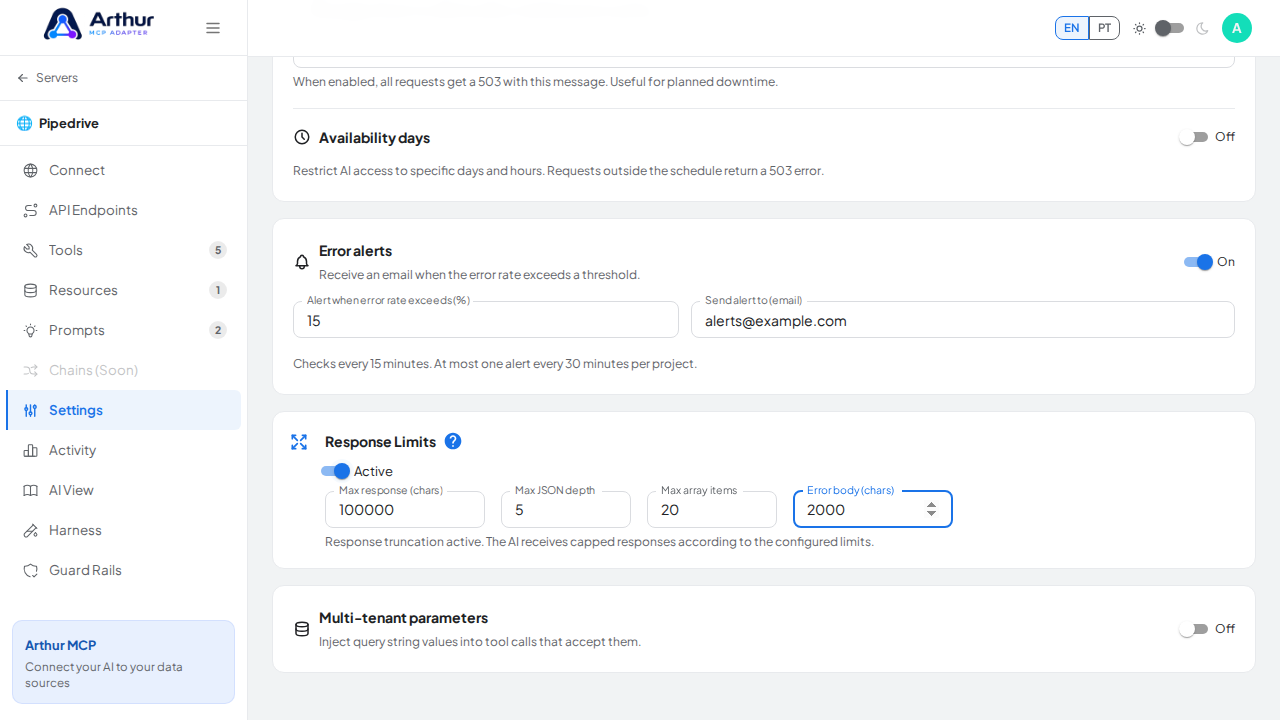
Set the limits you need:
Max response length — the maximum size (in characters) of the JSON sent to the AI, from 1,000 to 10,000,000.
Max depth — how many levels of nested JSON are kept, from 1 to 50.
Array slice — the maximum number of items kept in any array, from 1 to 10,000.
Error truncate length — the maximum size of an error message, from 100 to 1,000,000.
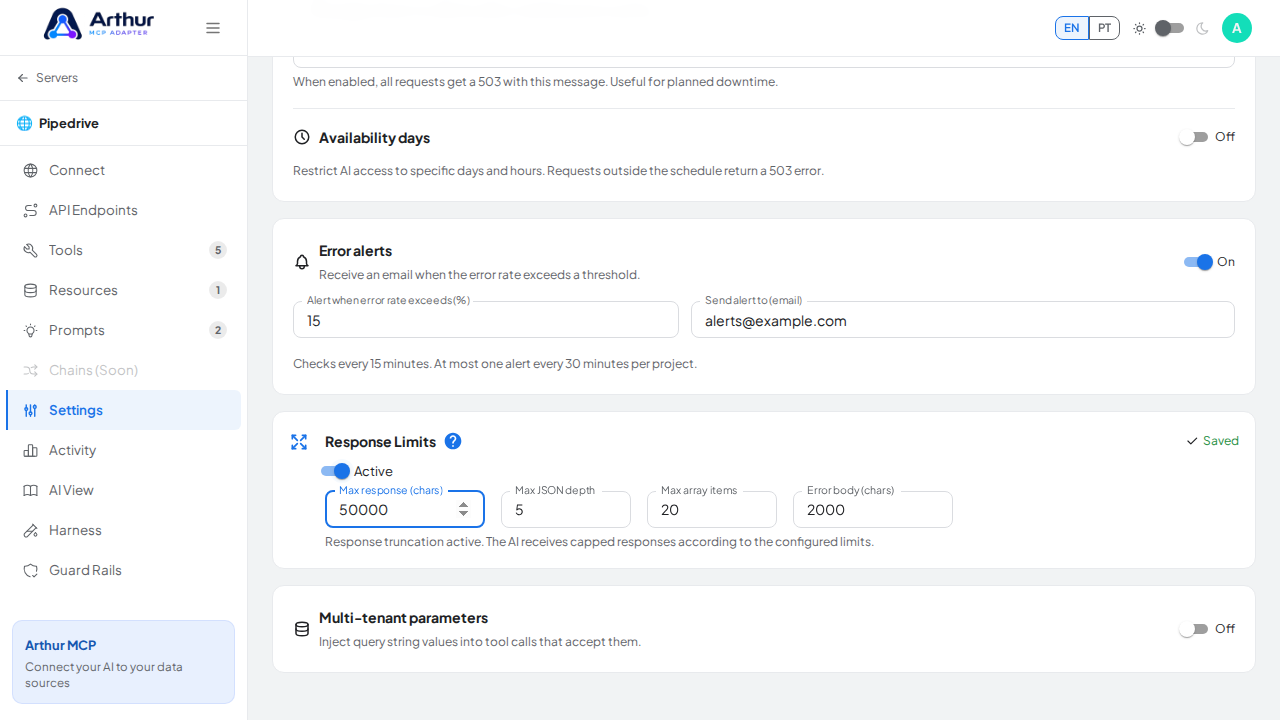
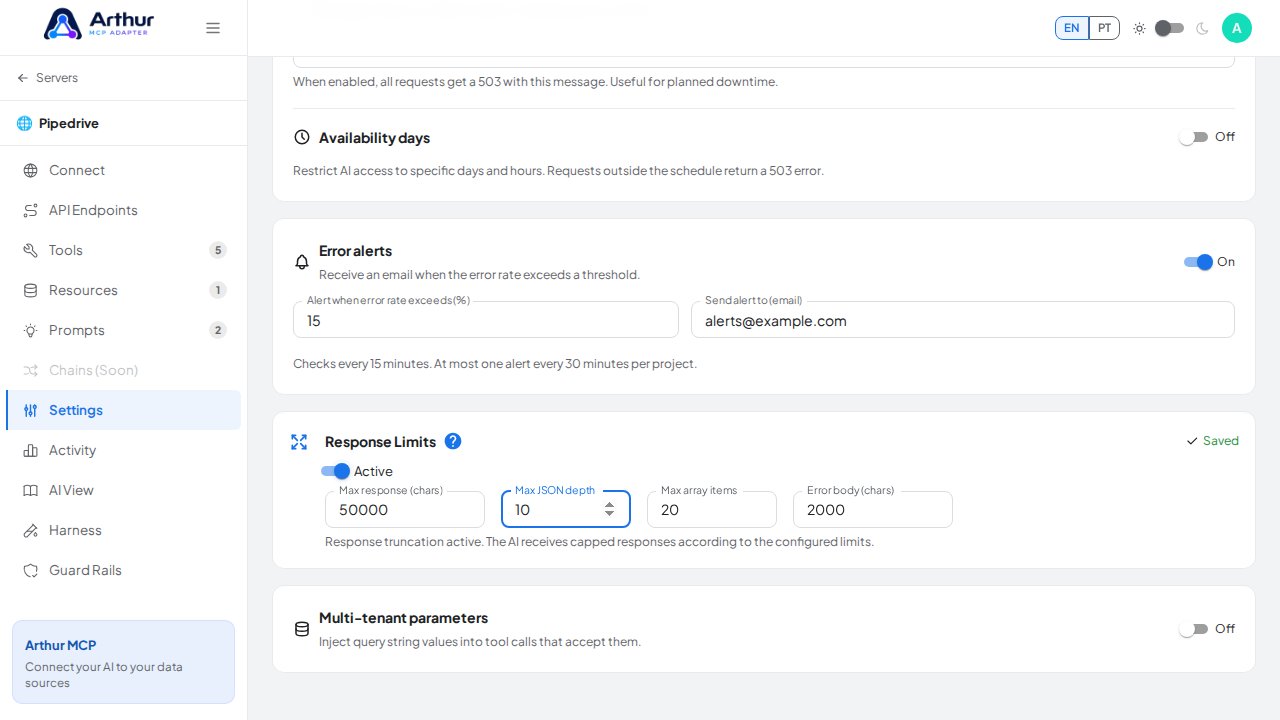
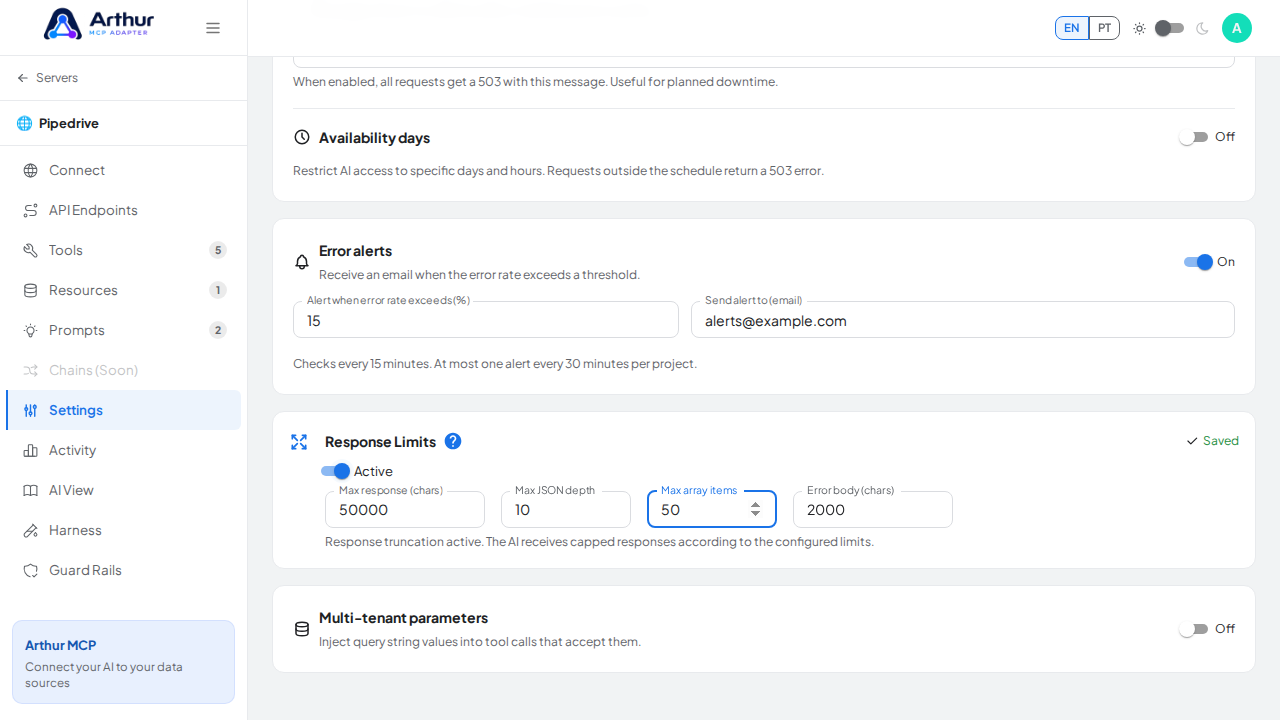
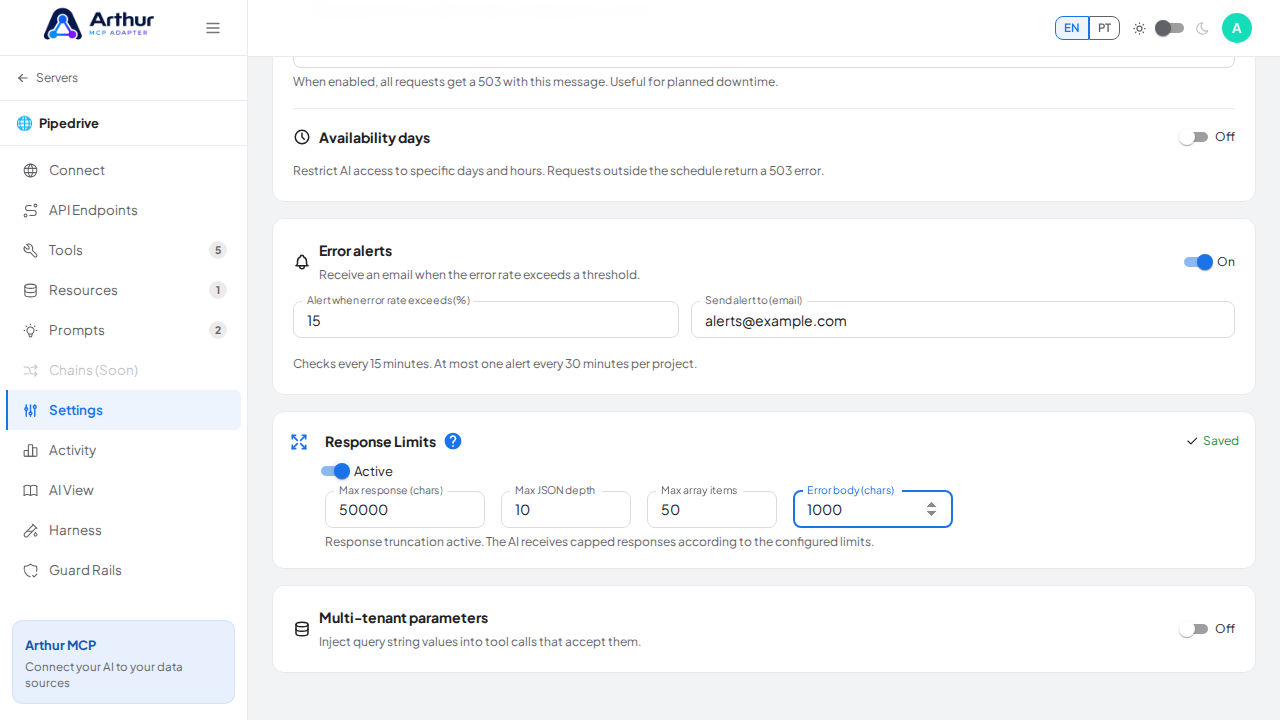
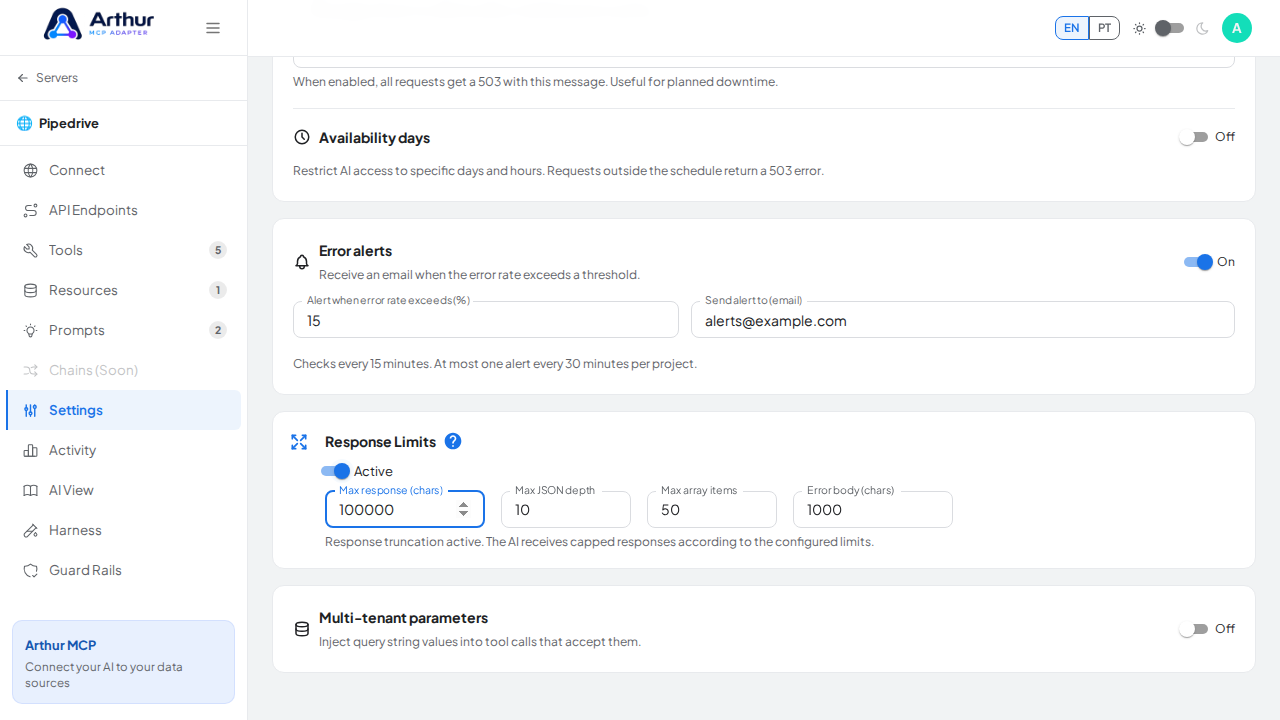
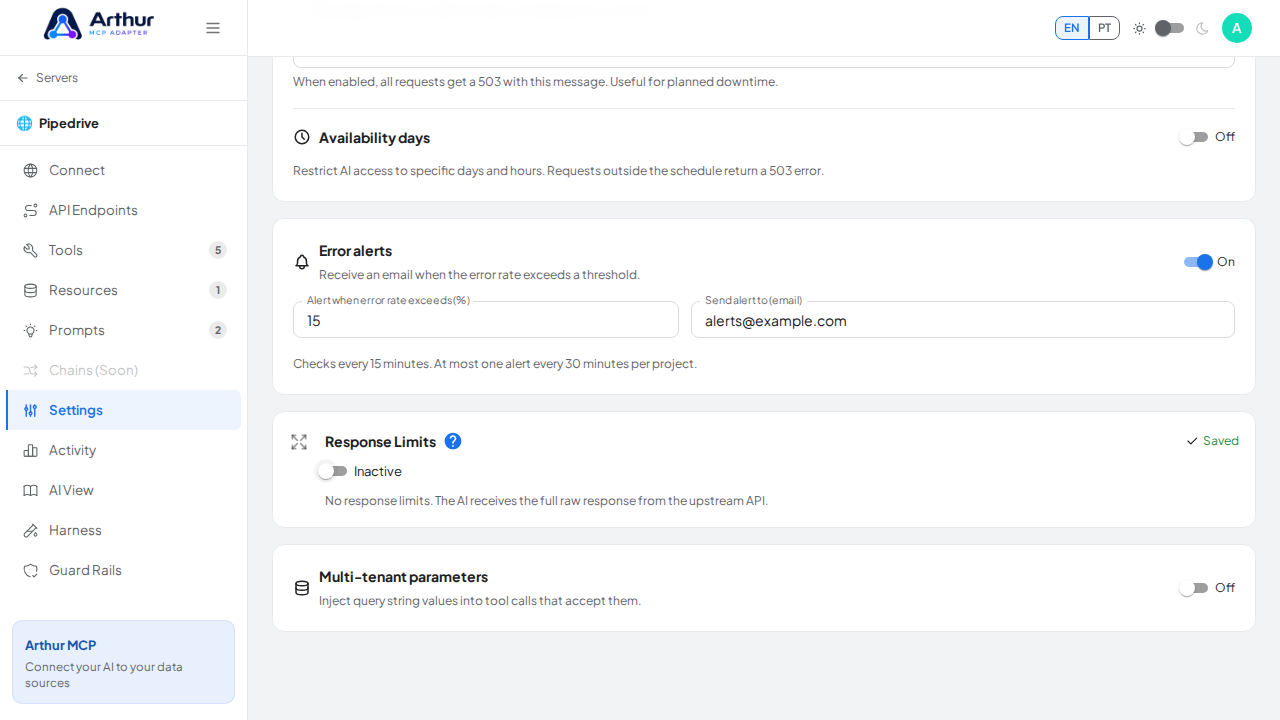
Changes save automatically a moment after you stop typing.
Confirm it worked
Call a tool that normally returns a large or deeply nested response — the response the AI receives is now truncated/limited according to your settings.
Good to know
- This limits the JSON payload itself (length, nesting, array size), not a raw HTTP byte cap — it's applied when Arthur maps the upstream response before handing it to the AI.
- Useful for APIs that return large lists or deeply nested objects that would otherwise flood the AI's context window.
Related
Tutorial video