How it worksFeaturesDocsEarly accessGitHubDashboard

How to Configure Timeout Settings

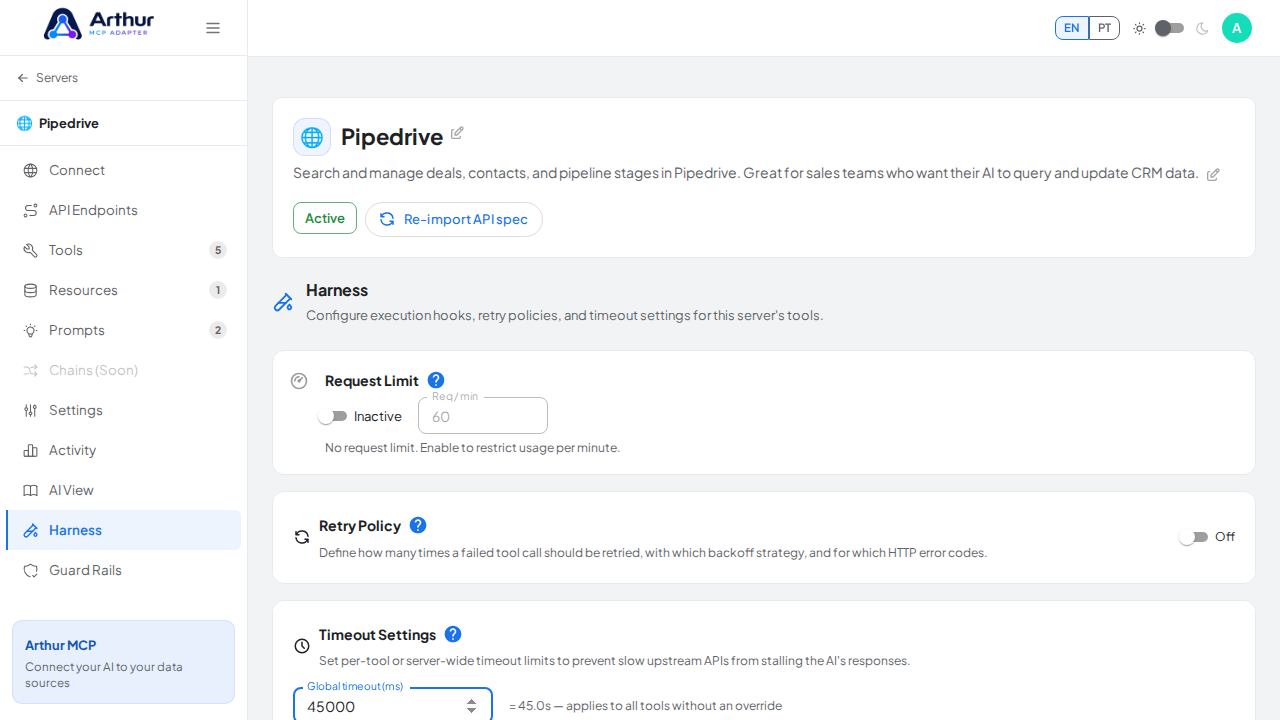
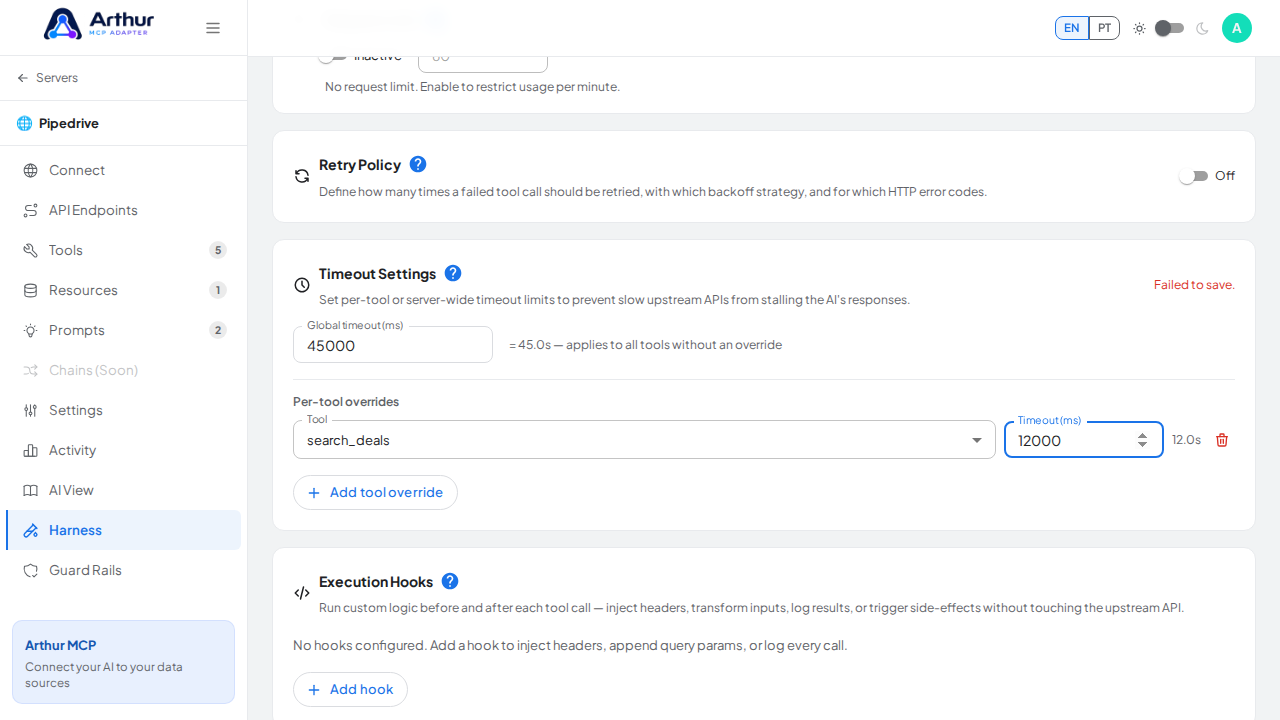
Open a server's Harness tab, find Timeout Settings, set a global timeout in milliseconds, and add per-tool overrides if needed. It saves, but isn't enforced by the backend yet, so upstream calls won't actually be cut off at this value today.
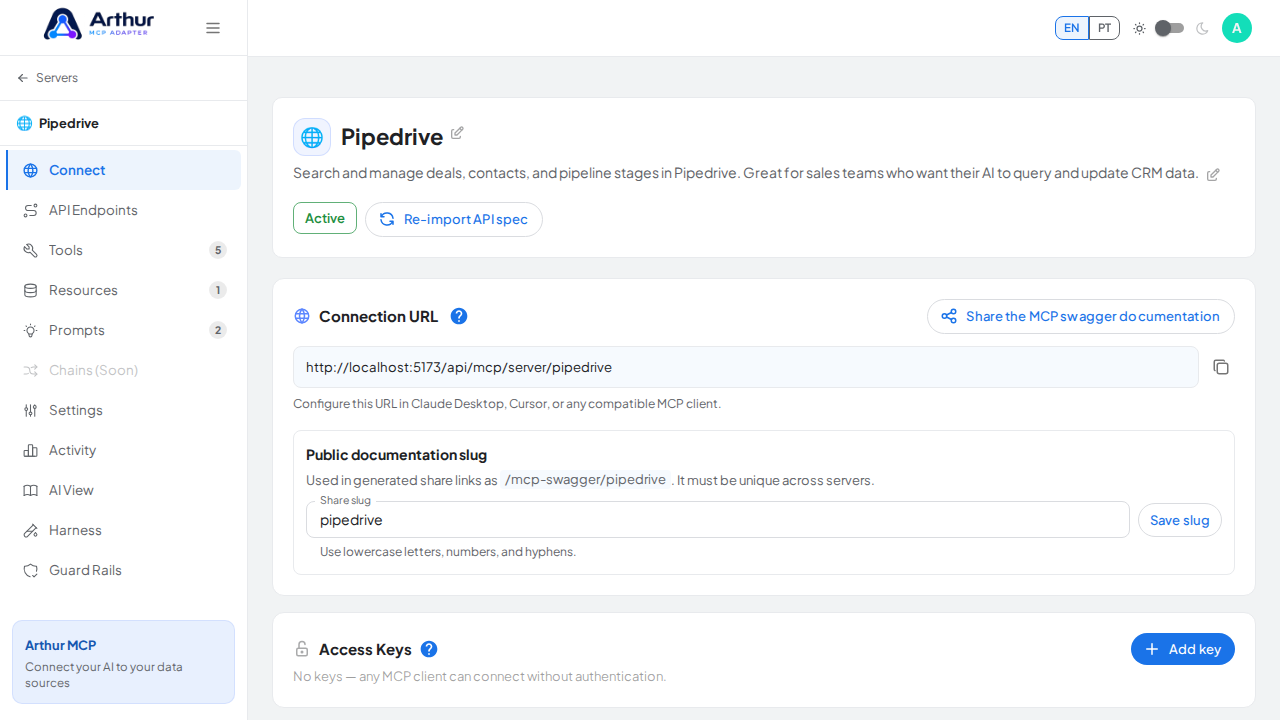
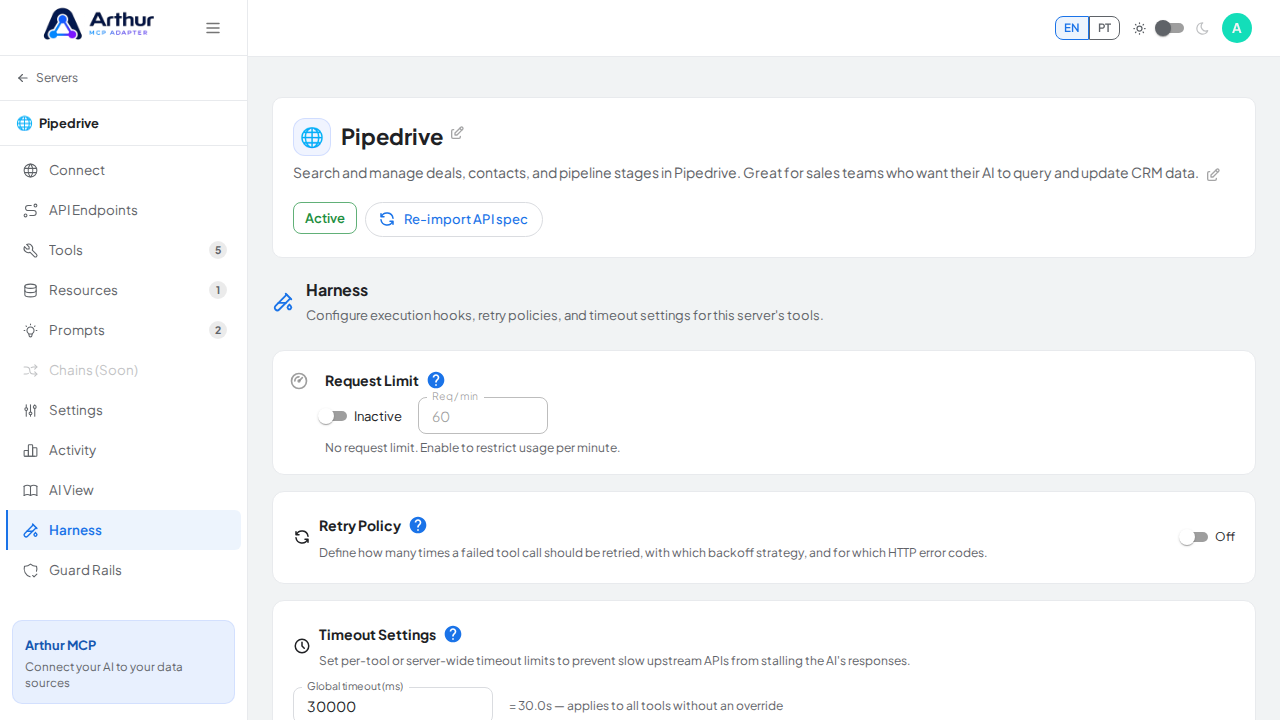
Open the capture server used by this procedure

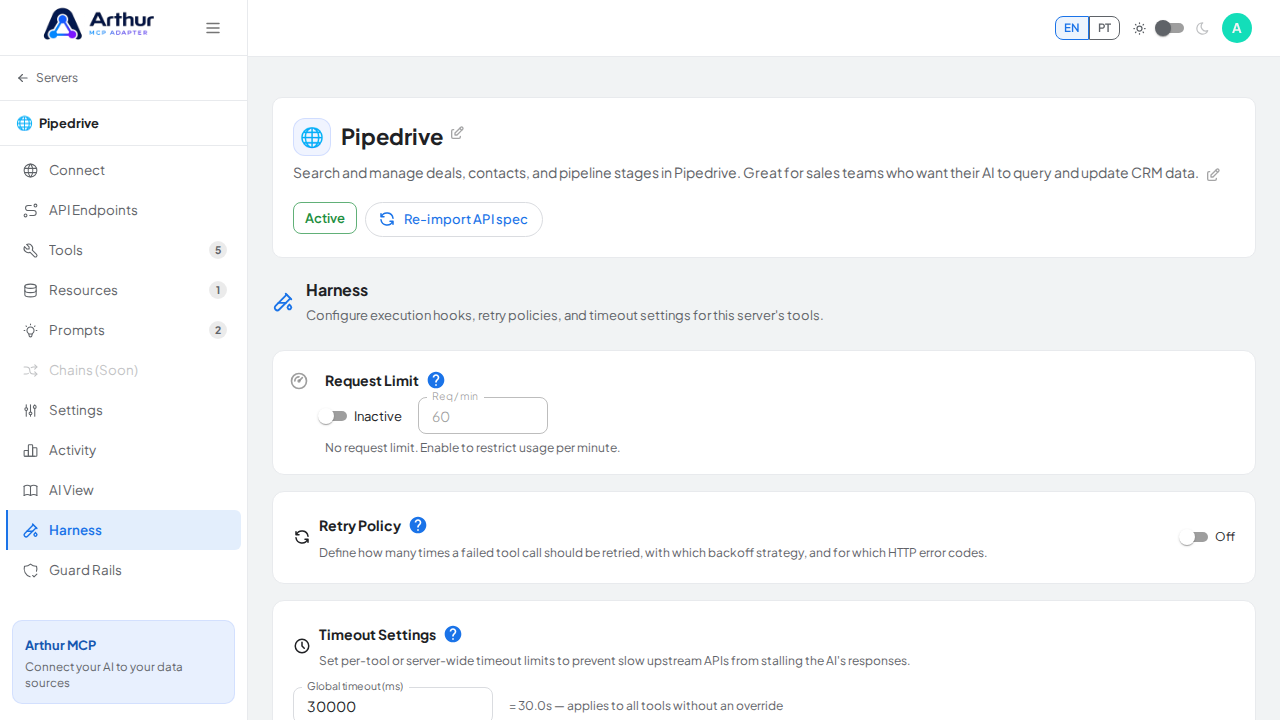
Open the Harness tab where the configuration is managed

Bring the Timeout Settings panel into view

Set a demonstrative global timeout for every tool

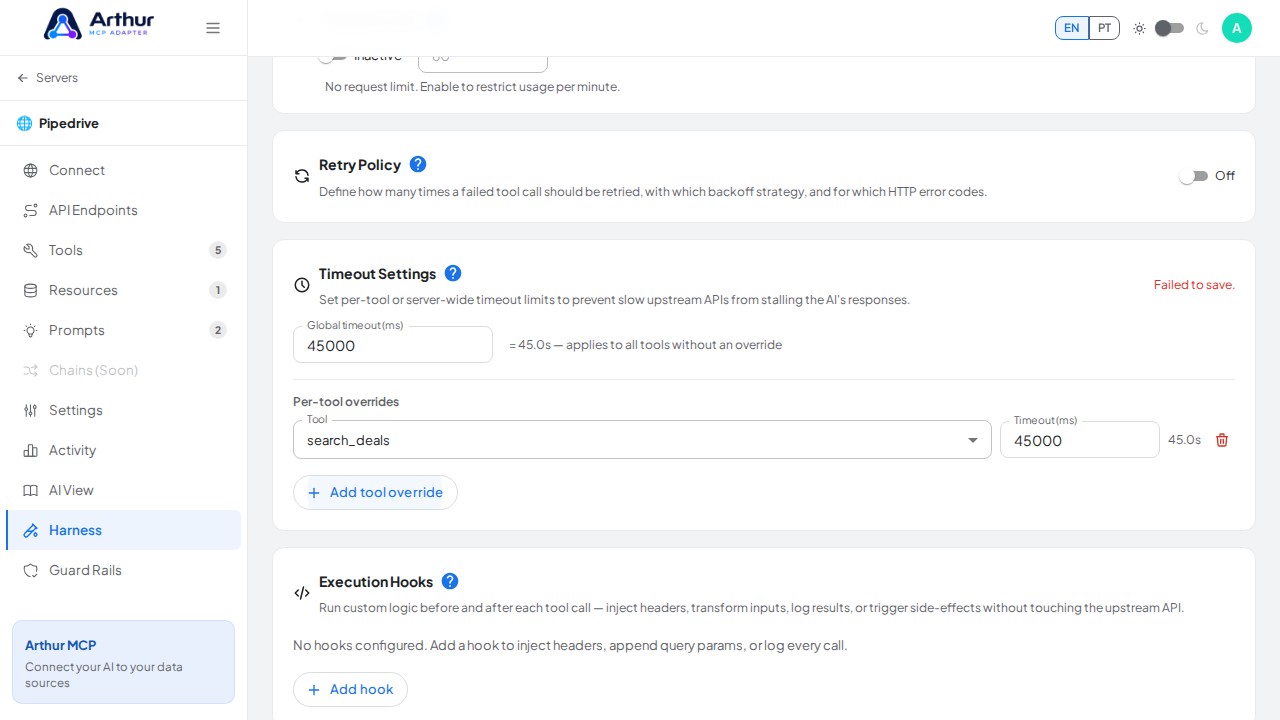
Add a per-tool override using the first available tool

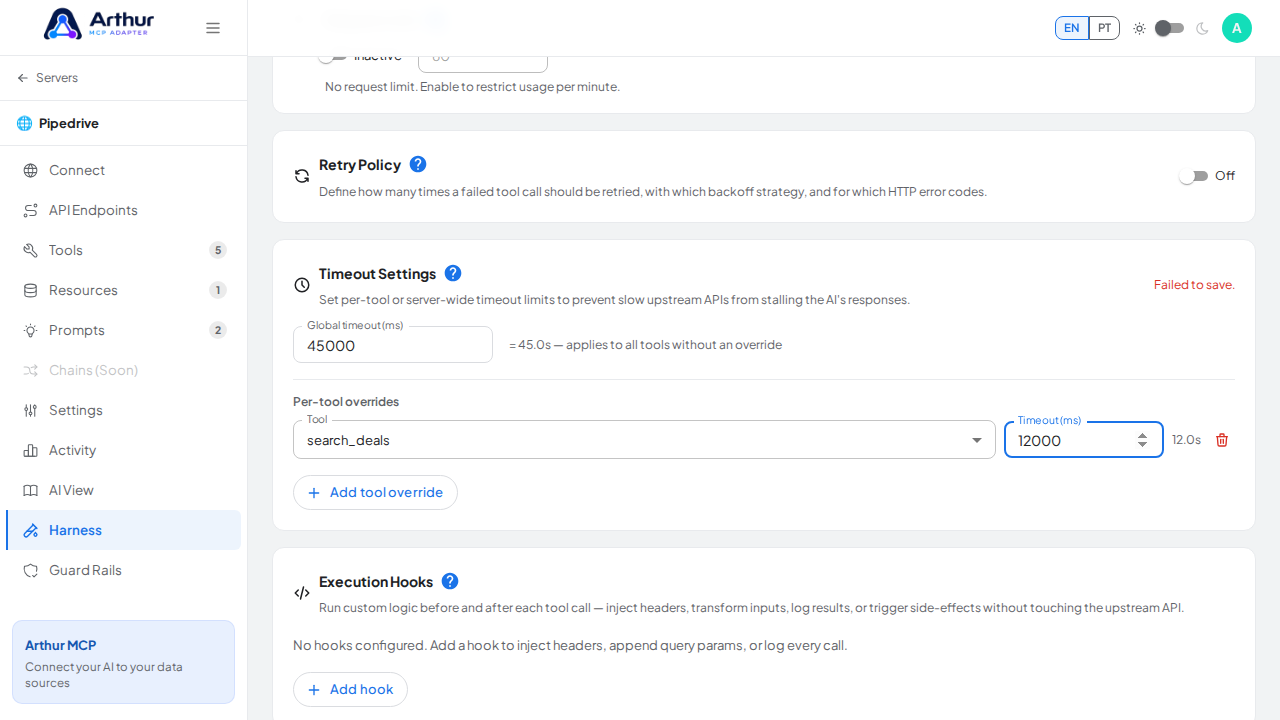
Set a shorter timeout for the selected tool

Capture the failed-save state instead of claiming that the timeout configuration is active

Learn more: Harness.

Tutorial video