
How to Configure Multi-Tenant Parameters
Let one deployed server serve multiple tenants (customers, workspaces, accounts) by requiring a parameter on every call that Arthur then injects into the tool's actual arguments — instead of standing up a separate server per tenant.
Prerequisites: a server with at least one tool.
Steps
Open the server and go to its Settings tab.
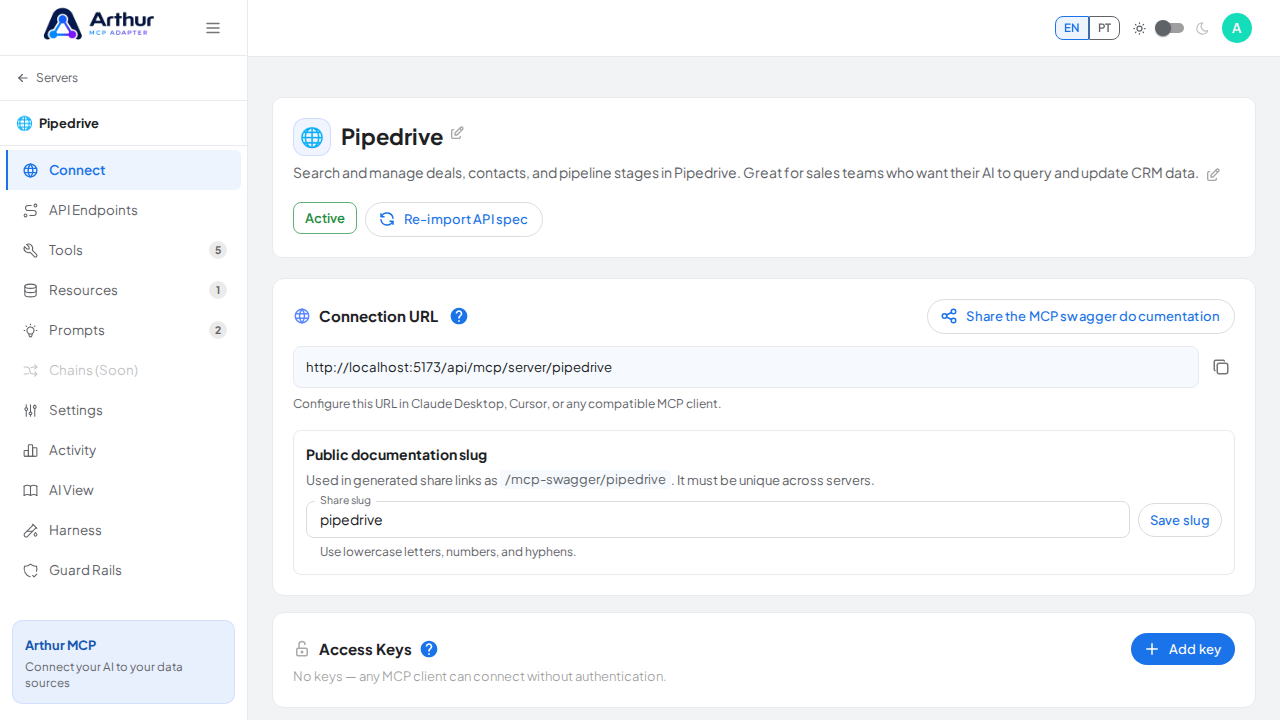
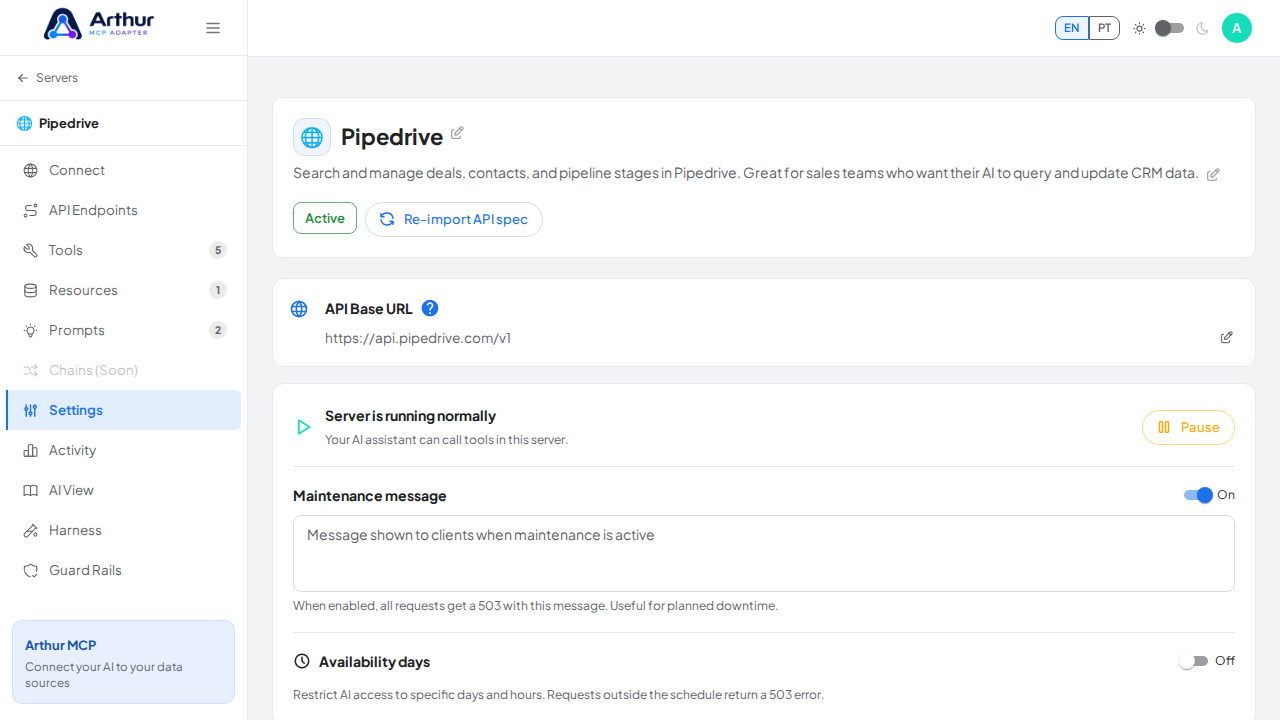
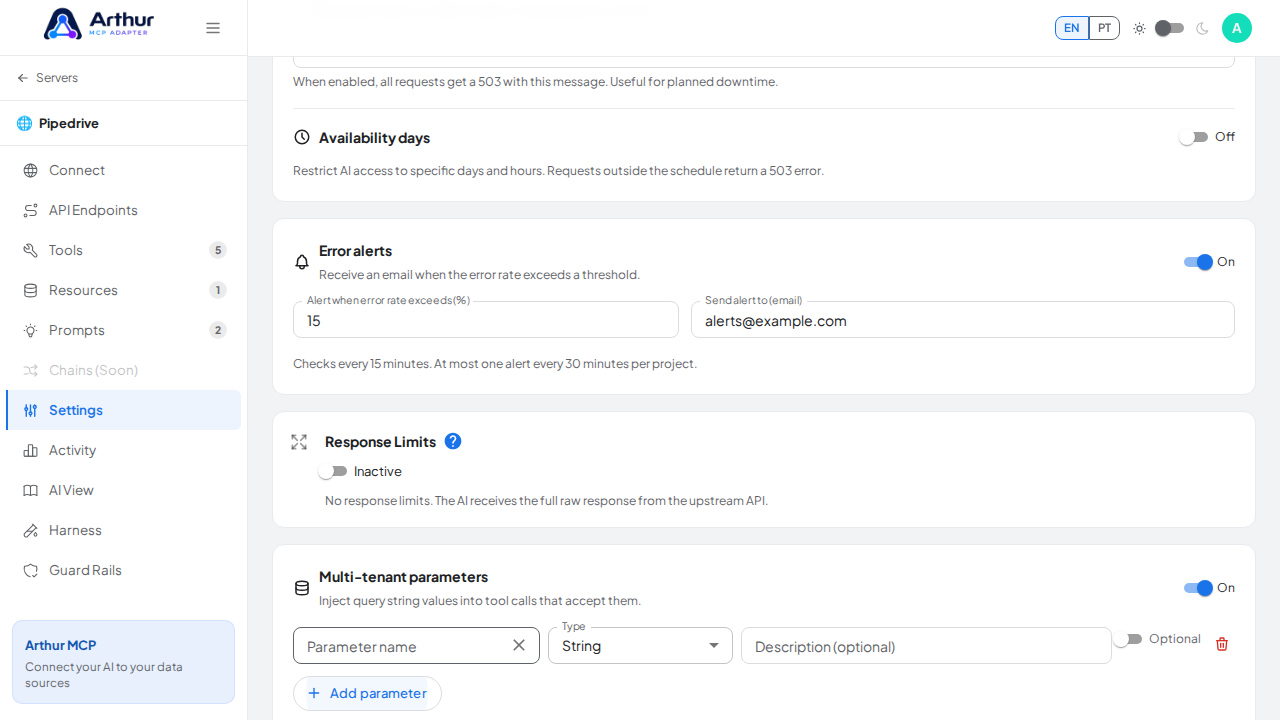
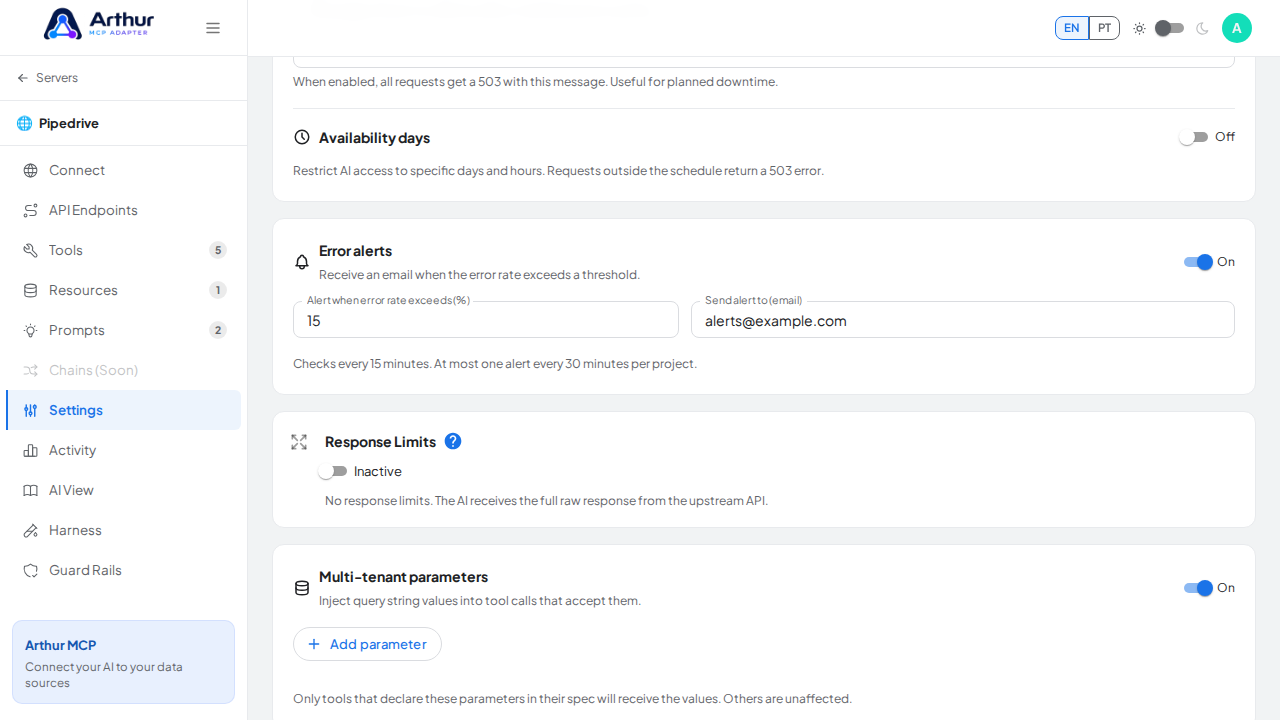
Find Multi-tenant parameters and enable it.
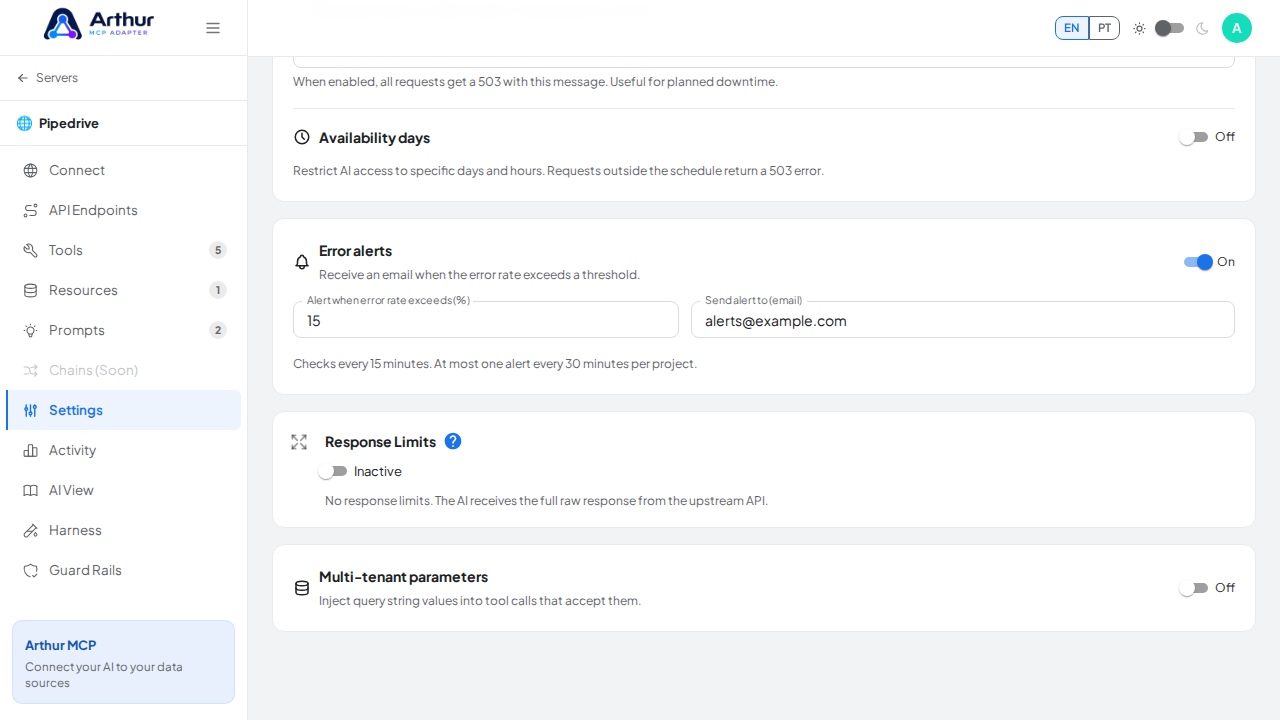
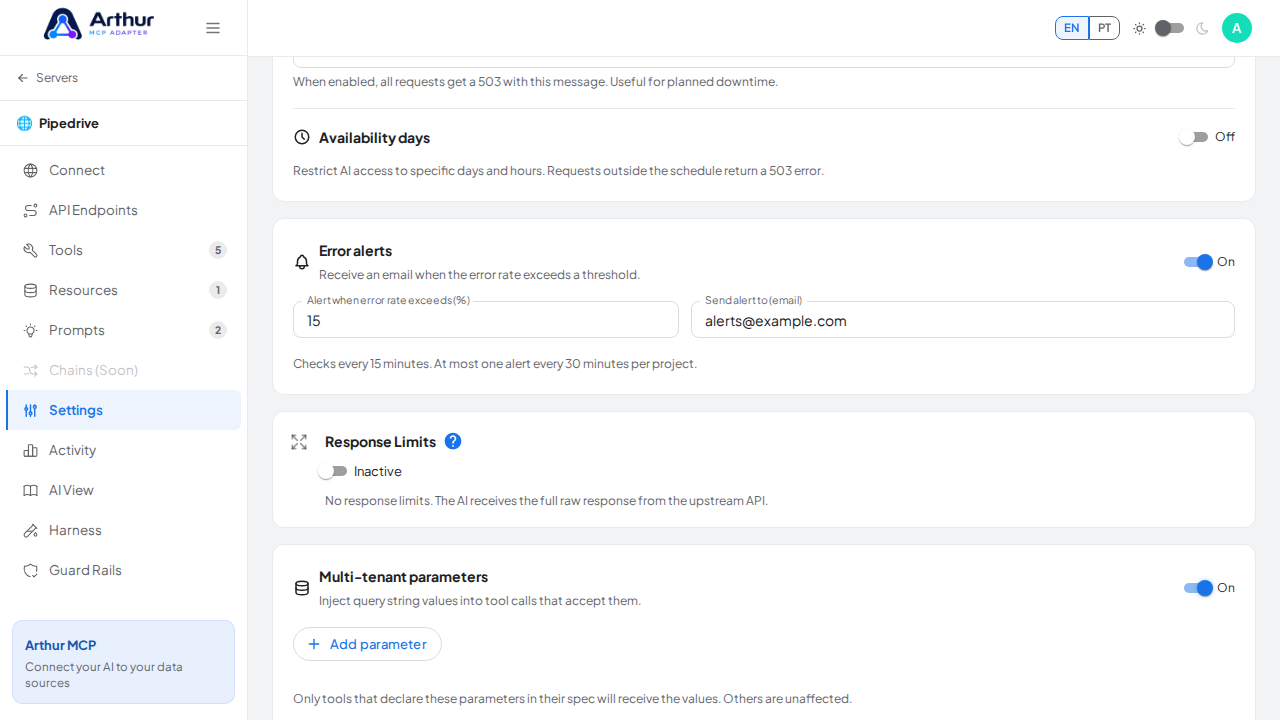
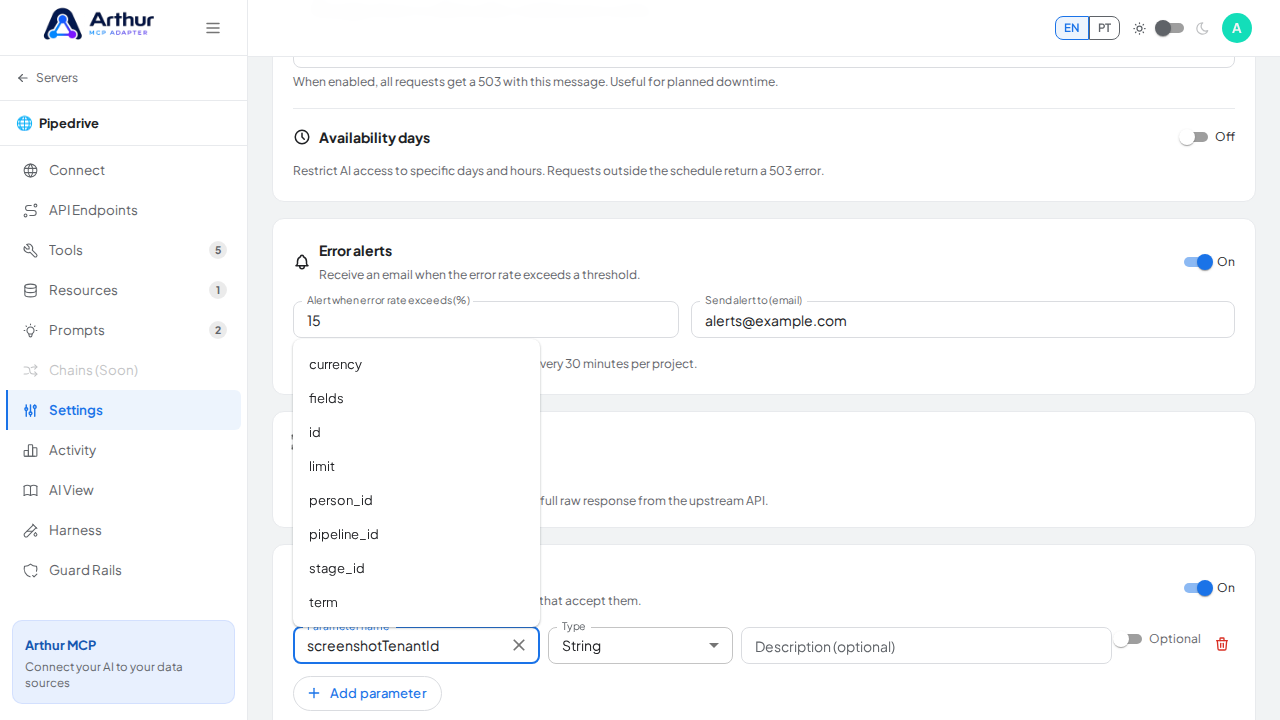
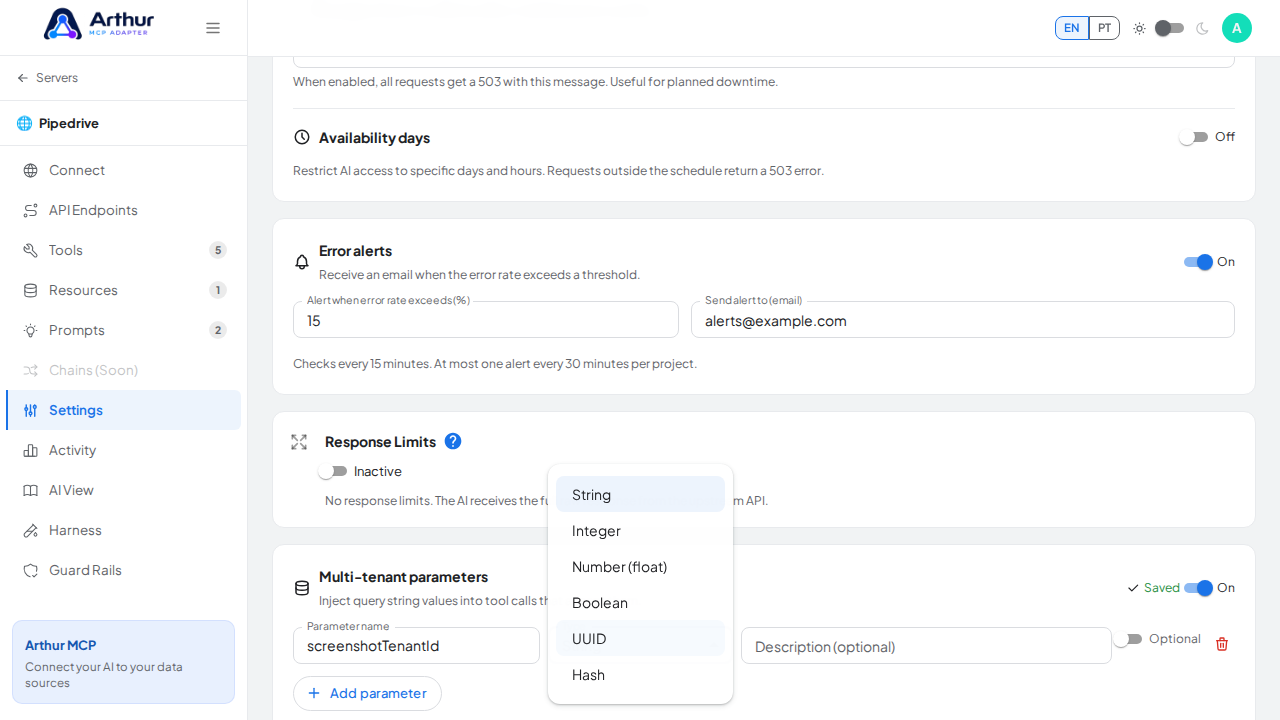
Add a parameter: its name (autocomplete suggests existing tool parameter names), a type, an optional description, and whether it's required.
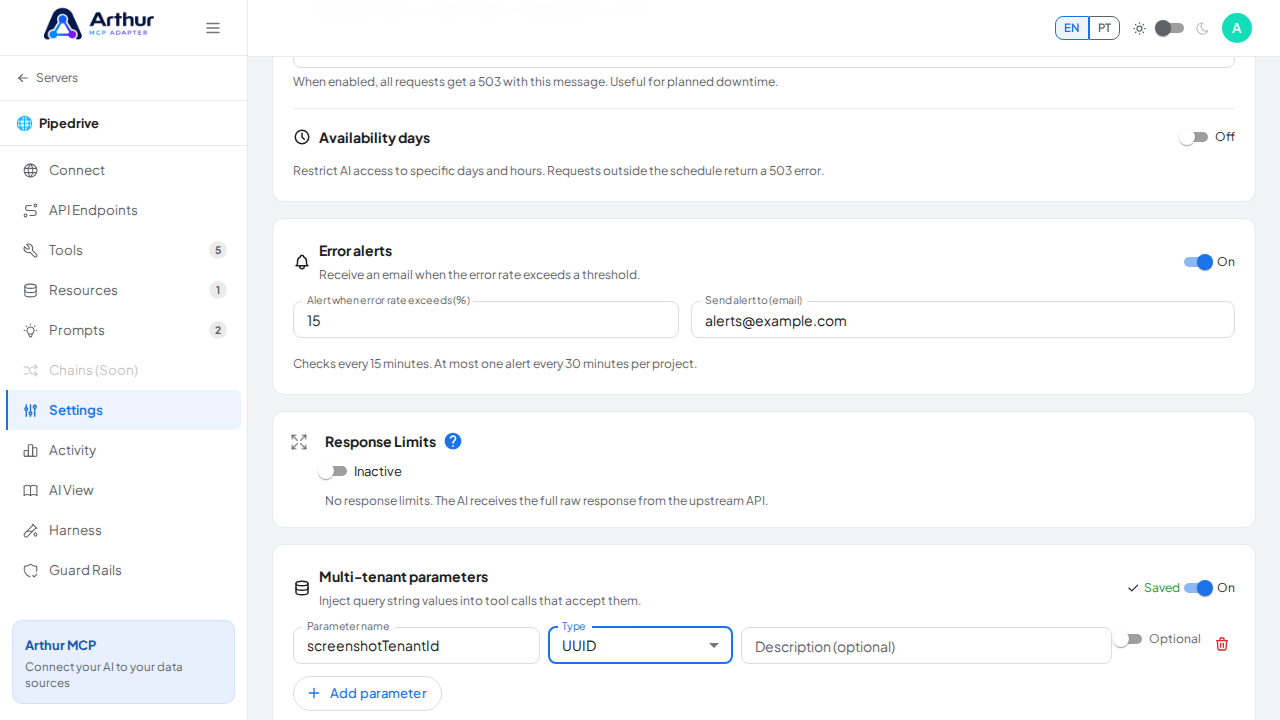
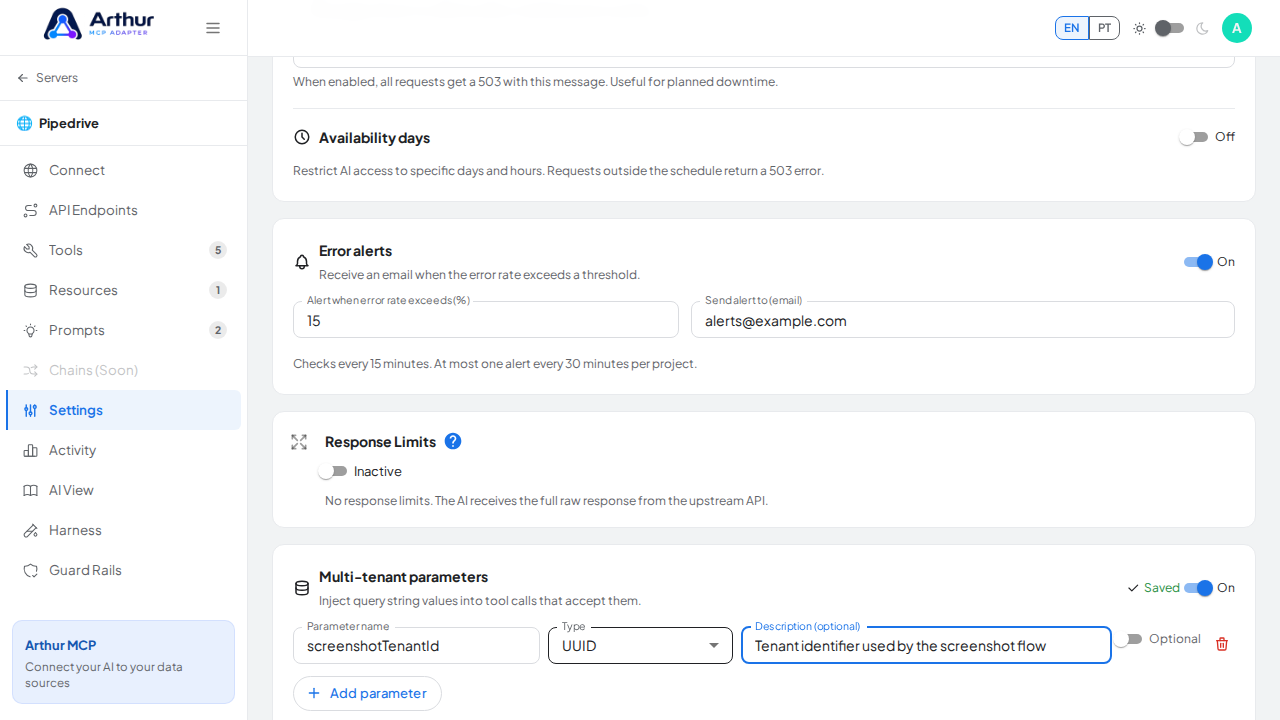
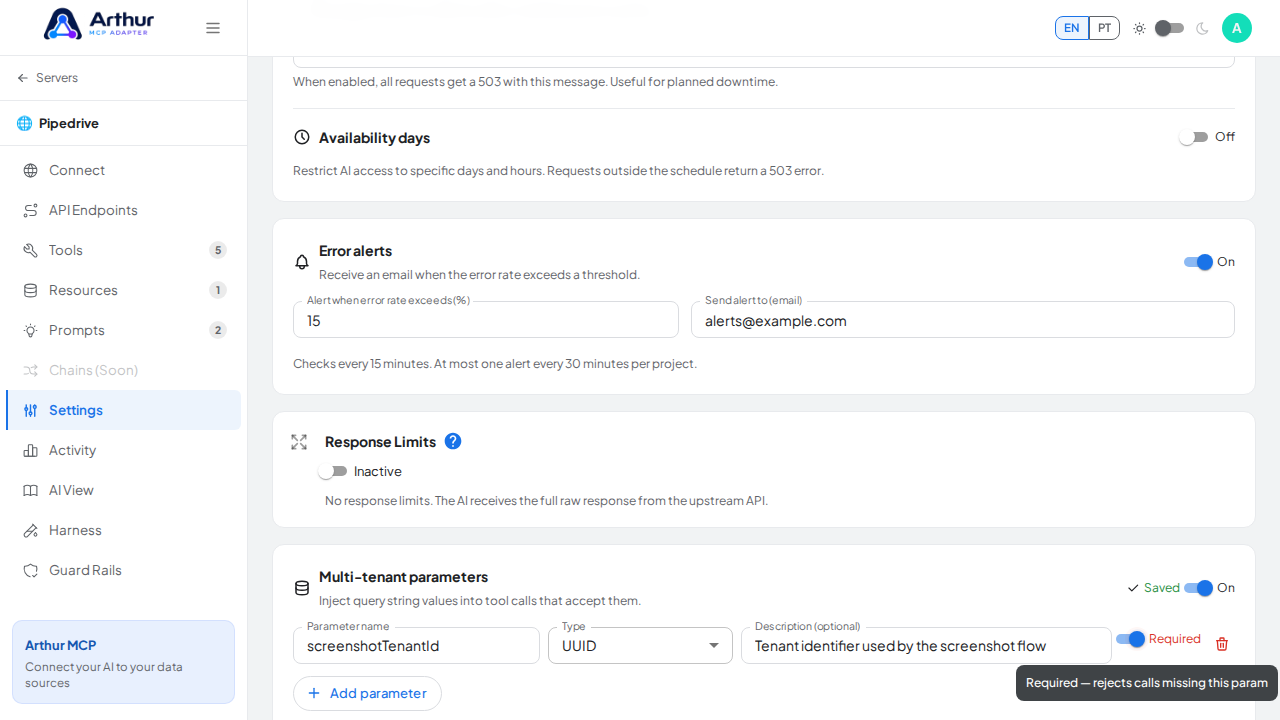
Save.
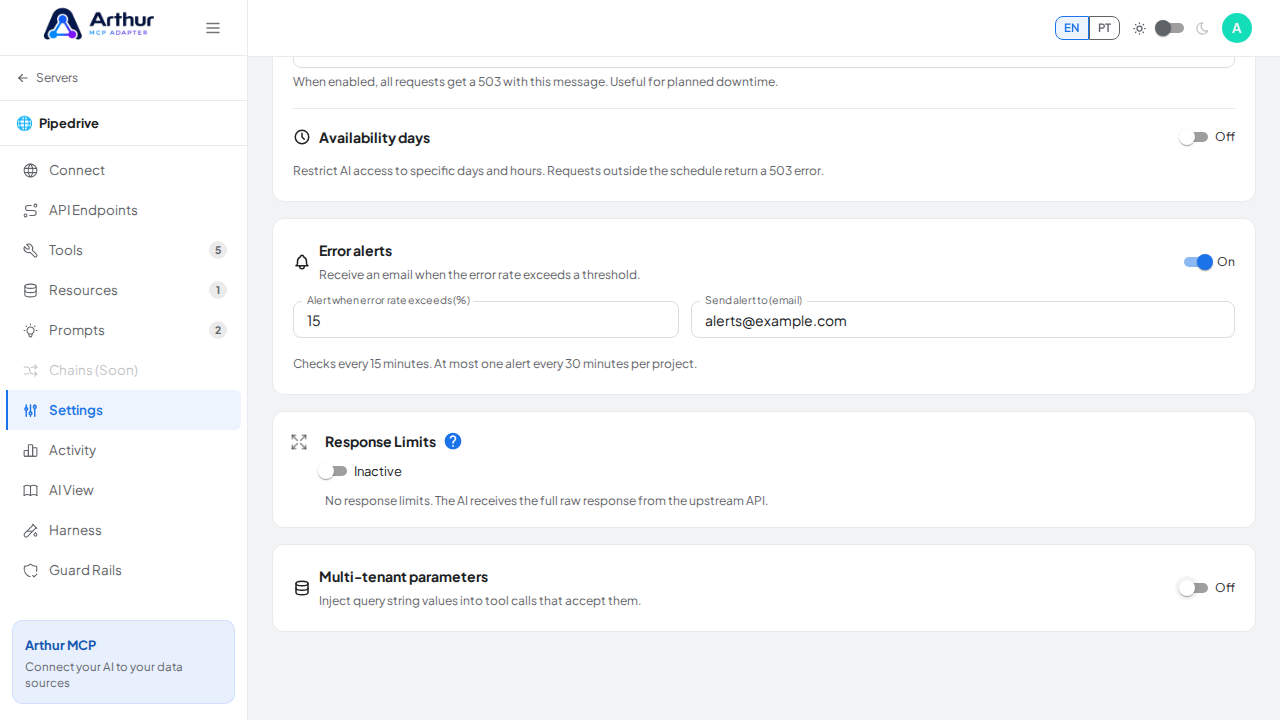
Confirm it worked
The panel shows a live example URL like …/api/mcp/server/{id}?customerId={value}. Calling the server without the required parameter is rejected; calling it with the parameter injects the value into matching tool arguments automatically.
Good to know
- This is meant for the case where the same tools and upstream API shape apply to every tenant, and only a value like a customer ID or workspace ID changes per call — not for tenants that need entirely different tools or credentials (use separate servers for that).
Related
Tutorial video