How it worksFeaturesDocsEarly accessGitHubDashboard

How to Configure Execution Hooks

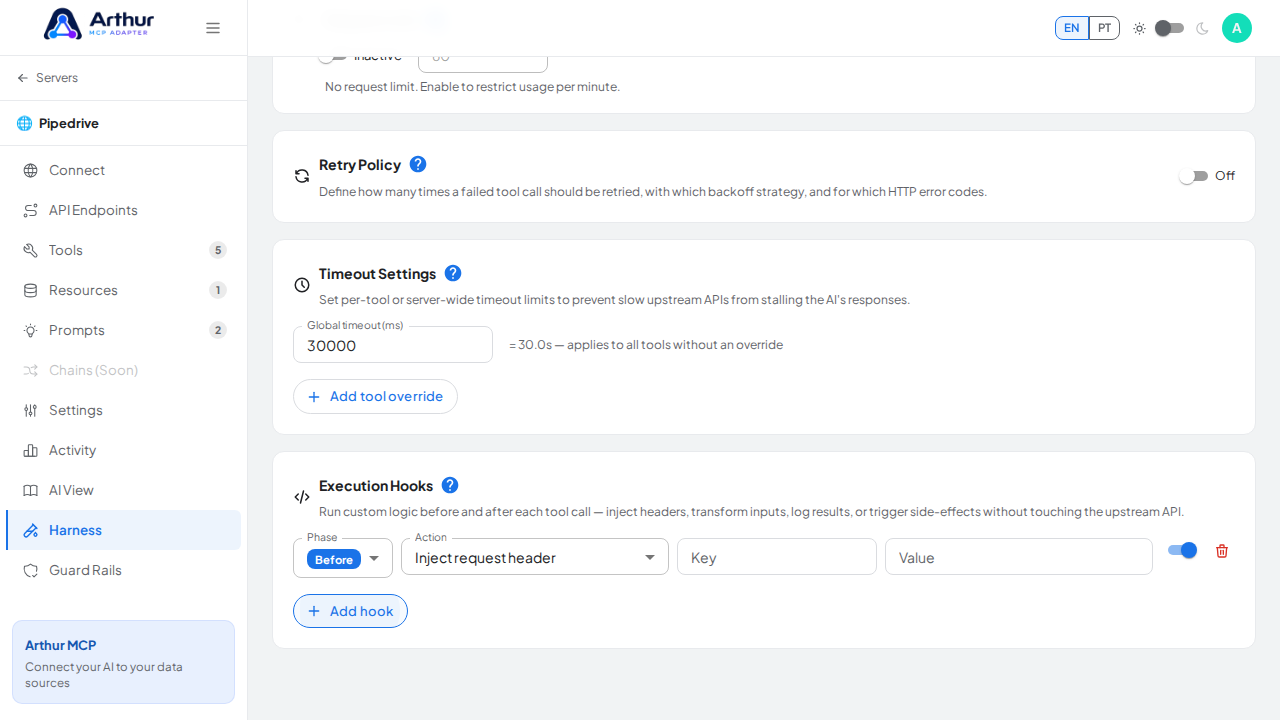
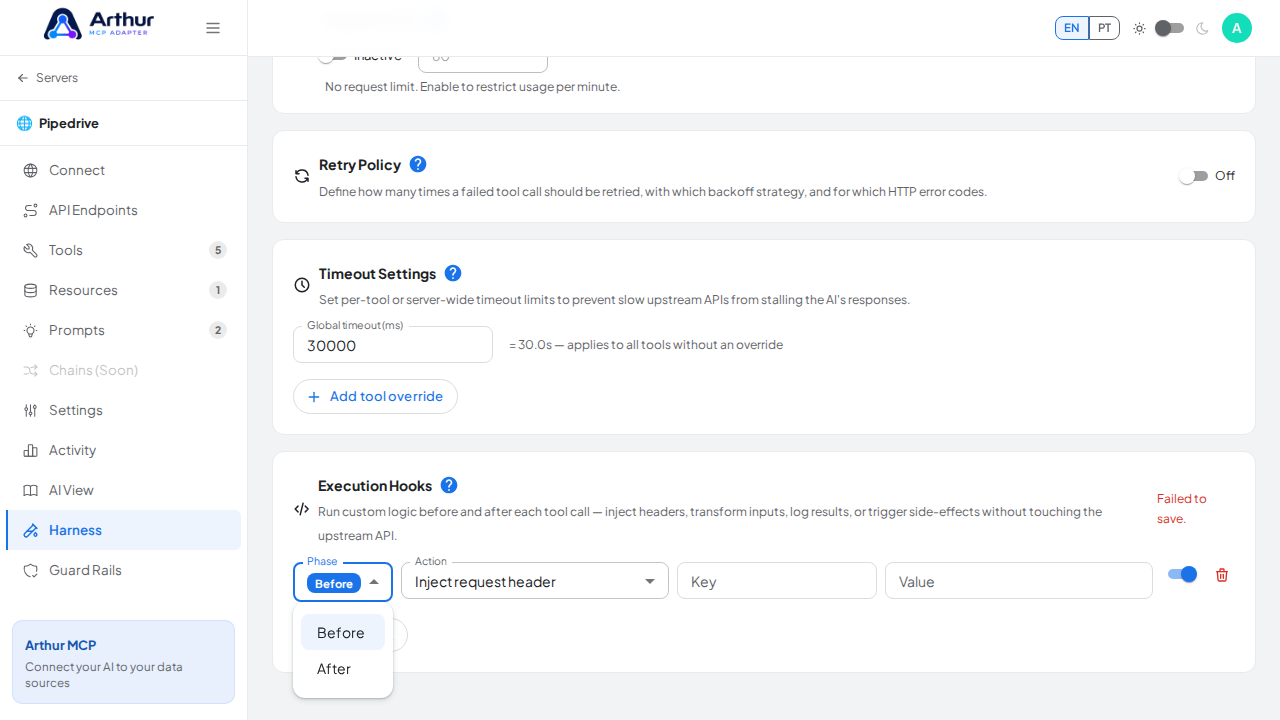
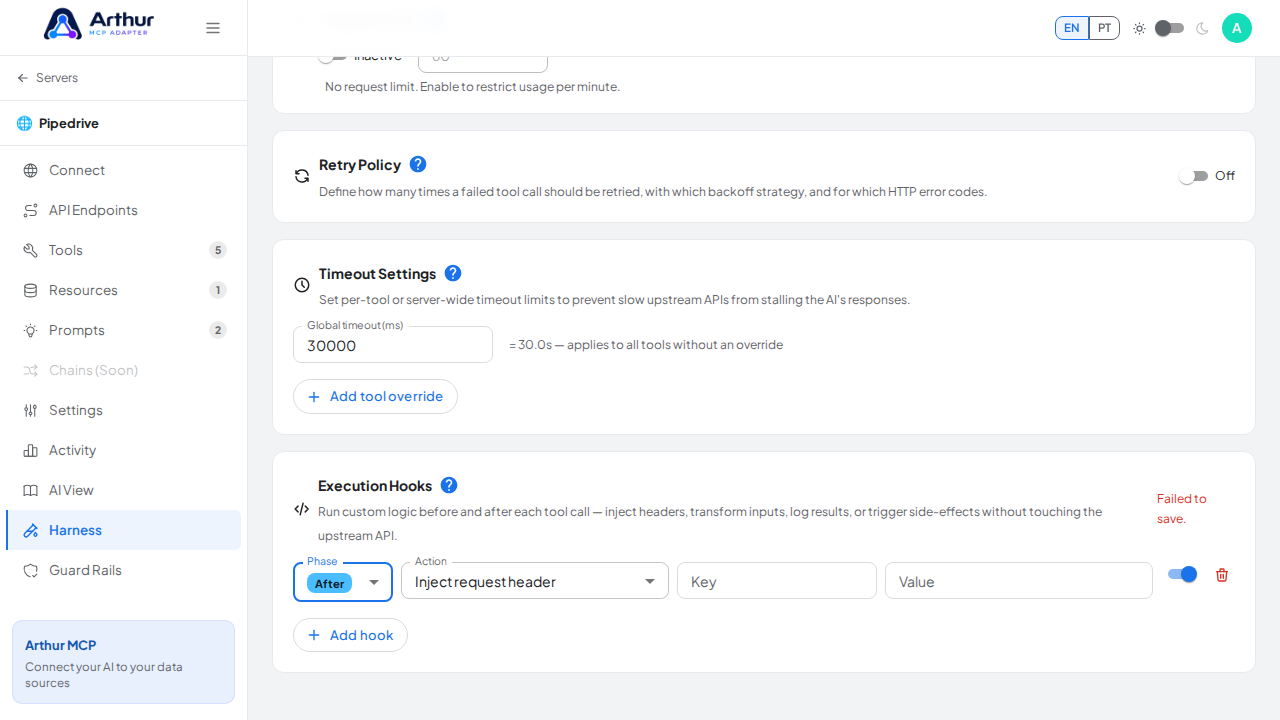
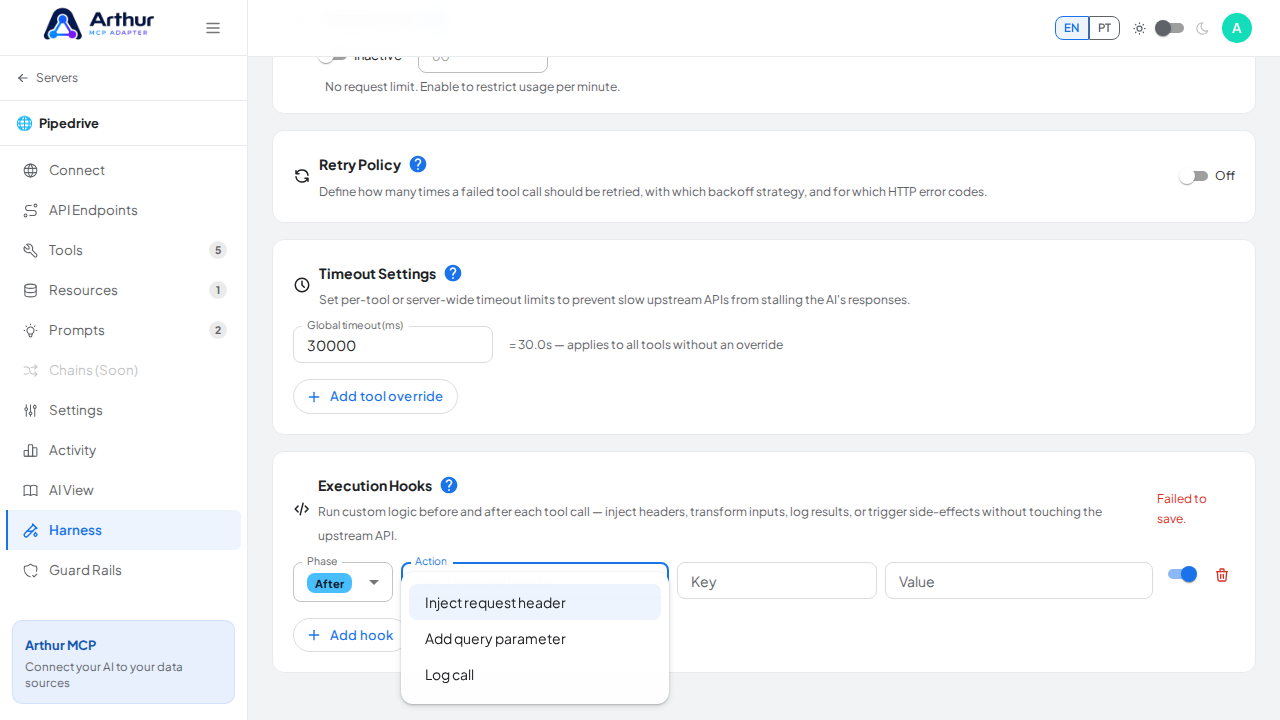
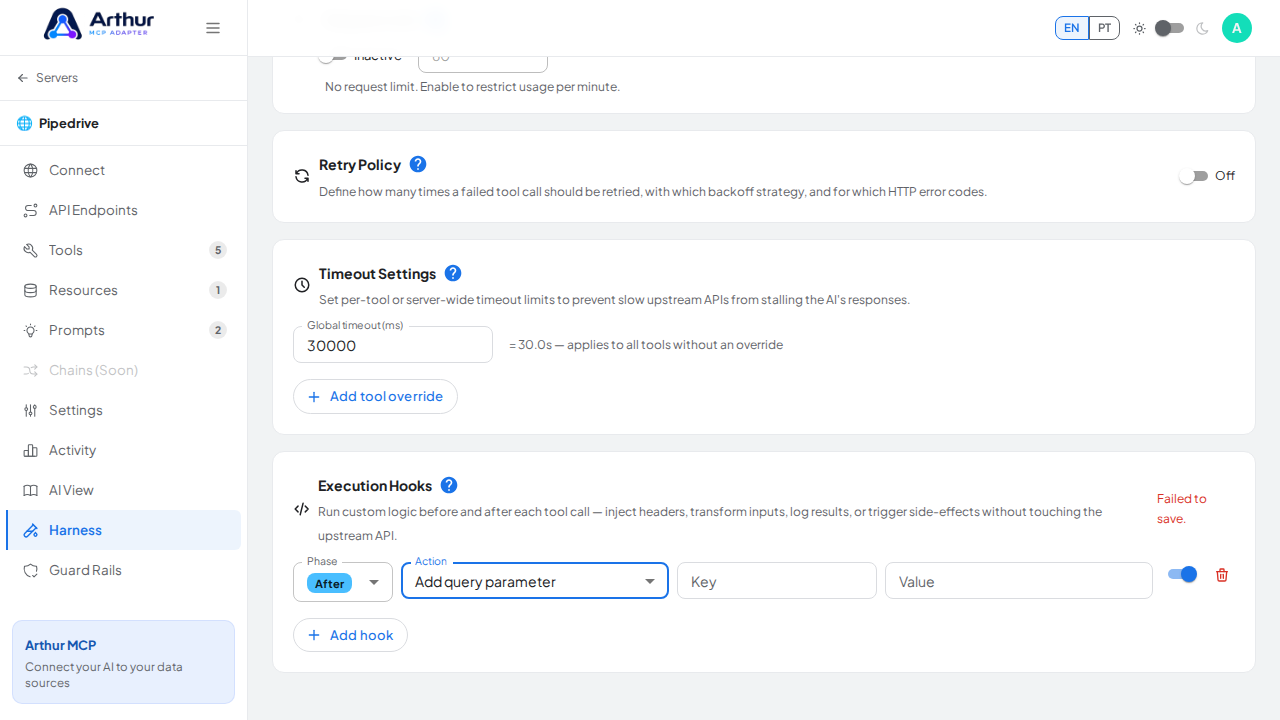
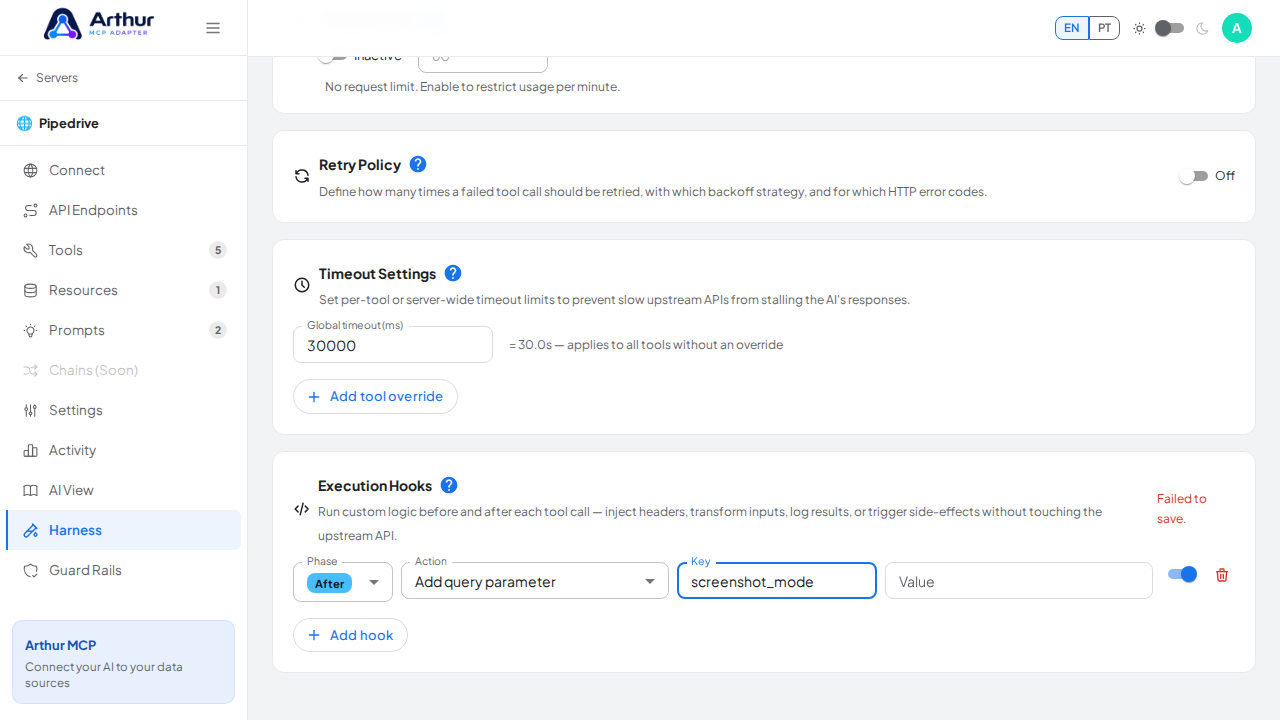
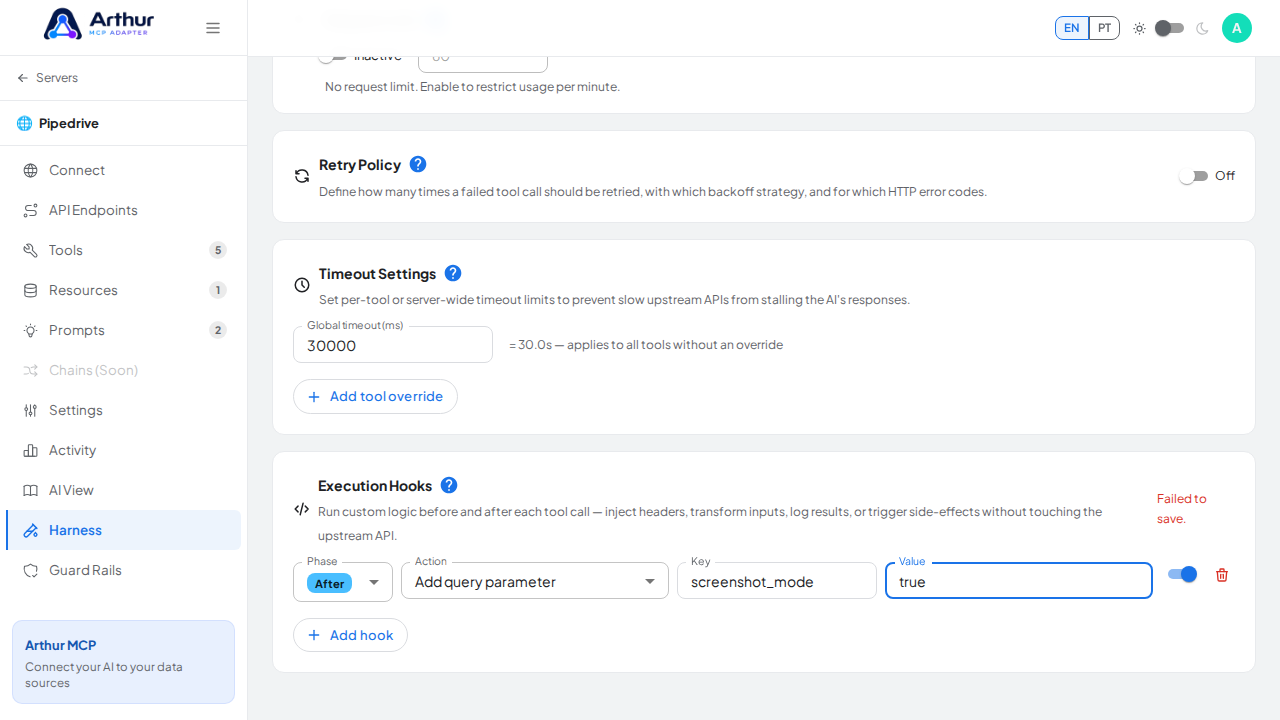
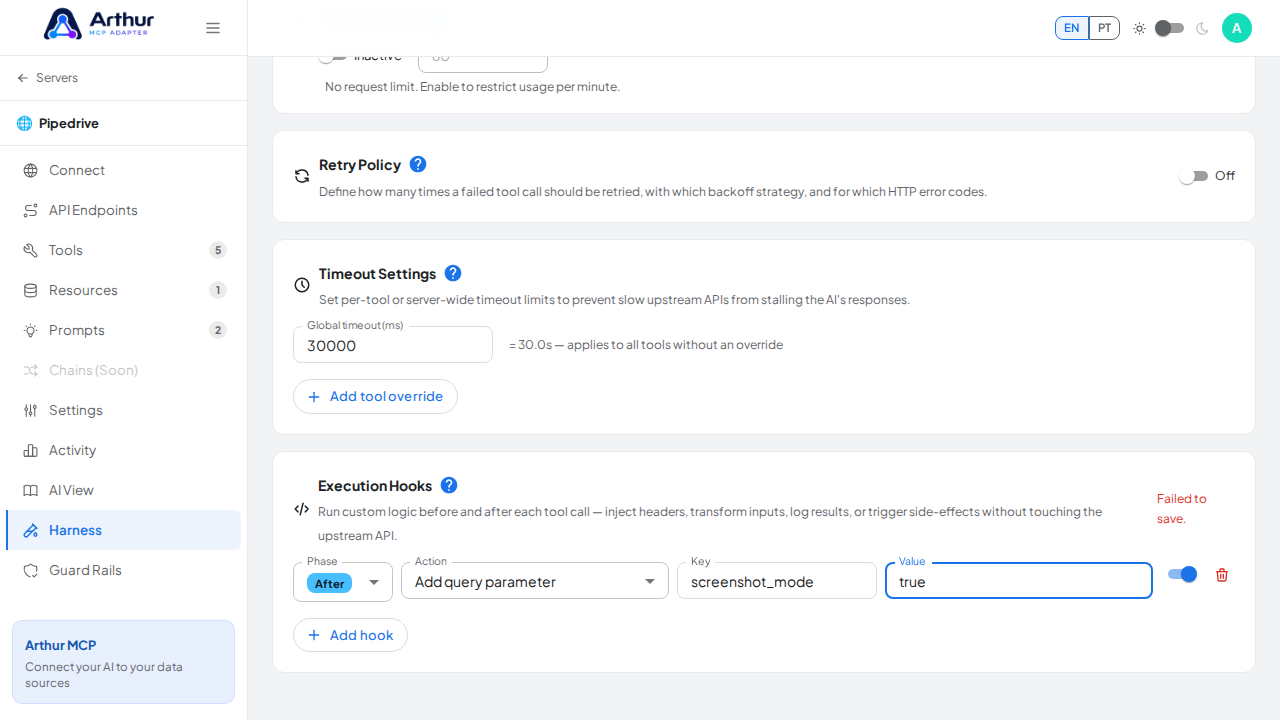
Open a server's Harness tab, find Execution Hooks, and add one: pick a phase (before/after), an action (inject header, add query param, or log), and a key/value if the action needs one. It saves, but isn't enforced by the backend yet, so the hook won't actually run today.
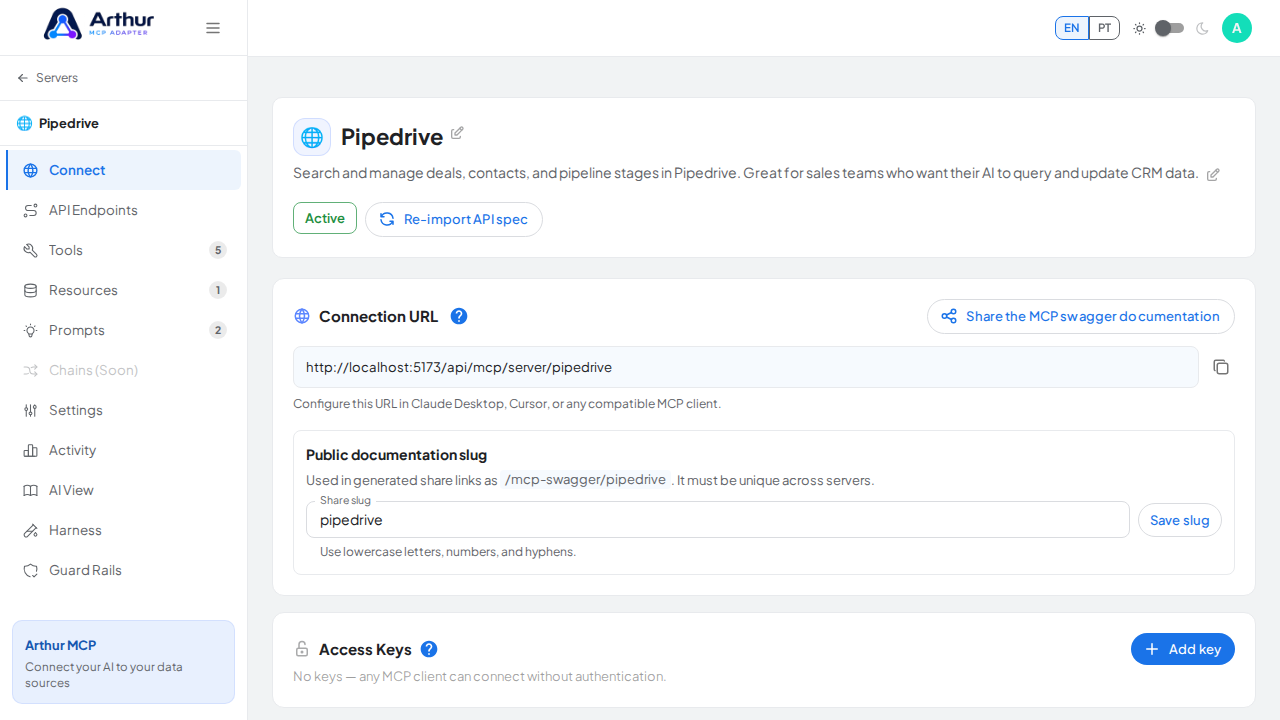
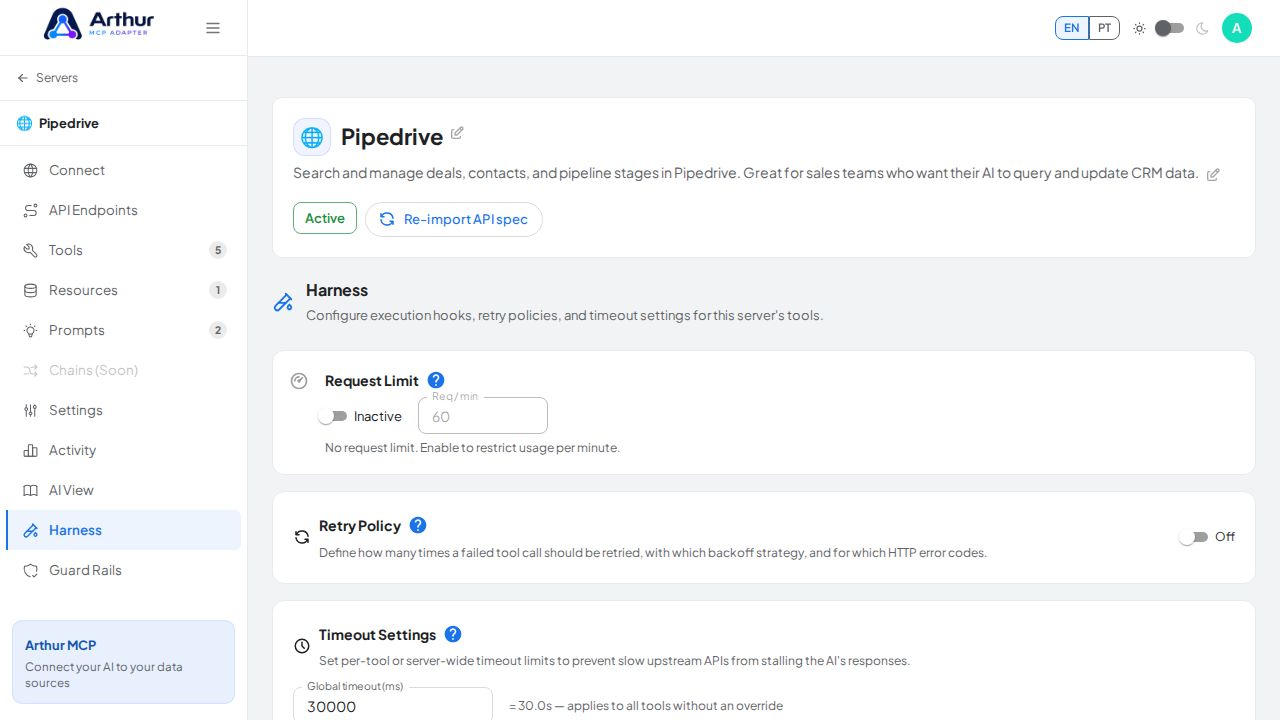
Open the capture server used by this procedure

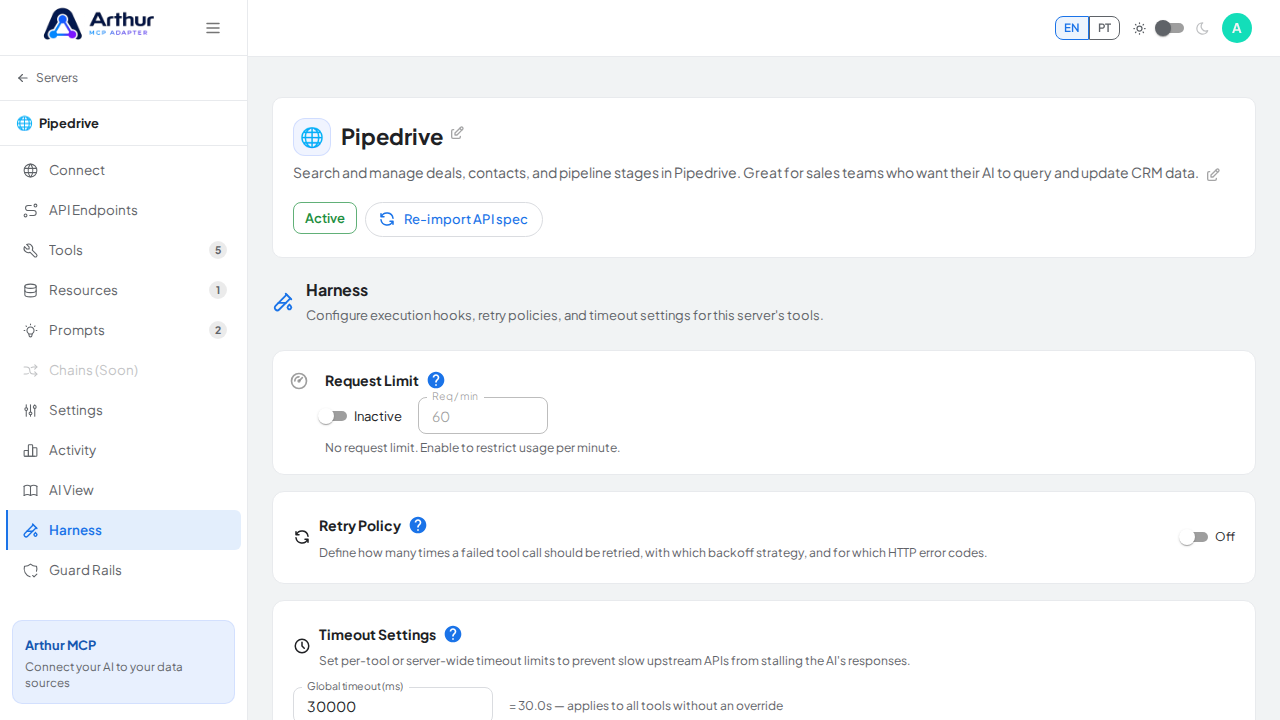
Open the Harness tab where the configuration is managed

Bring the Execution Hooks panel into view

Add a temporary hook so every configurable field can be demonstrated

Open the execution phase selector

Run the example hook after the tool call

Open the hook action selector

Choose an action that adds a query parameter

Set an identifiable query-parameter key for the example hook

Set the static value injected by the hook

Capture the failed-save state instead of claiming that the configured hook is active

Learn more: Harness.

Tutorial video