
Harness
Work in progress. Only Request Limit reflects something real and enforced today. Timeout Settings, Retry Policy, and Execution Hooks are visible and interactive, but nothing you enter in them is saved yet — treat them as a preview of the controls that are coming, not working settings.
Harness is where you'll eventually tune how Arthur behaves when a tool call to your upstream API is slow or unreliable.
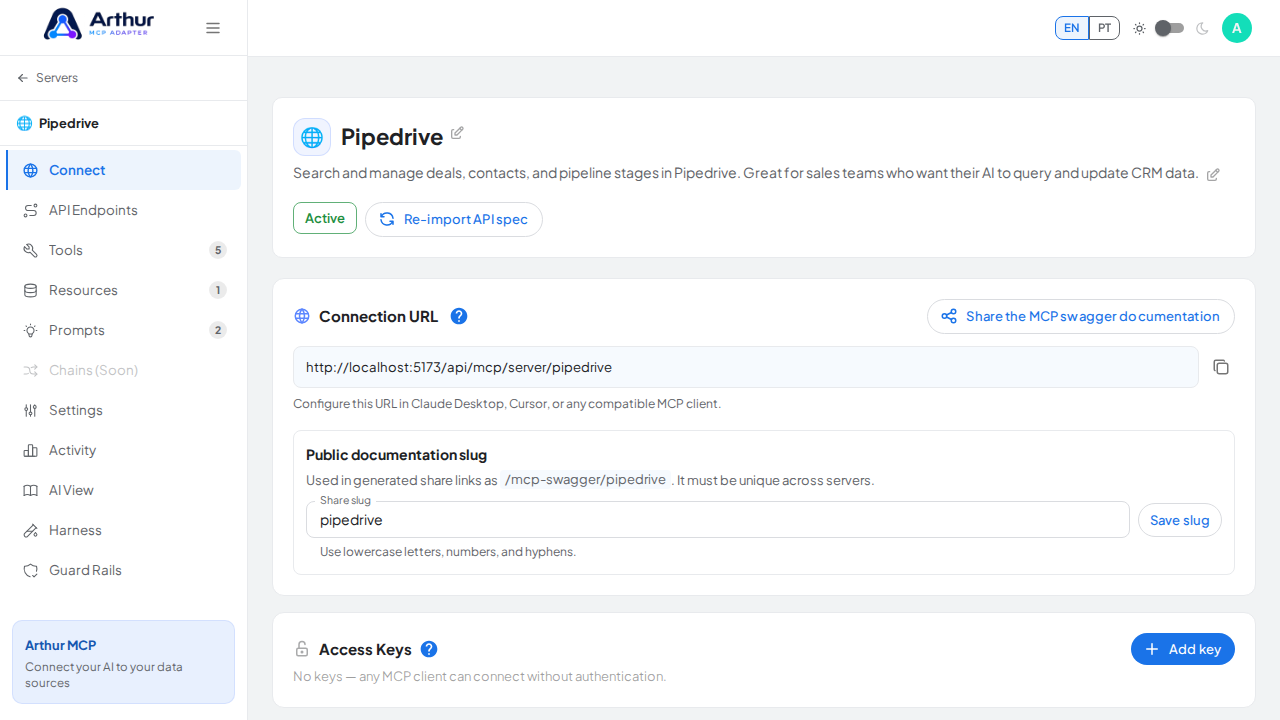
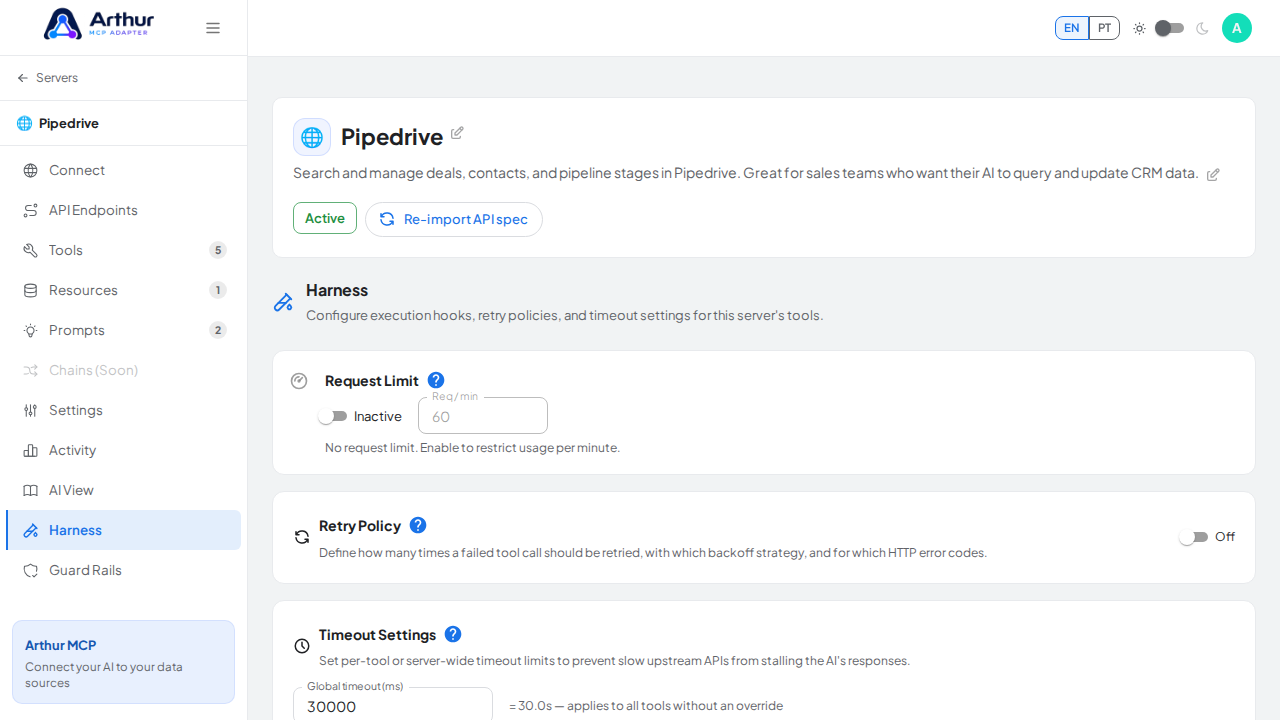
What you can do
- Request Limit — a read-only display of the fixed rate limit Arthur enforces on every MCP server: 60 requests per minute. This is real and active, but it isn't configurable per server yet — the switch and field here are for visibility only.
- Timeout Settings (not yet functional) — a global timeout field plus per-tool overrides, meant to stop a slow upstream API from stalling the AI's response indefinitely.
- Retry Policy (not yet functional) — meant to control how many times a failed call is retried, with which backoff strategy, and for which HTTP error codes.
- Execution Hooks (not yet functional) — meant to run custom logic before/after a tool call: inject a header, add a query param, or log the result.
How to use it
- Open a server and go to its Harness tab to see the current fixed Request Limit.
- You can fill in Timeout, Retry, or Hook settings and click save, but the save will fail silently or show an error — none of it is persisted or enforced by the backend yet.
Good to know
- Every server on the instance shares the same fixed 60 req/min limit; there's no way to raise or lower it per server today.
- Related: Guard Rails, the safety-focused counterpart to Harness's reliability focus — most of it is in the same early state.
Tutorial video