How it worksFeaturesDocsEarly accessGitHubDashboard

How to Configure Retry Policy

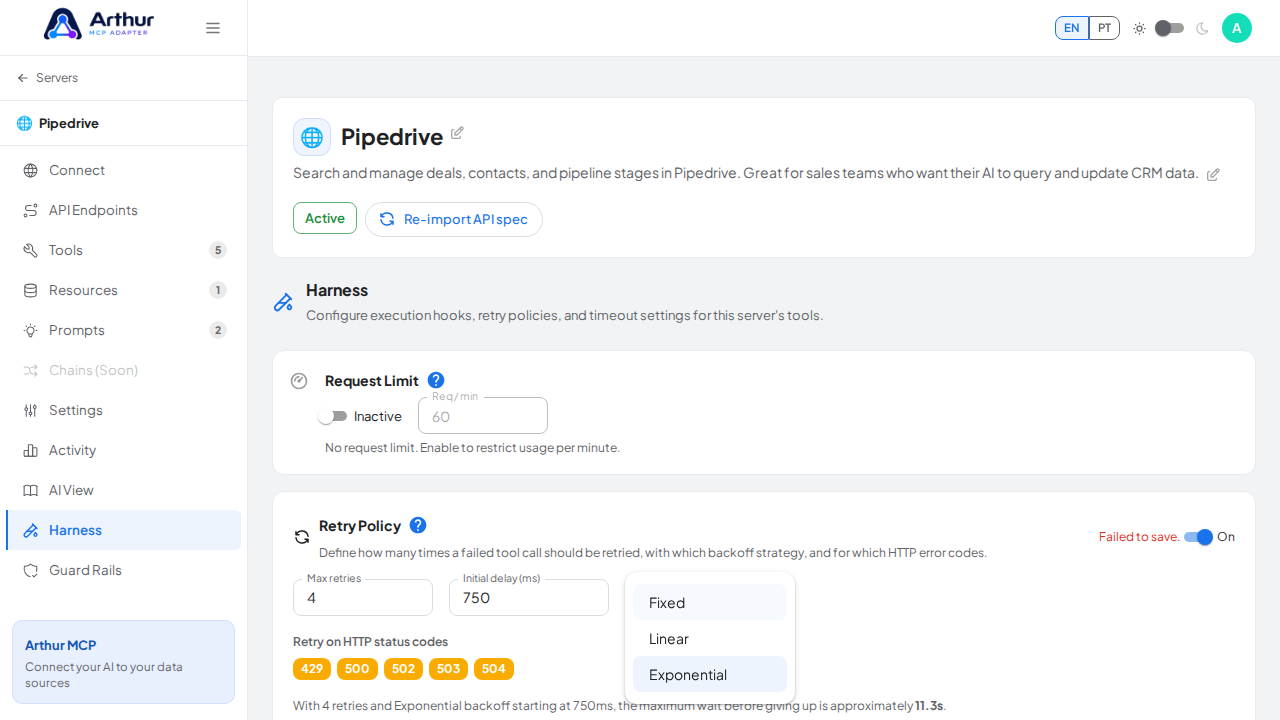
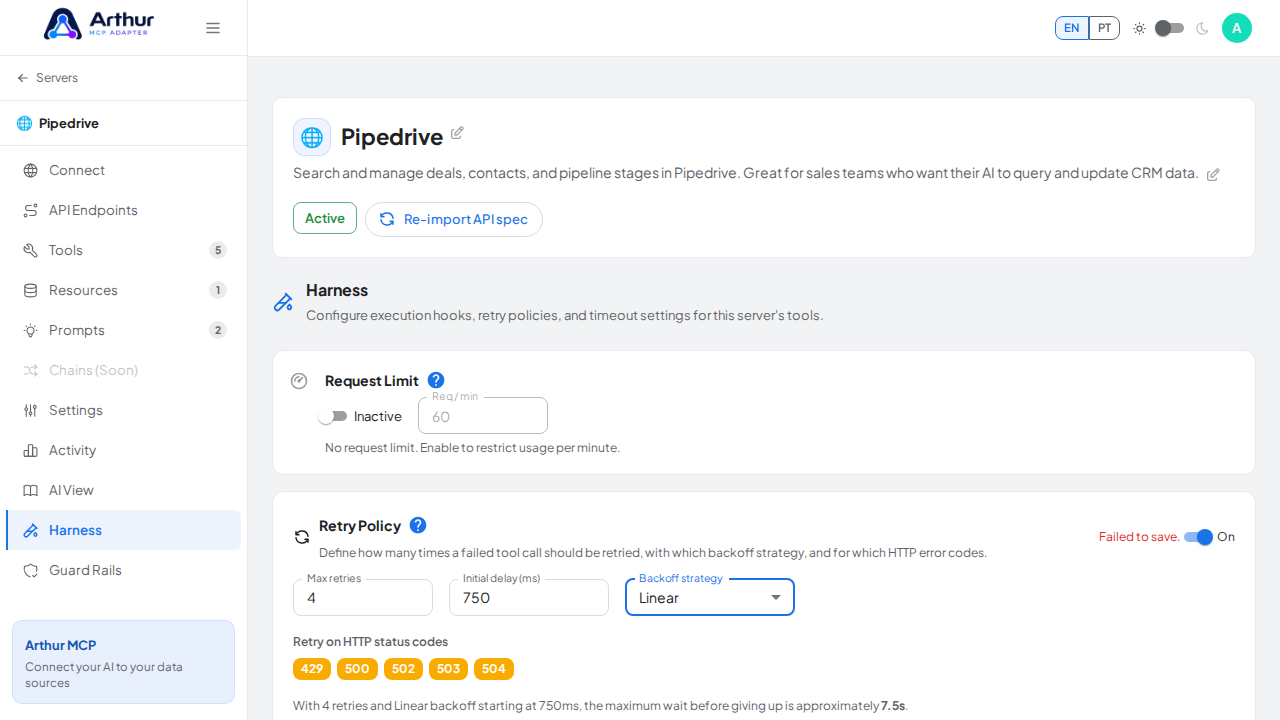
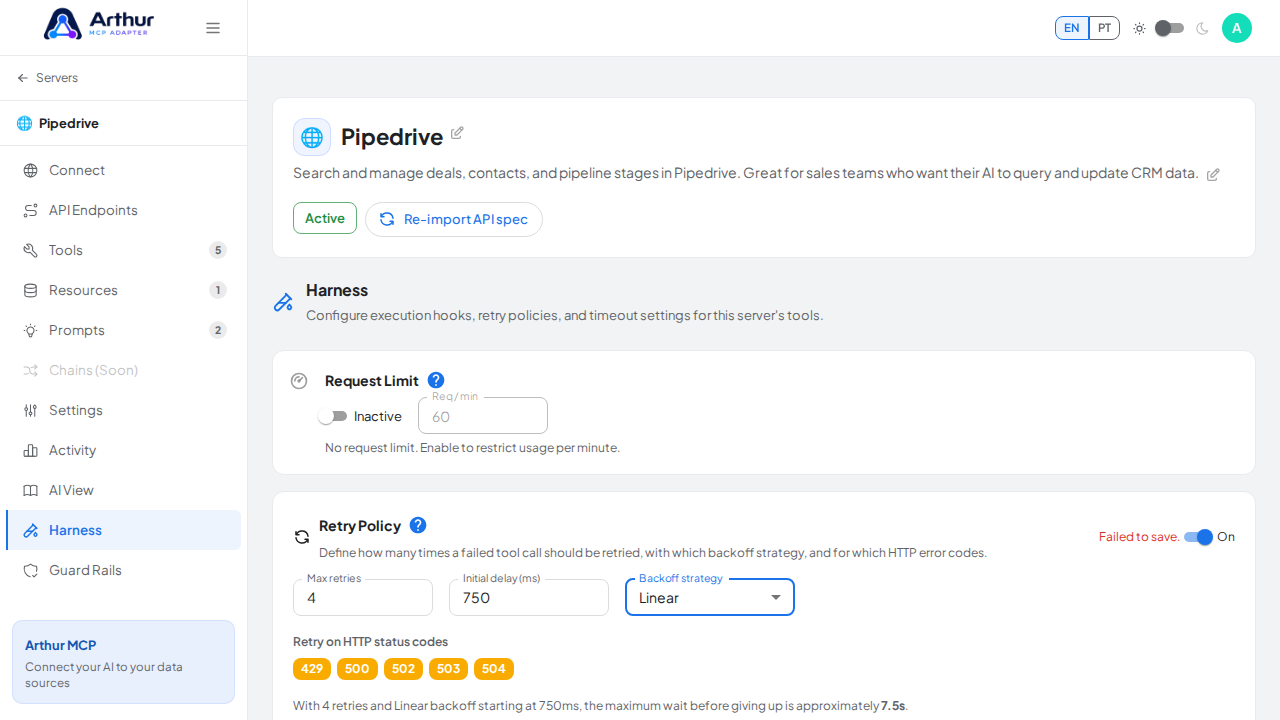
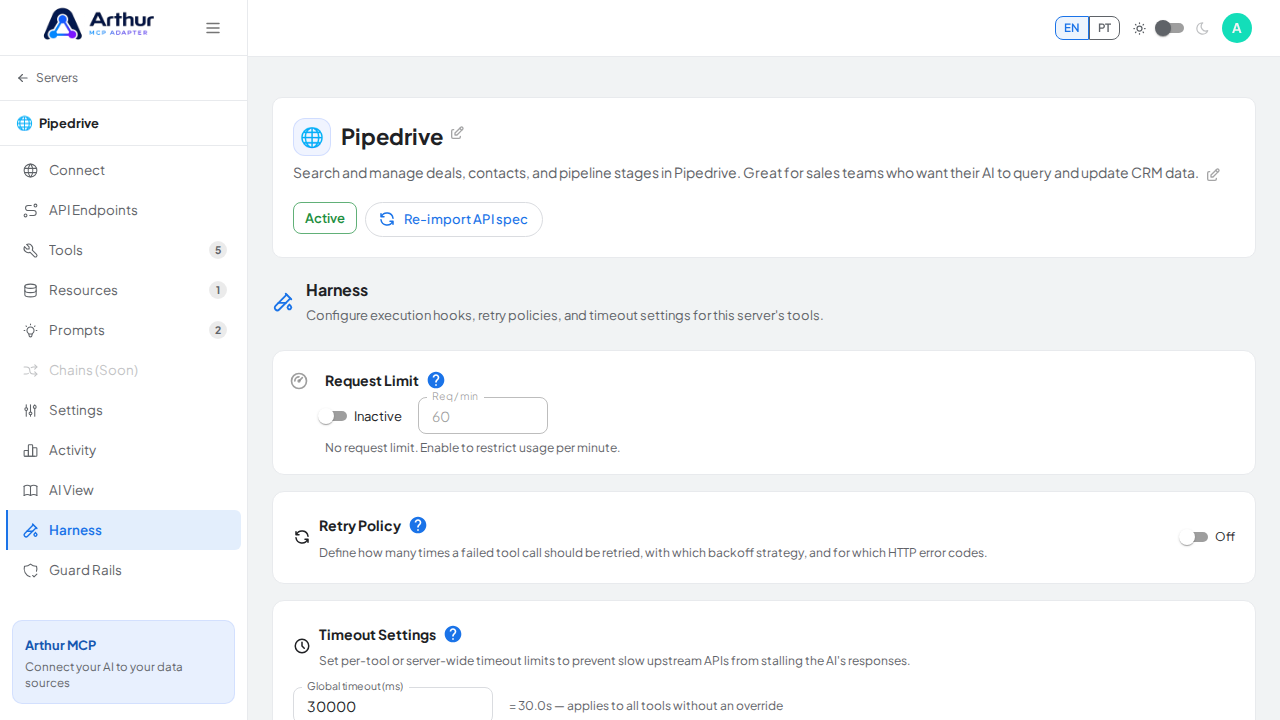
Open a server's Harness tab, find Retry Policy, and fill in max retries, initial delay, backoff strategy, and which status codes to retry on. You can save it, but be aware: this isn't enforced by the backend yet, so it won't actually change retry behavior today.
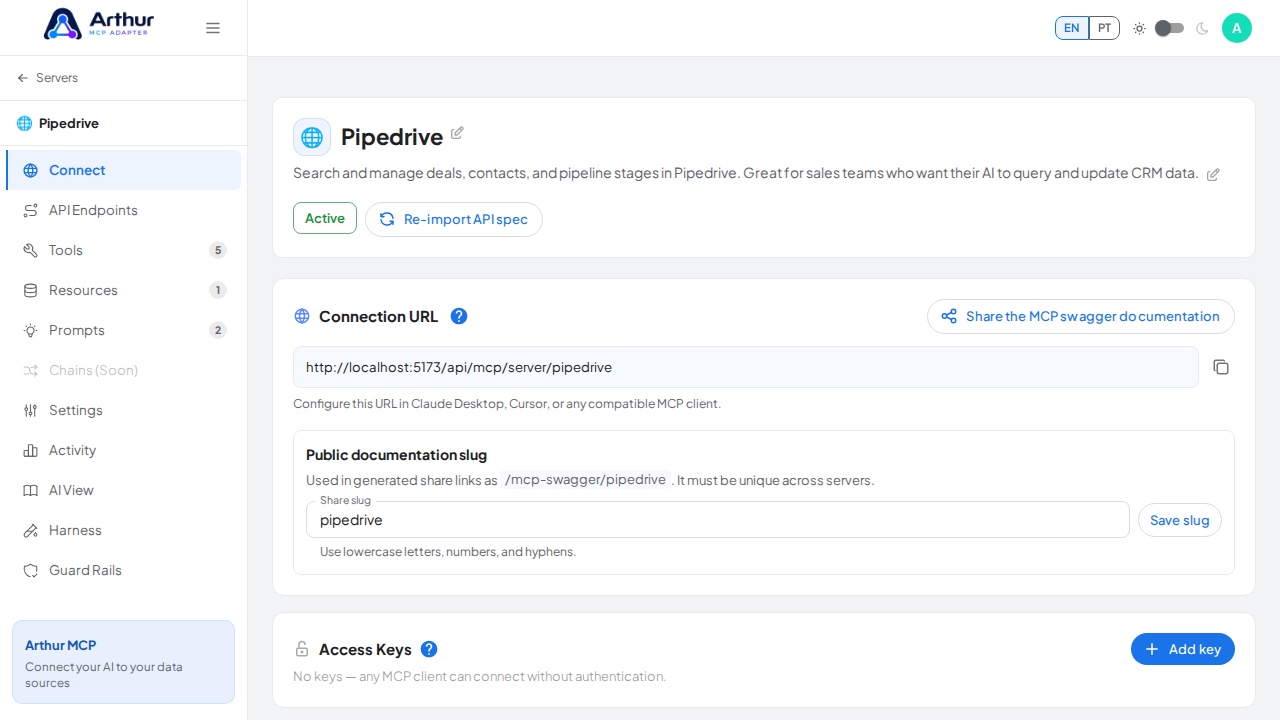
Open the capture server used by this procedure

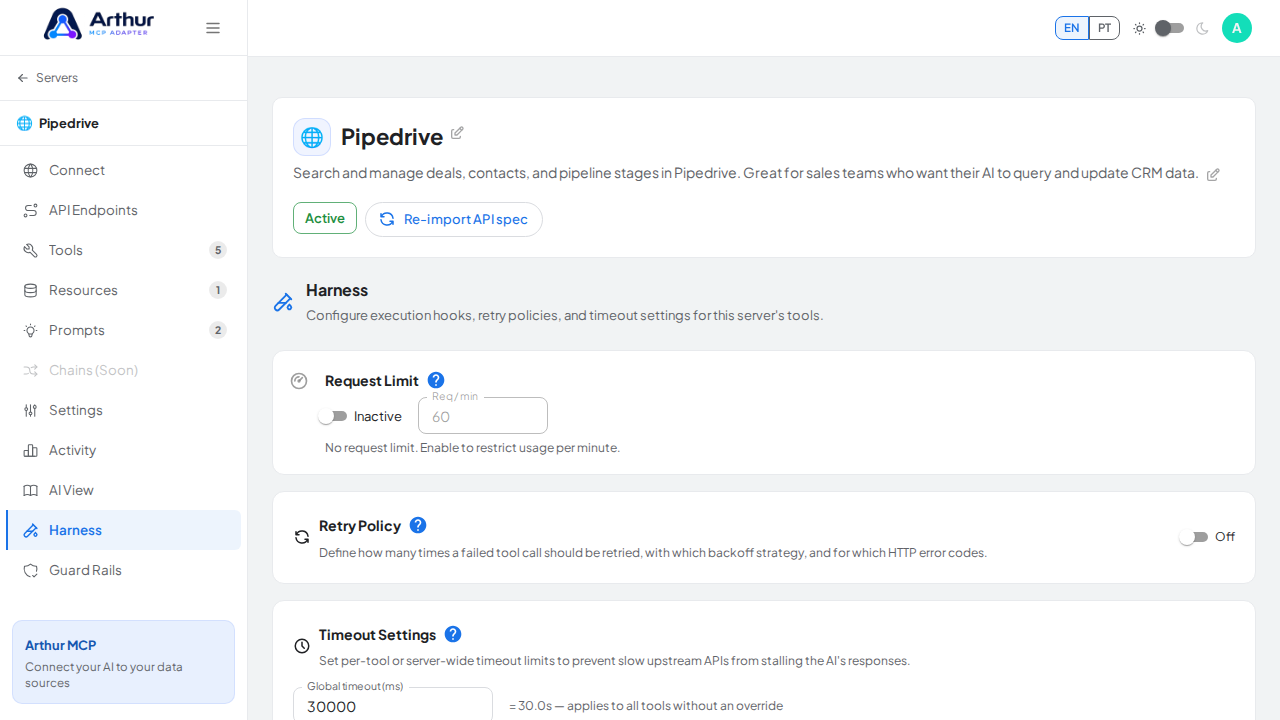
Open the Harness tab where the configuration is managed

Bring the Retry Policy panel into view

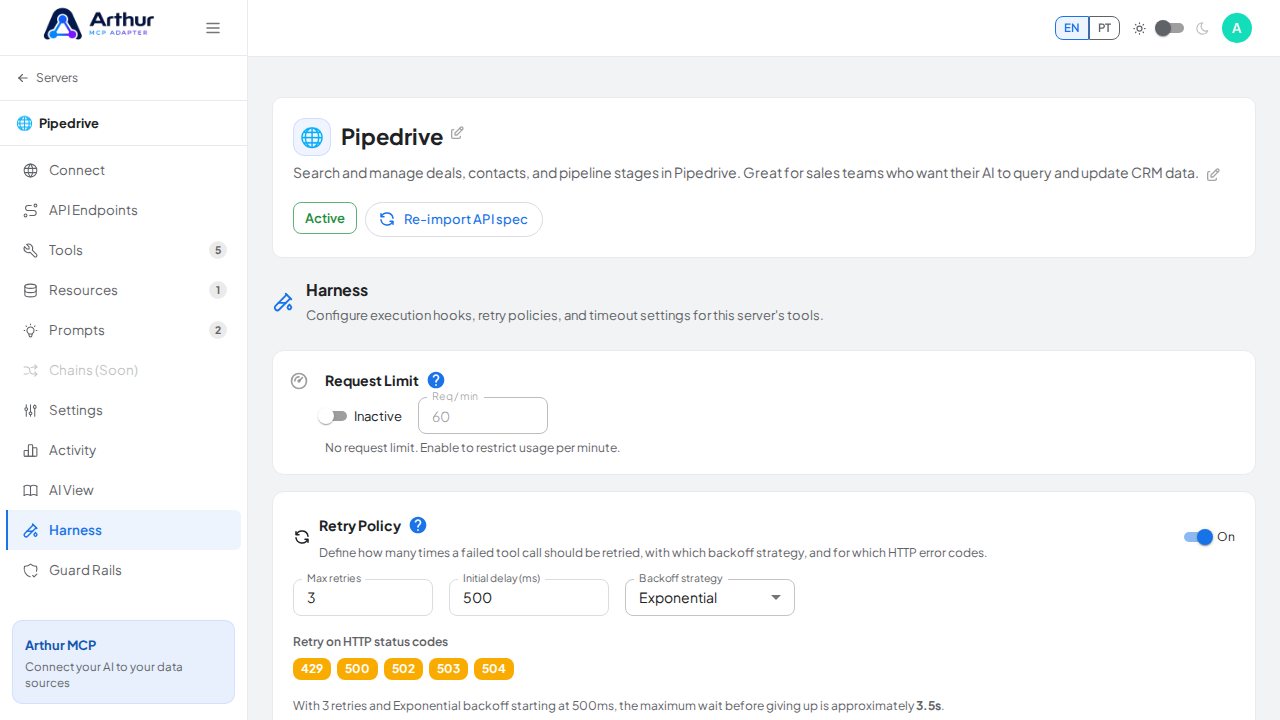
Enable the retry policy to reveal its configurable fields

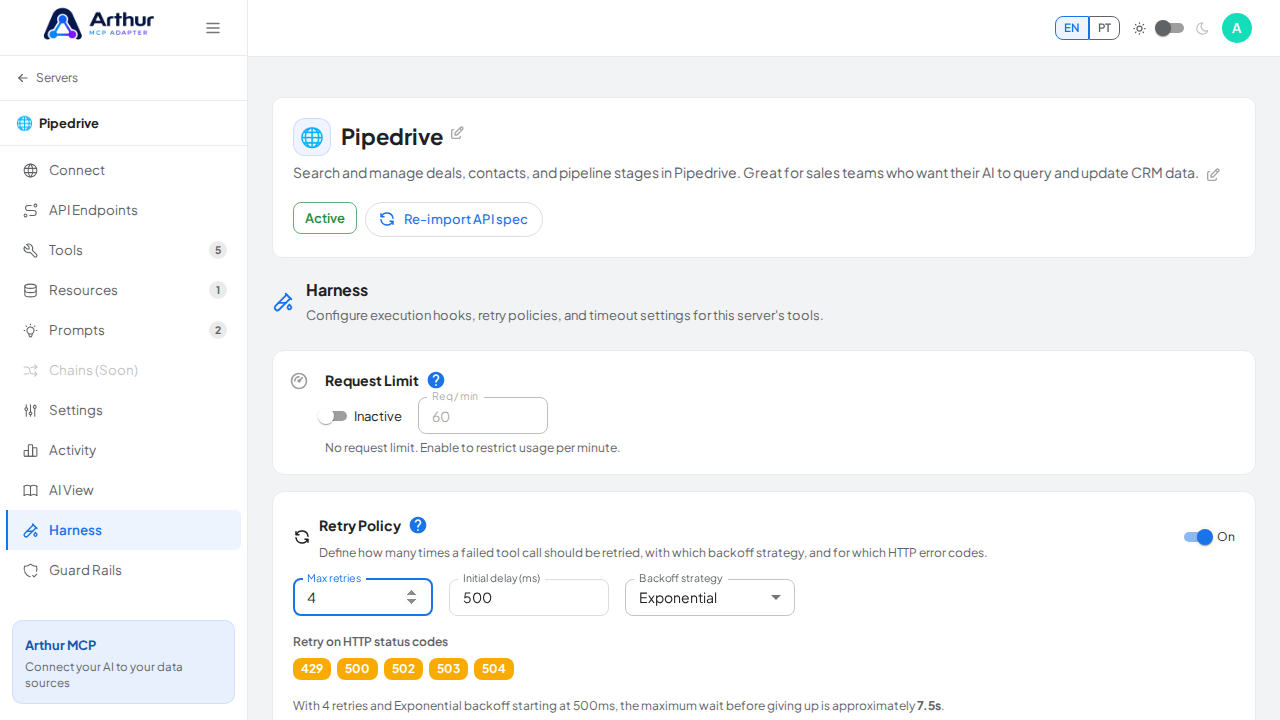
Set the maximum number of retry attempts

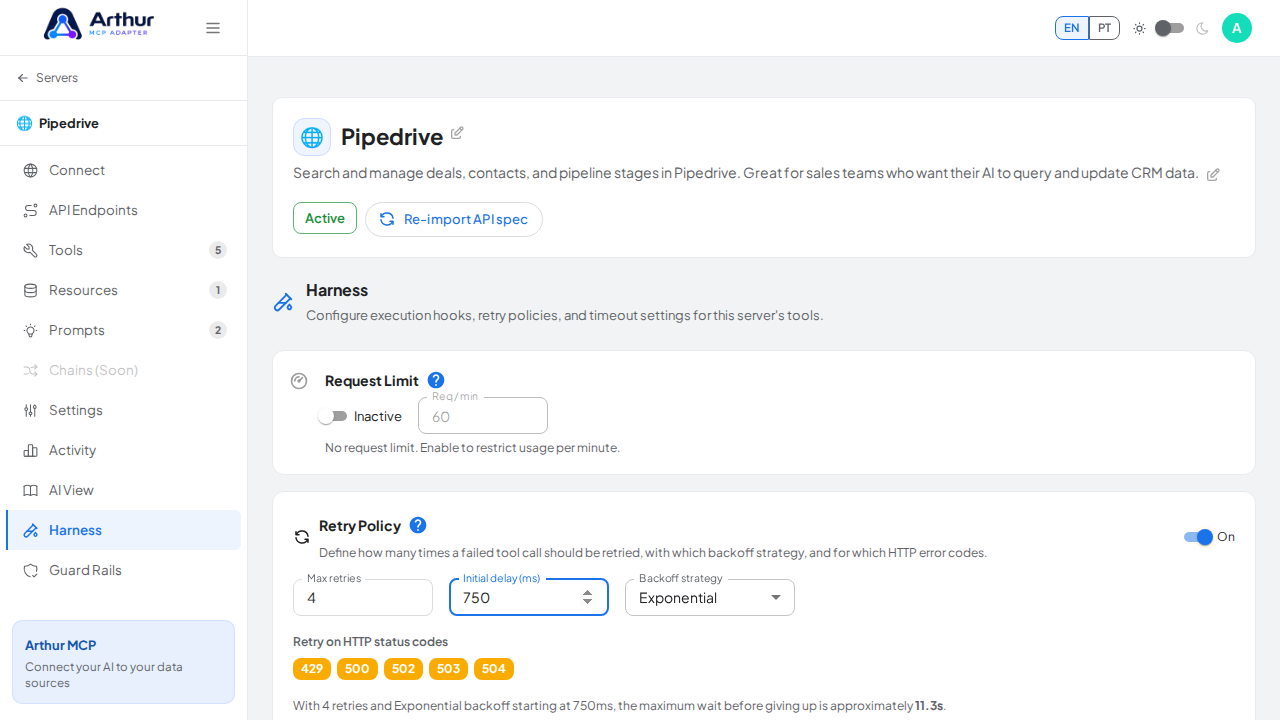
Set the delay before the first retry

Open the backoff strategy selector

Choose linear backoff for the demonstrated policy

Capture the failed-save state instead of claiming that the retry policy is active

Learn more: Harness.

Tutorial video