
How to Configure Input Constraints
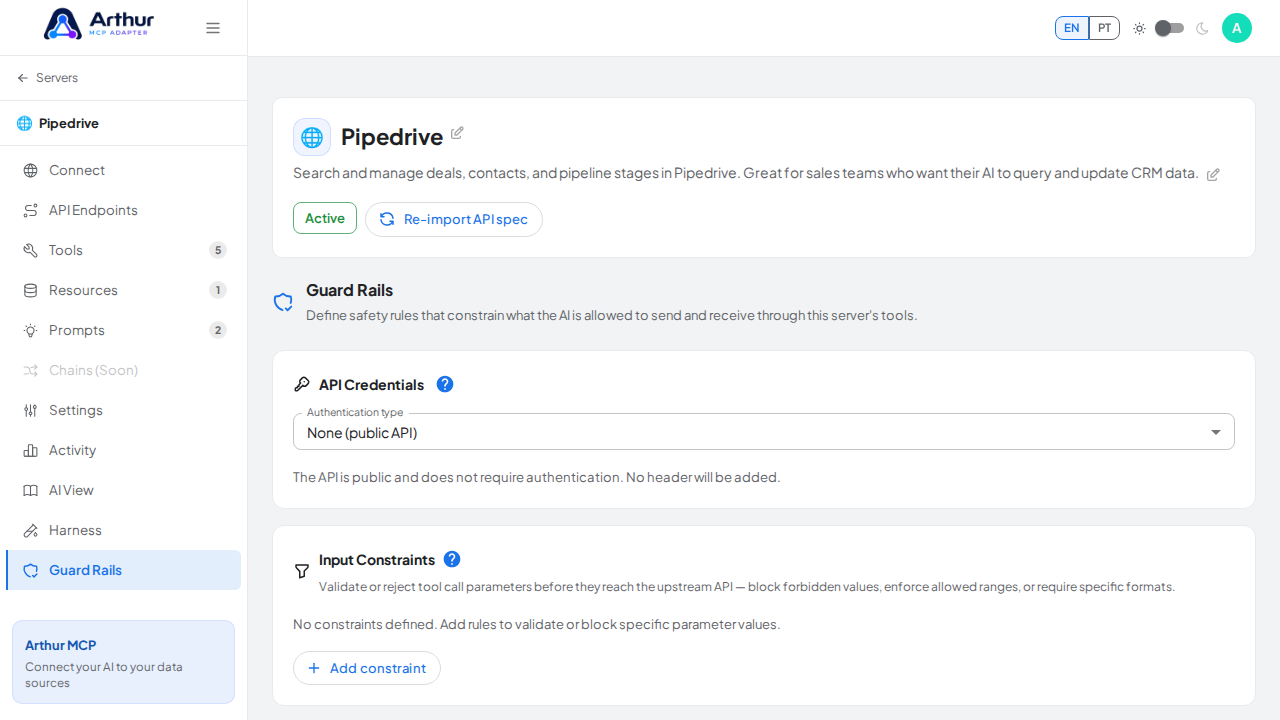
Open a server's Guard Rails tab, find Input Constraints, and add a rule: pick a tool (or * for all tools), a parameter name, a constraint type (required, block value, max length, allowed values, or regex), and a value if the type needs one. It saves, but isn't enforced by the backend yet.
Learn more: Guard Rails.
Tutorial video