
How to Configure API Credentials
API Credentials are what Arthur attaches to every outgoing request when it calls your upstream API on behalf of a tool call. This is separate from Access Keys and OAuth Client, which protect incoming calls from an AI client to your MCP server — API Credentials is the outgoing side.
Prerequisites: a server already created, pointing at an upstream API.
Steps
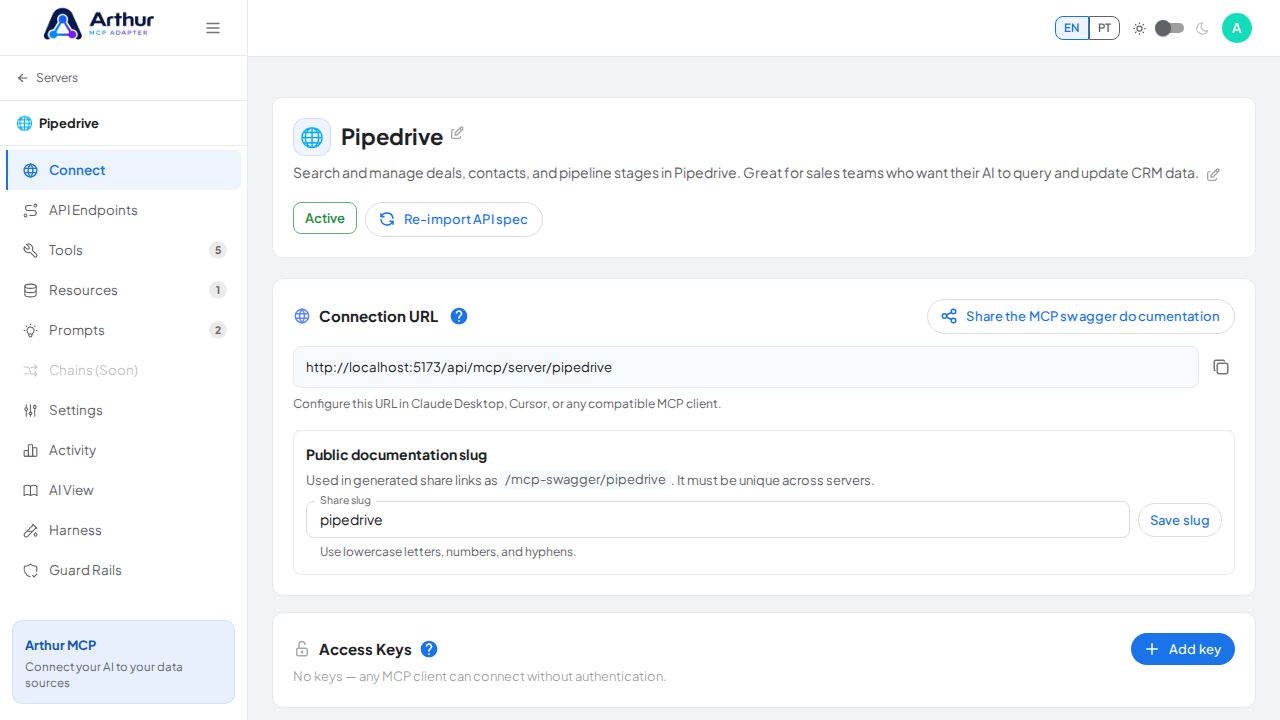
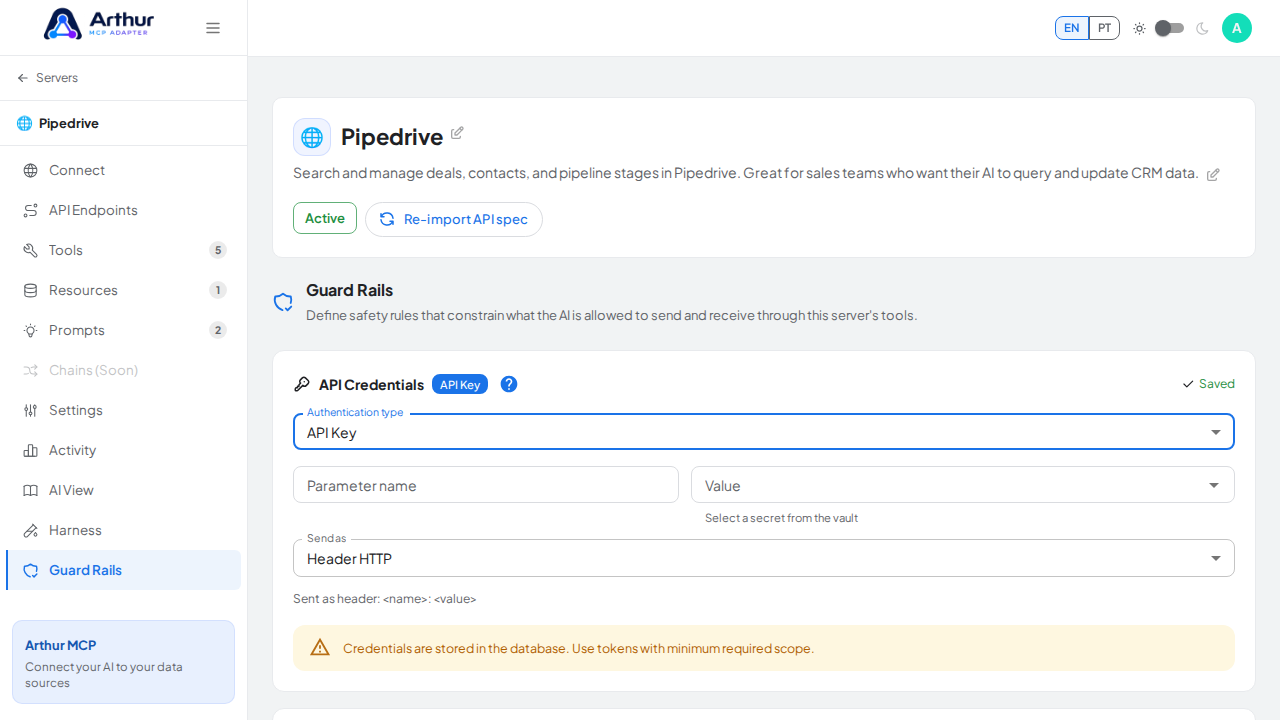
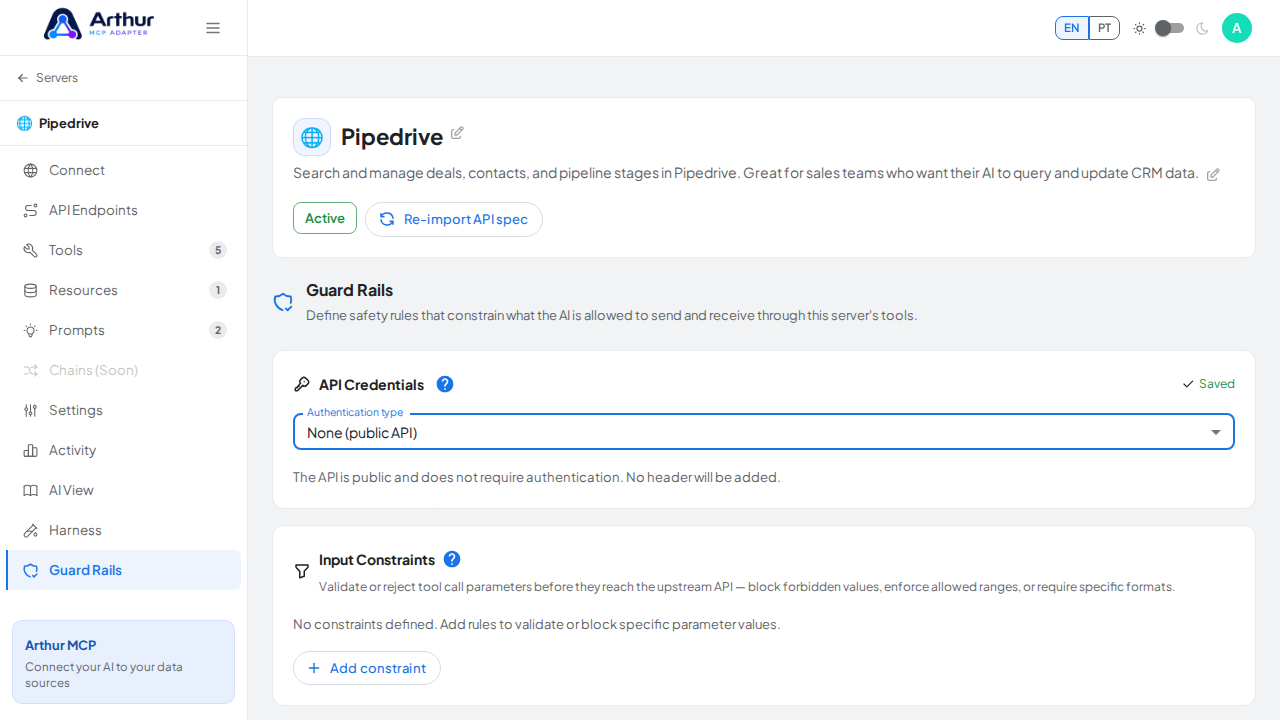
Open the server and go to its Guard Rails tab (this is where API Credentials lives, despite the name of the tab).
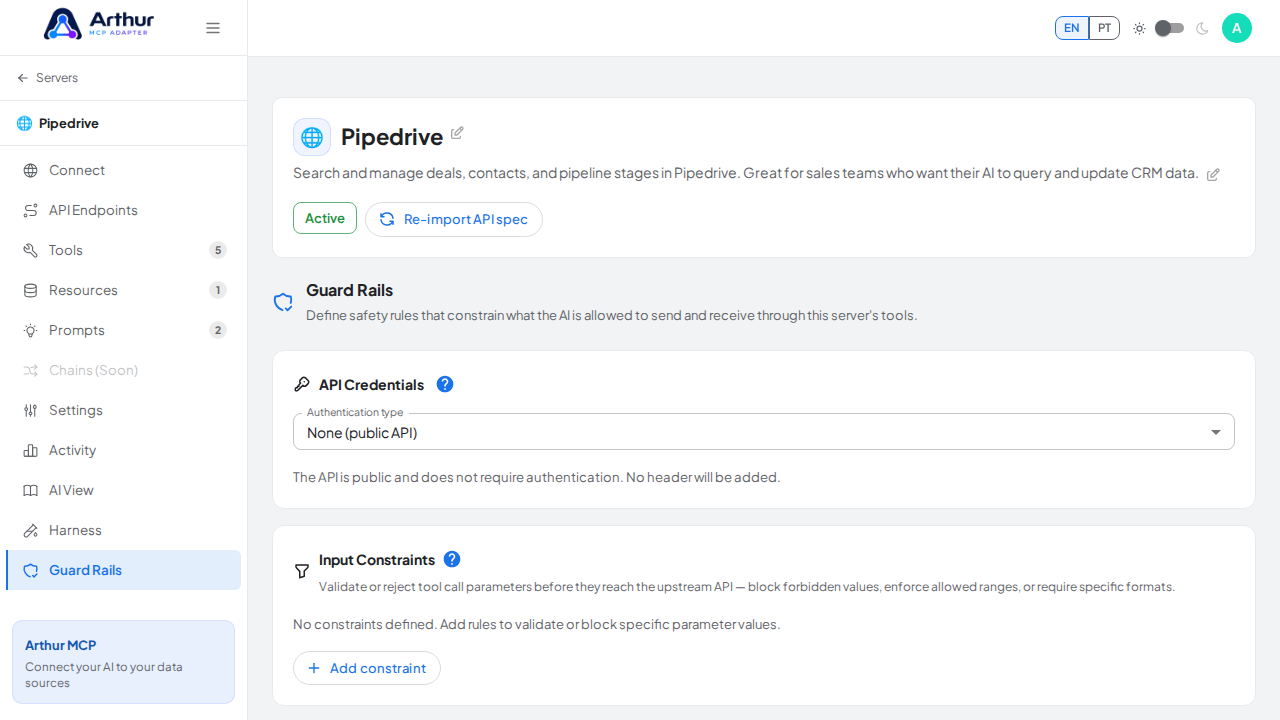
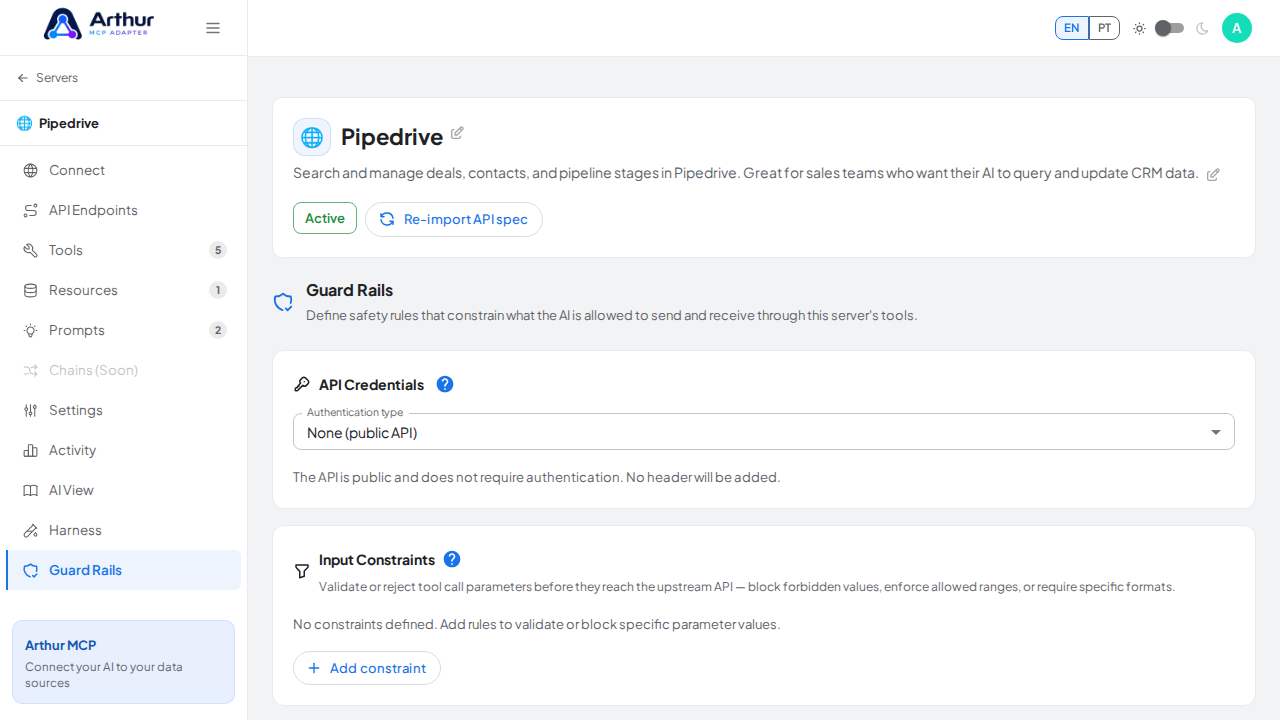
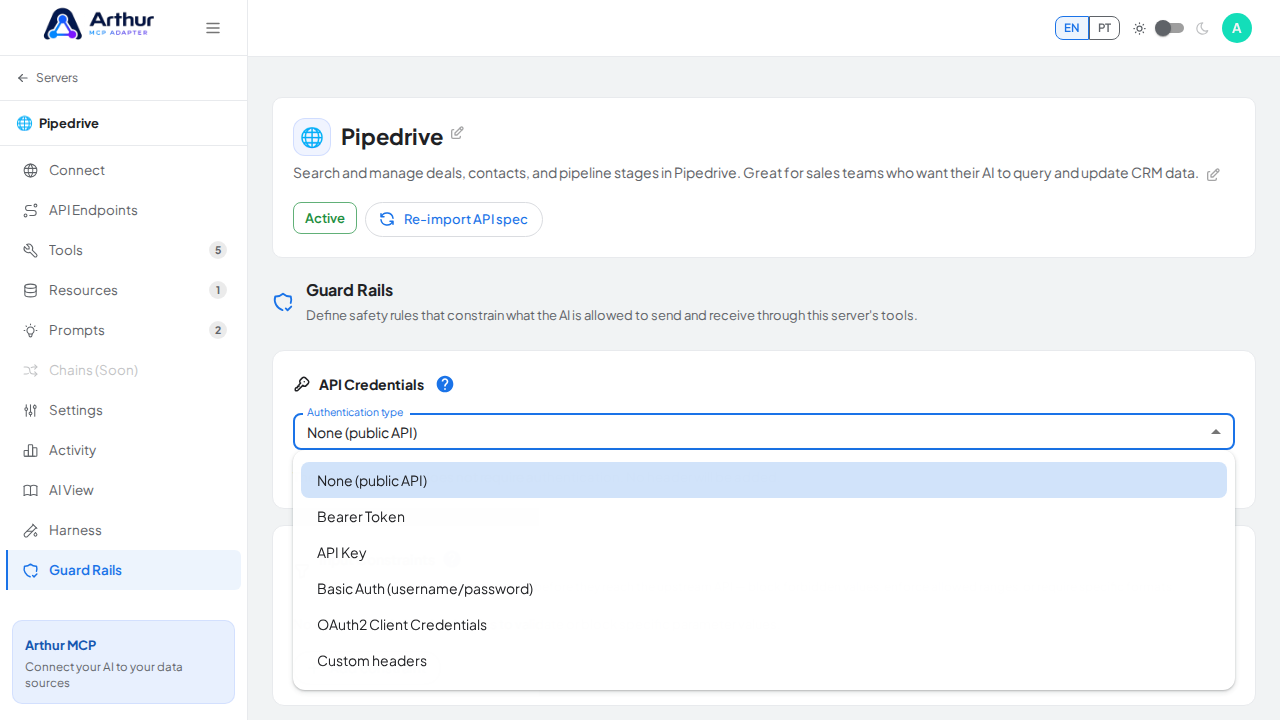
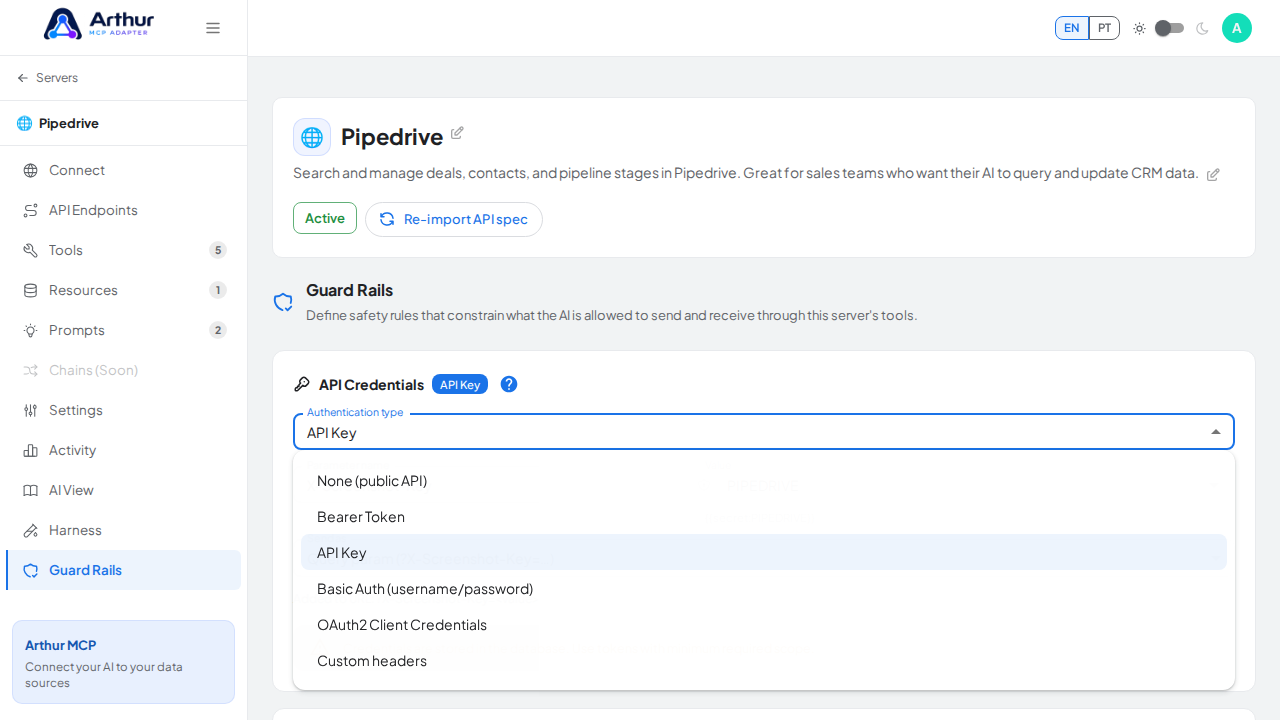
Choose the authentication type your upstream API expects:
Bearer Token — a single token sent as
Authorization: Bearer <token>.API Key — a parameter name and value, sent as either a header or a query parameter.
Basic Auth — a username and password.
OAuth2 Client Credentials — a token URL, client ID, client secret, and optional scope; Arthur fetches and refreshes the access token for you.
Custom headers — one or more arbitrary header name/value pairs.
None — no authentication added to upstream calls.
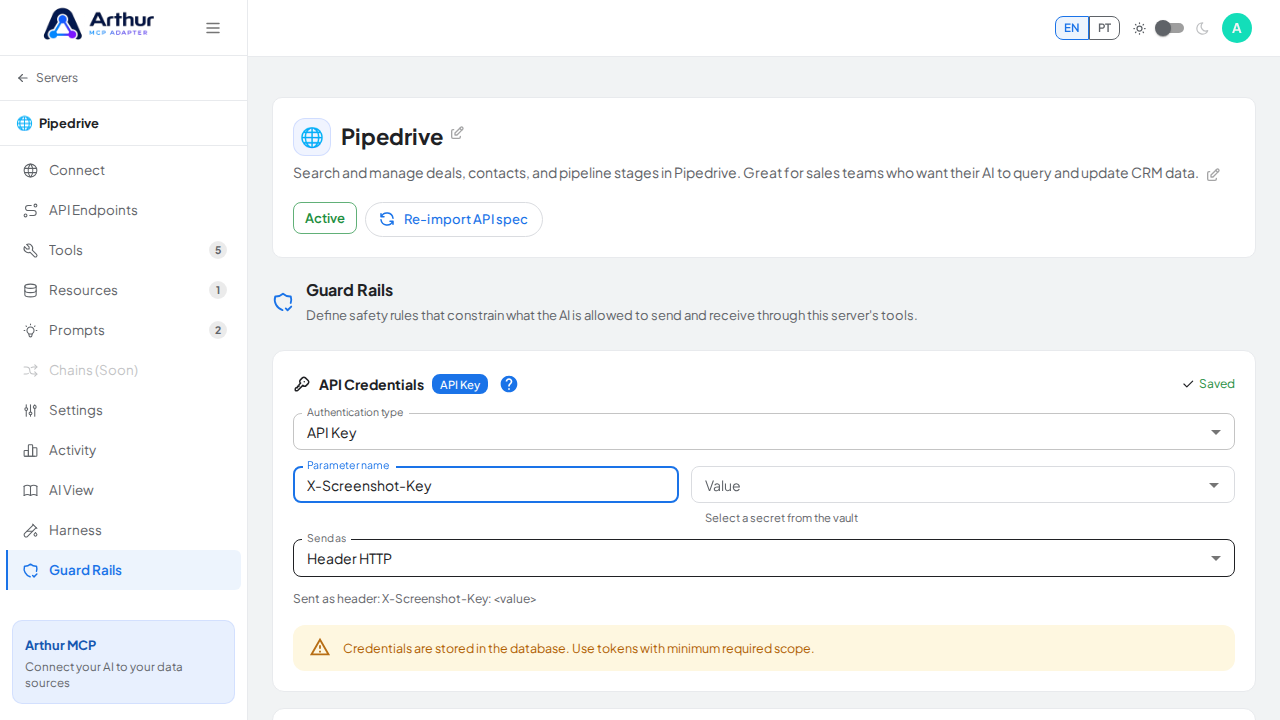
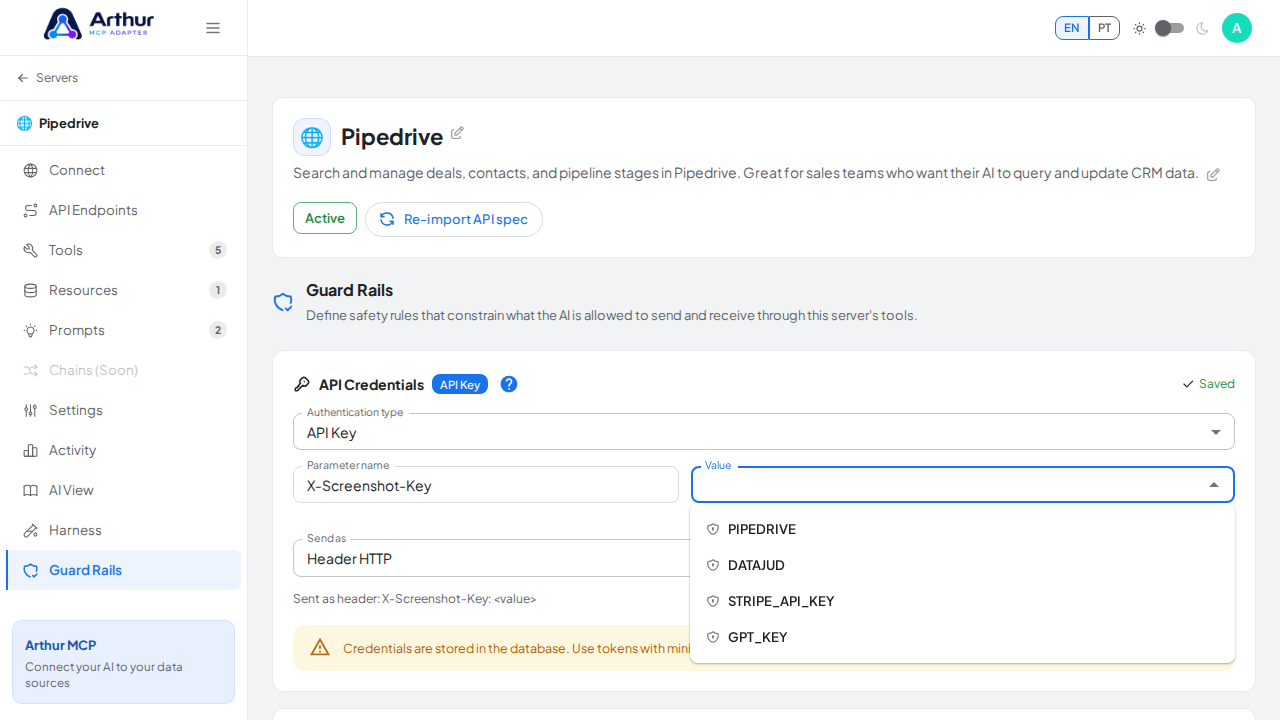
For any value field, reference a stored Secret with
{{secret:NAME}}instead of typing the raw value.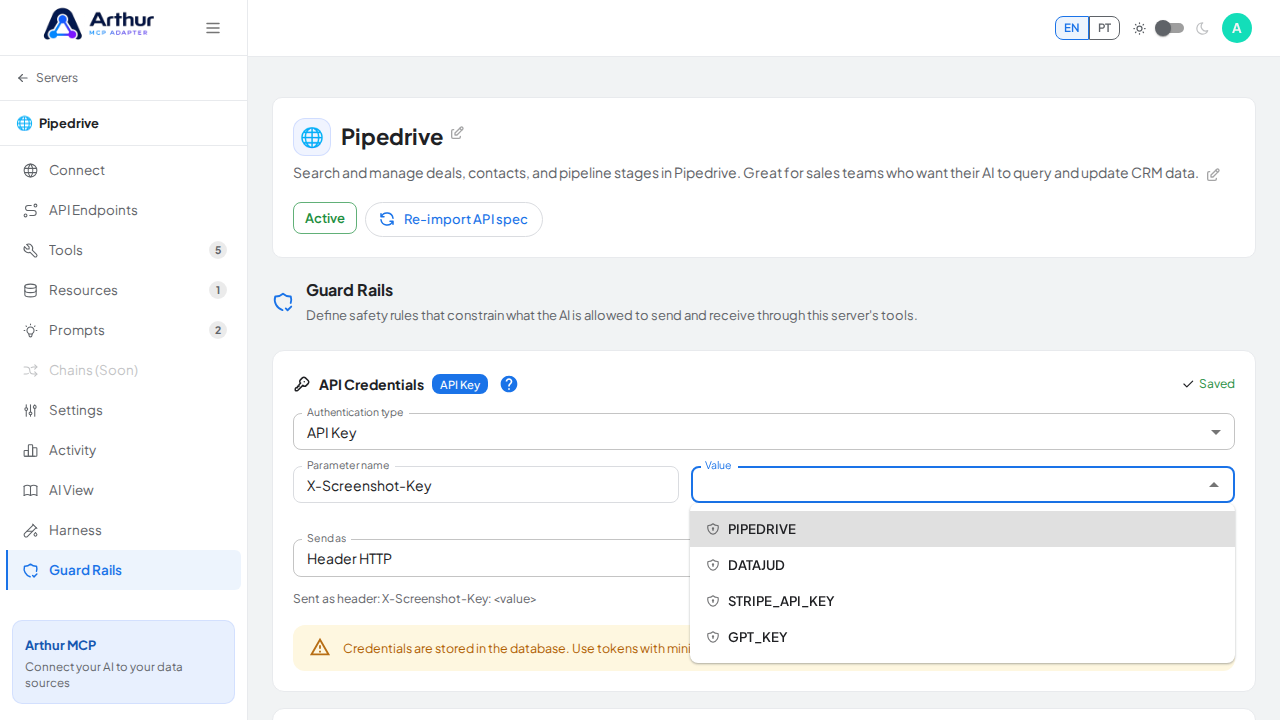
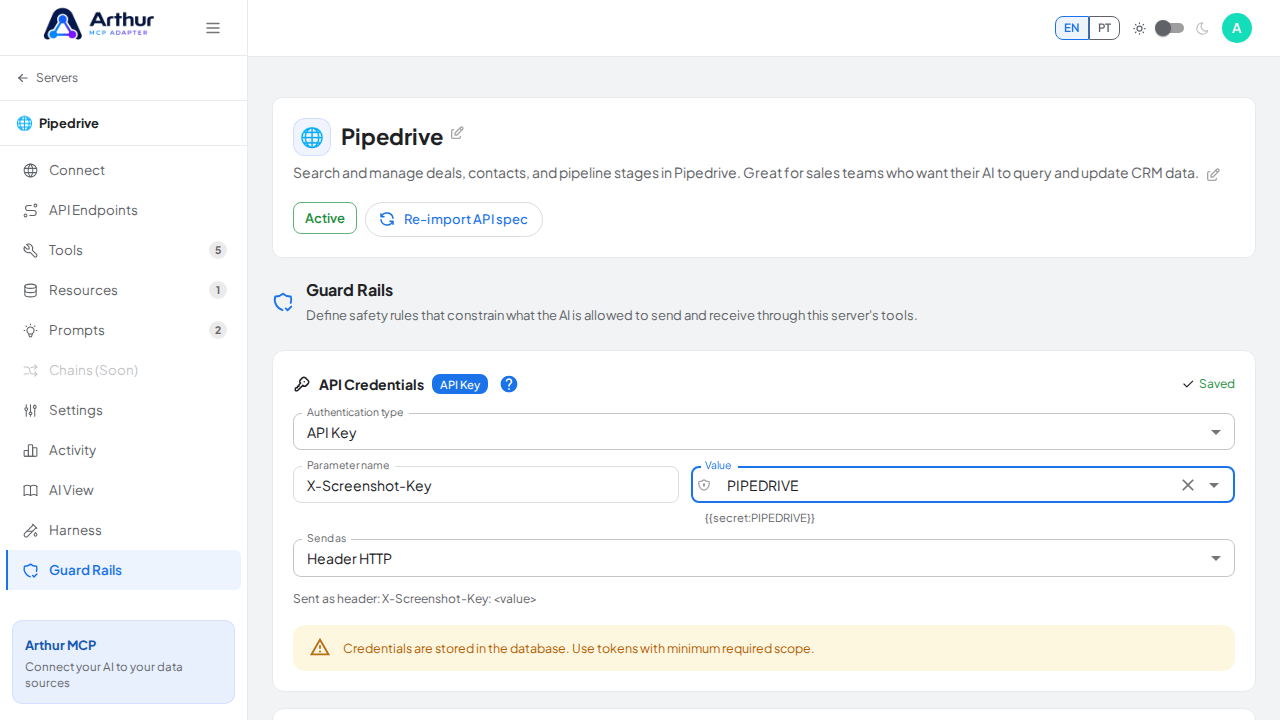
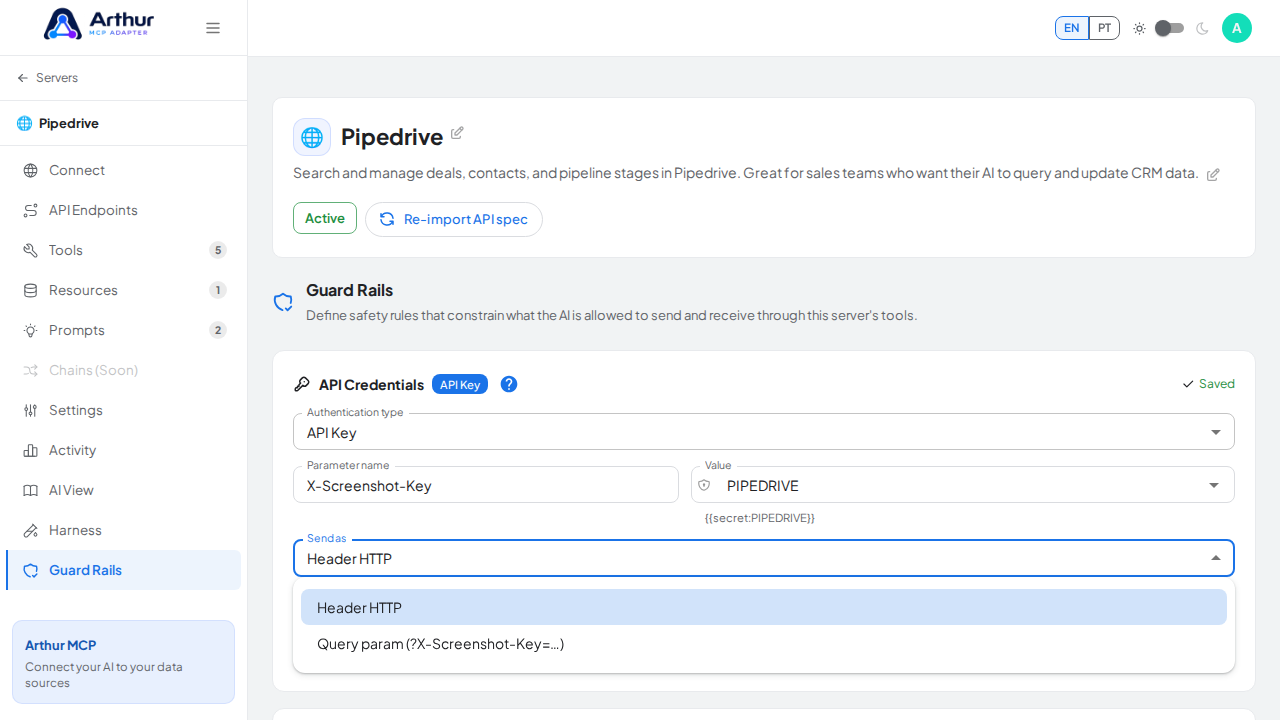
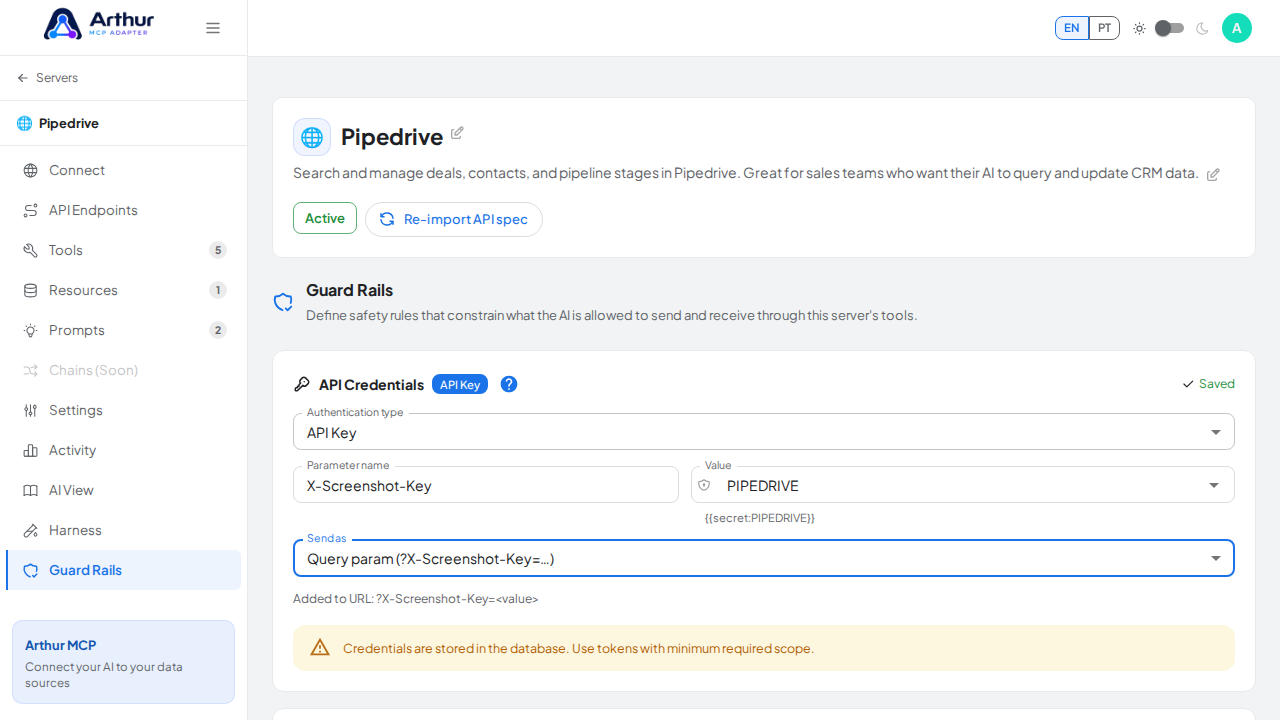
Save.
Confirm it worked
Test a tool on the server — the request Arthur sends upstream now carries the configured credentials, and calls that previously failed with a 401/403 from your API should succeed.
Good to know
- Don't confuse this with the Connect tab's Access Keys or OAuth Client — those authenticate the AI client calling your MCP server, not Arthur calling your upstream API. See Secrets and Authentication.
- The AI client never sees these credentials — they're attached server-side, invisible to the MCP contract.
Related
Tutorial video