
How to Generate an Access Key
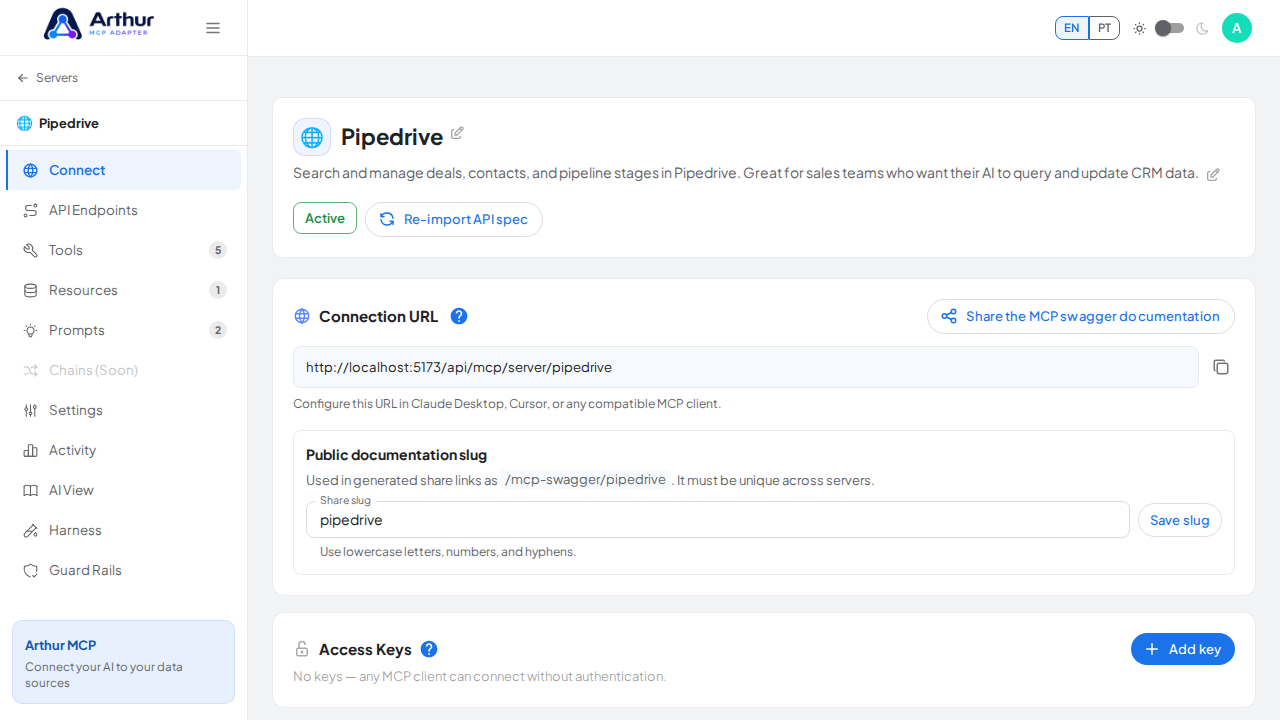
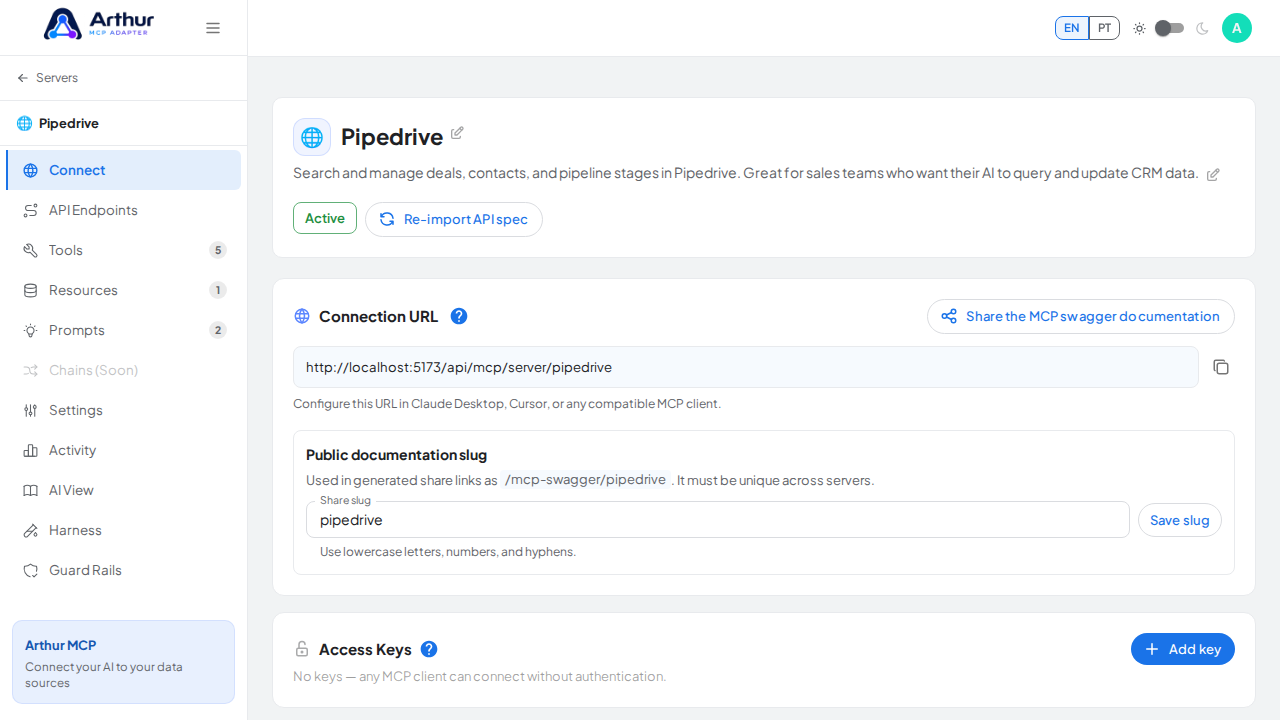
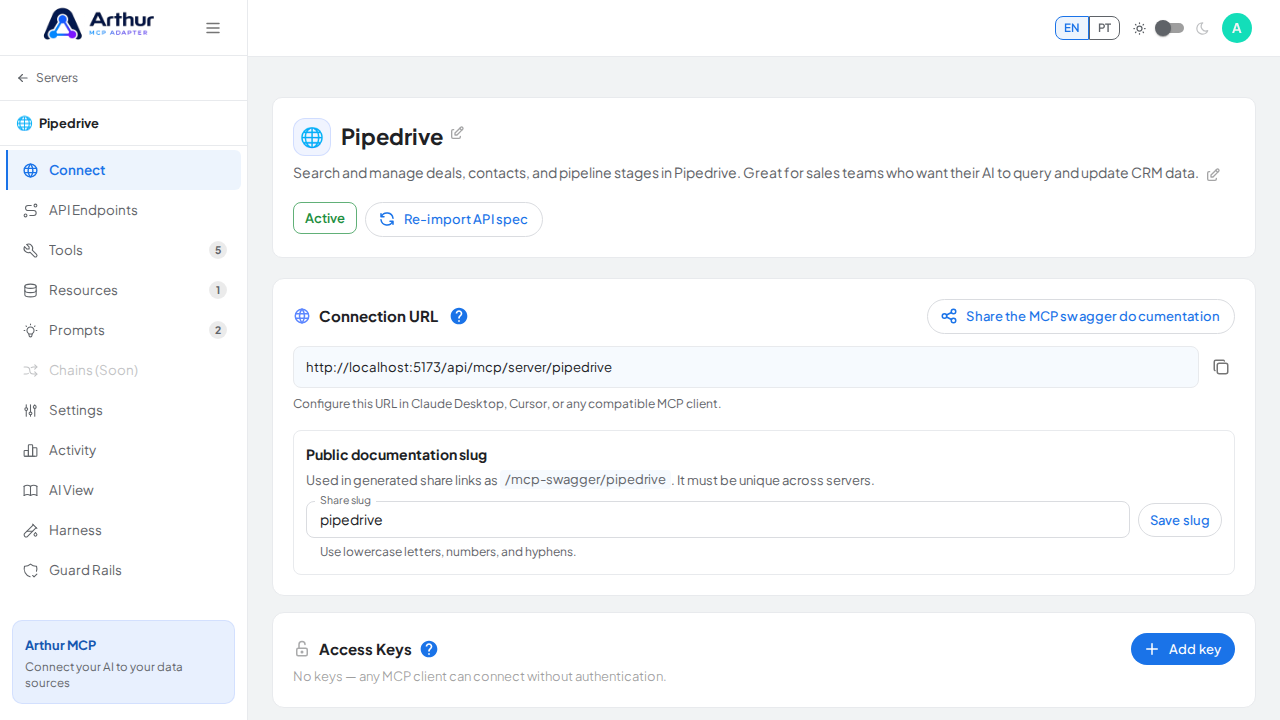
Open the server's Connect tab, find Access Keys, and click "Add key." Give it a name — usually the client that will use it, like "Claude Desktop" — and Arthur generates the key value immediately. Copy it and hand it to that client, which sends it as the auth header on every request.
Learn more: How to Protect a Server with an Access Key.
Tutorial video