How it worksFeaturesDocsEarly accessGitHubDashboard

How to Configure Secrets

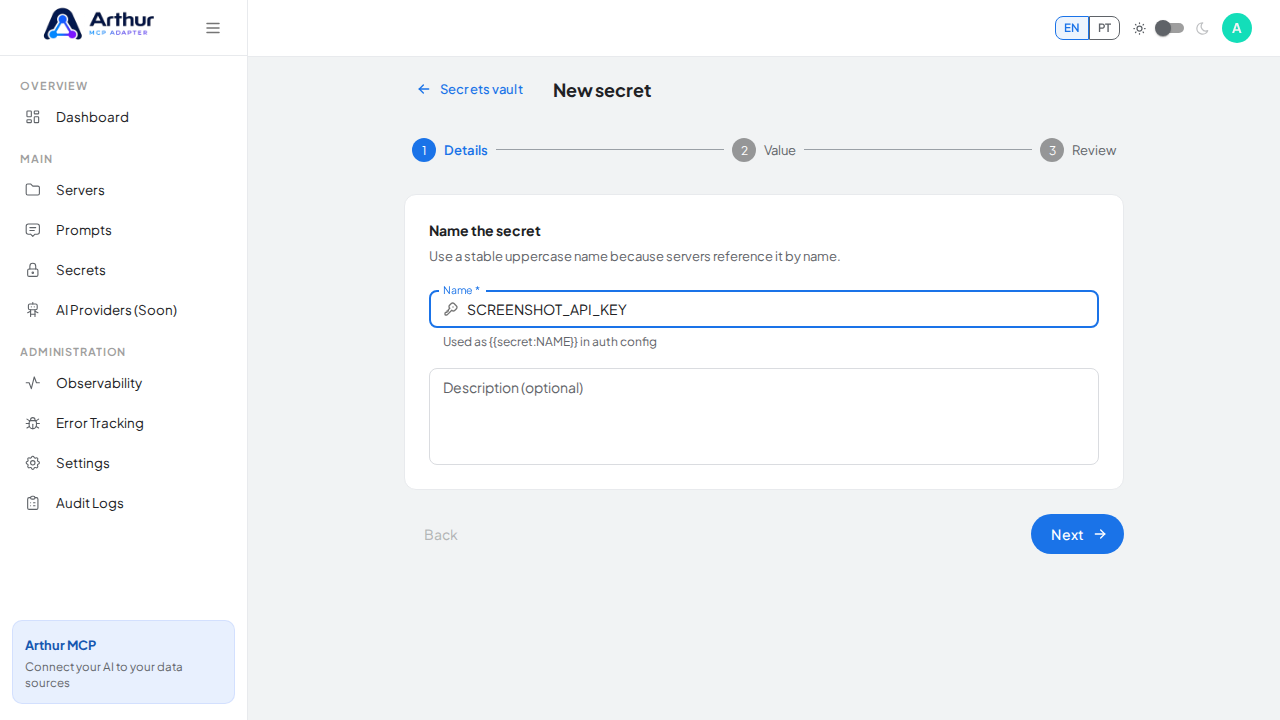
Go to Secrets → New Secret, name it, and enter its value. Reference it anywhere a server needs it — upstream auth, headers, query params — as {{secret:NAME}} instead of pasting the raw value.
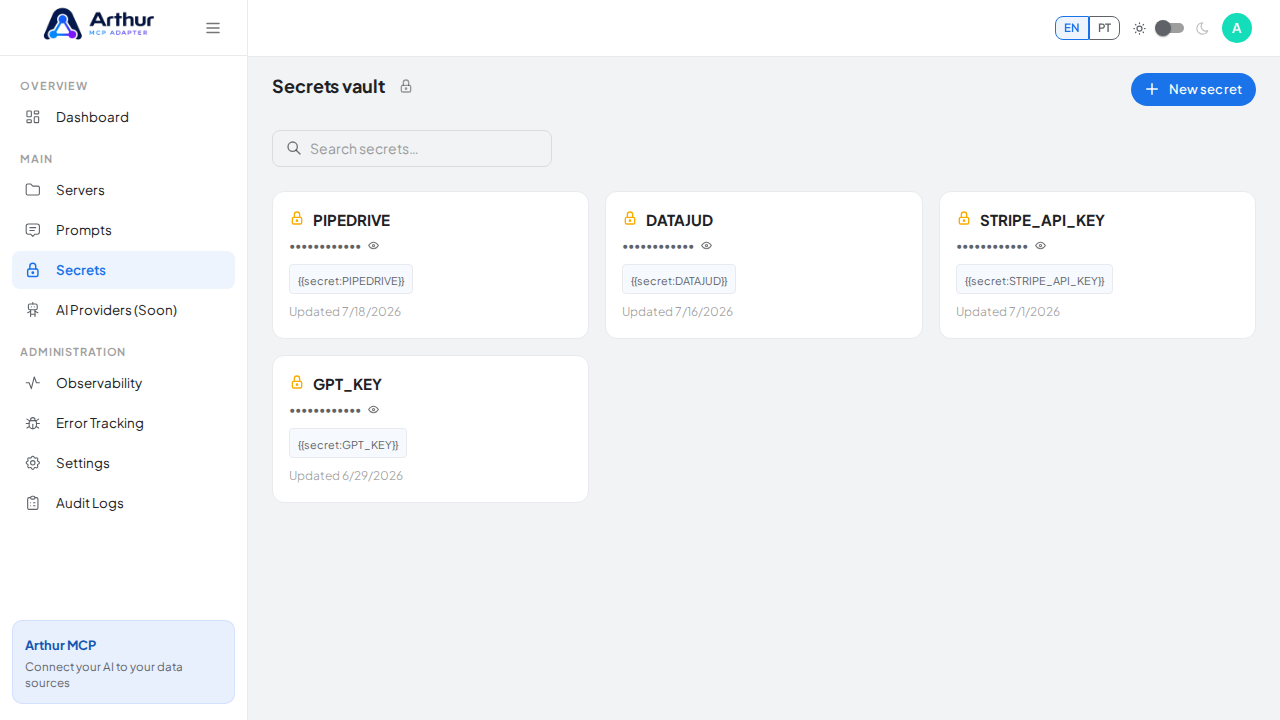
Open the Secrets vault where encrypted values are managed

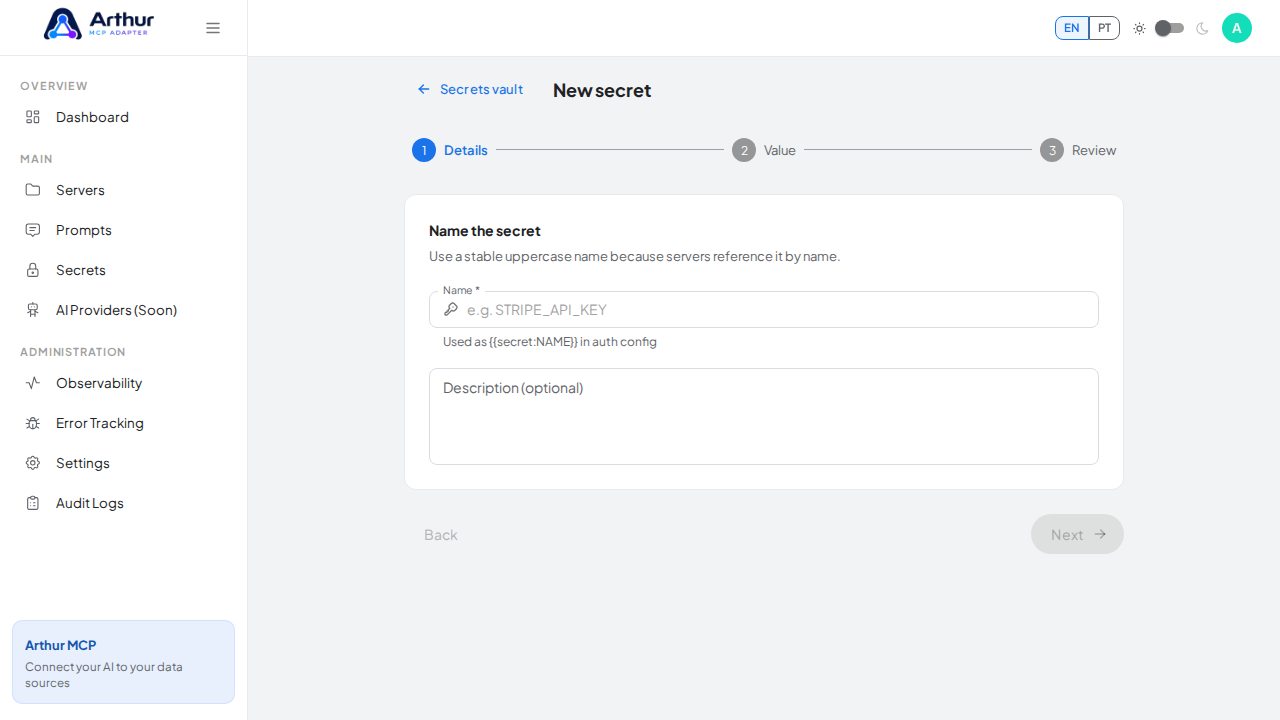
Open the three-step New secret wizard

Enter the stable uppercase name used by secret references

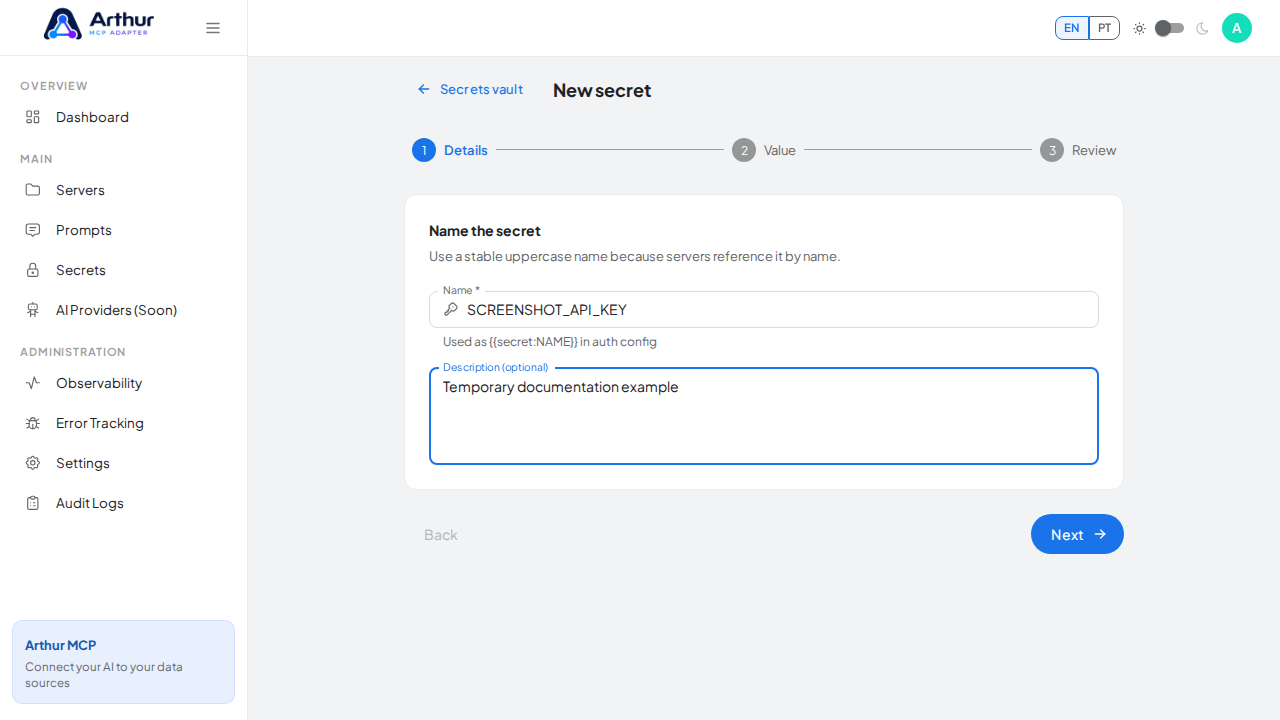
Describe what the secret protects before continuing

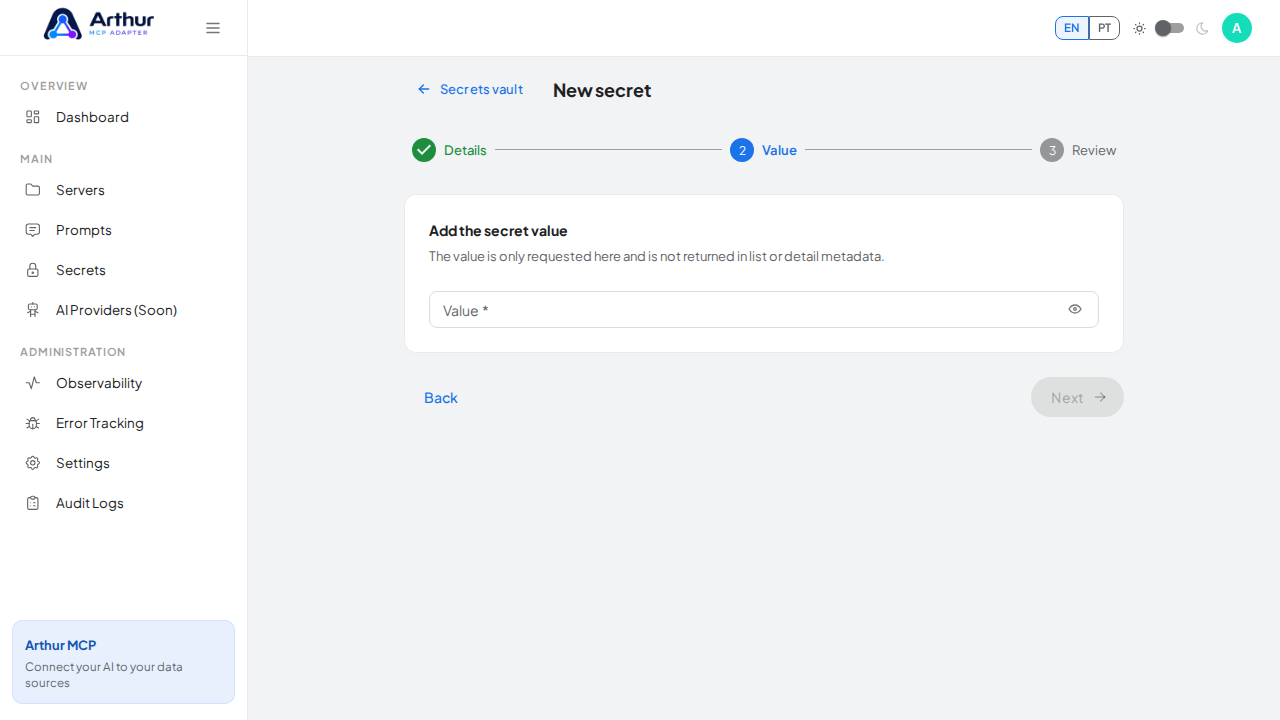
Advance from secret details to the protected value step

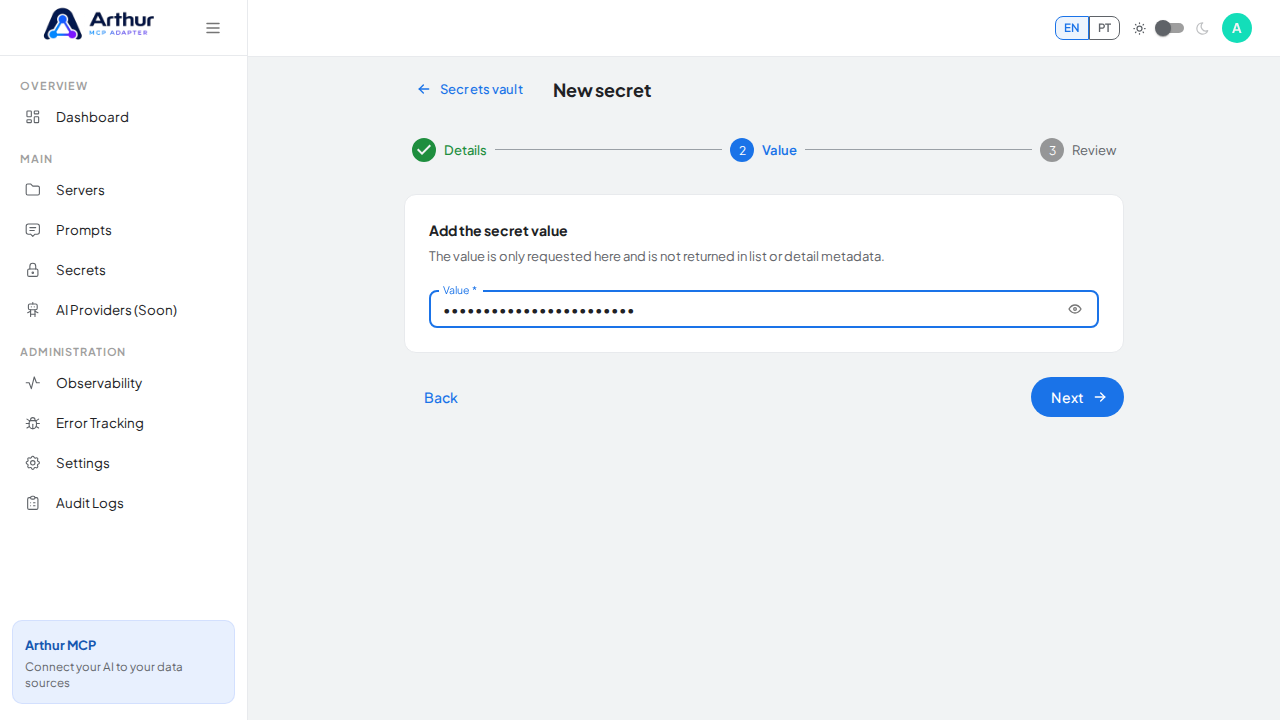
Enter a masked example value without exposing a real credential

Learn more: How to Store and Reference a Secret.
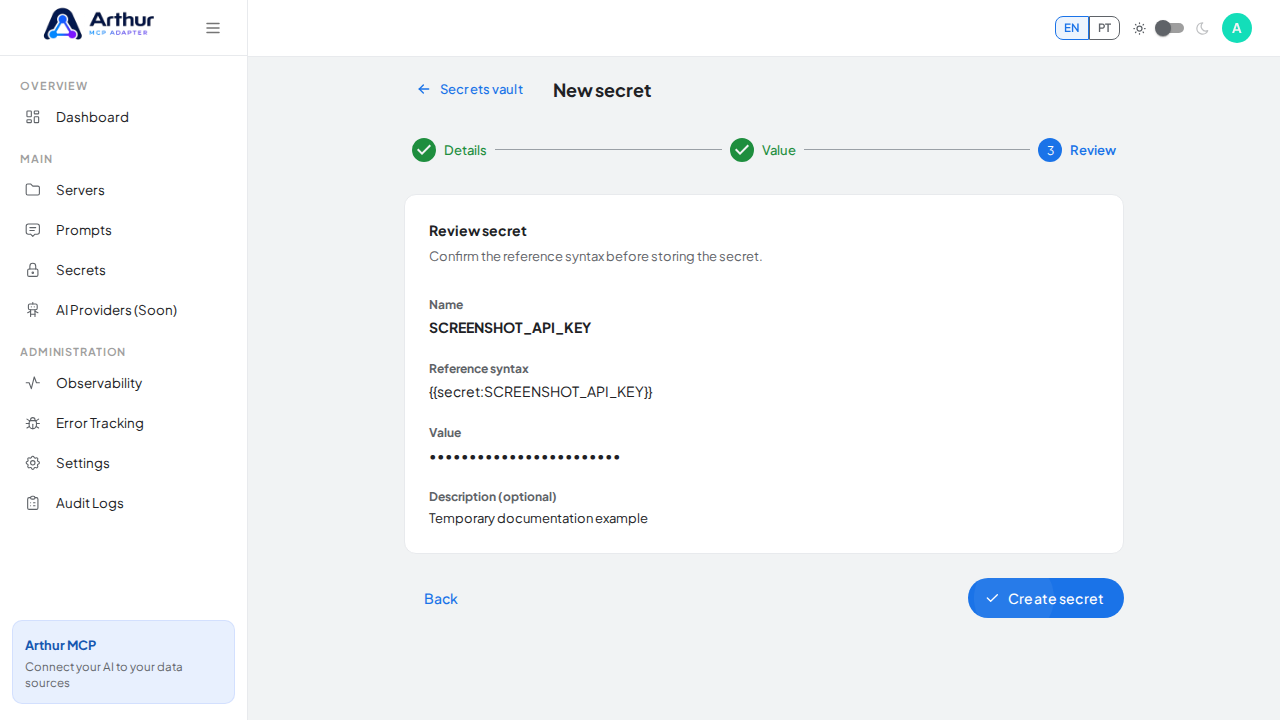
Open the review step and show the generated secret reference syntax without creating the fixture

Tutorial video