
How to Store and Reference a Secret
Keep credentials out of server configuration fields by storing them once and referencing them by name.
Steps
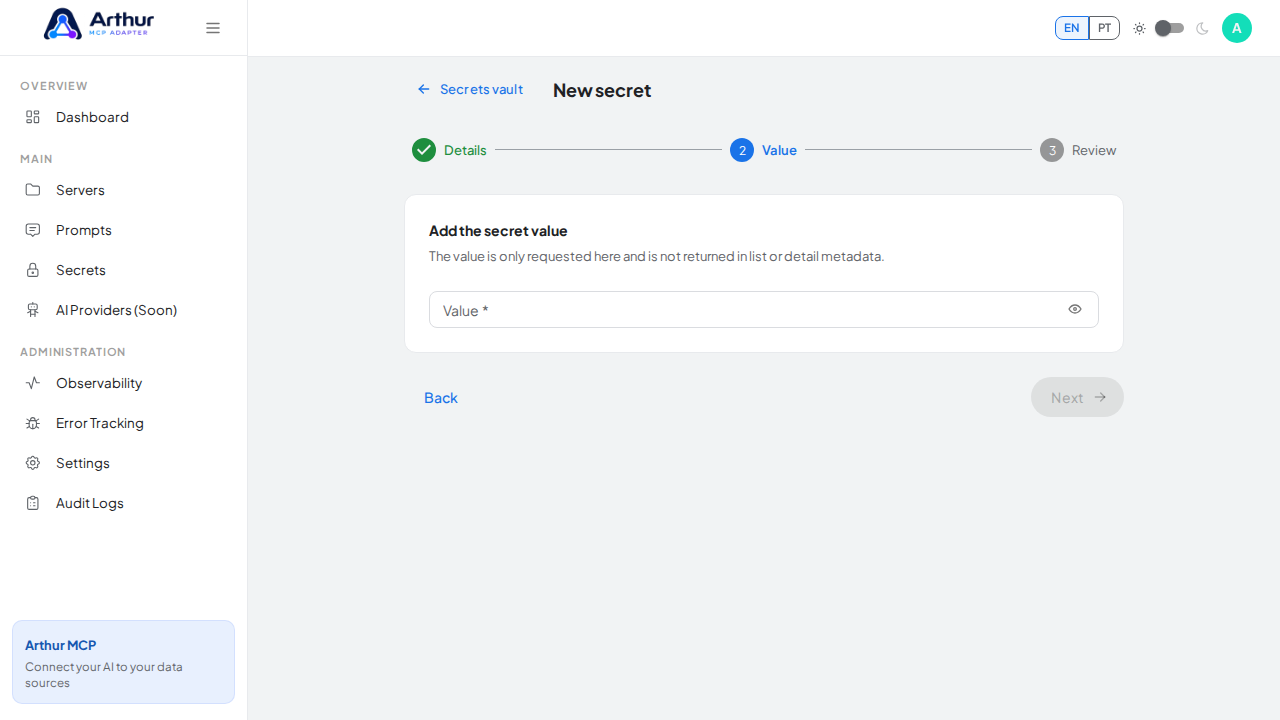
Go to Secrets → New Secret.
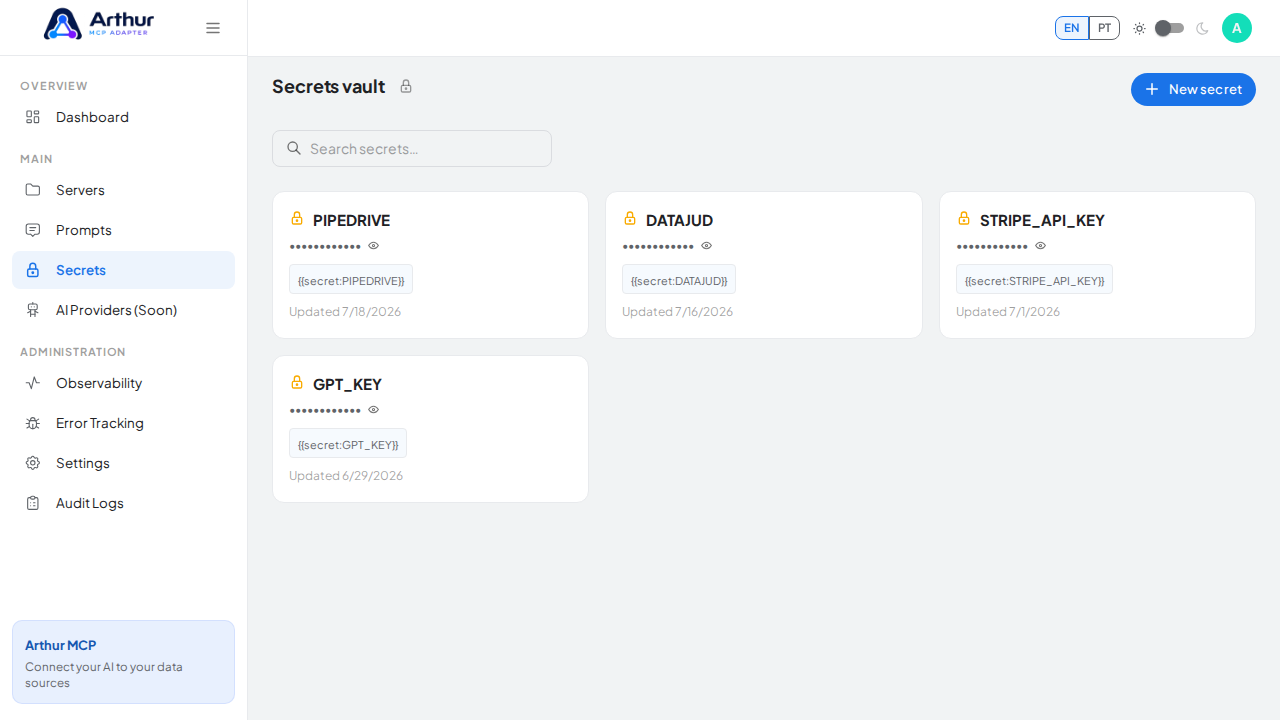
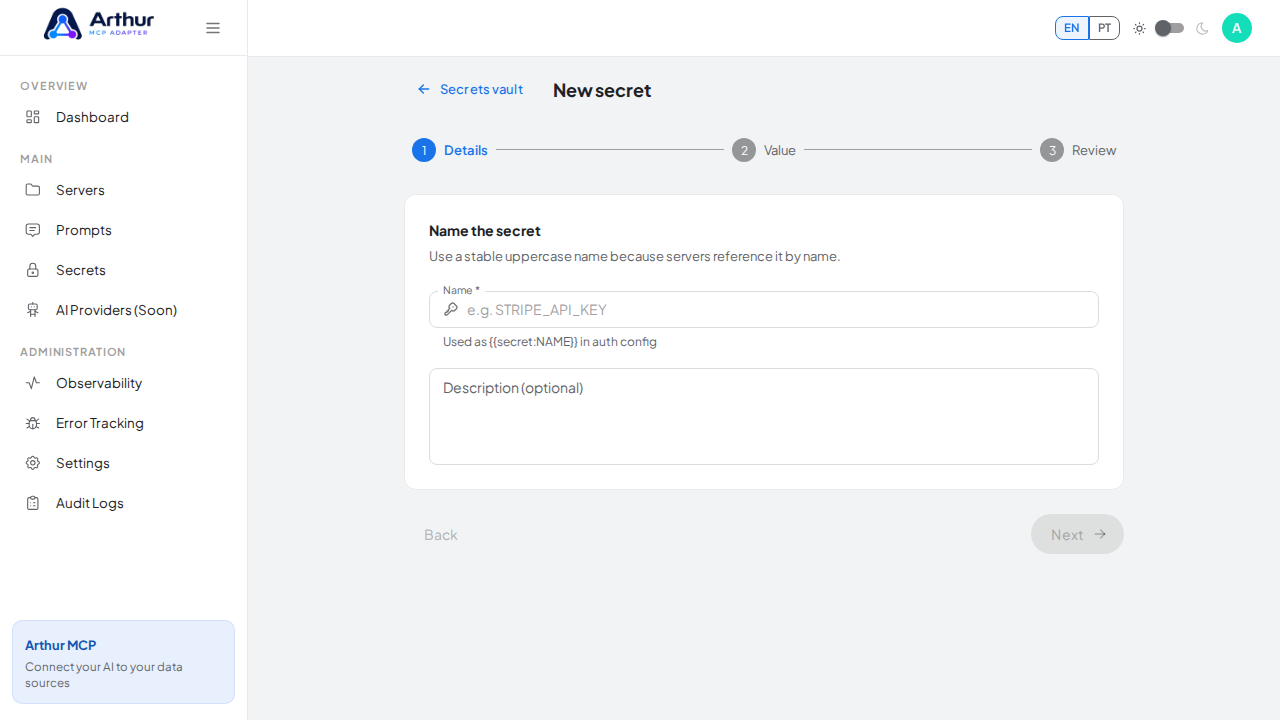
Name it (for example,
STRIPE_API_KEY) and enter its value.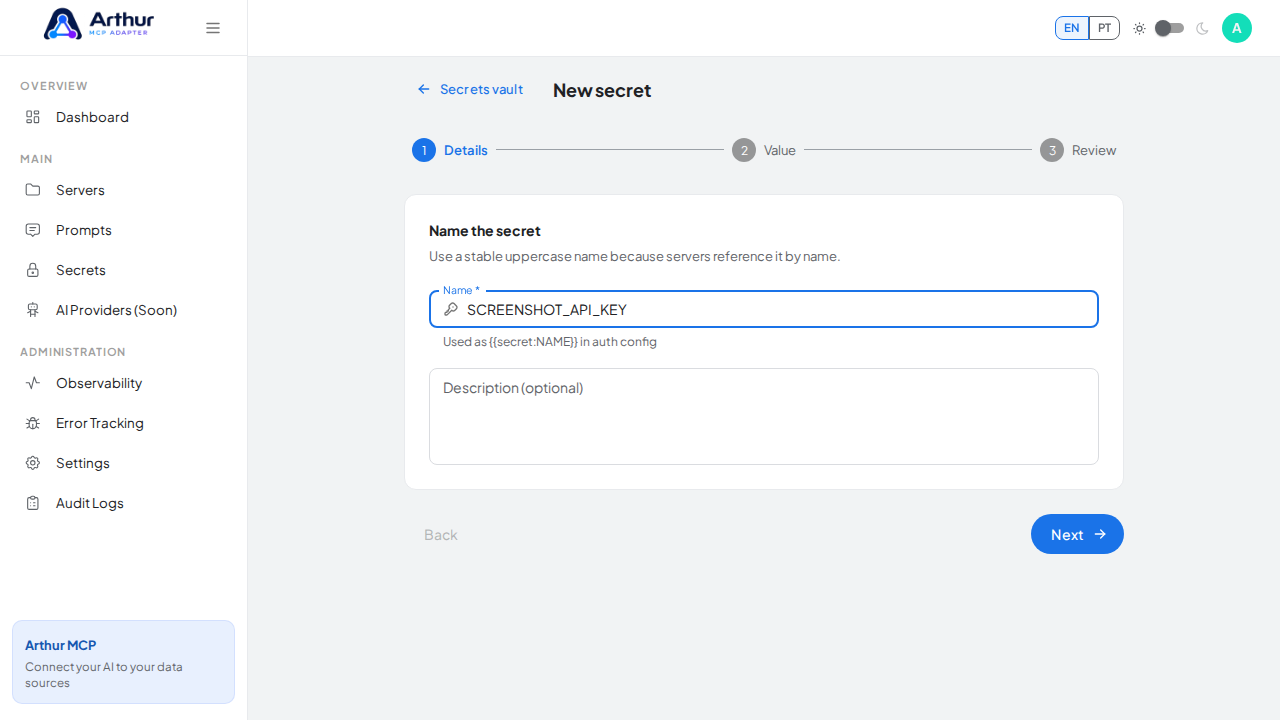
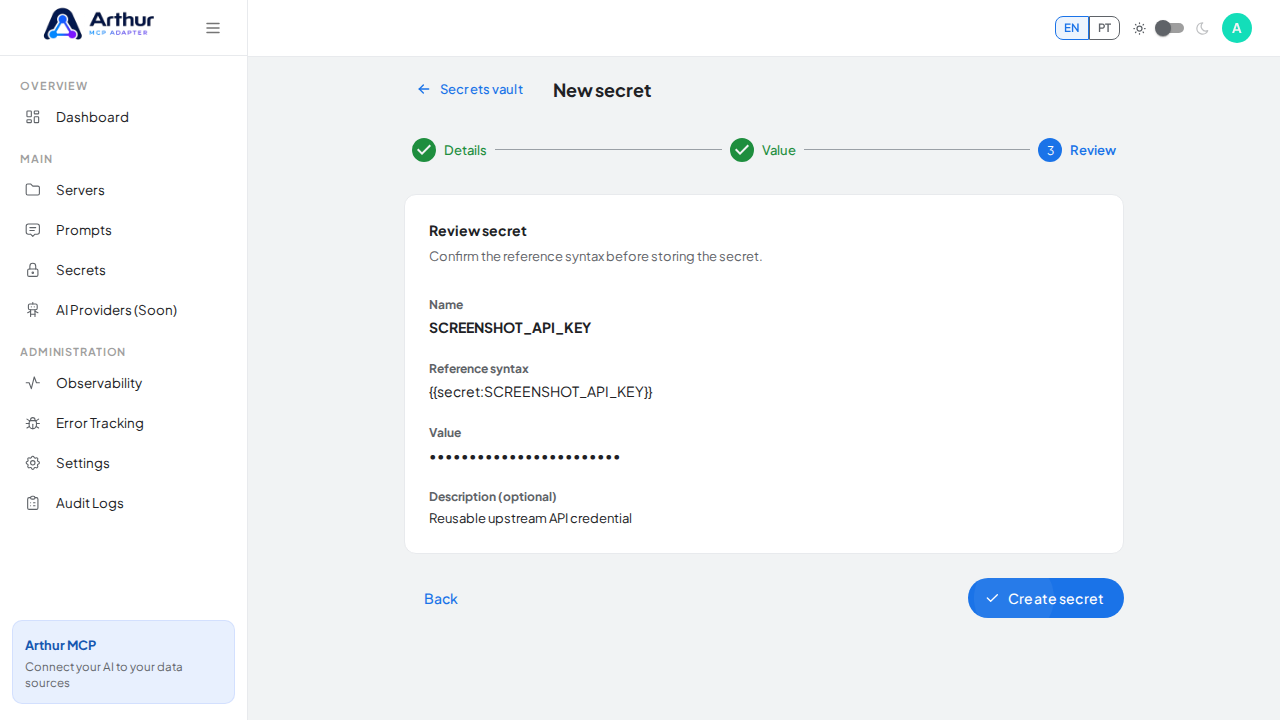
In any field that accepts a secret — upstream authentication, headers, query parameters — reference it as
{{secret:NAME}}instead of pasting the raw value.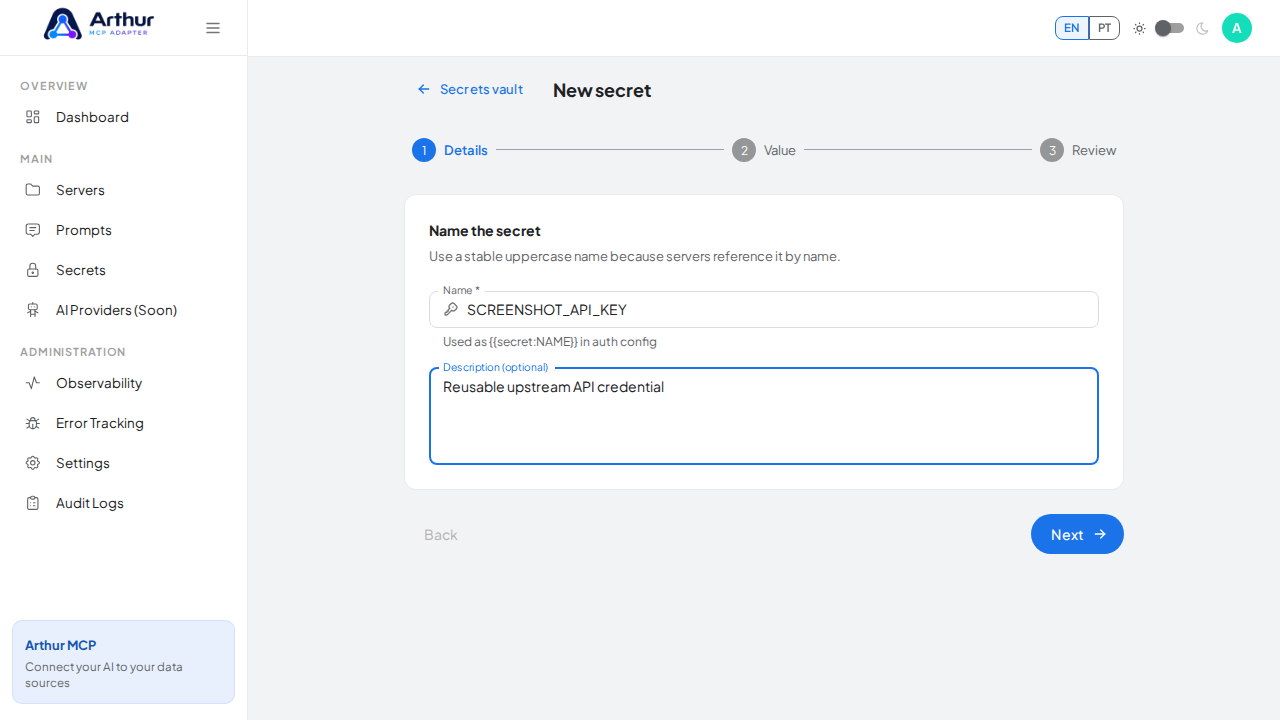
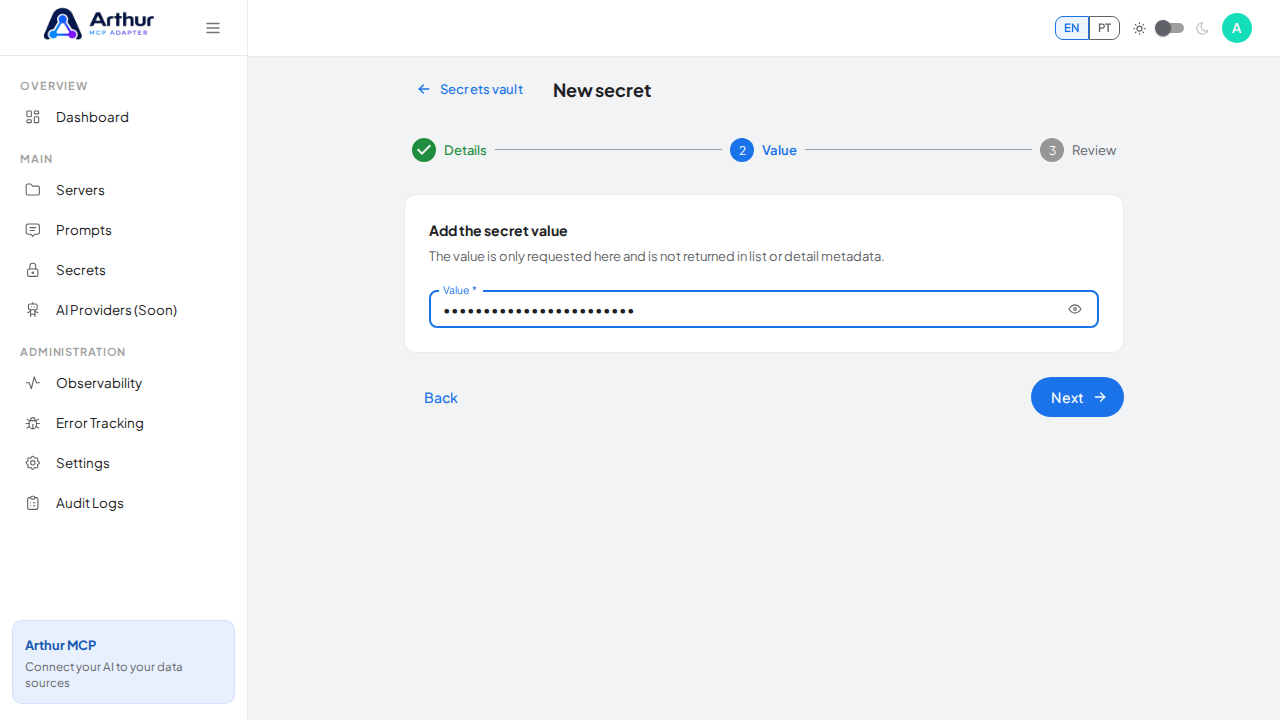
Save.
Confirm it worked
The field shows the {{secret:NAME}} reference rather than the raw value. Arthur resolves it at request time; the value itself never appears in list or detail views.
Good to know
- Revealing a stored value later is a separate action from just seeing that the secret exists — make sure whoever needs to copy a value has that capability.
Related
Tutorial video