
How to Share a Server Publicly (and Revoke Access)
Give a teammate, client, or integrator a clean public reference for a server's tools, resources, and prompts, without giving them access to your dashboard.
Steps
Open the server's Connect tab.
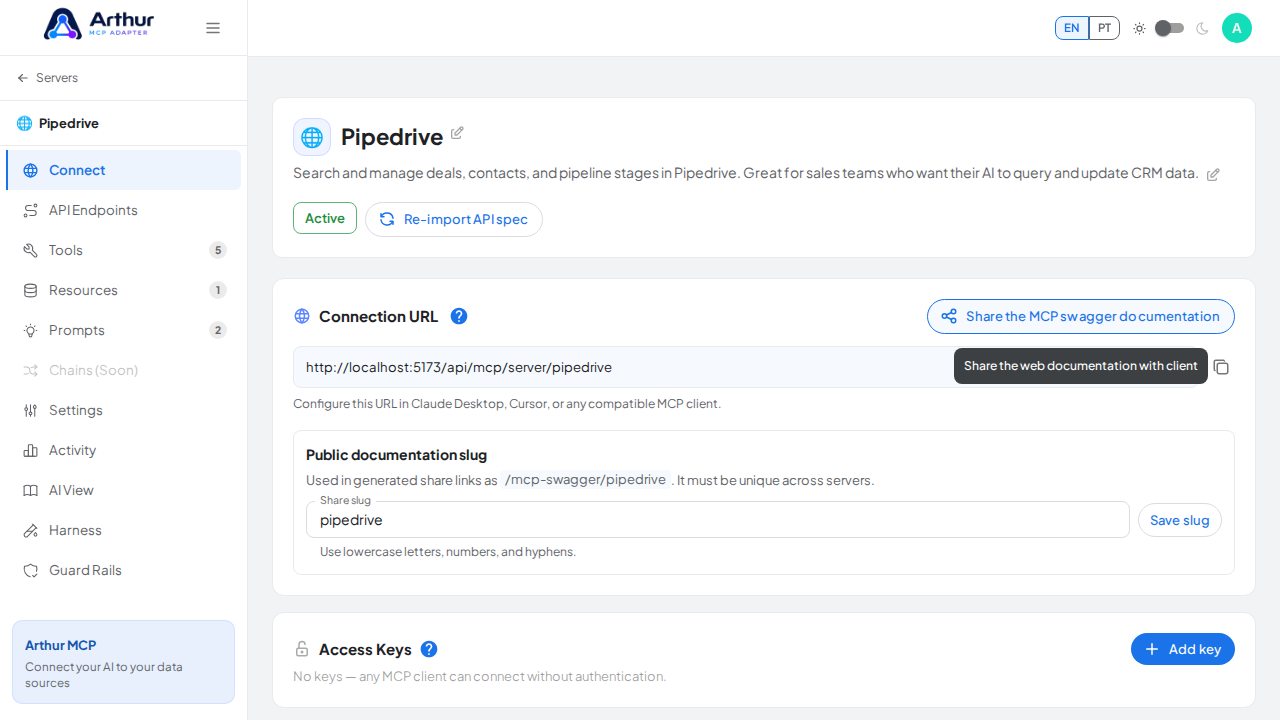
Generate the public share link.
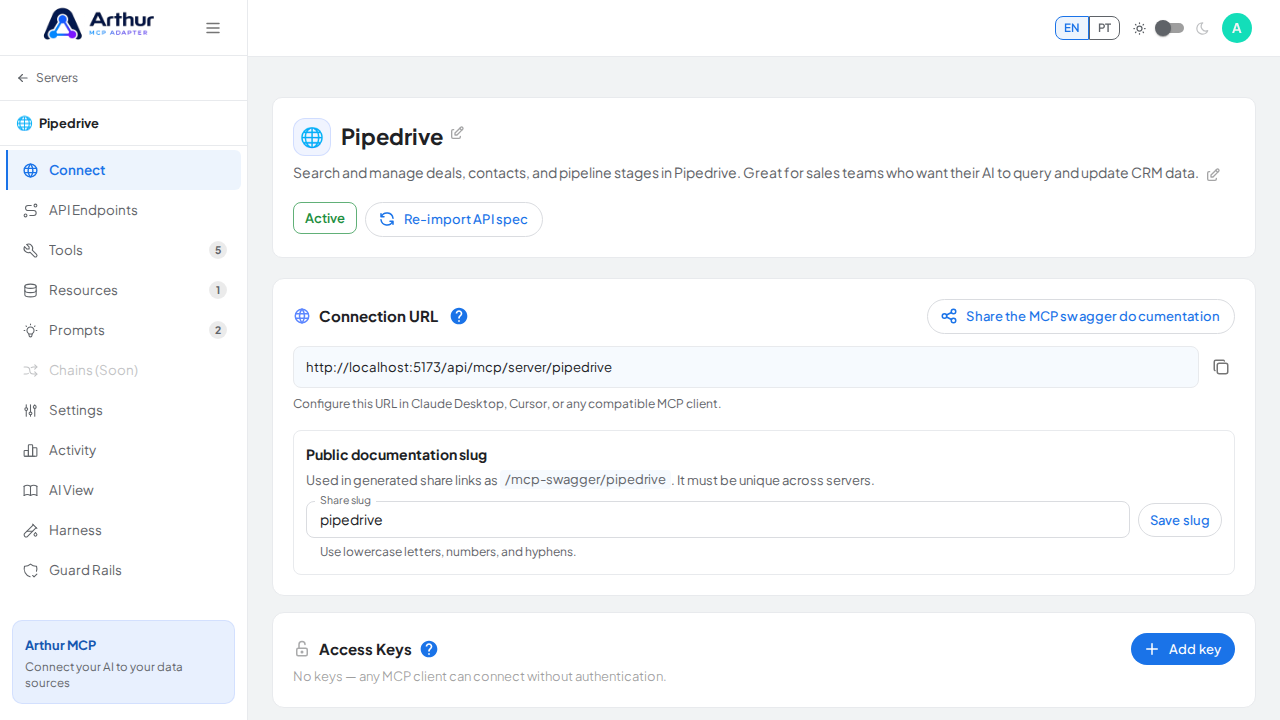
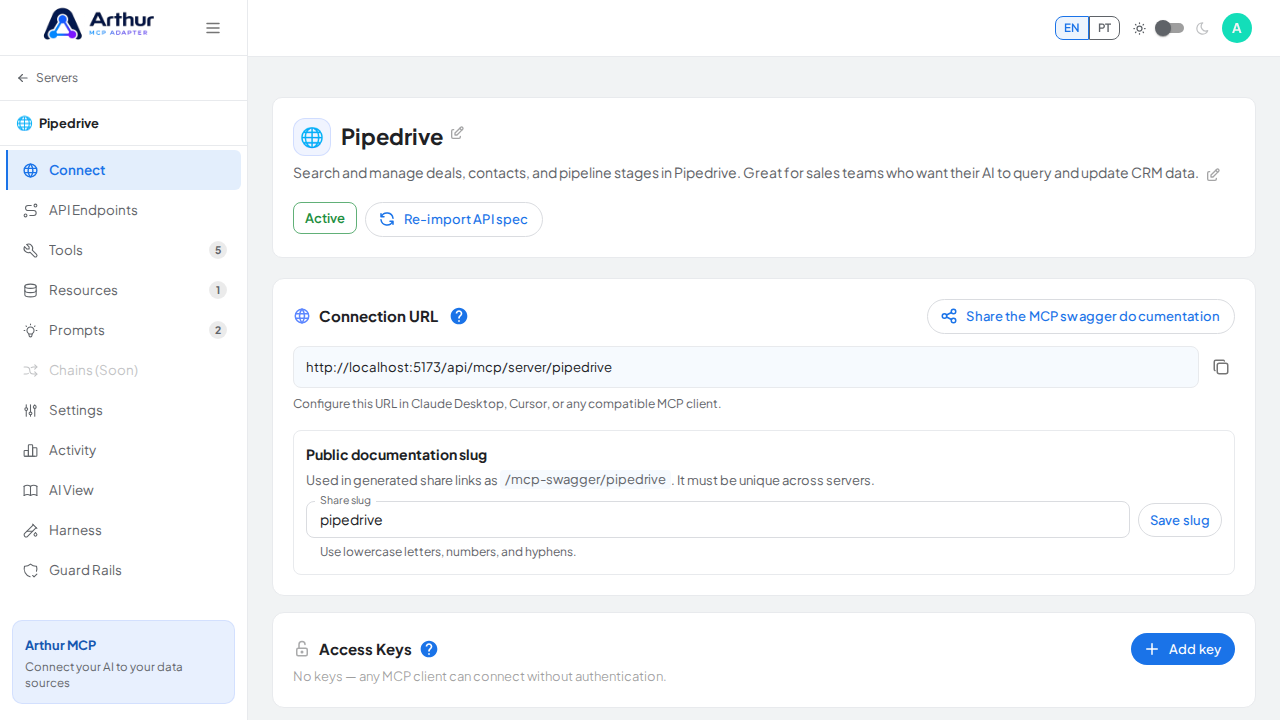
Send the link to whoever needs it — no Arthur account required to view it.
Confirm it worked
Opening the link in a private browser window shows the public documentation page without asking for login.
To revoke access
Change the server's share slug from the Settings tab. The old link stops resolving immediately — there's no separate "revoke" action, and no expiry to wait out.
Good to know
- The share page never includes credentials or secret values, no matter what's configured on the server.
- If the server requires authentication, visitors still need a valid Access Key or OAuth login before the tools, resources, or prompts will actually execute for them.
Related
Tutorial video