
How to Connect an Error Tracking Provider
Wire Arthur's backend into the error-monitoring provider your team already uses, so runtime failures show up on a dashboard instead of only in server logs.
Steps
Go to Error Tracking and add a new provider.
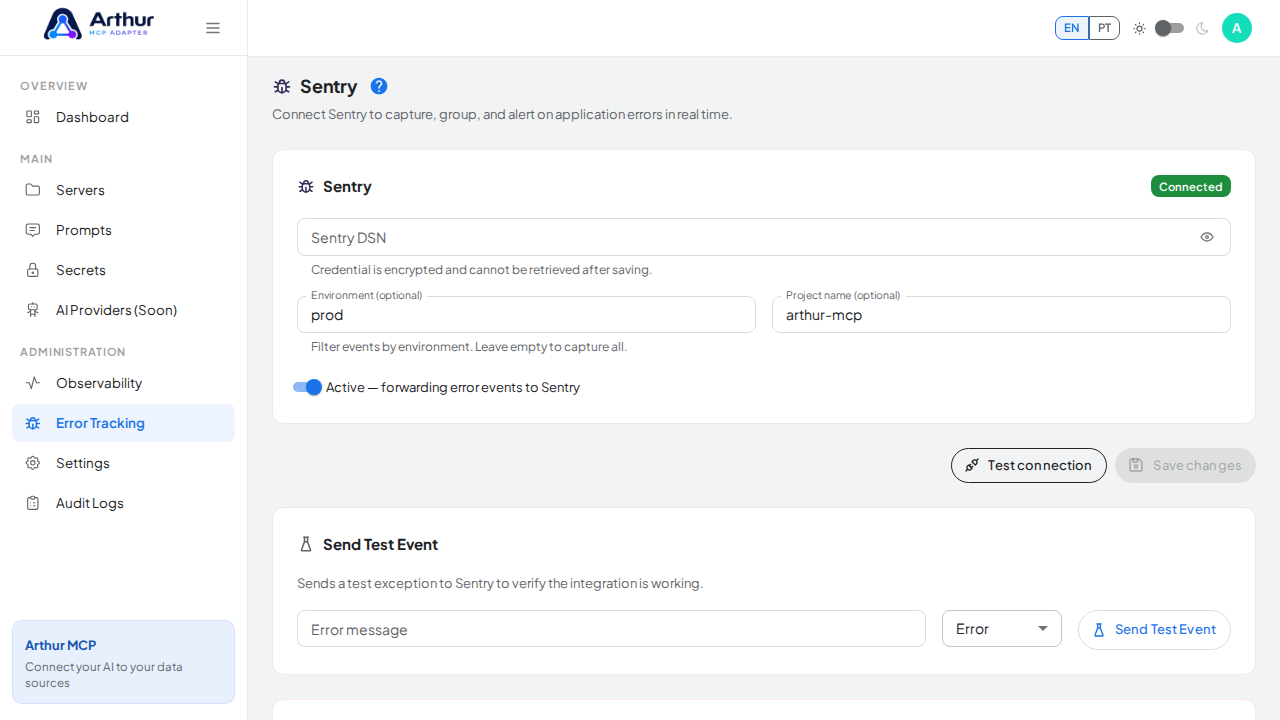
Enter the connection details your provider requires (for example, a DSN).
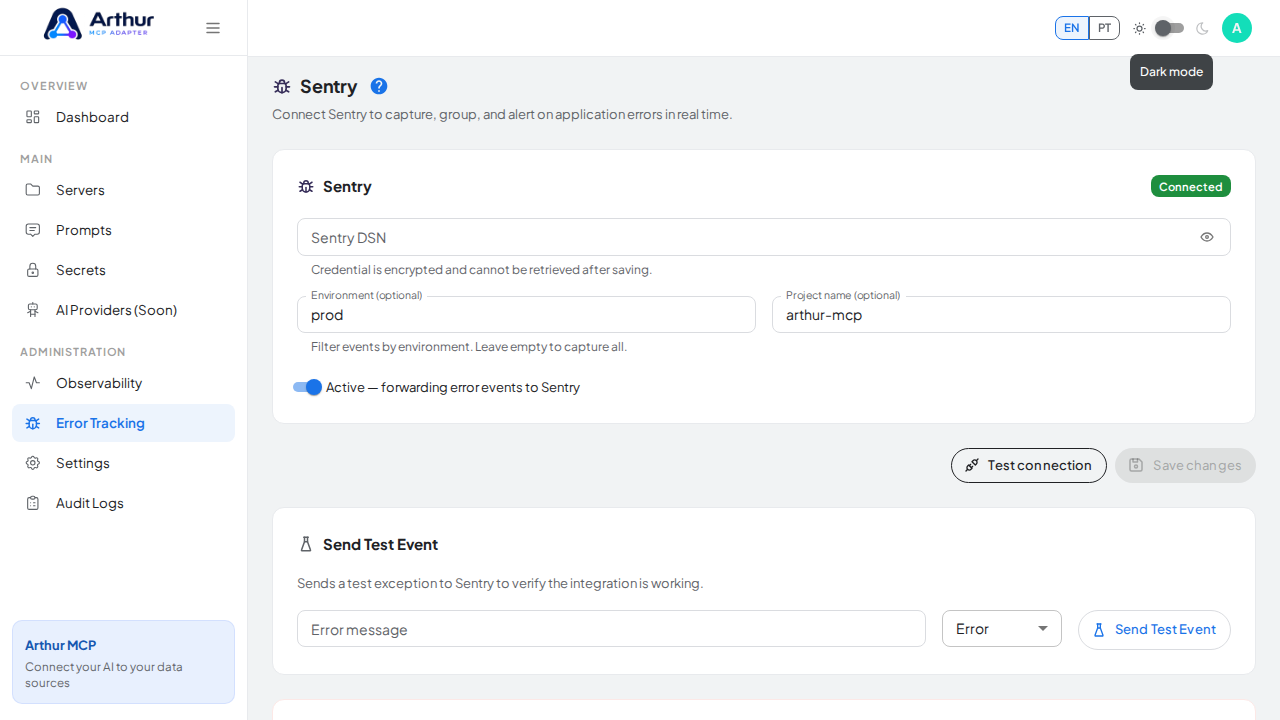
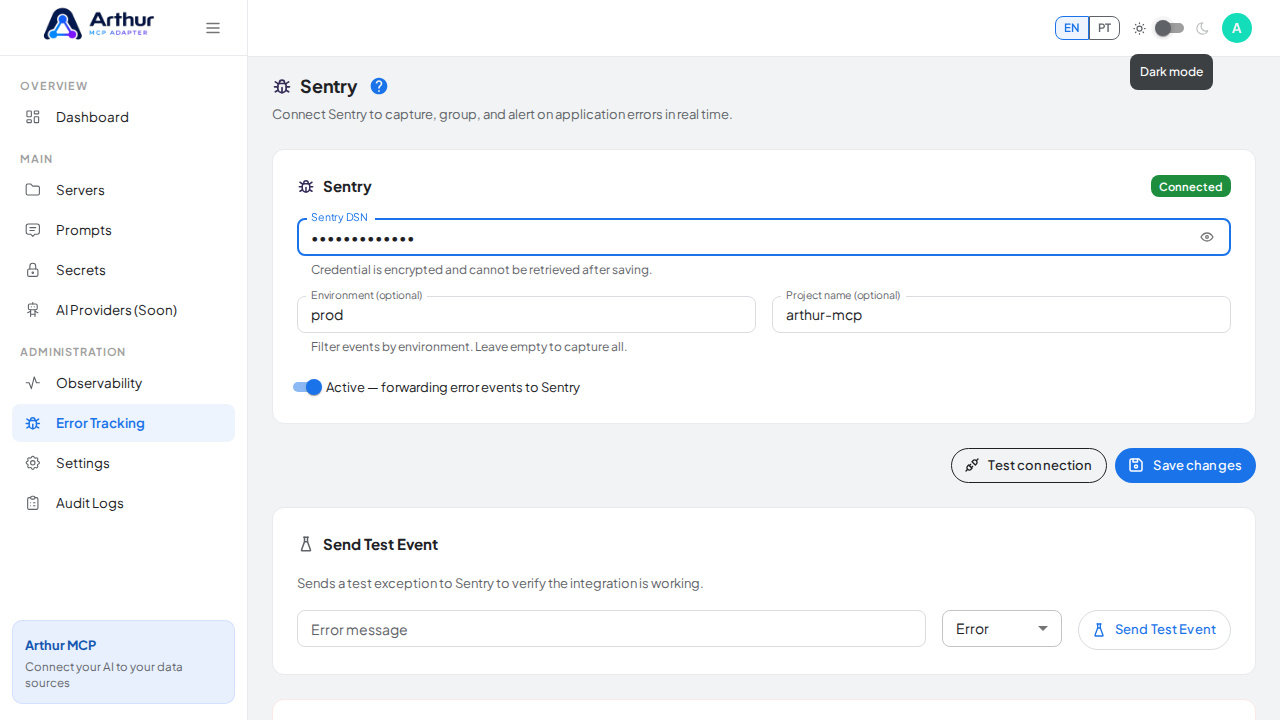
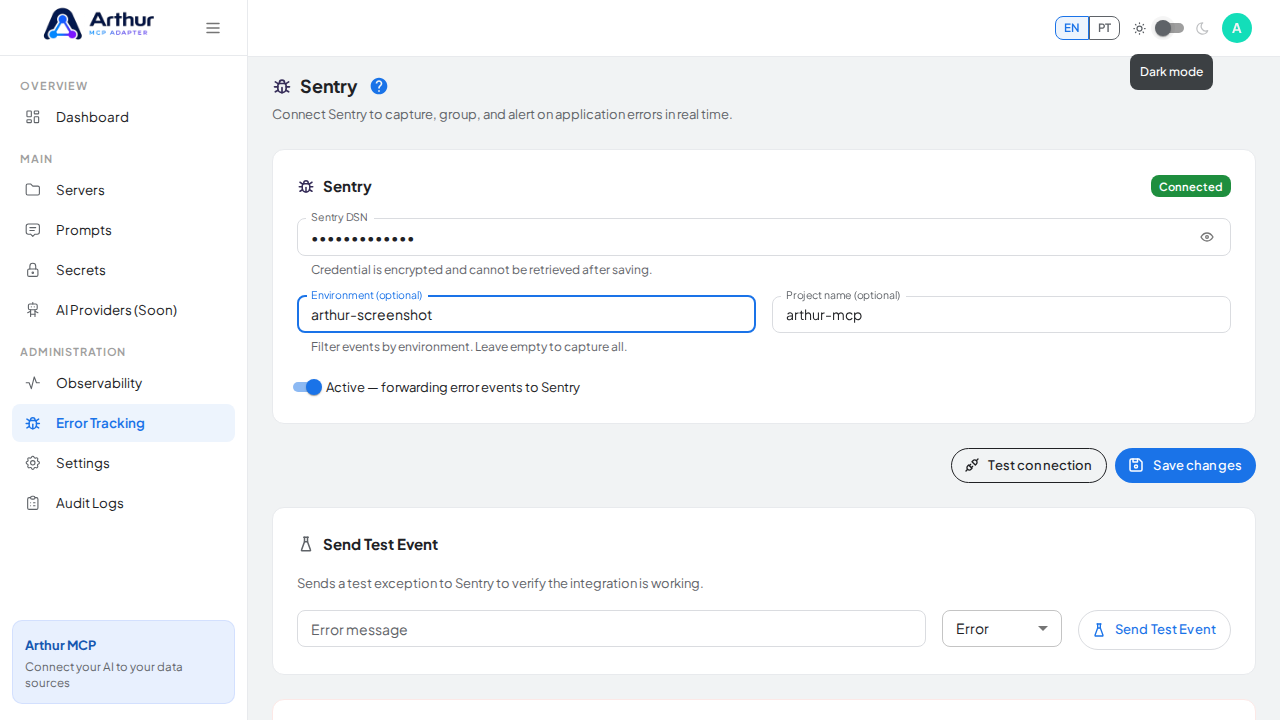
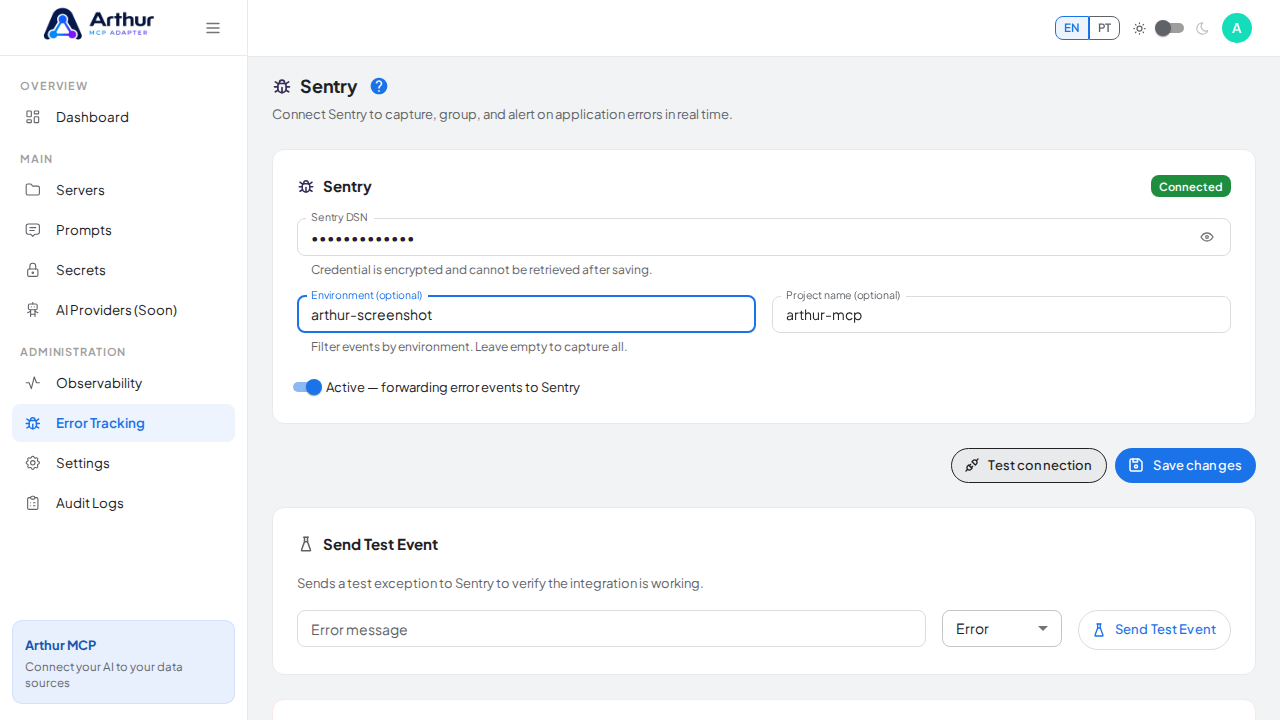
Save.
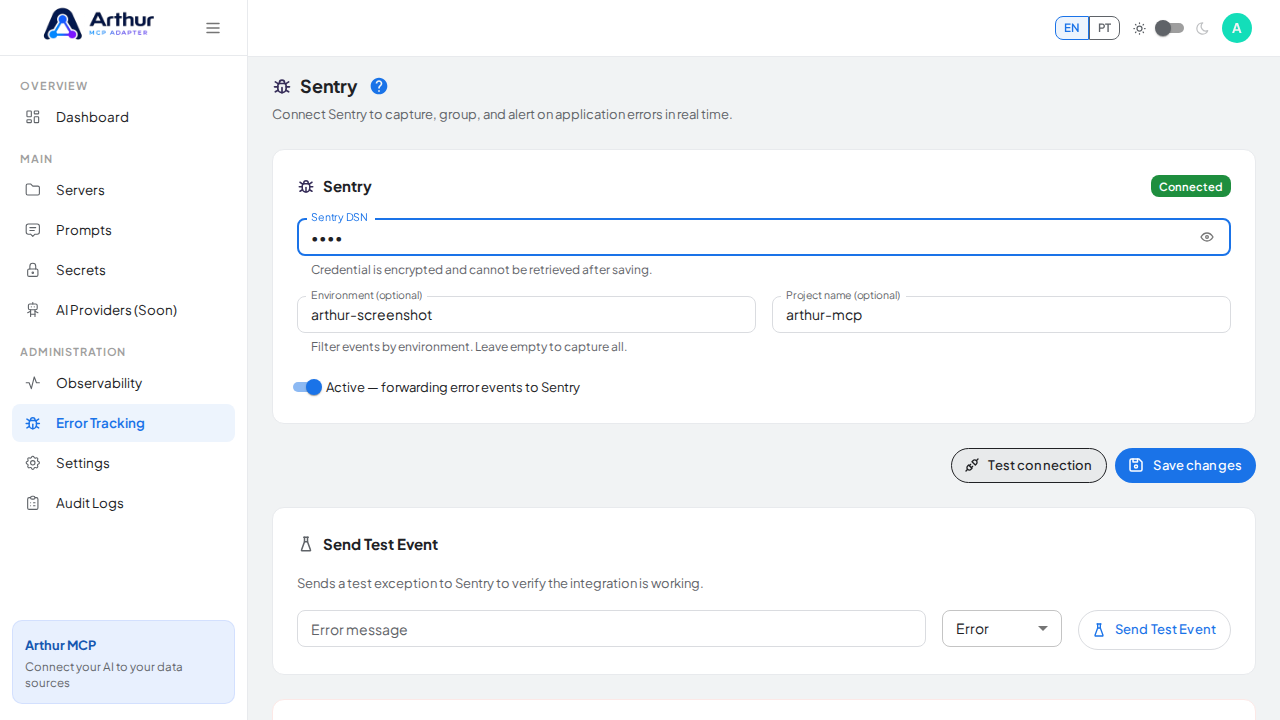
Trigger a test failure, or wait for a real one, and check your provider's dashboard.
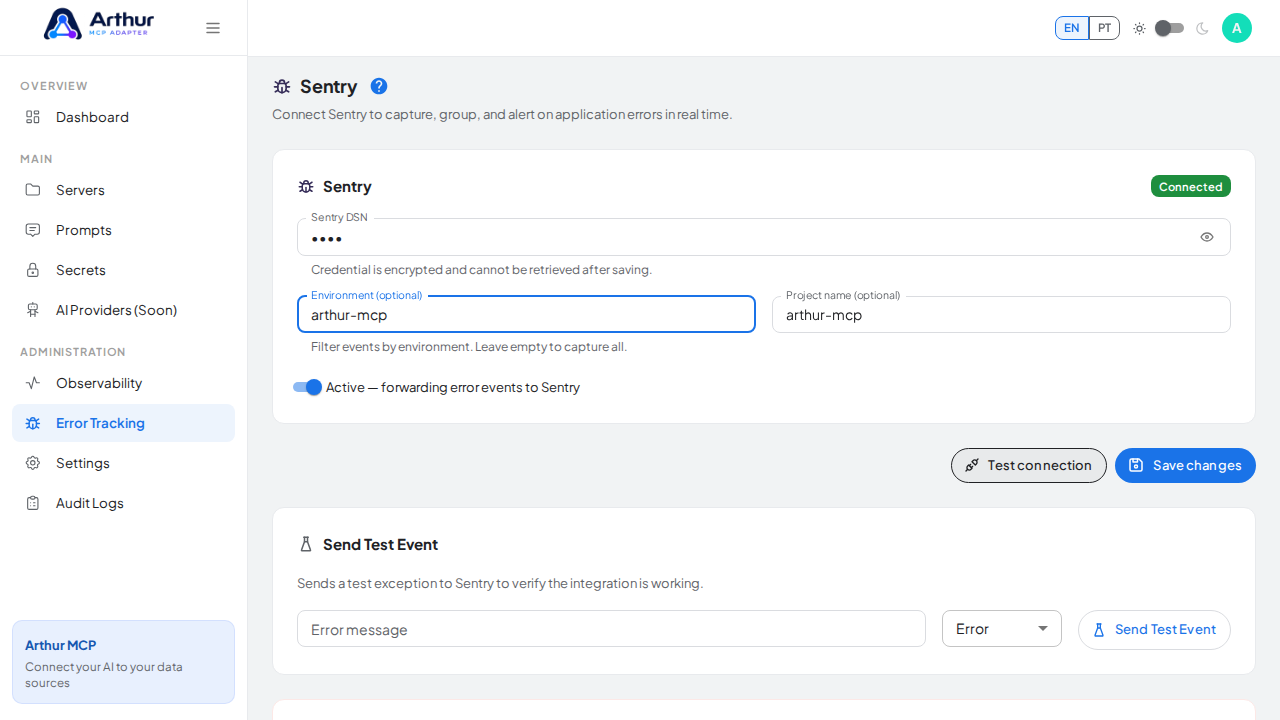
Confirm it worked
The failure appears on your provider's dashboard with useful context — route, error source, status code.
Good to know
- Request bodies, cookies, authorization headers, API keys, connection strings, and secret values are never forwarded — only the failure and its context.
- Error Tracking is about unexpected runtime failures. Deliberate changes made by people are tracked separately in Audit Logs.
Related
Tutorial video