
How to Enable Error Alerts
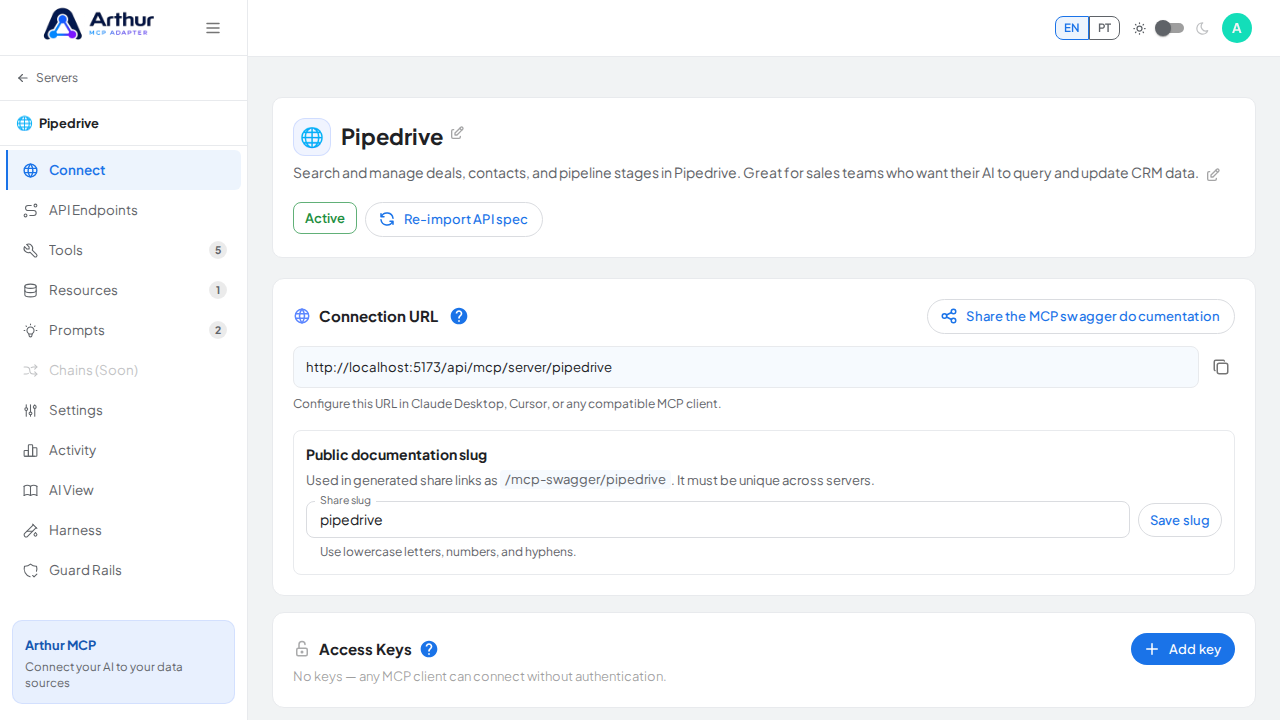
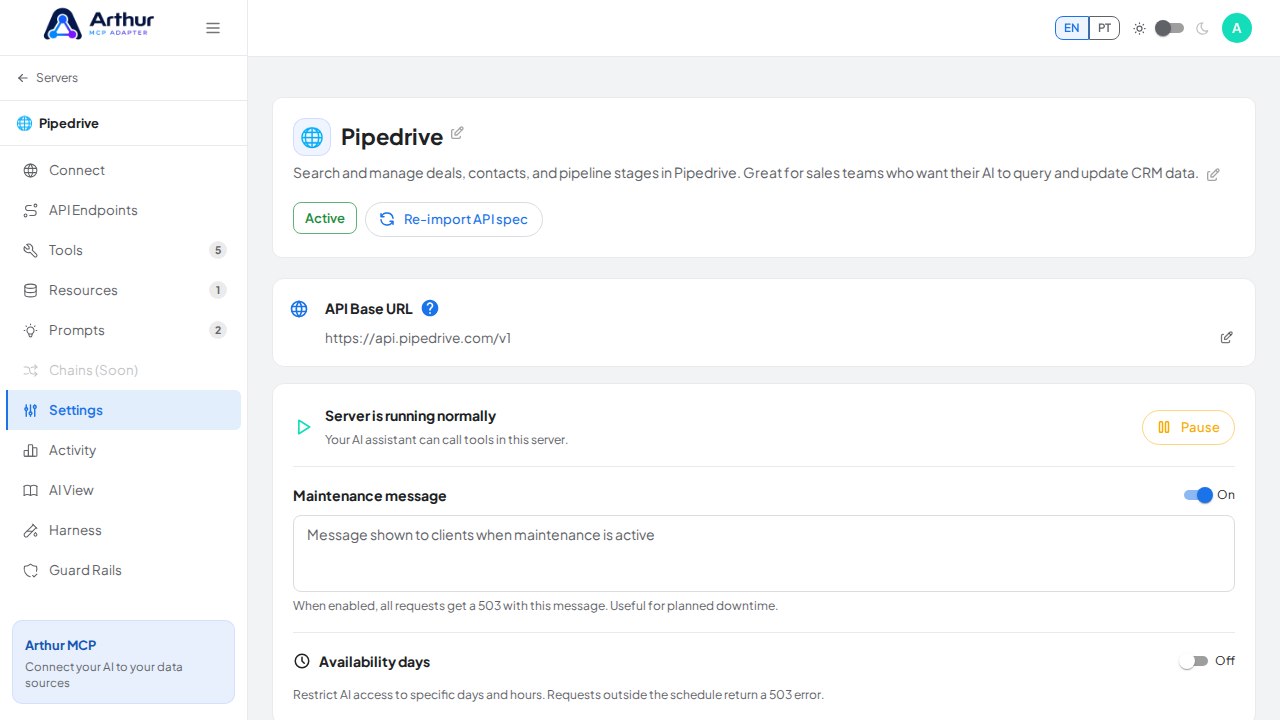
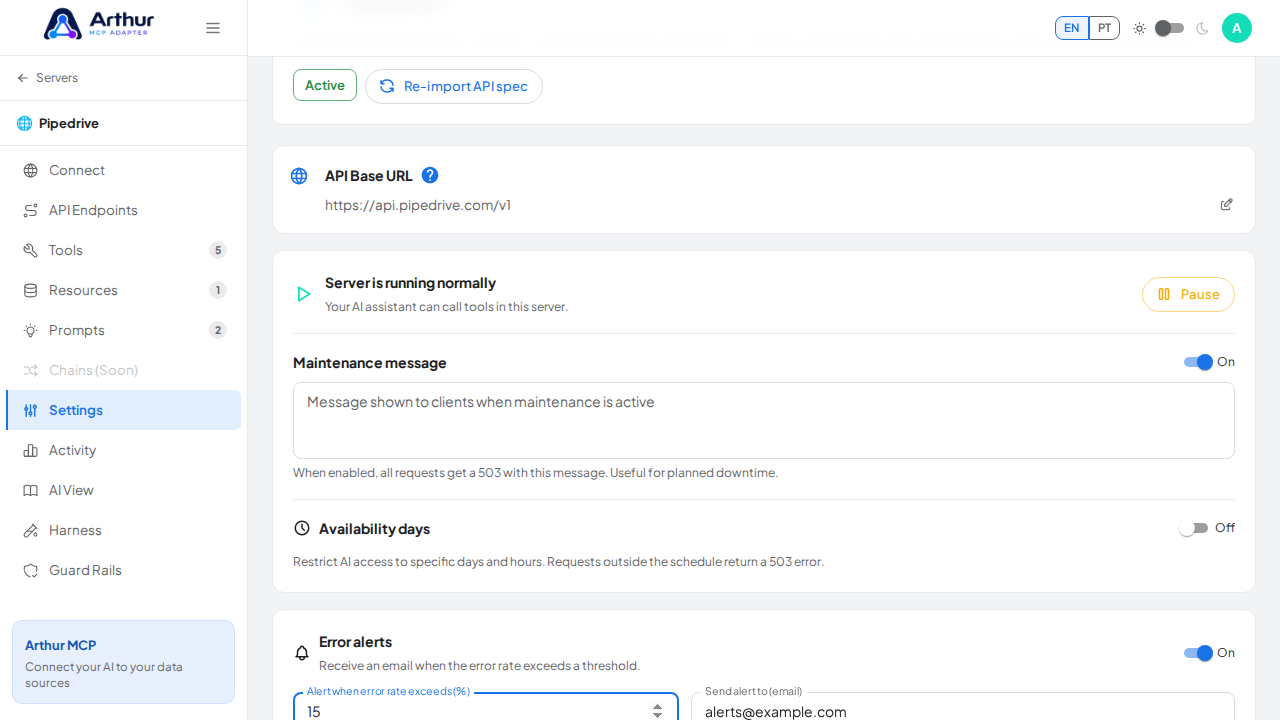
Open the server's Settings tab, find Error alerts, and turn it on. Set the error-rate threshold (1–100%) and the email address that should be notified, then save.
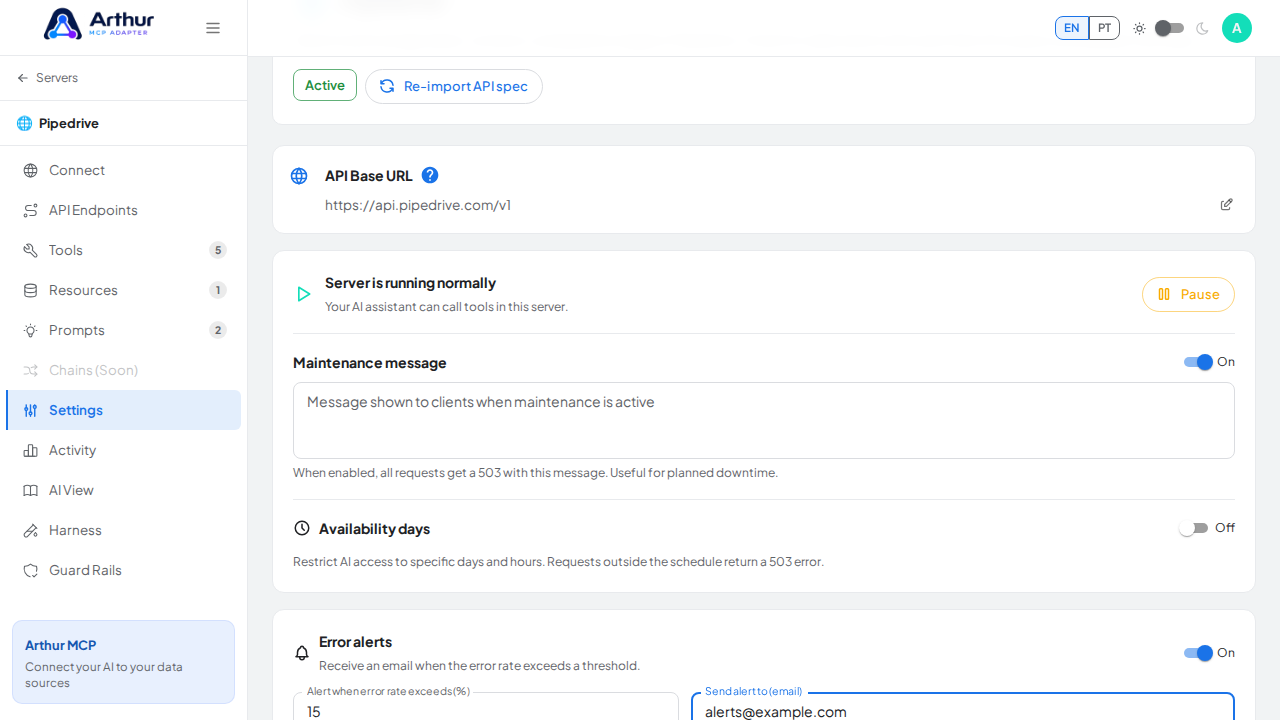
Learn more: How to Set Up Error Alerts.
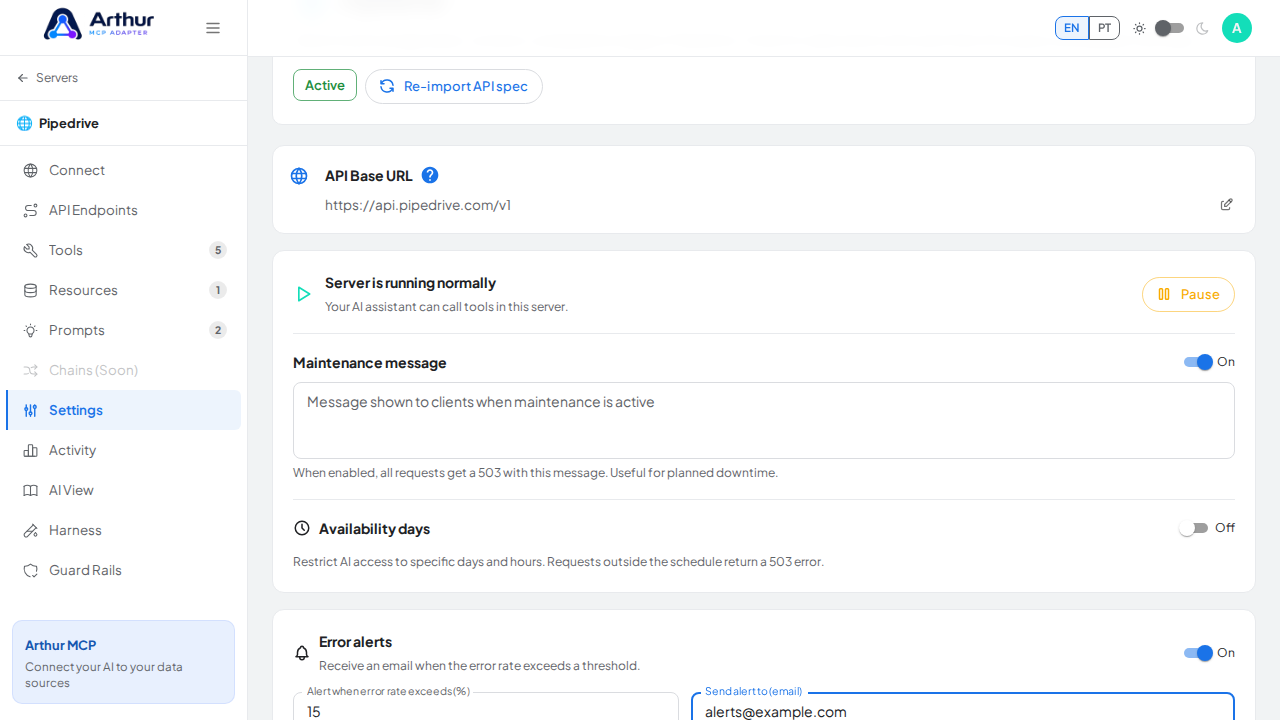
Tutorial video
Open the server's Settings tab, find Error alerts, and turn it on. Set the error-rate threshold (1–100%) and the email address that should be notified, then save.
Learn more: How to Set Up Error Alerts.
Tutorial video