How it worksFeaturesDocsEarly accessGitHubDashboard

How to Configure AI Providers

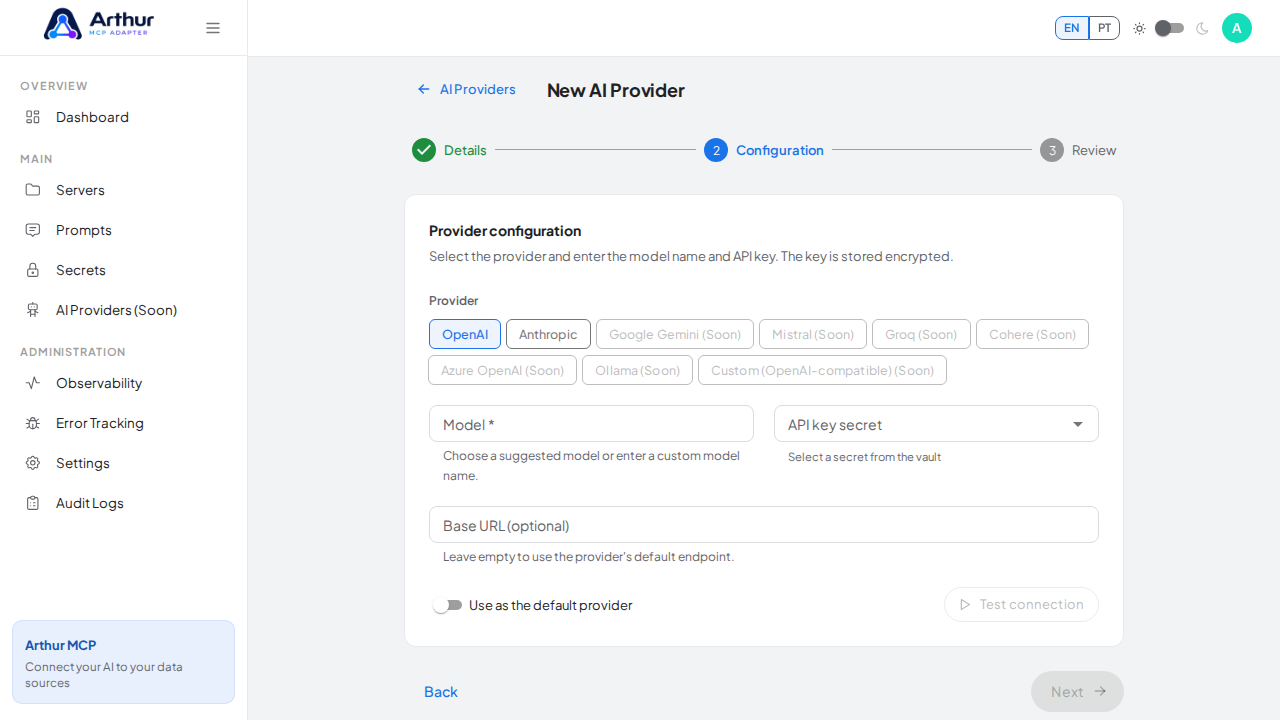
Go to AI Providers and add one: name, provider type (OpenAI or Anthropic today), model, API key, and an optional base URL. Test the connection, then mark it default. Only one provider can exist at a time — creating a new one requires editing or deleting the existing one first.
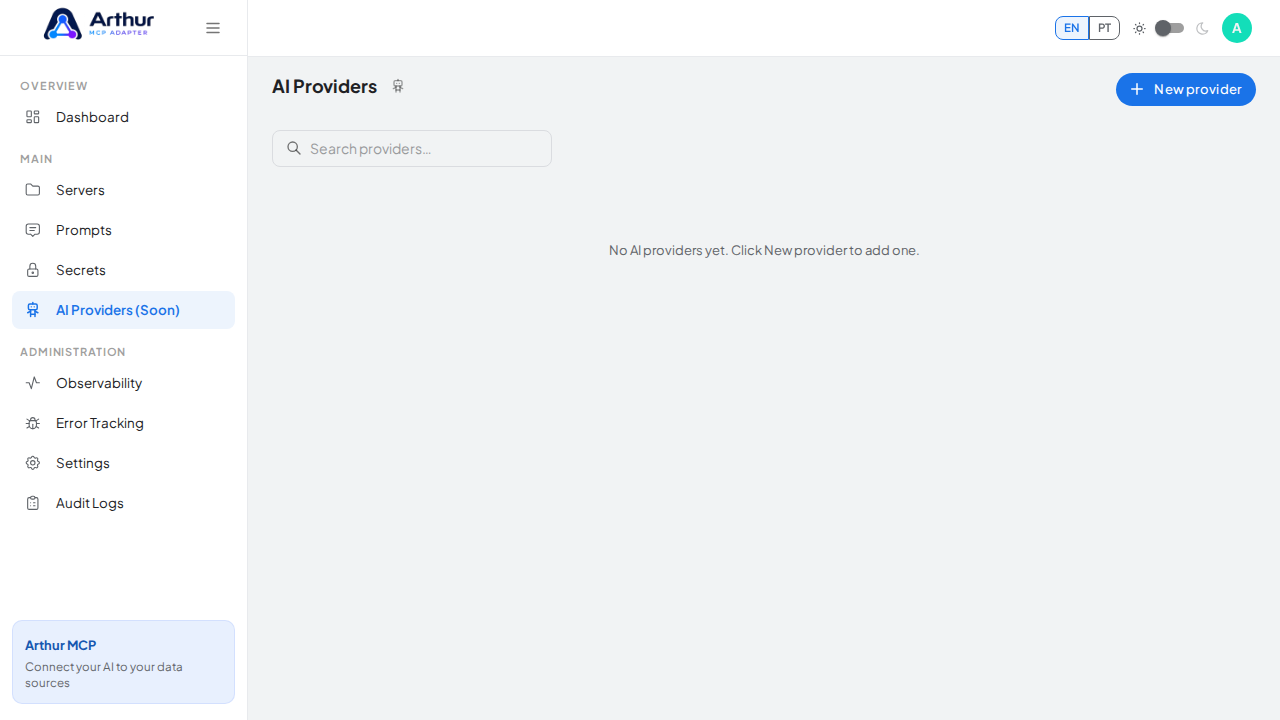
Open the AI Providers configuration page

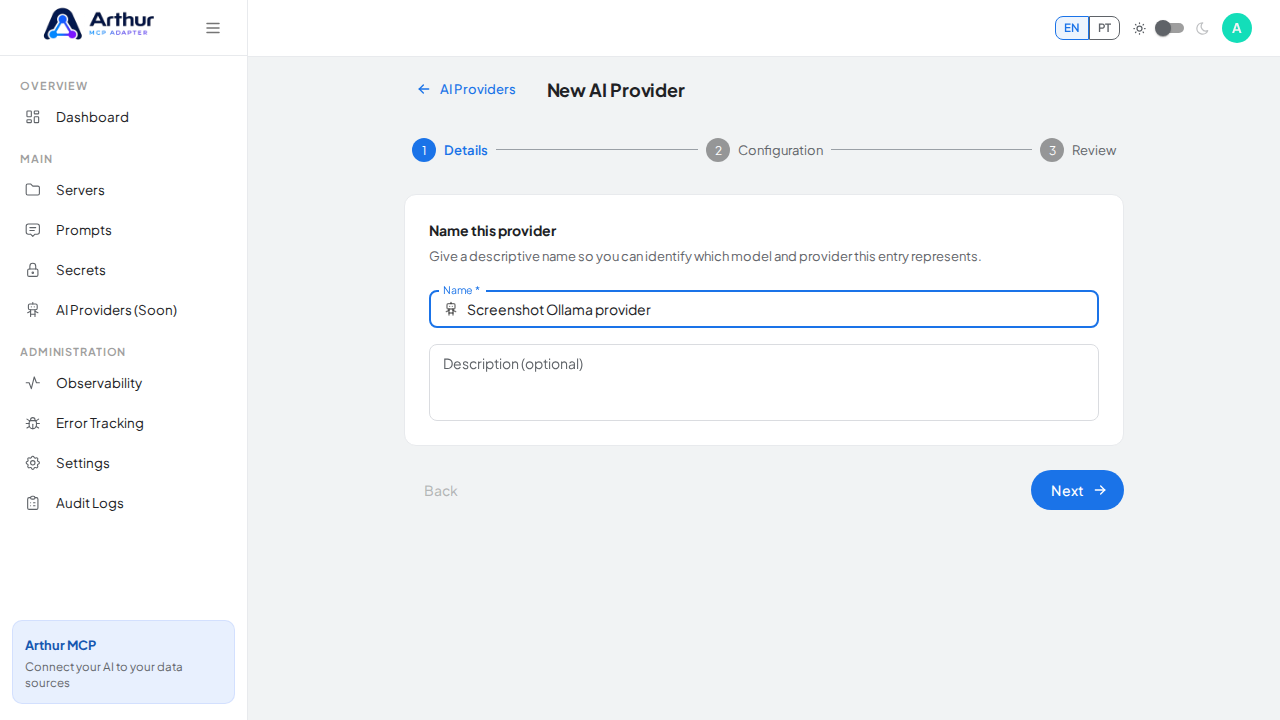
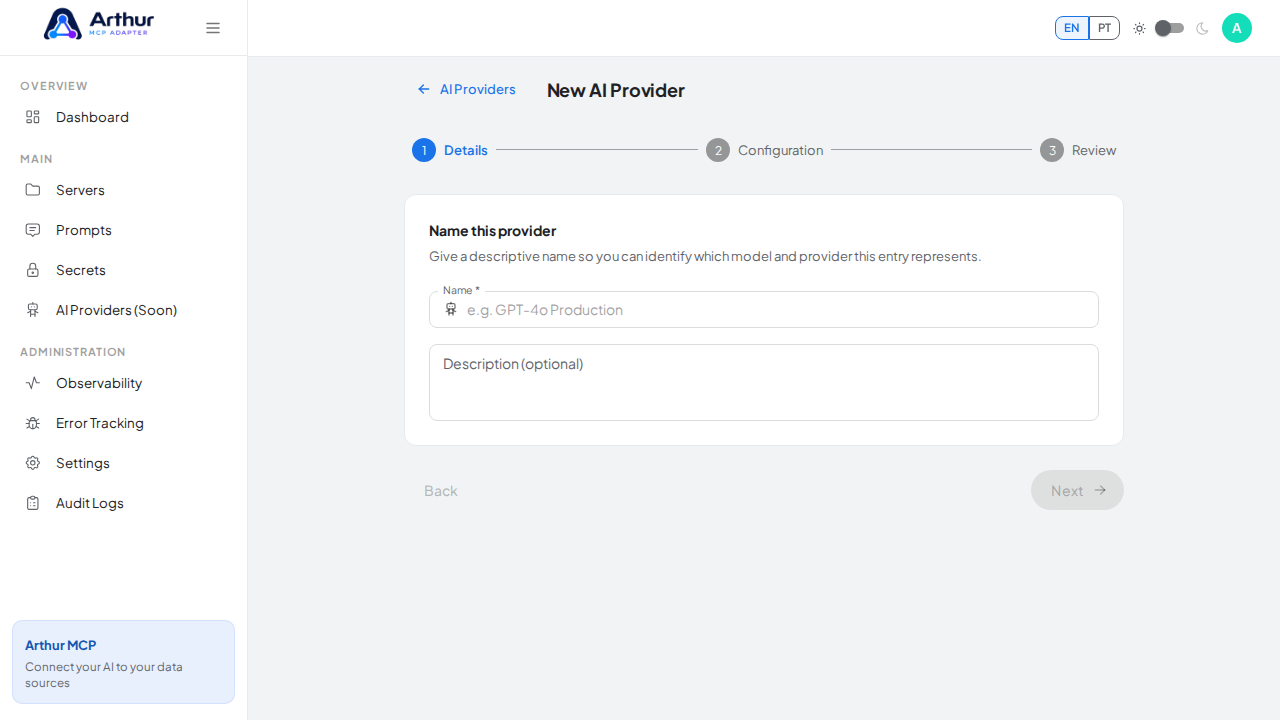
Open the three-step AI provider wizard

Give the provider a recognizable configuration name

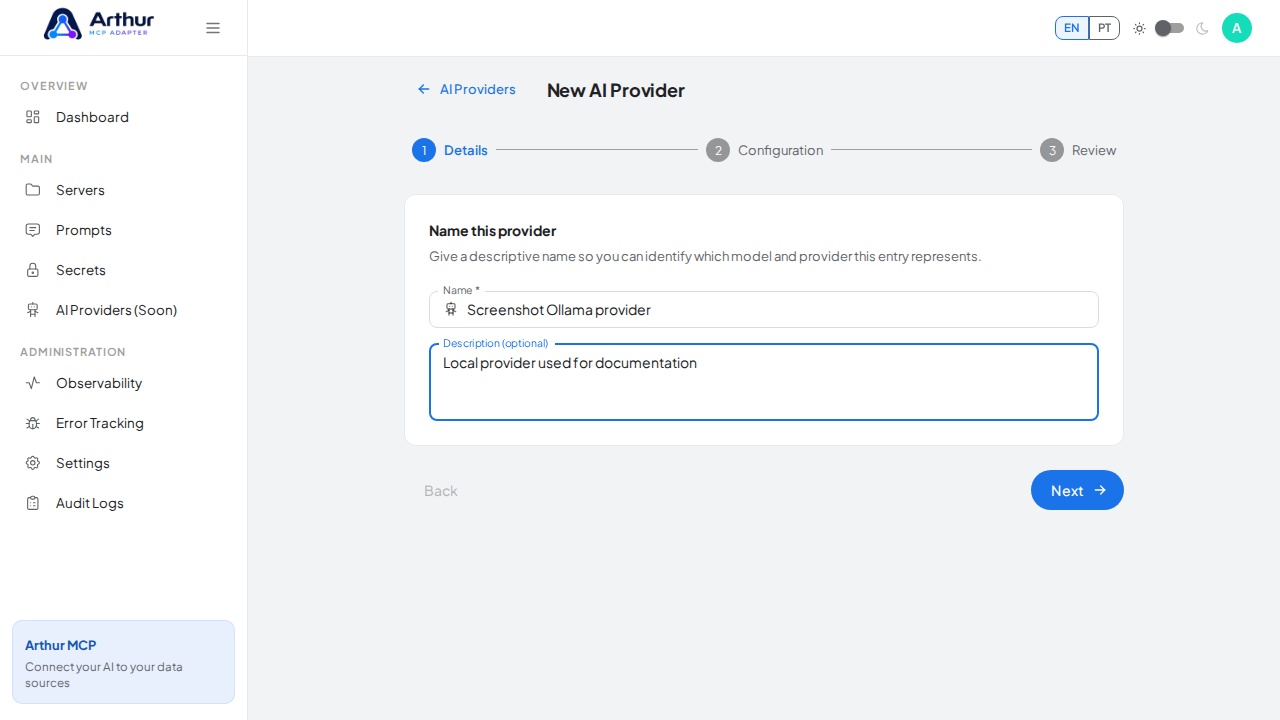
Describe which automated features should use the provider

Advance to provider and model configuration

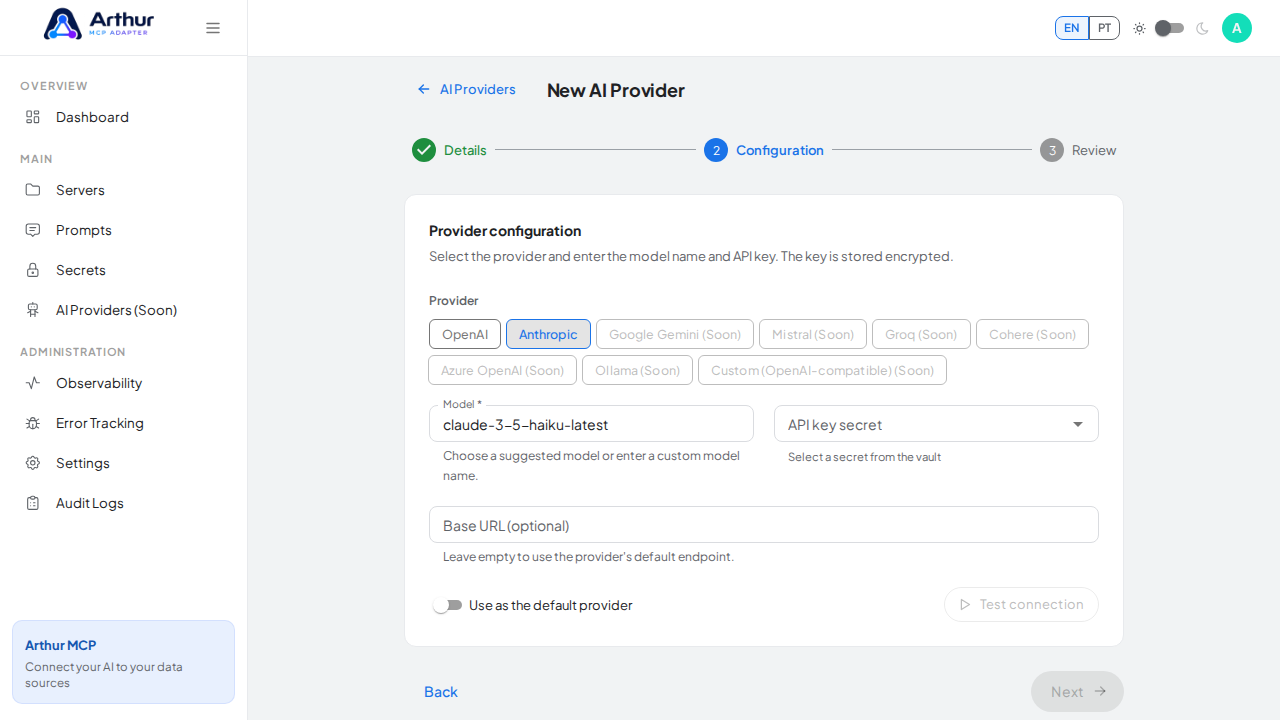
Select Anthropic, one of the providers currently enabled in the UI

Learn more: AI Providers, How to Use AI-Assisted Tool Generation.
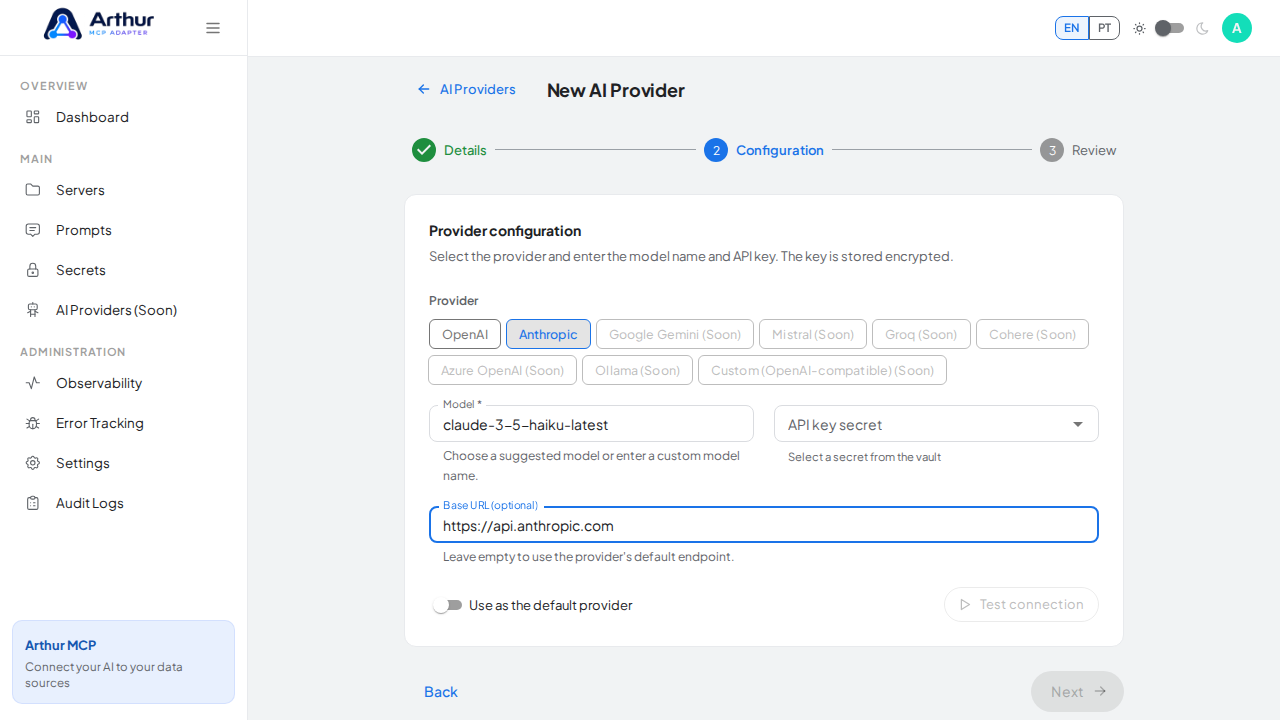
Demonstrate the endpoint override while the same panel shows the encrypted secret required before review

Tutorial video