
Audit Logs
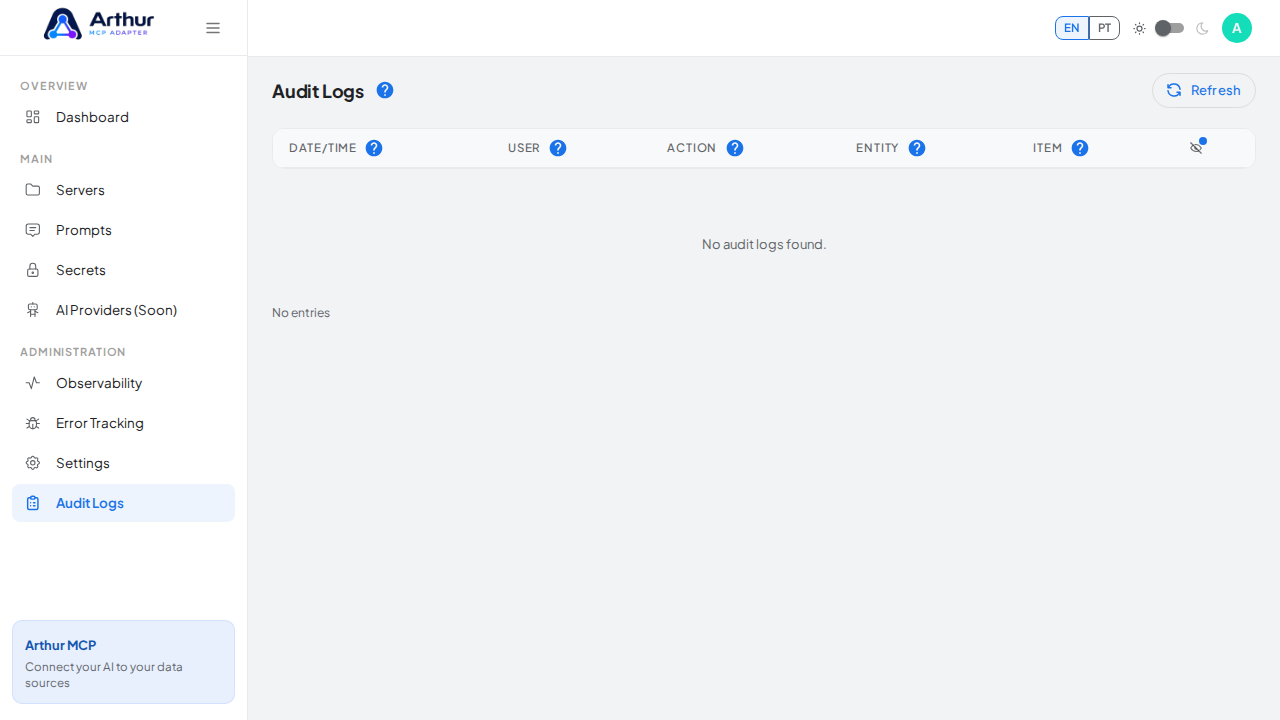
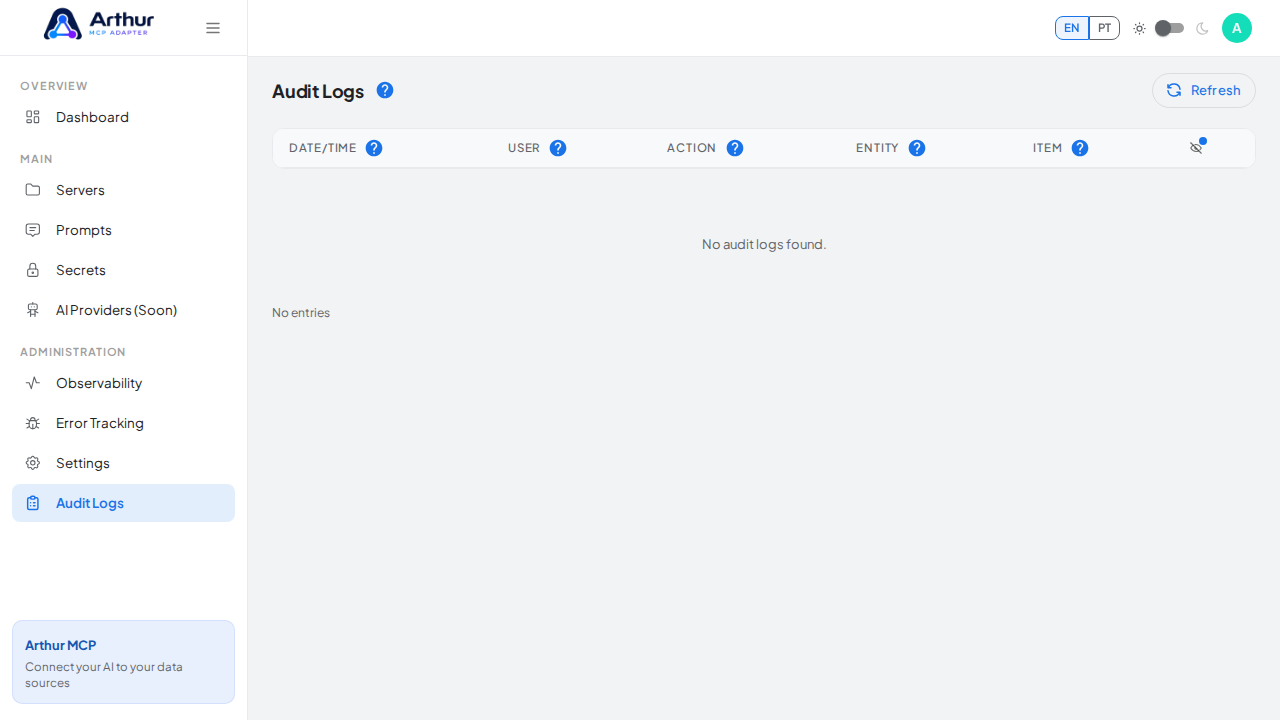
Audit Logs are the accountability trail for everything that changes in an Arthur MCP instance.
What you can do
- See who changed what, across servers, tools, secrets, users, roles, and settings.
- Answer "who touched this and when" without digging through raw database rows.
How to use it
- Go to Audit Logs.
- Filter by the area, user, or time range you're investigating.
Good to know
- Audit Logs are about intentional changes made by people. Unexpected runtime failures are tracked separately — see Error Tracking.
- Exporting the log to a file is on the roadmap but not available yet.
Tutorial video