
How to integrate Sharetribe Integration API using MCP
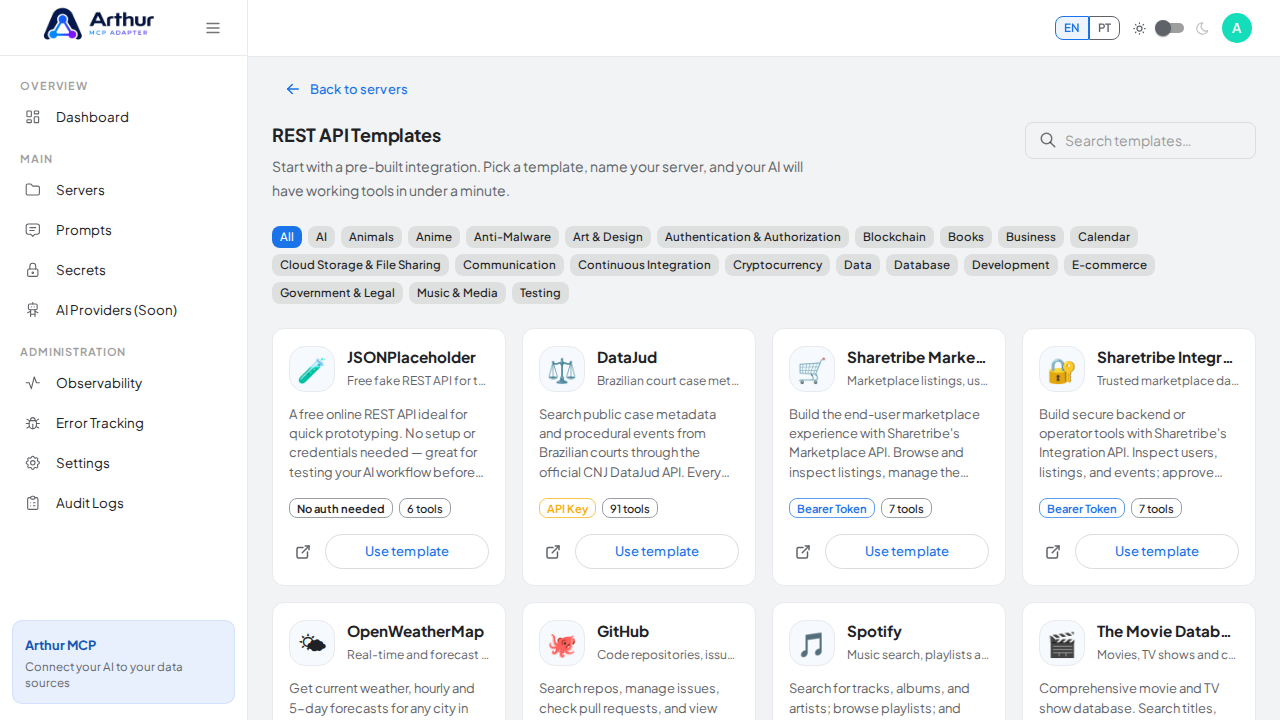
Trusted marketplace data, approvals and audit events. This guide creates an MCP server from Arthur's Sharetribe Integration API template — tools preconfigured against https://flex-integ-api.sharetribe.com — and finishes by sharing the server's MCP swagger documentation.
Steps
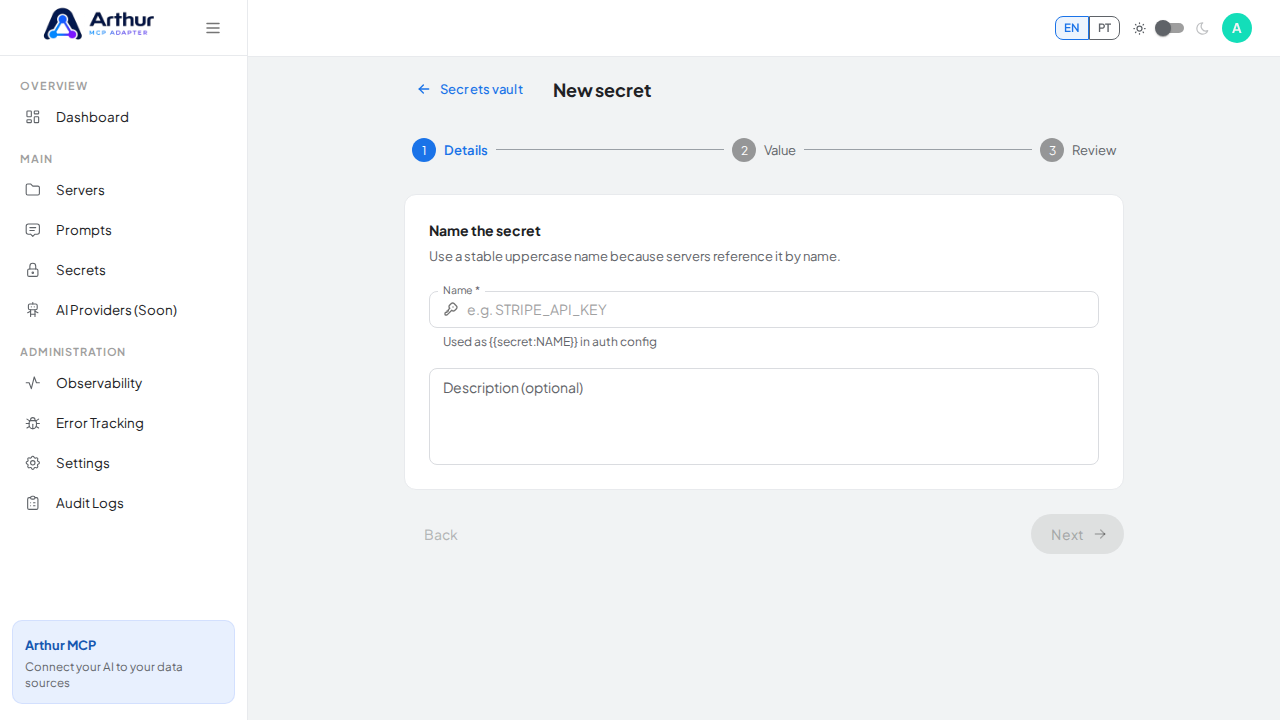
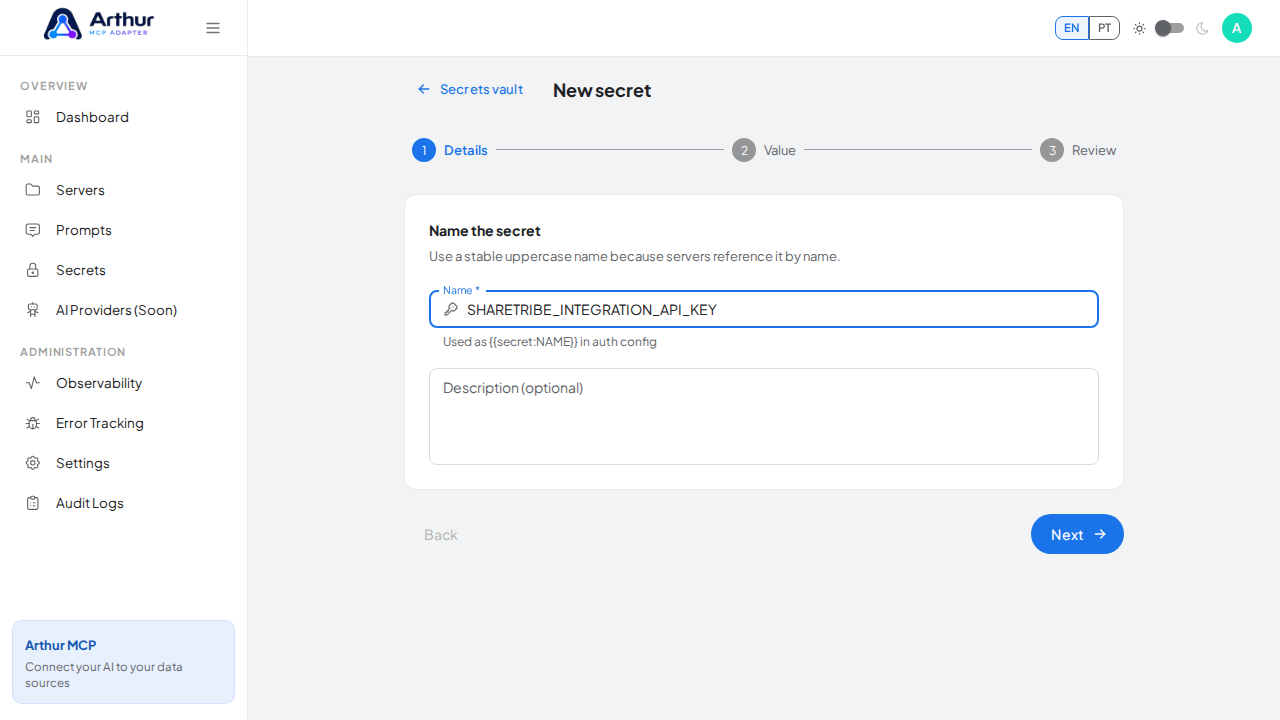
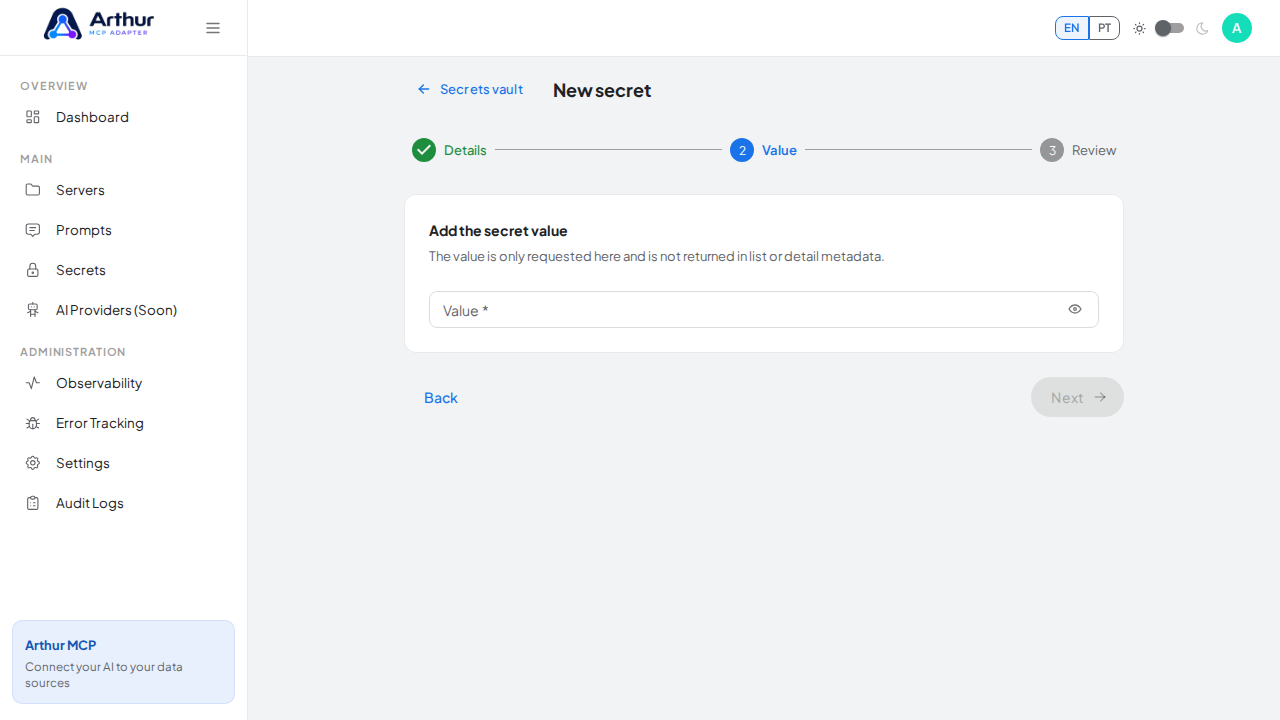
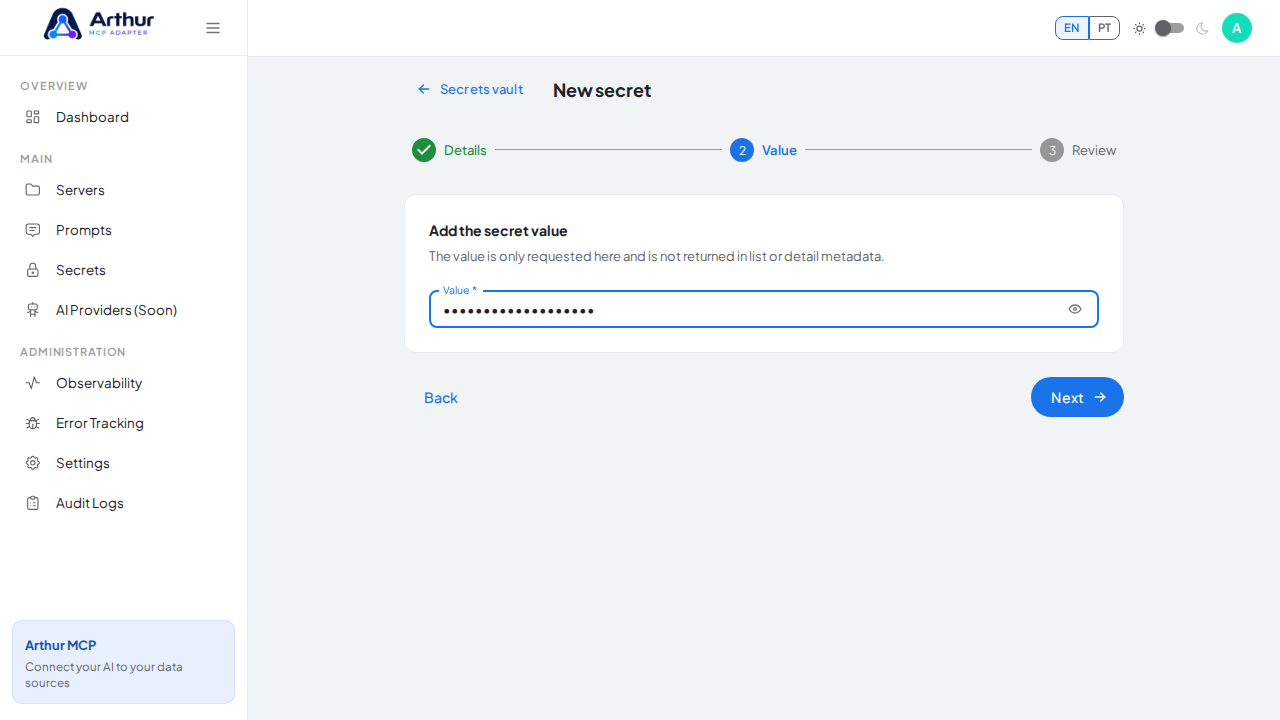
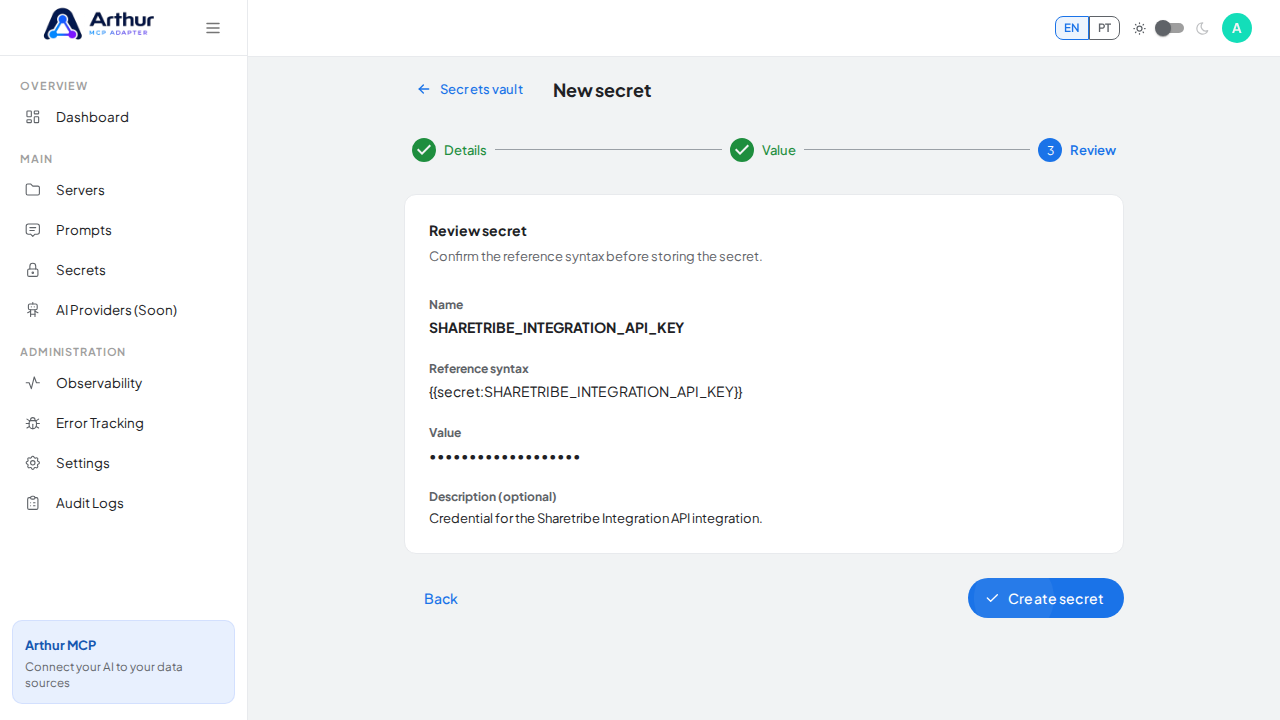
Open the Secrets vault and create a secret named
SHARETRIBE_INTEGRATION_API_KEYholding your access token. Use an access token in the Authorization header from a trusted Sharetribe Integration SDK instance. Keep the client secret server-side and never expose it to browsers or mobile apps.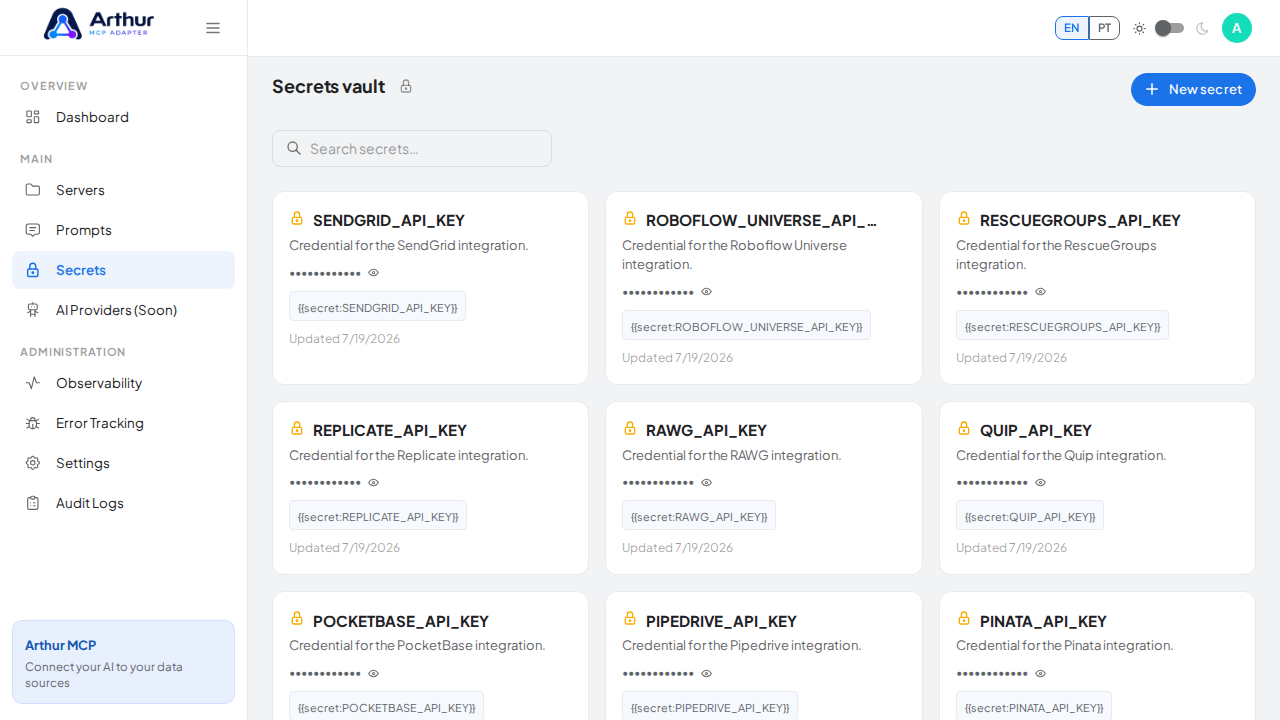
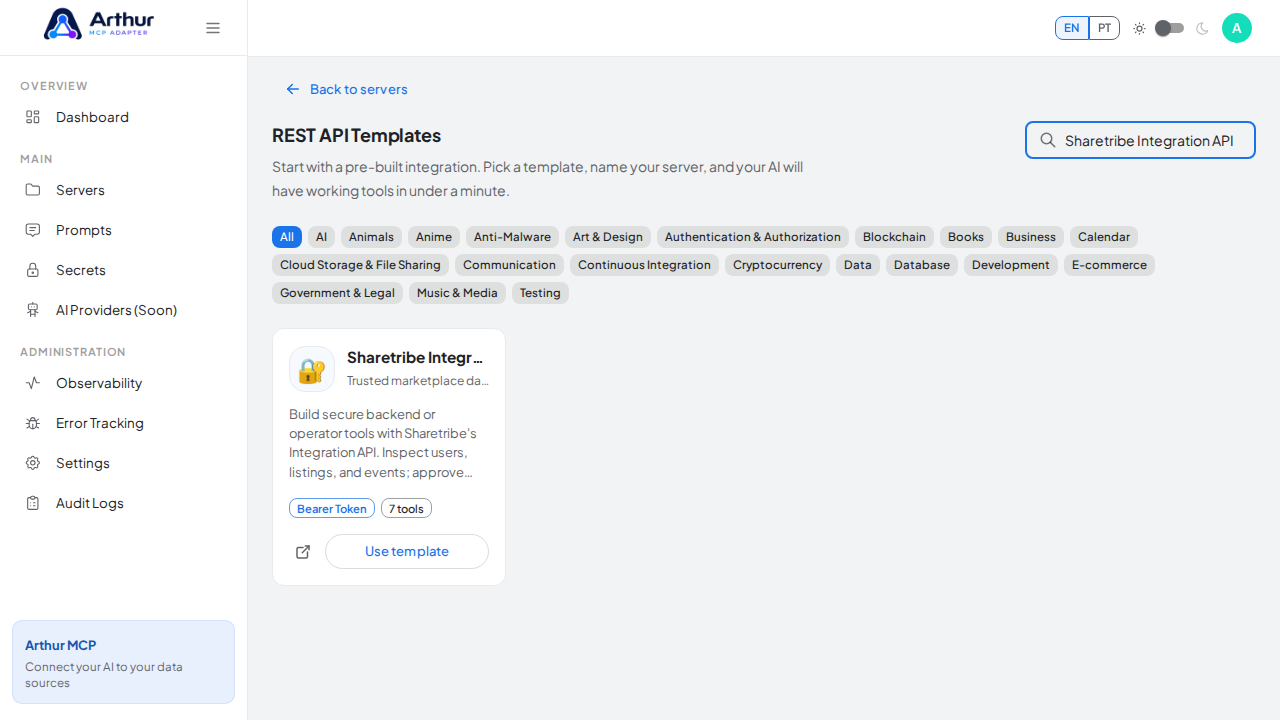
Go to the REST API Templates gallery and search for Sharetribe Integration API.
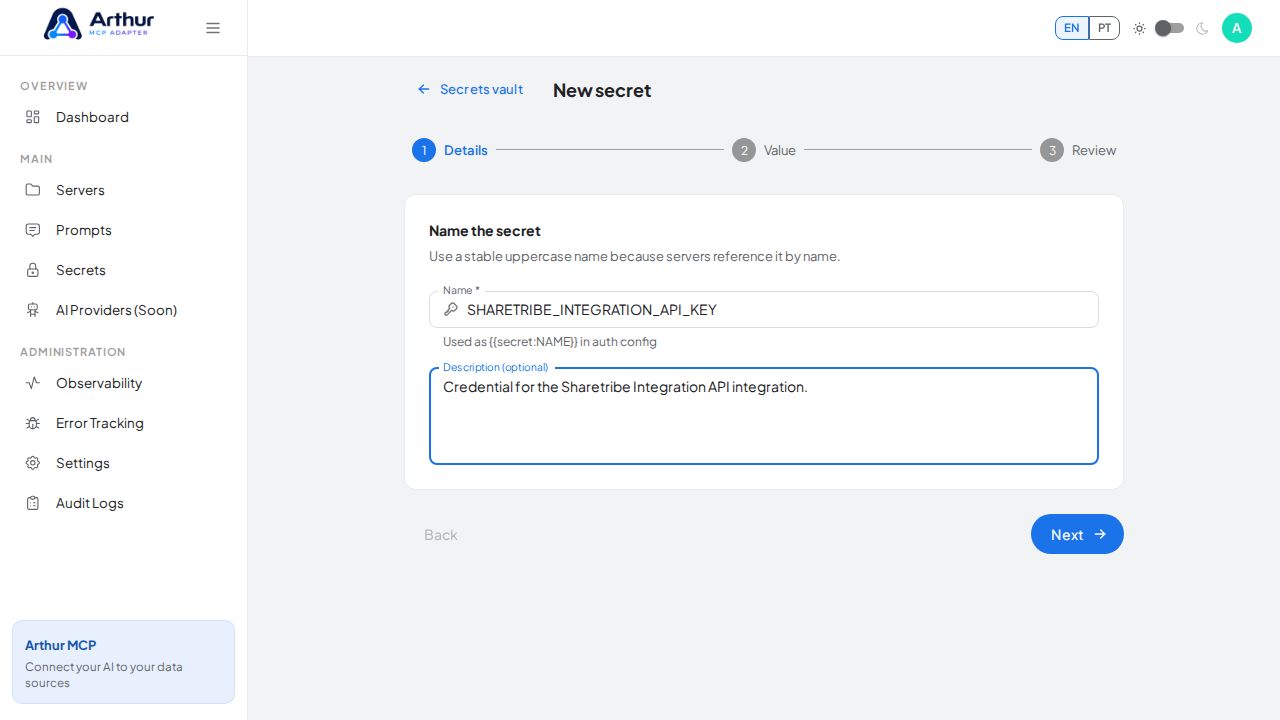
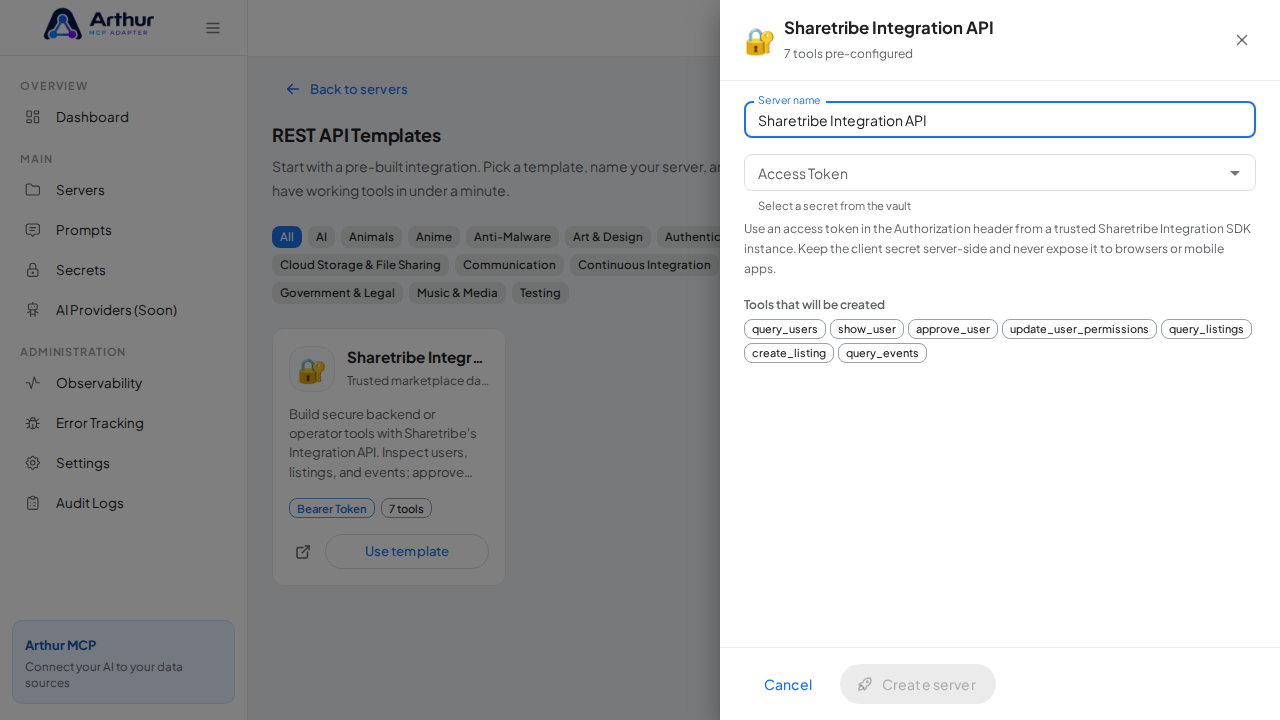
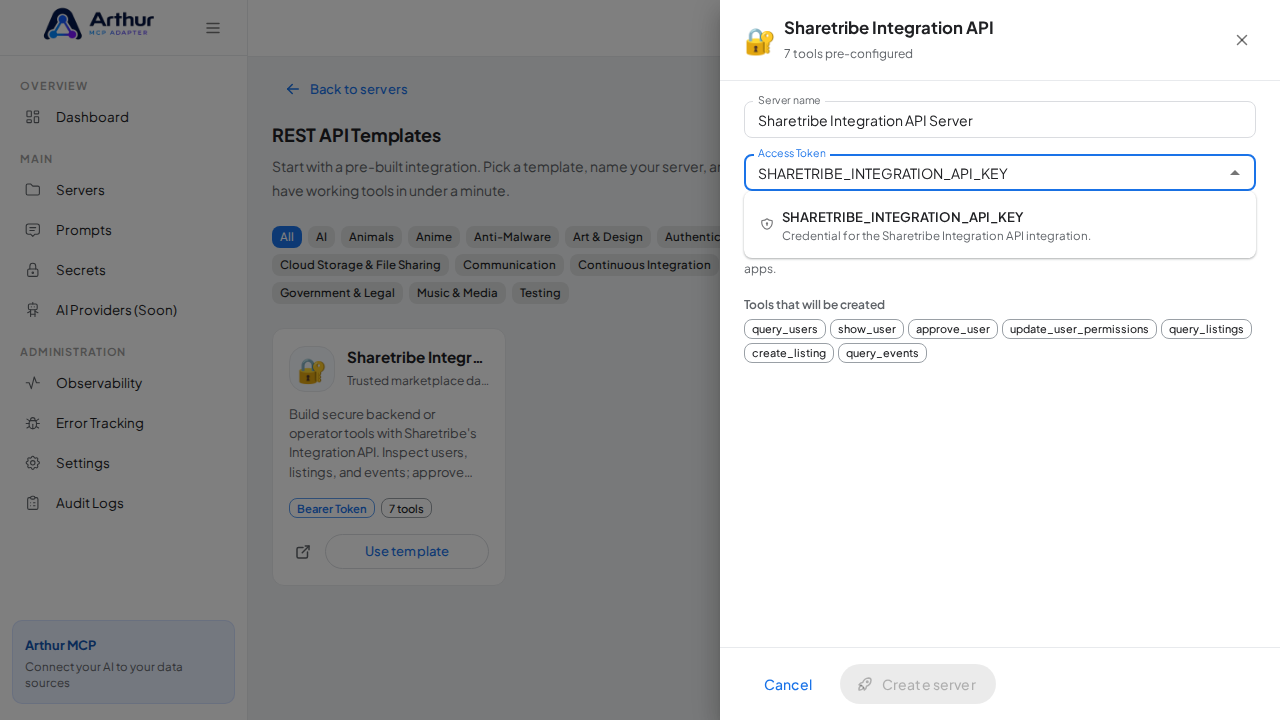
Click Use template on the Sharetribe Integration API card to open the server-creation dialog.
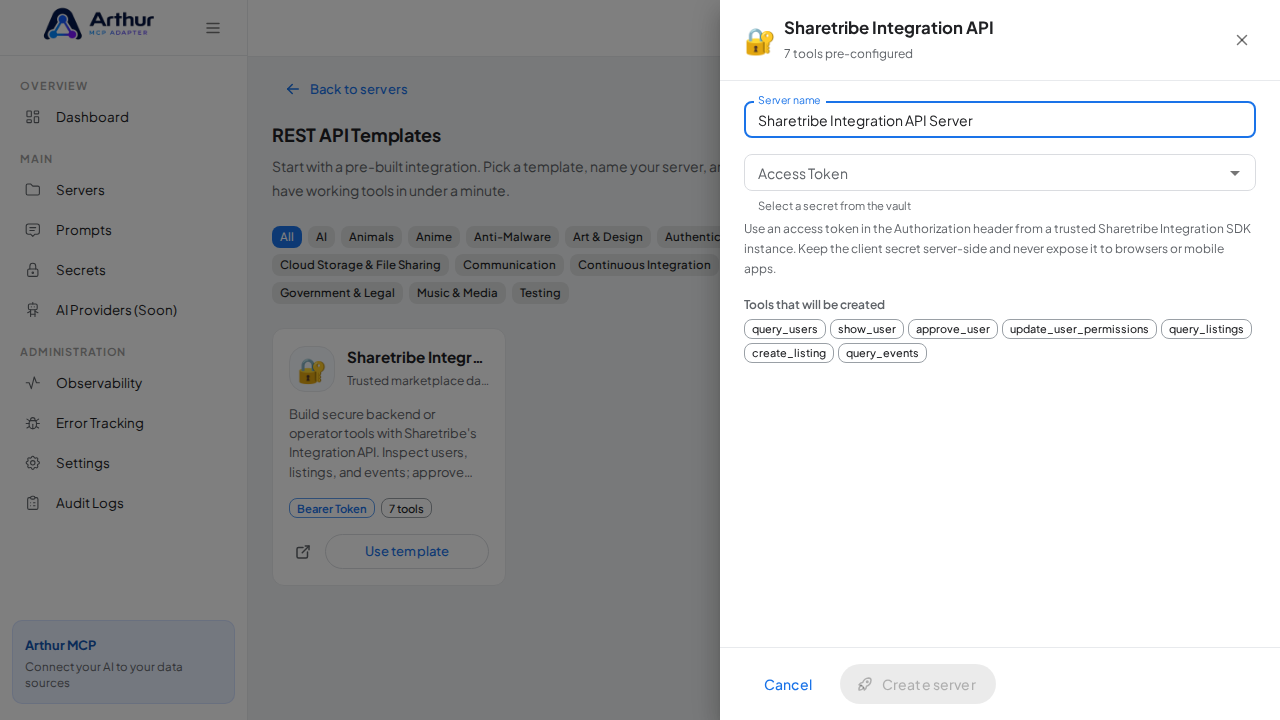
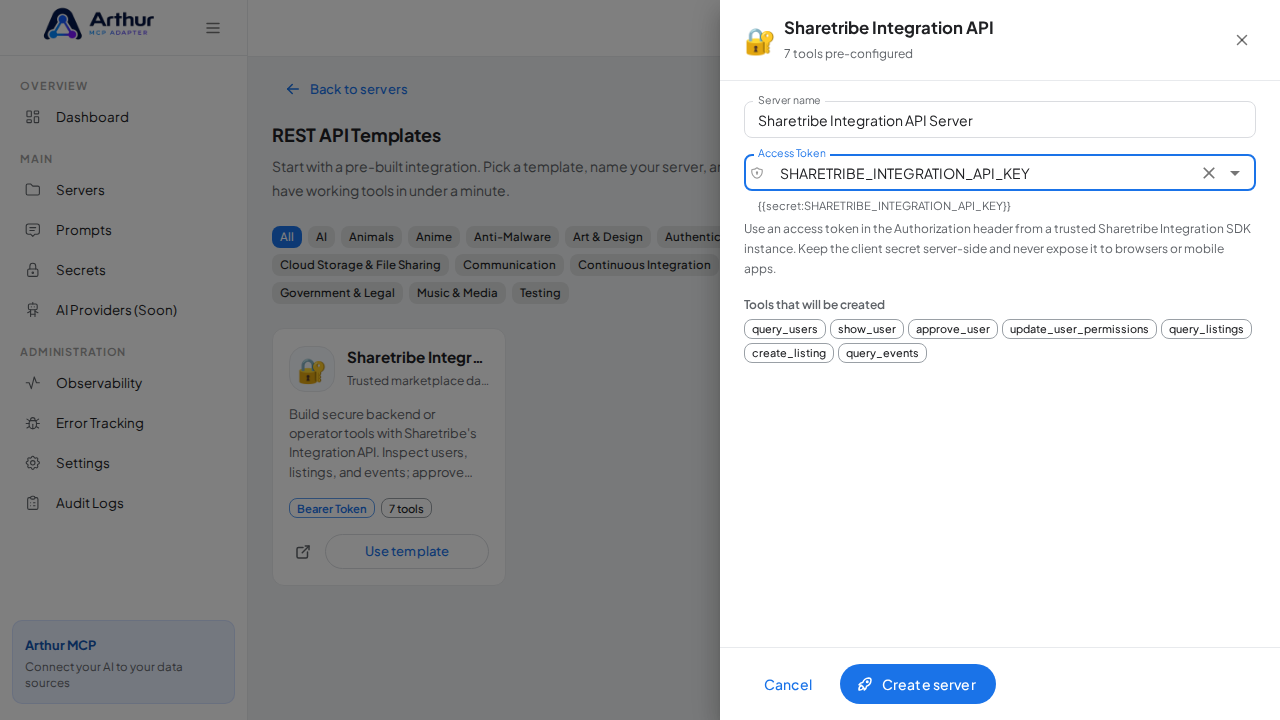
Review the server name and select
SHARETRIBE_INTEGRATION_API_KEYin the credential field — the dialog only accepts vault secrets, and it lists every tool that will be created.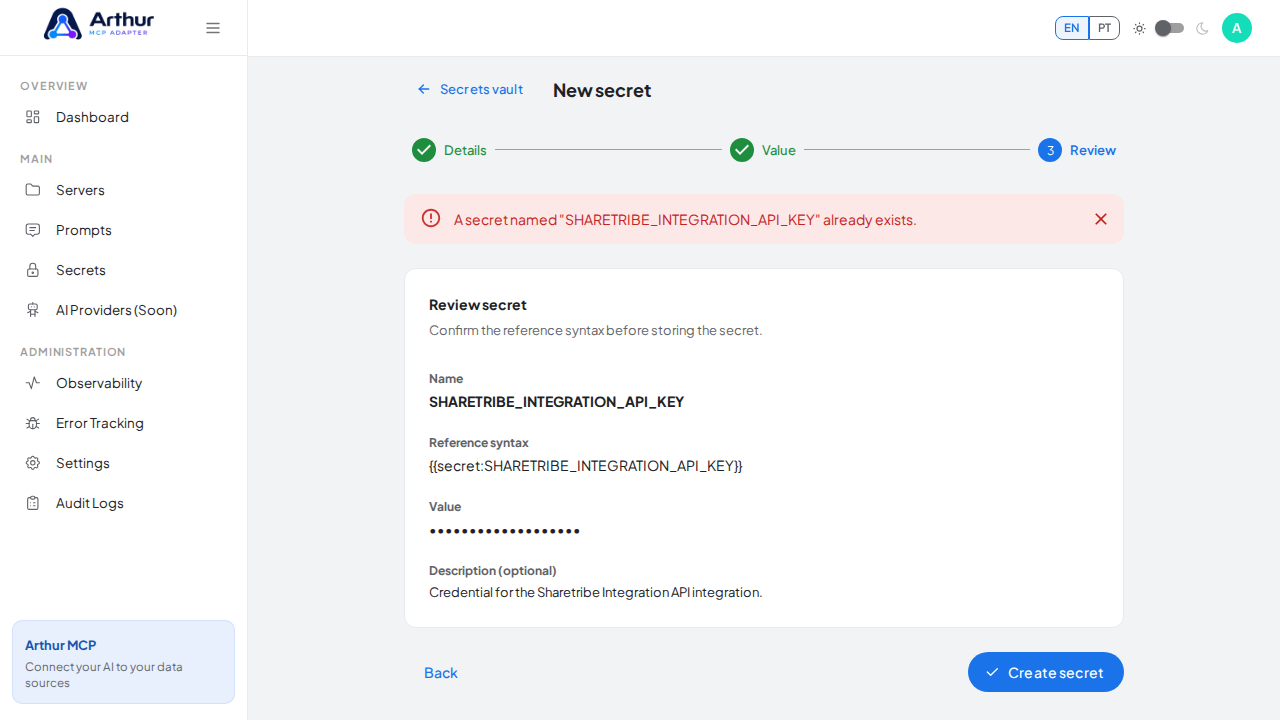
Click Create server. Arthur creates the server, applies the authentication, and generates all the tools.

Open the server's Tools tab to review the generated tools.
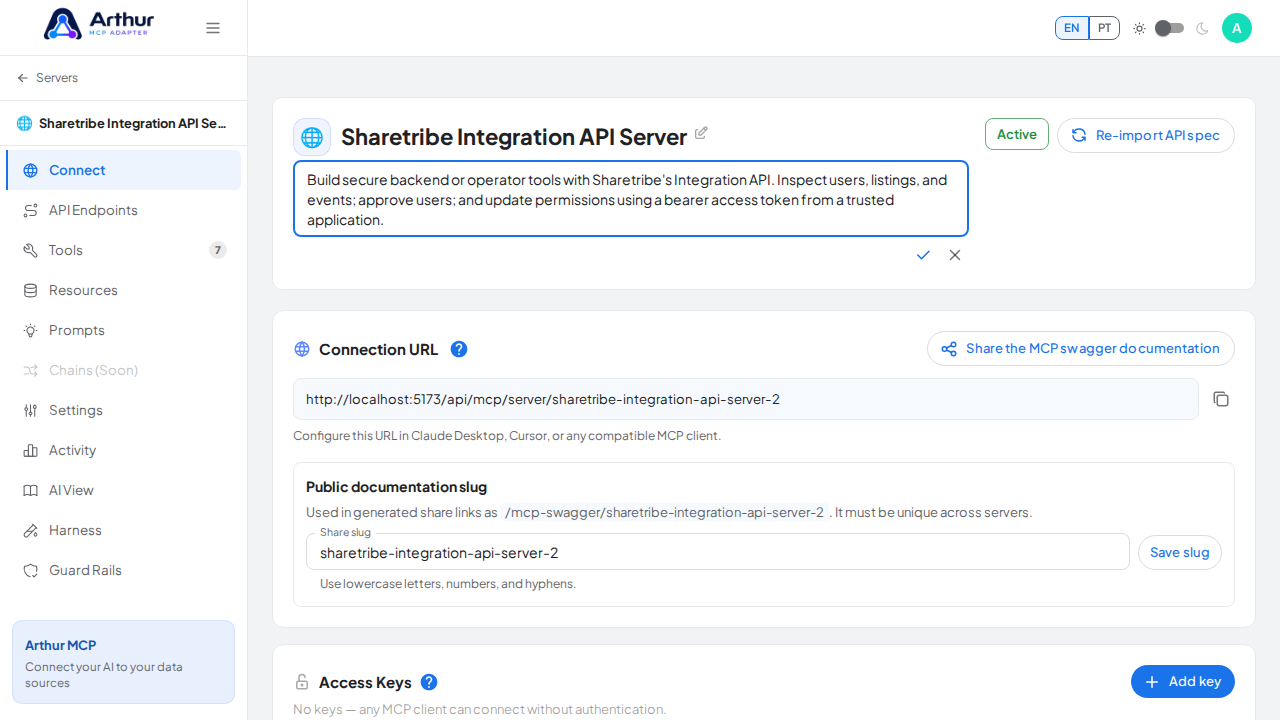
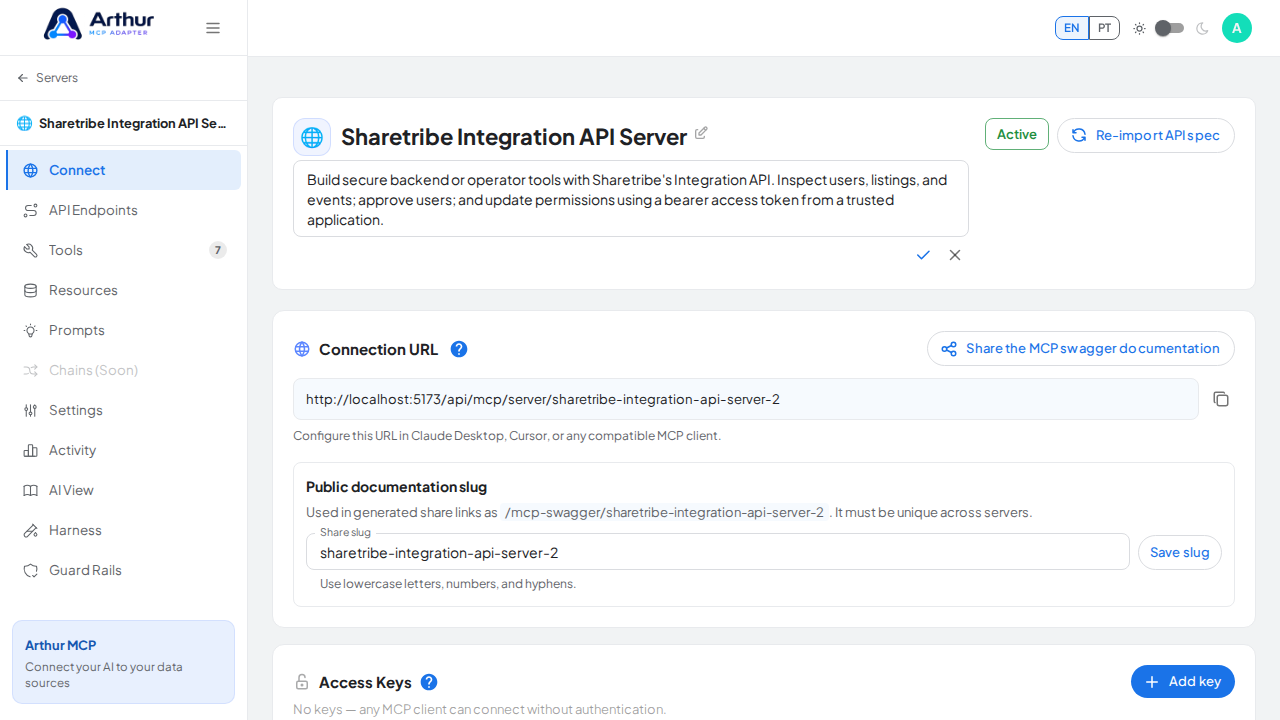
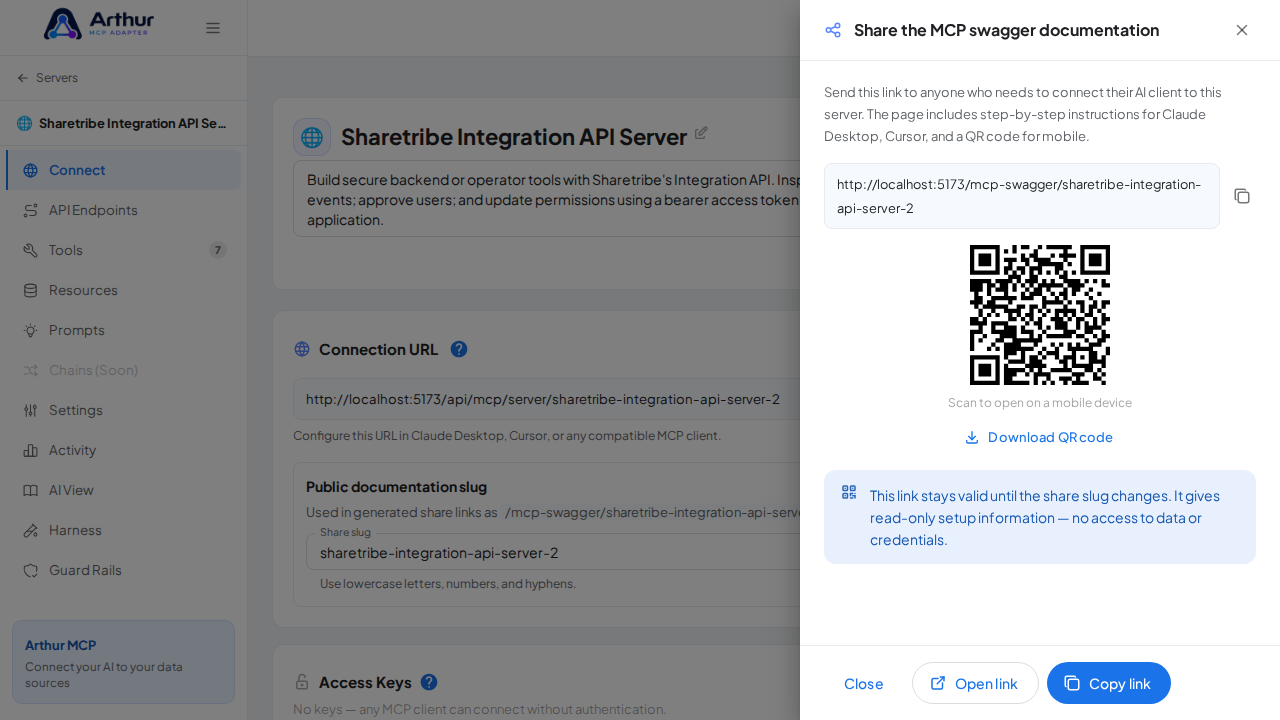
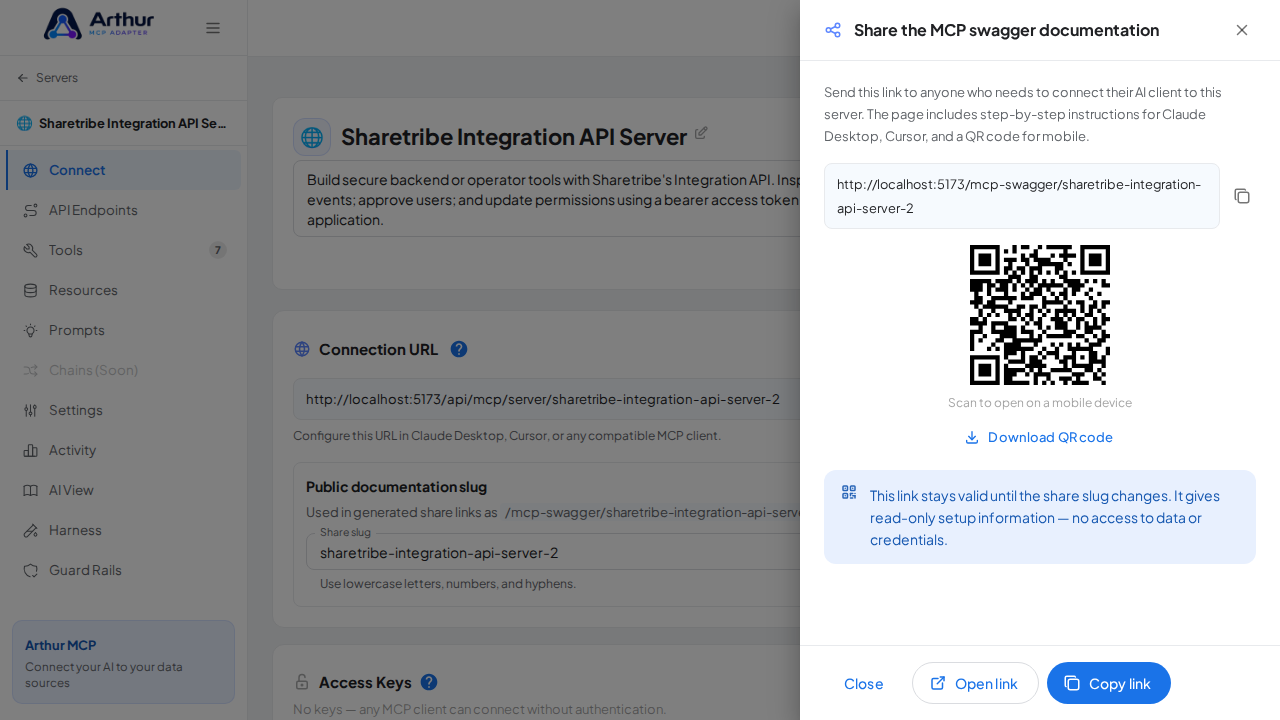
Open the server's Connect section and click Share the MCP swagger documentation — Arthur generates the public documentation link and QR code for this server.
Confirm it worked
The server appears with 7 preconfigured tool(s): query_users, show_user, approve_user, update_user_permissions, query_listings, create_listing, query_events. The Connect section offers the MCP swagger documentation — a shareable page with setup instructions for any AI client.
Good to know
- Build secure backend or operator tools with Sharetribe's Integration API. Inspect users, listings, and events; approve users; and update permissions using a bearer access token from a trusted application.
- This integration requires a credential (bearer).
- Official API documentation: https://www.sharetribe.com/api-reference/integration.html
- Editing a tool later never changes the template — templates are starting points, and the server is fully yours after creation.
Related
Tutorial video