
How to integrate Frankfurter using MCP
Currency exchange rates and conversion. This guide creates an MCP server from Arthur's Frankfurter template — tools preconfigured against https://api.frankfurter.app — and finishes by sharing the server's MCP swagger documentation.
Steps
Go to the REST API Templates gallery and search for Frankfurter.
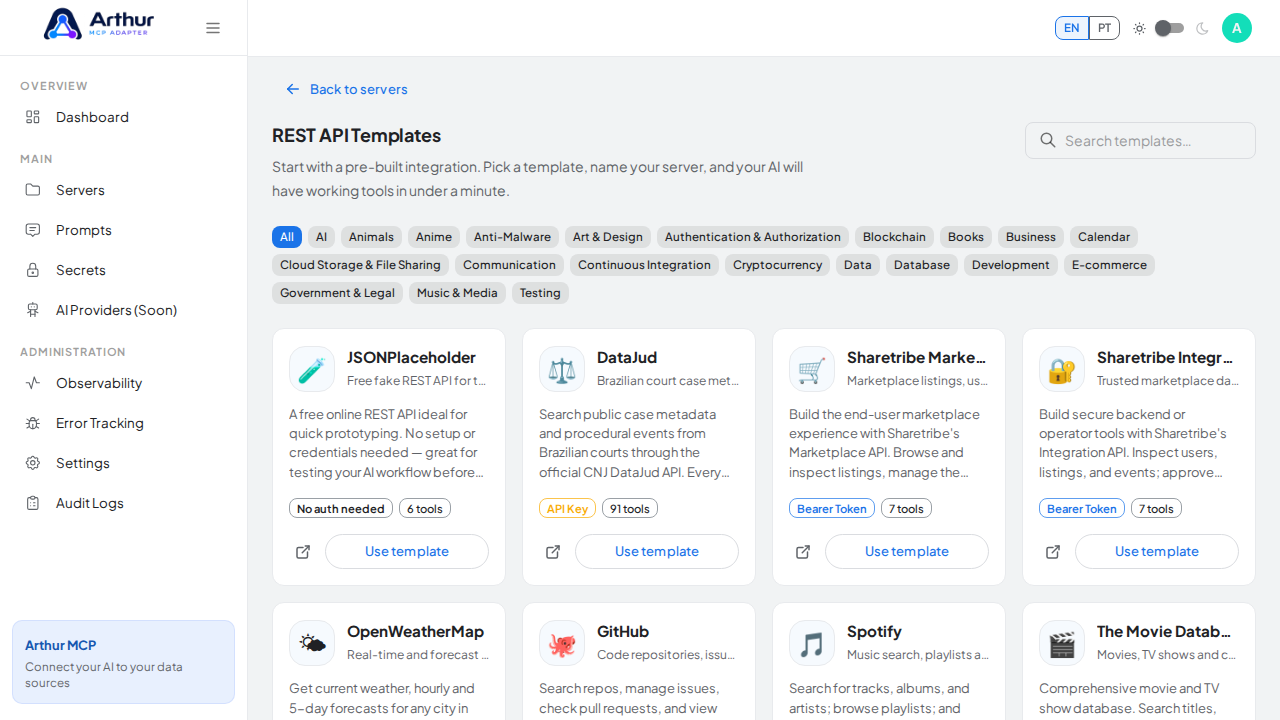
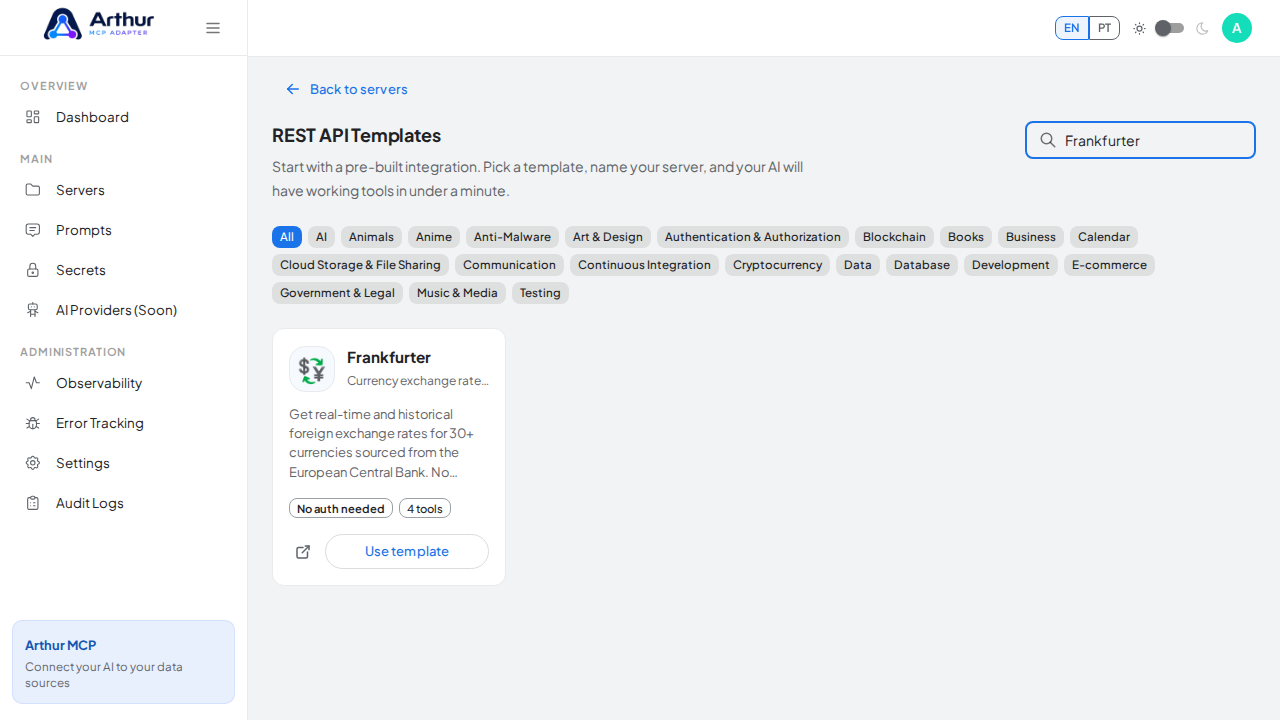
Click Use template on the Frankfurter card to open the server-creation dialog.
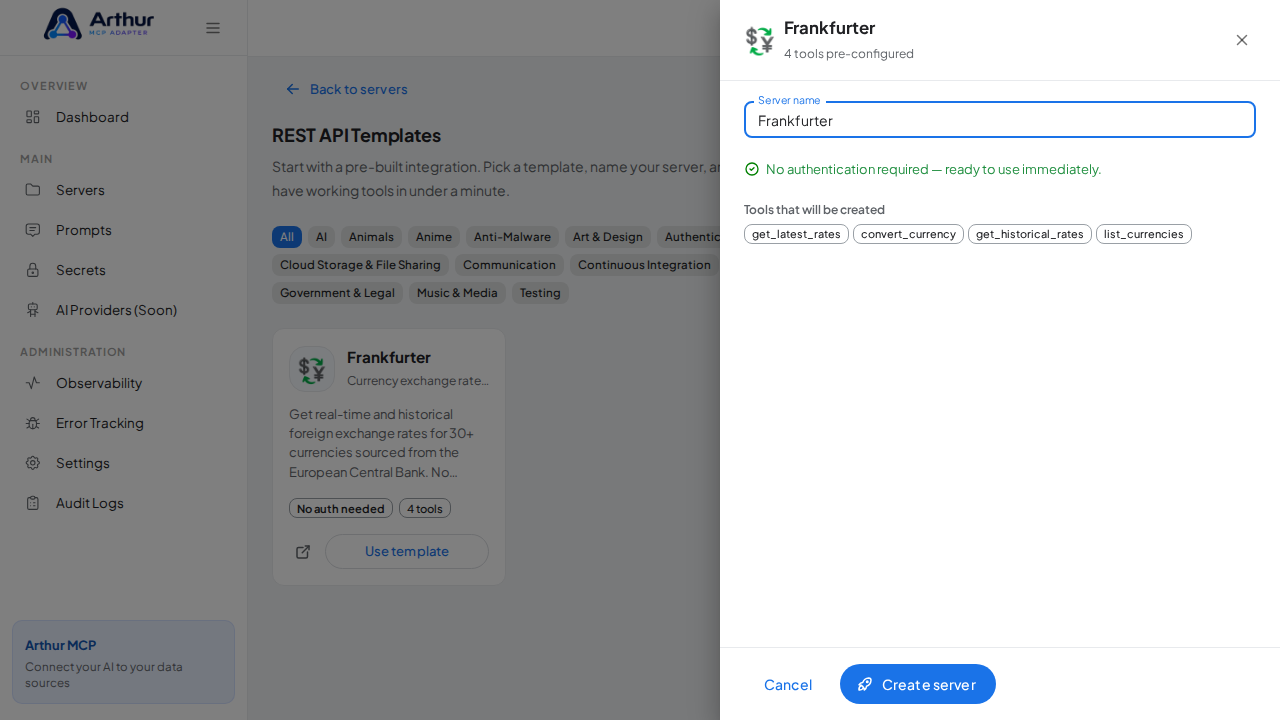
Review the server name — the dialog lists every tool that will be created.
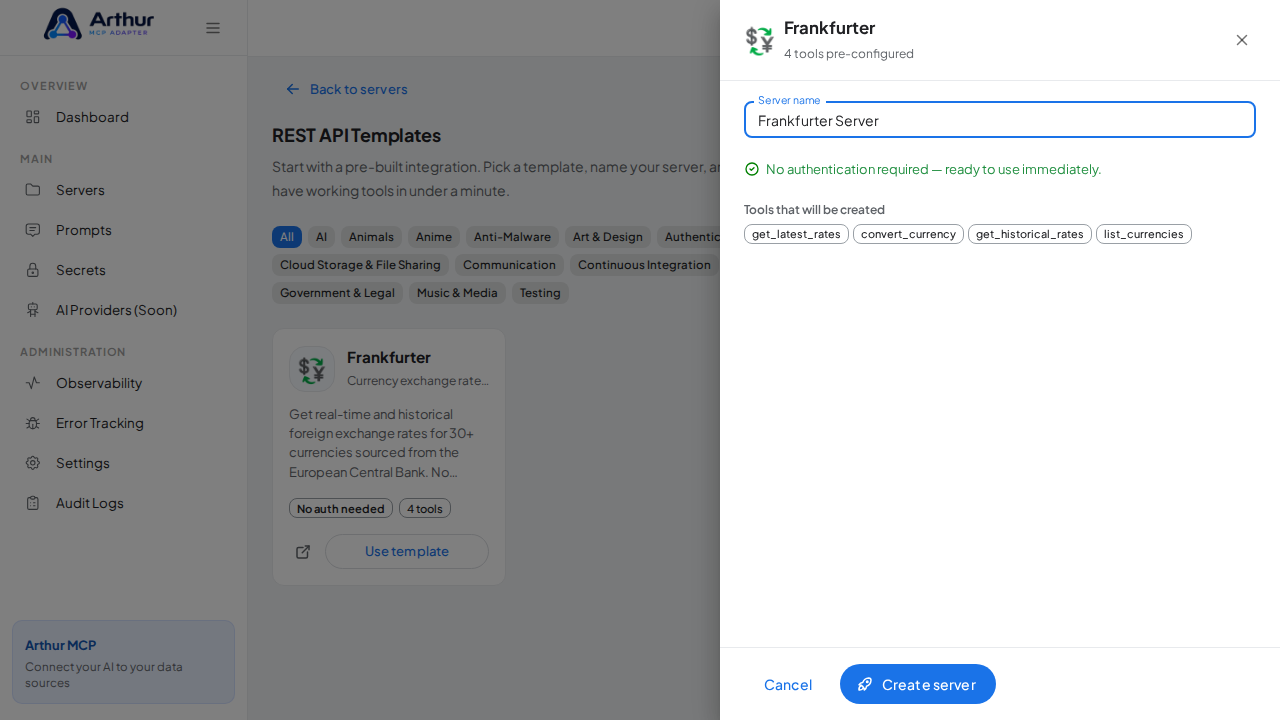
Click Create server. Arthur creates the server, applies the authentication, and generates all the tools.
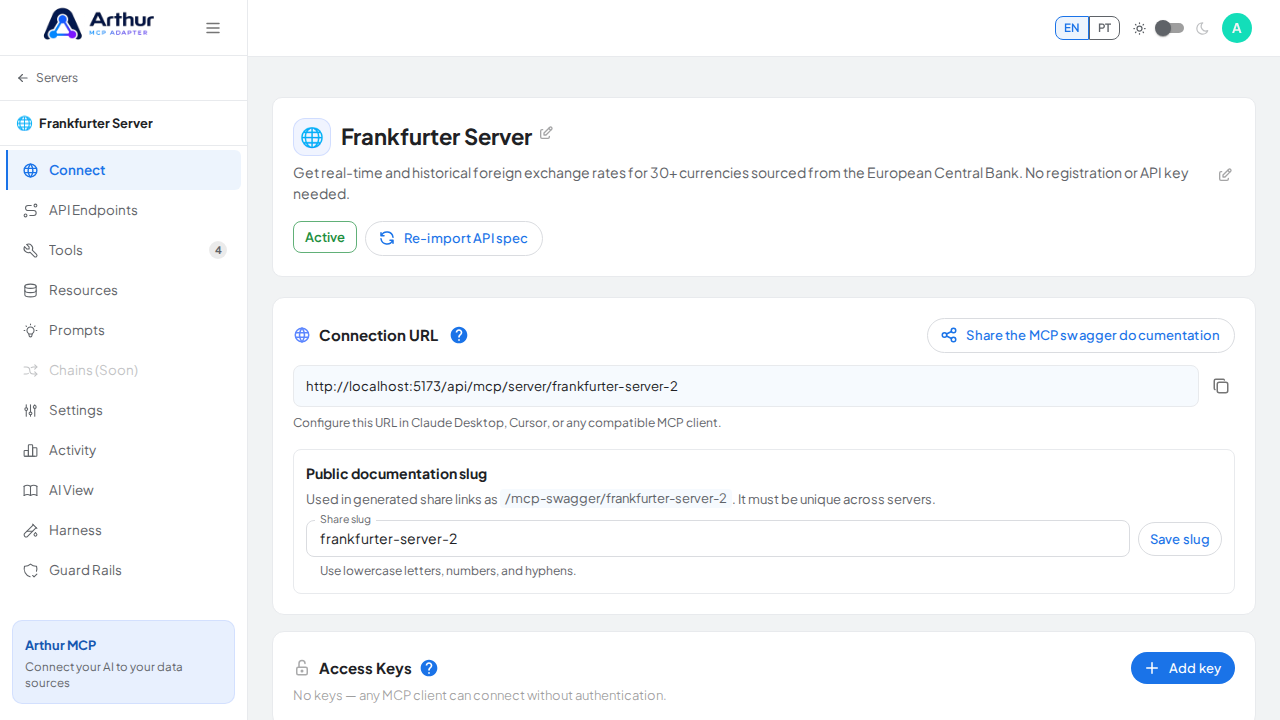
Open the server's Tools tab to review the generated tools.
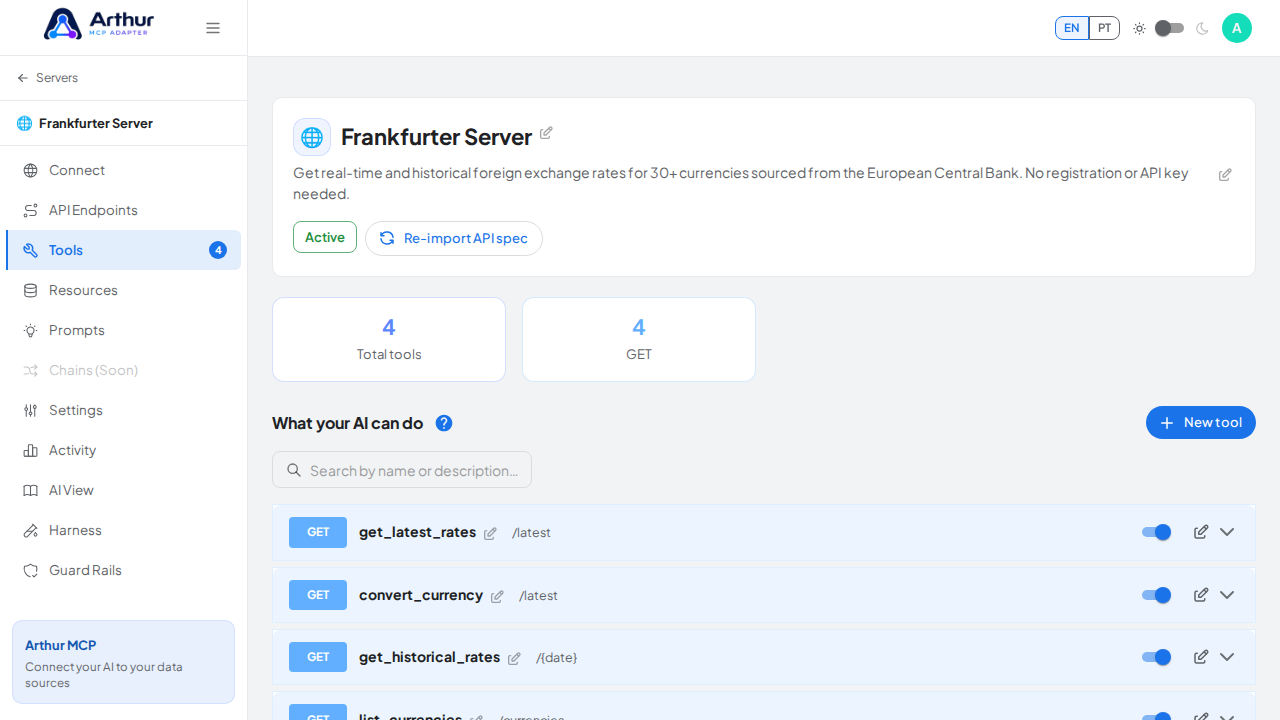
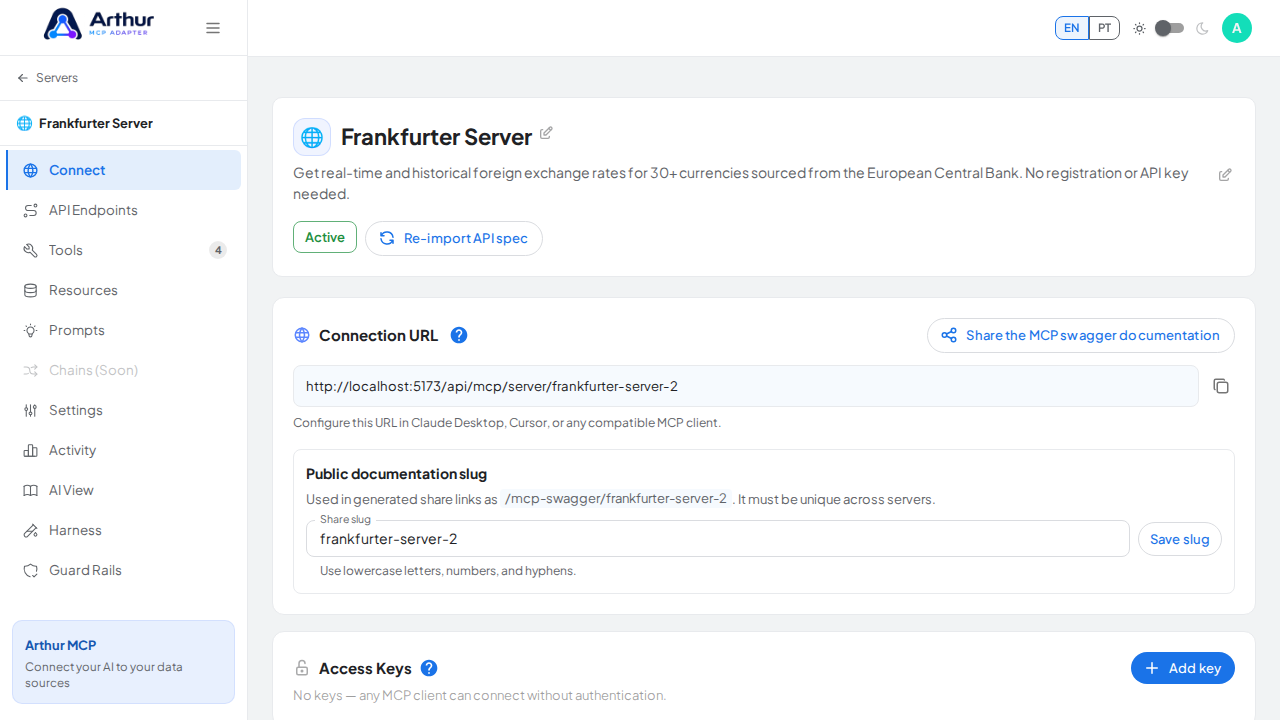
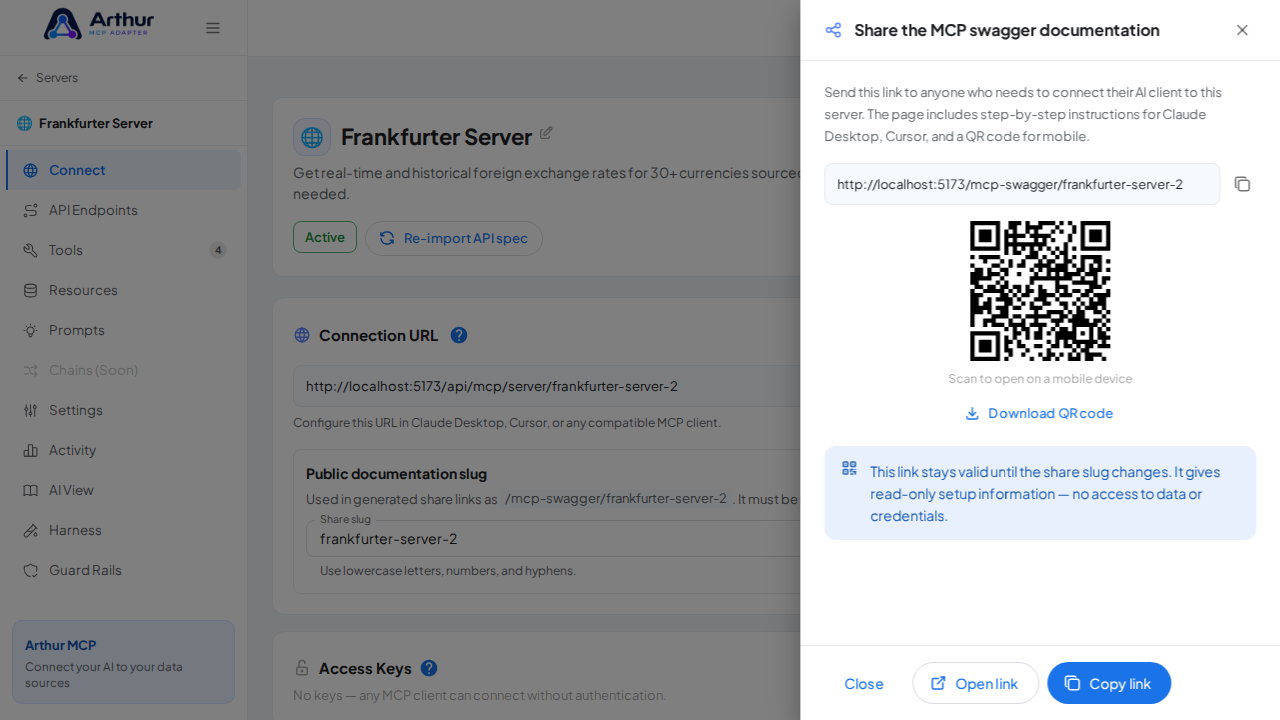
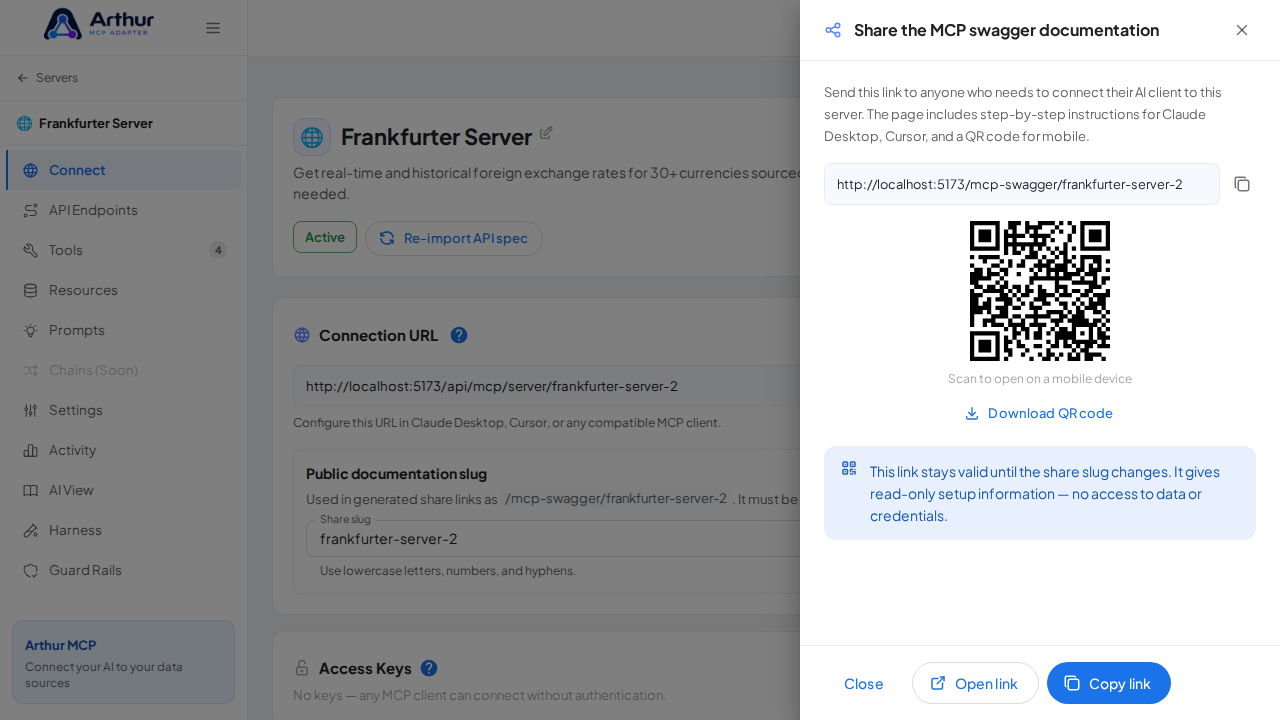
Open the server's Connect section and click Share the MCP swagger documentation — Arthur generates the public documentation link and QR code for this server.
Confirm it worked
The server appears with 4 preconfigured tool(s): get_latest_rates, convert_currency, get_historical_rates, list_currencies. The Connect section offers the MCP swagger documentation — a shareable page with setup instructions for any AI client.
Good to know
- Get real-time and historical foreign exchange rates for 30+ currencies sourced from the European Central Bank. No registration or API key needed.
- No authentication required — the server is ready to use immediately.
- Official API documentation: https://www.frankfurter.app/docs
- Editing a tool later never changes the template — templates are starting points, and the server is fully yours after creation.
Related
Tutorial video