
How to create Investment Thesis Writer using MCP
Structure an investment thesis for any asset or company. This guide creates the Investment Thesis Writer prompt from Arthur's template catalog, sets up a blank MCP server, and links the prompt so any connected AI client can use it.
Steps
Go to Prompt Templates and search for Investment Thesis Writer.
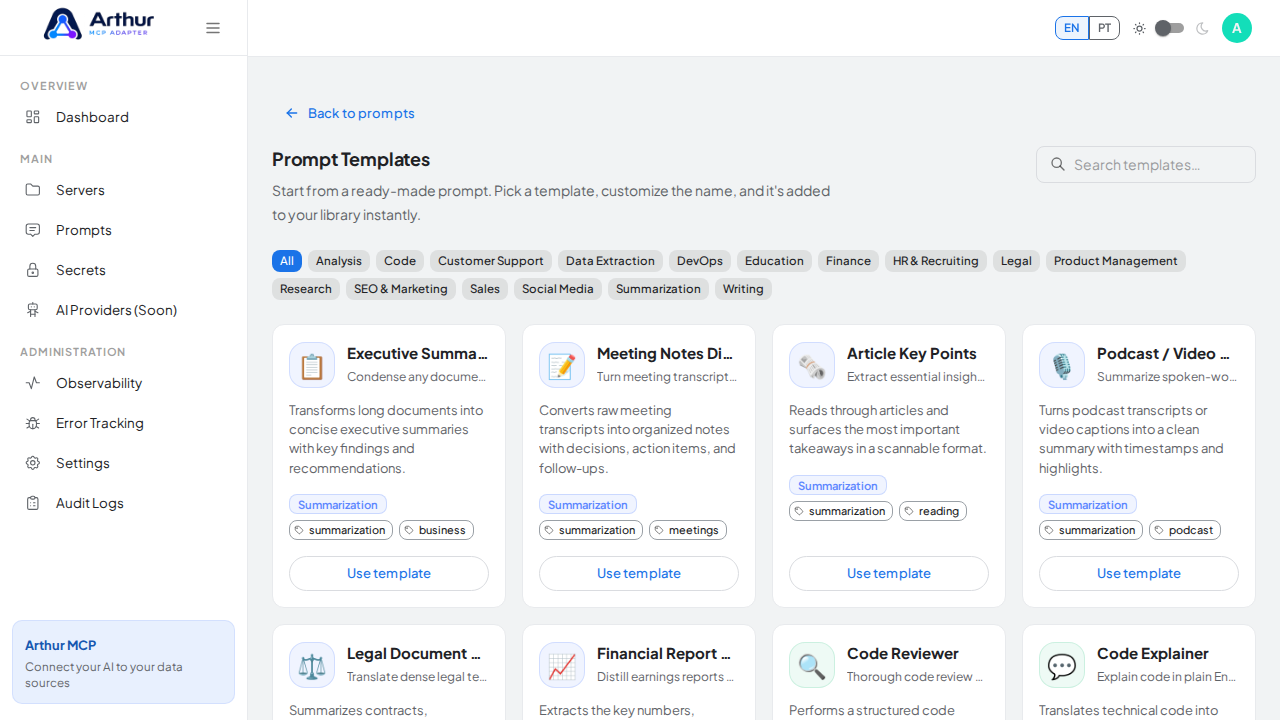
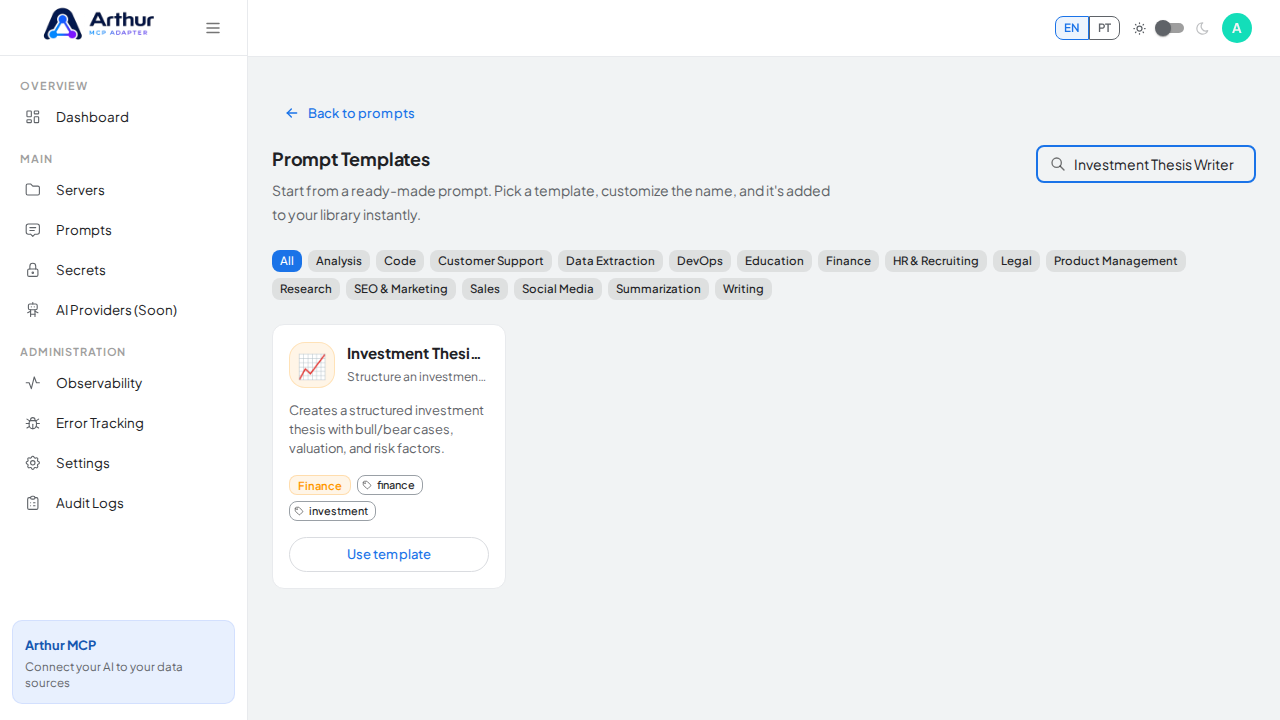
Click Use template on the Investment Thesis Writer card and review the prefilled name, description, and content preview.
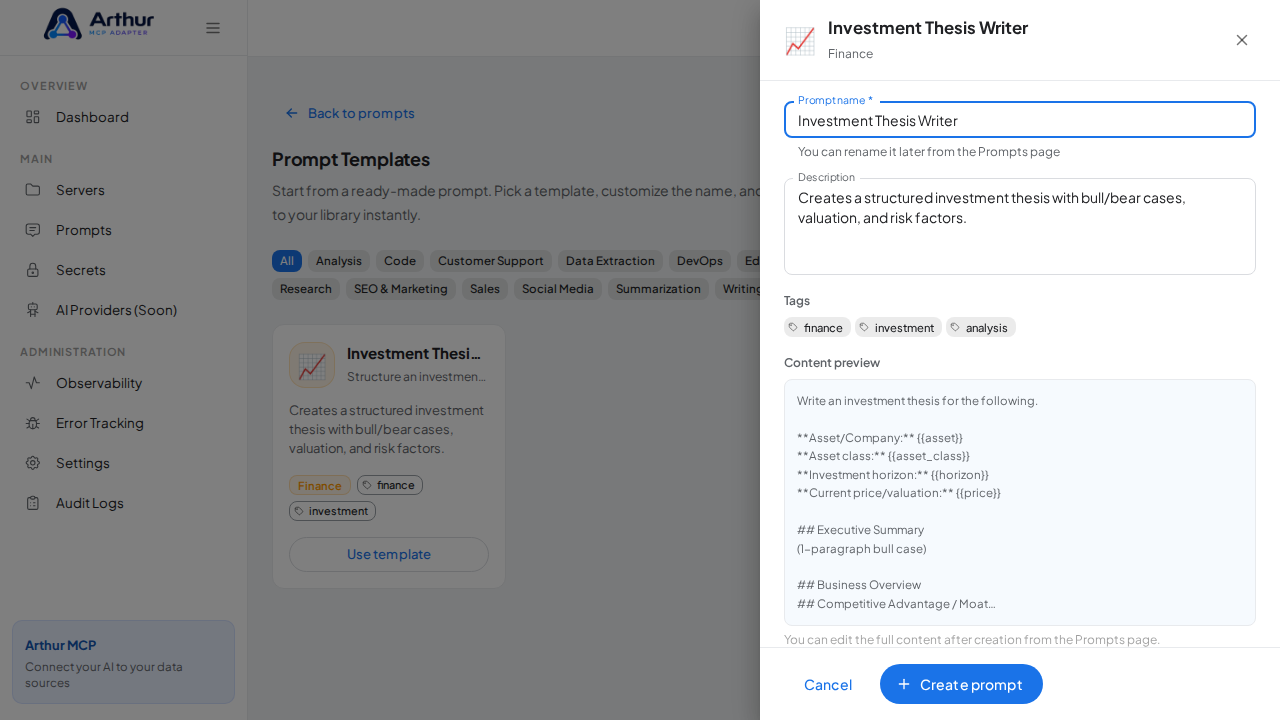
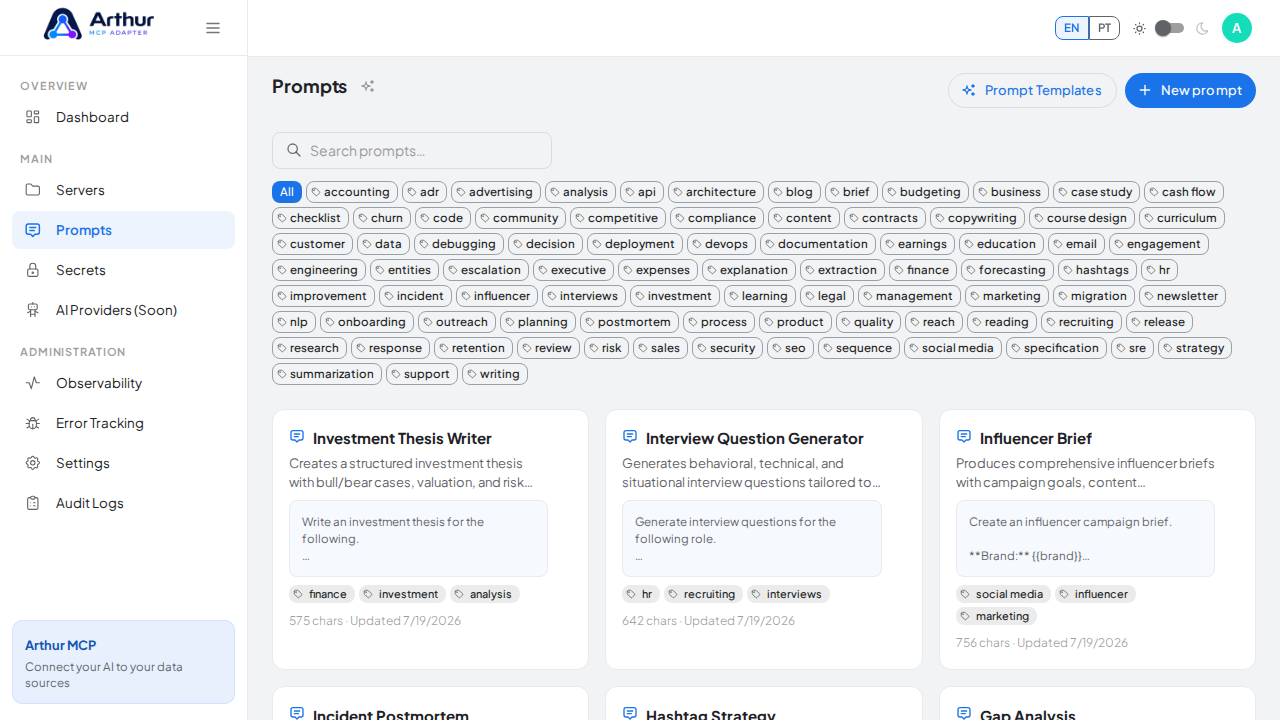
Click Create prompt — the prompt is added to your shared library.
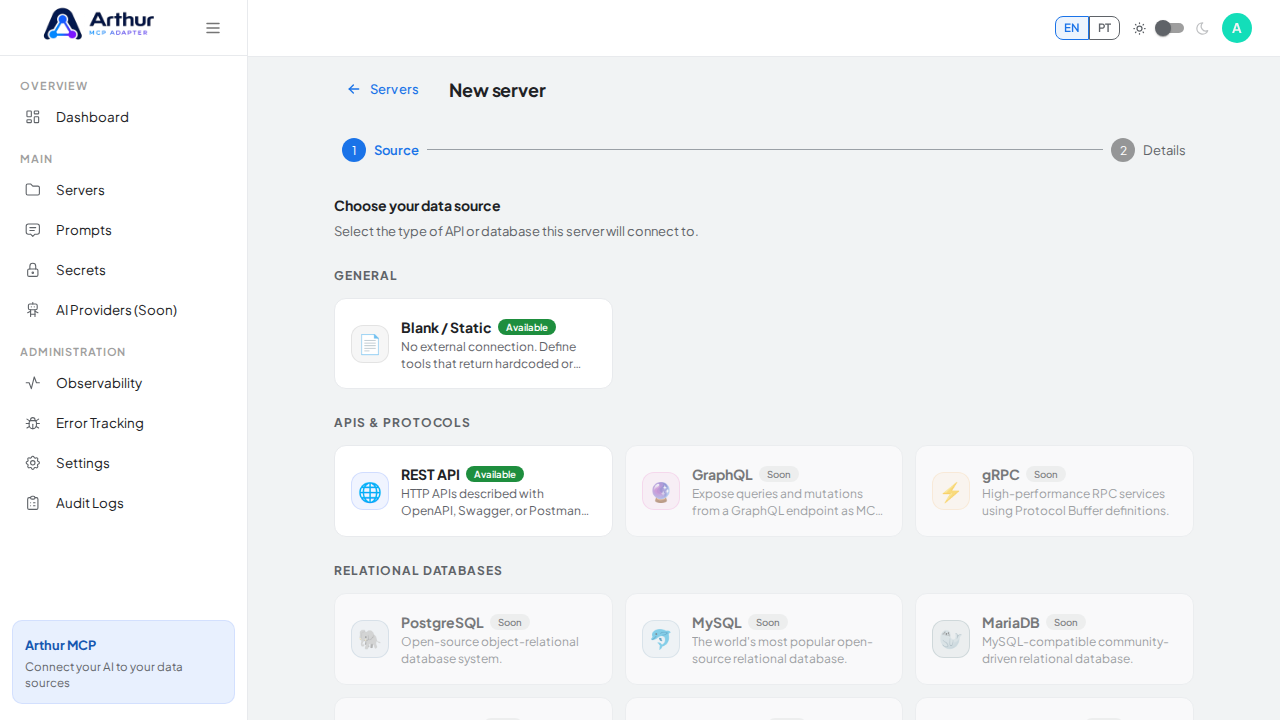
Go to New server, choose Blank / Static as the source, and click Next.
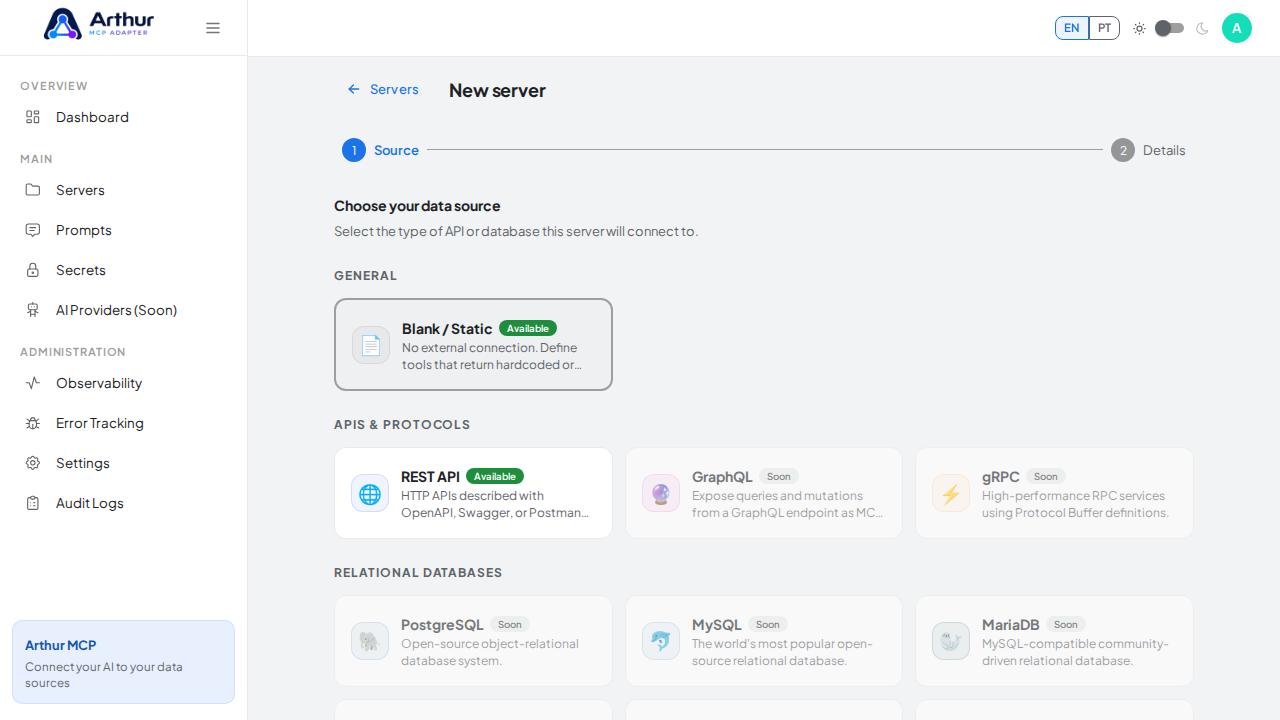
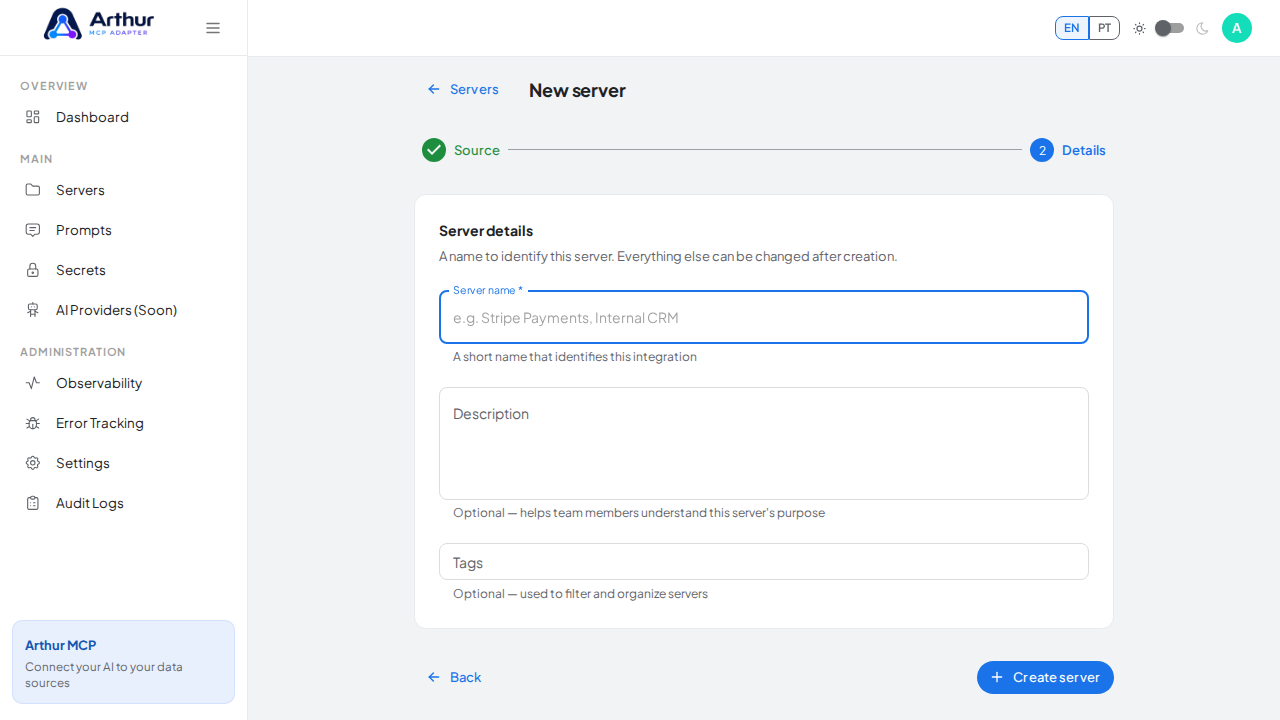
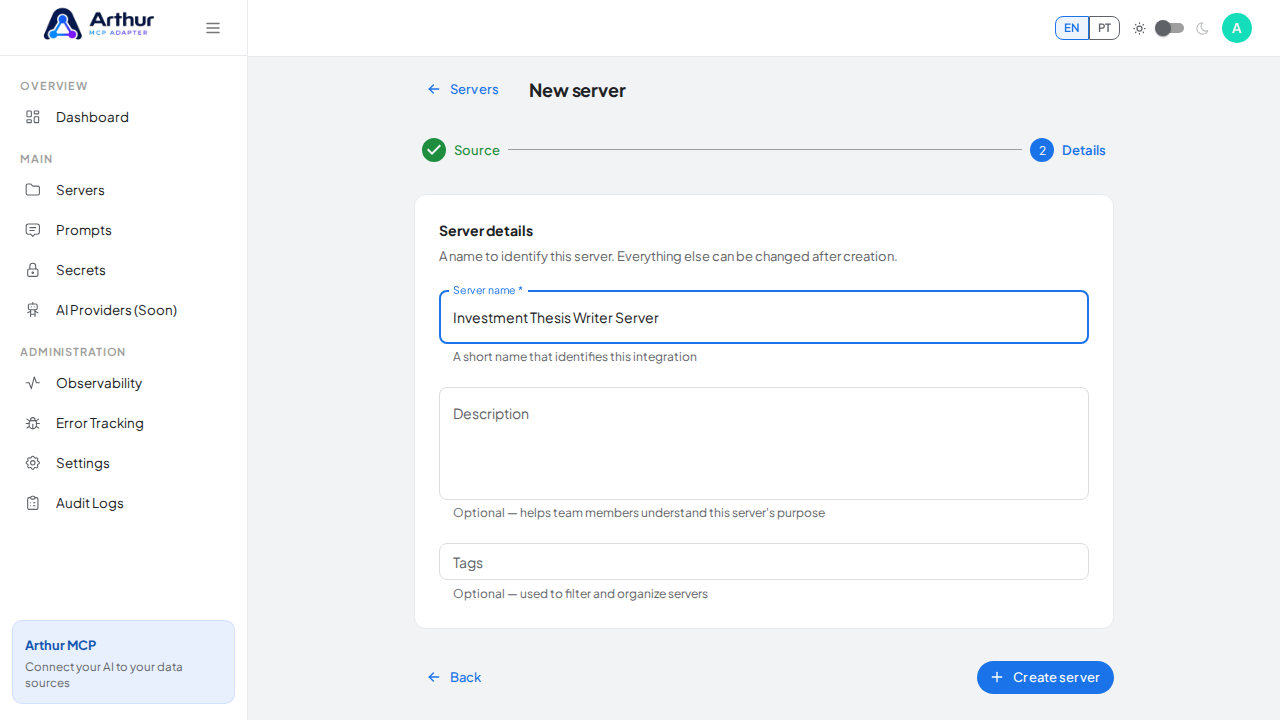
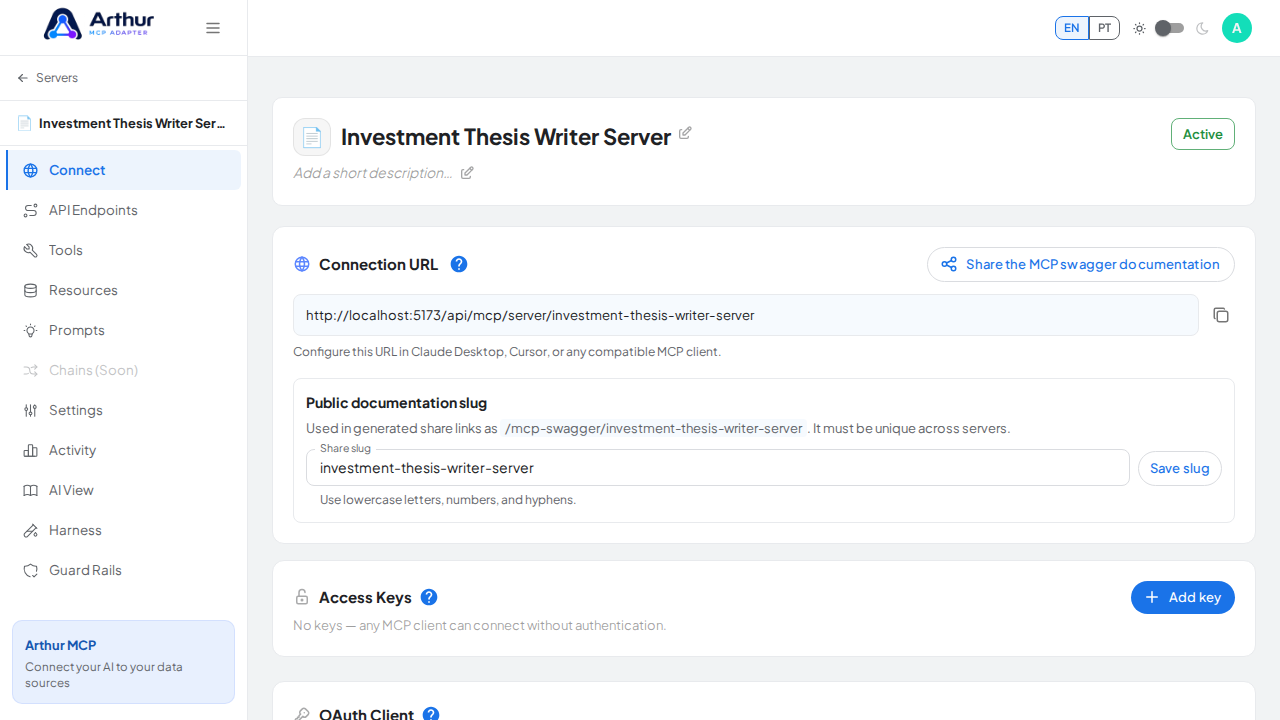
Name the server (for example, Investment Thesis Writer Server) and click Create server.
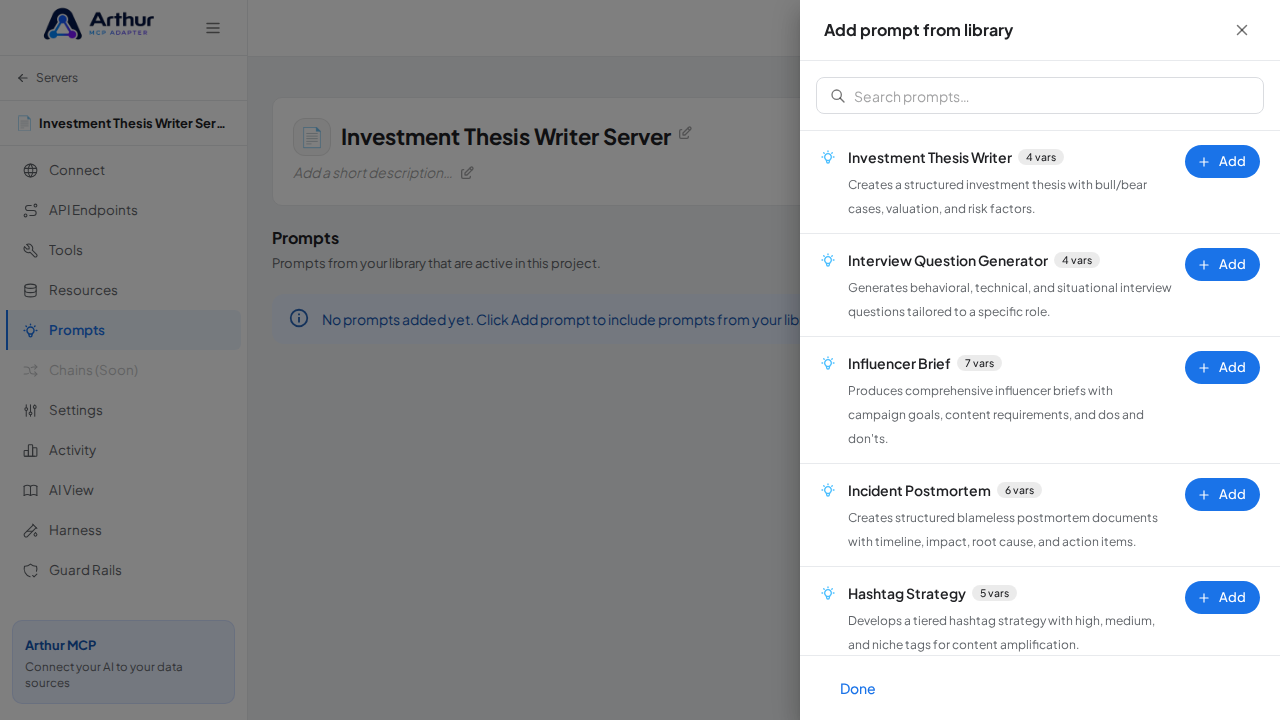
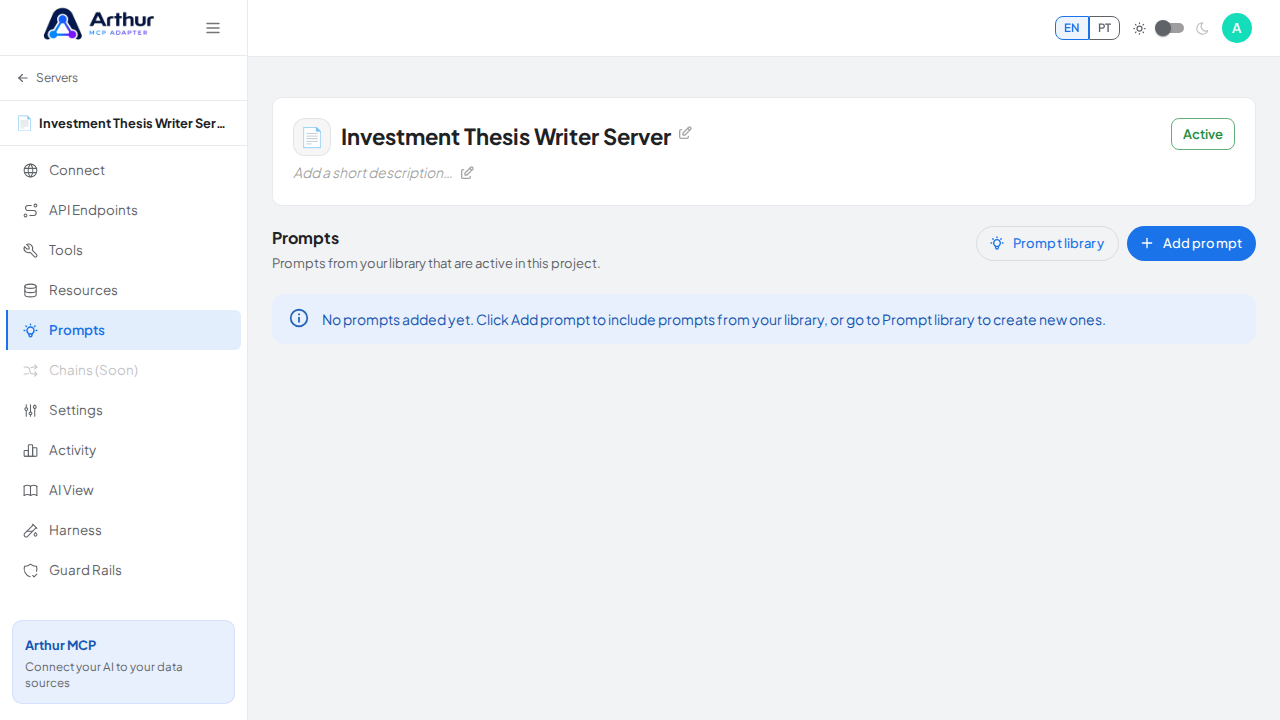
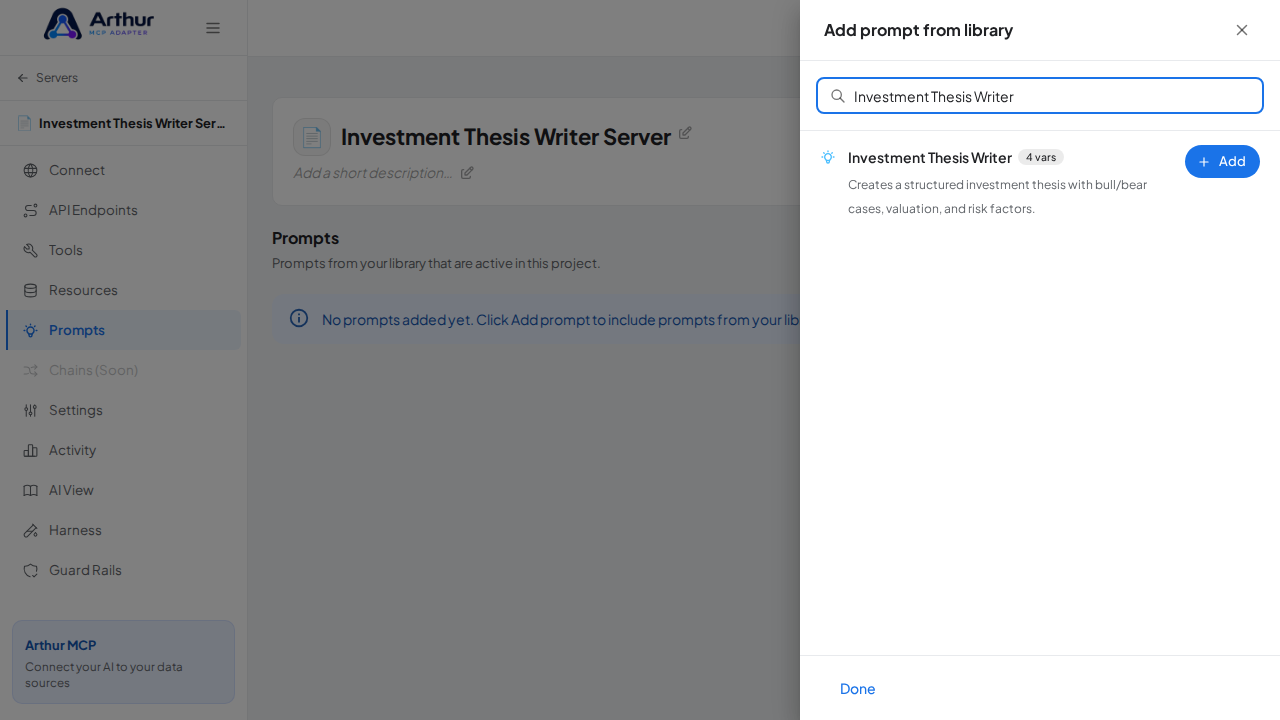
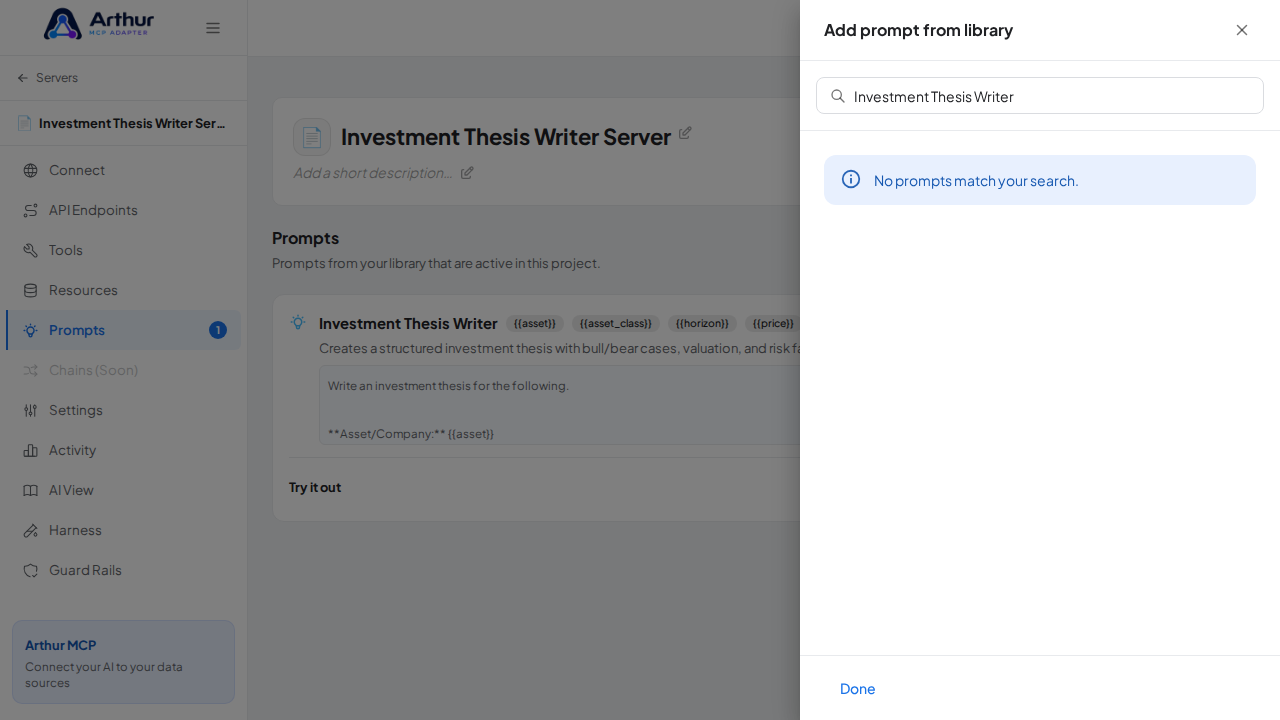
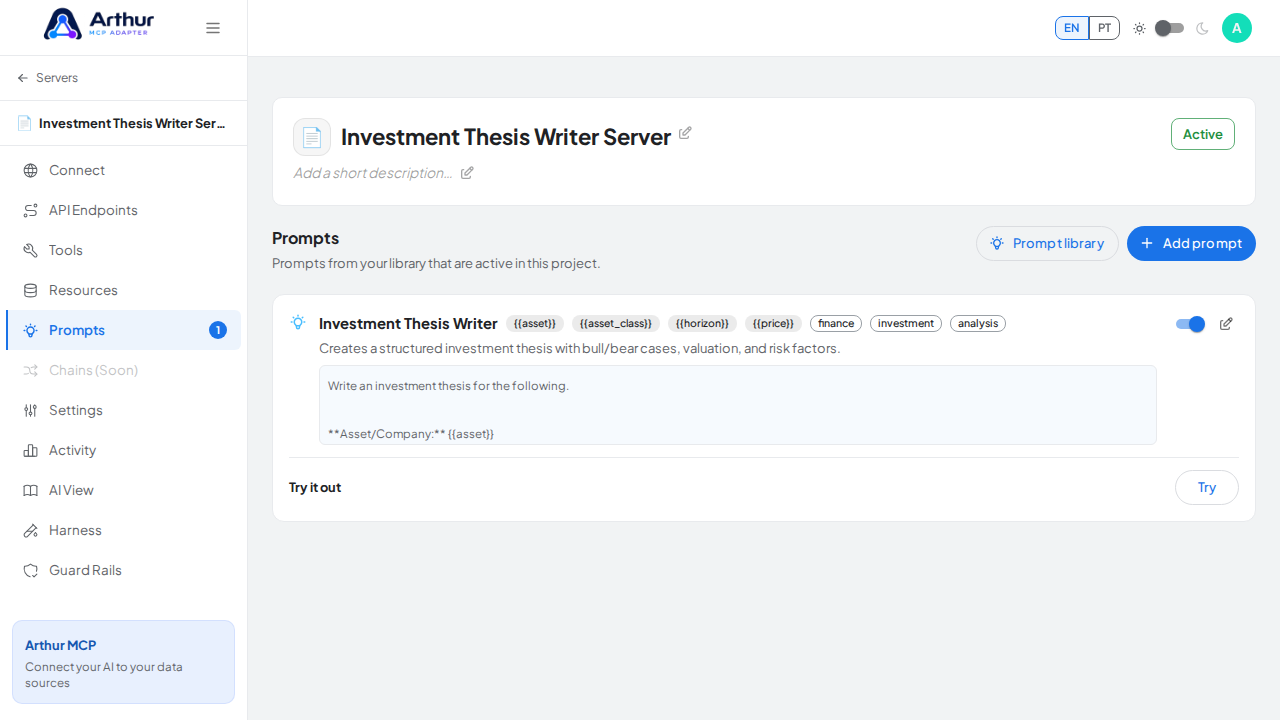
On the server's Prompts tab, click Add prompt, search for Investment Thesis Writer, and click Add.
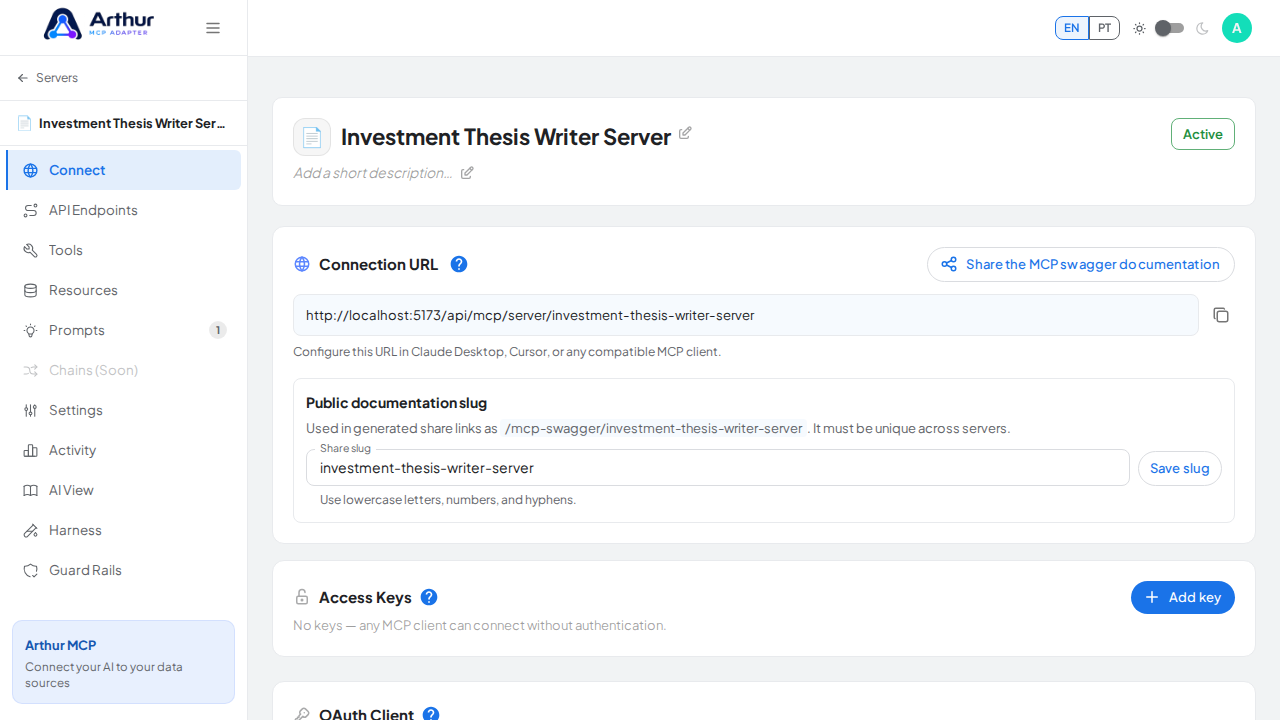
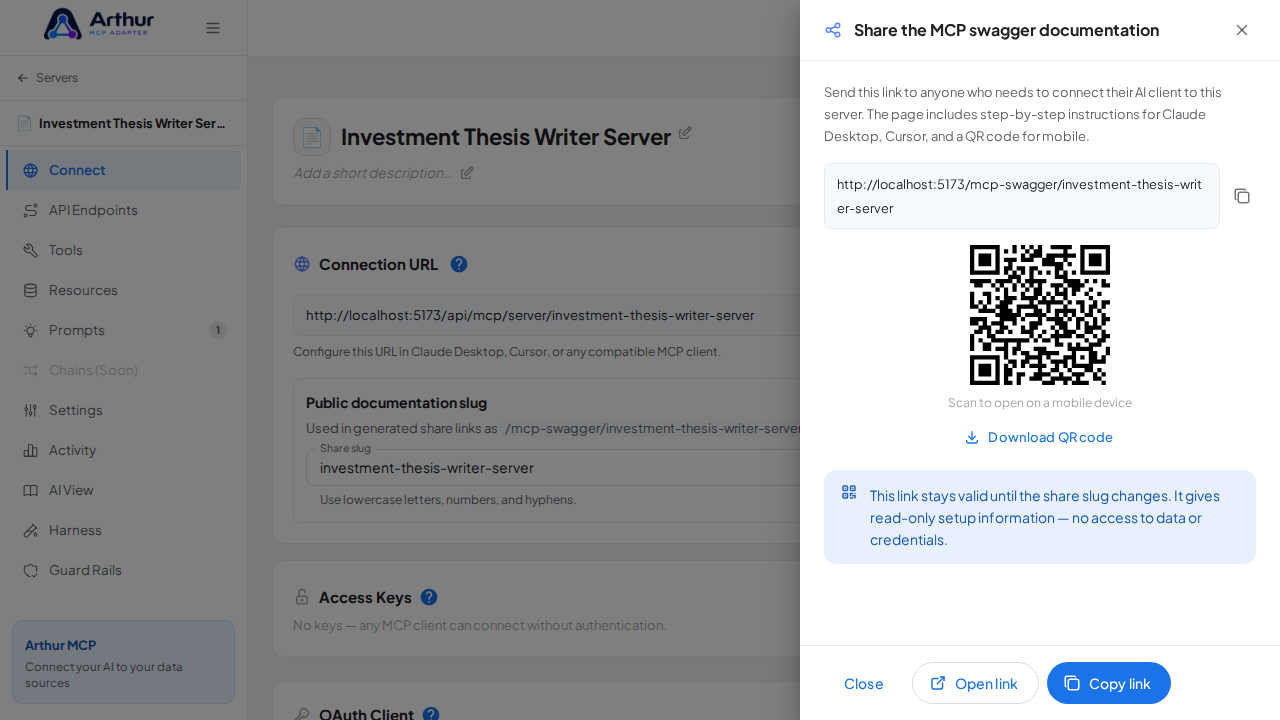
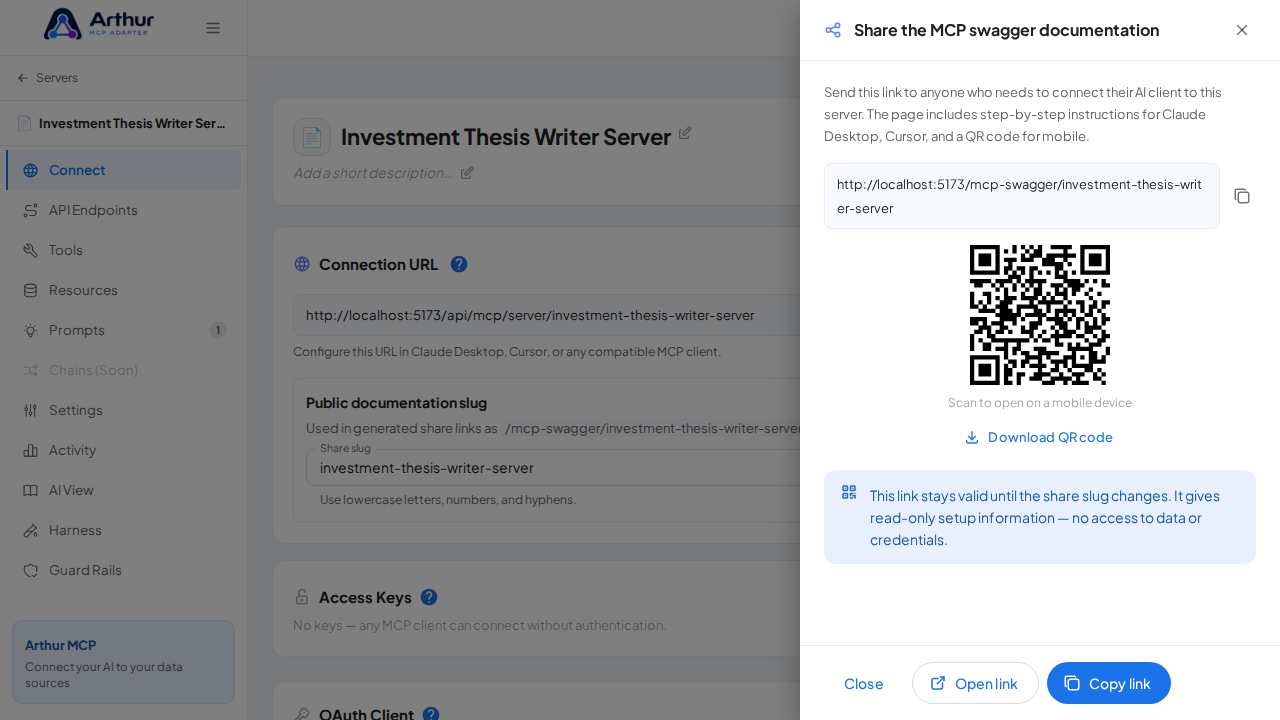
Open the server's Connect section and click Share the MCP swagger documentation — Arthur generates the public documentation link and QR code for this server.
Confirm it worked
The Investment Thesis Writer prompt appears on the server's Prompts tab, and the Connect section offers the server's MCP swagger documentation — a shareable page with setup instructions for any AI client. A connected client can now fetch the prompt through this server.
Good to know
- Creates a structured investment thesis with bull/bear cases, valuation, and risk factors.
- Arguments detected from the template:
{{asset}},{{asset_class}},{{horizon}},{{price}}— callers fill these in when invoking the prompt. - Editing the prompt in the shared library updates it on every server where it's linked.
Related
Tutorial video