
How to Create an OAuth Client
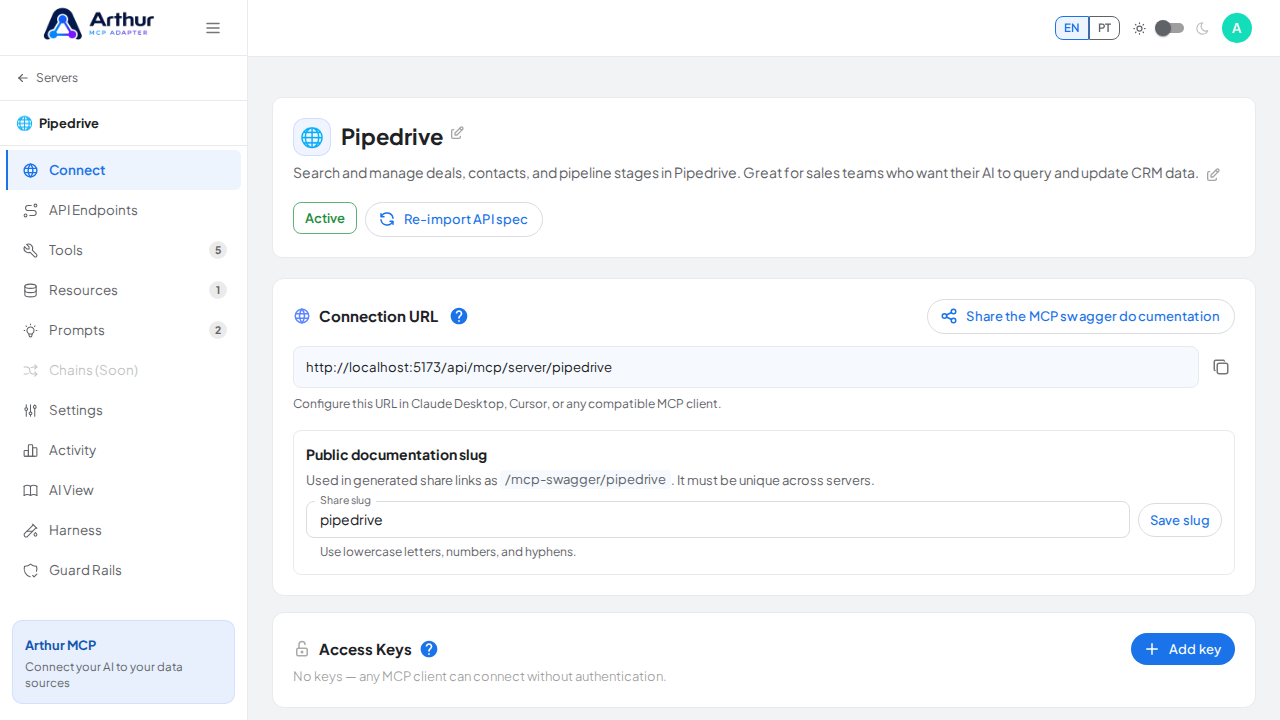
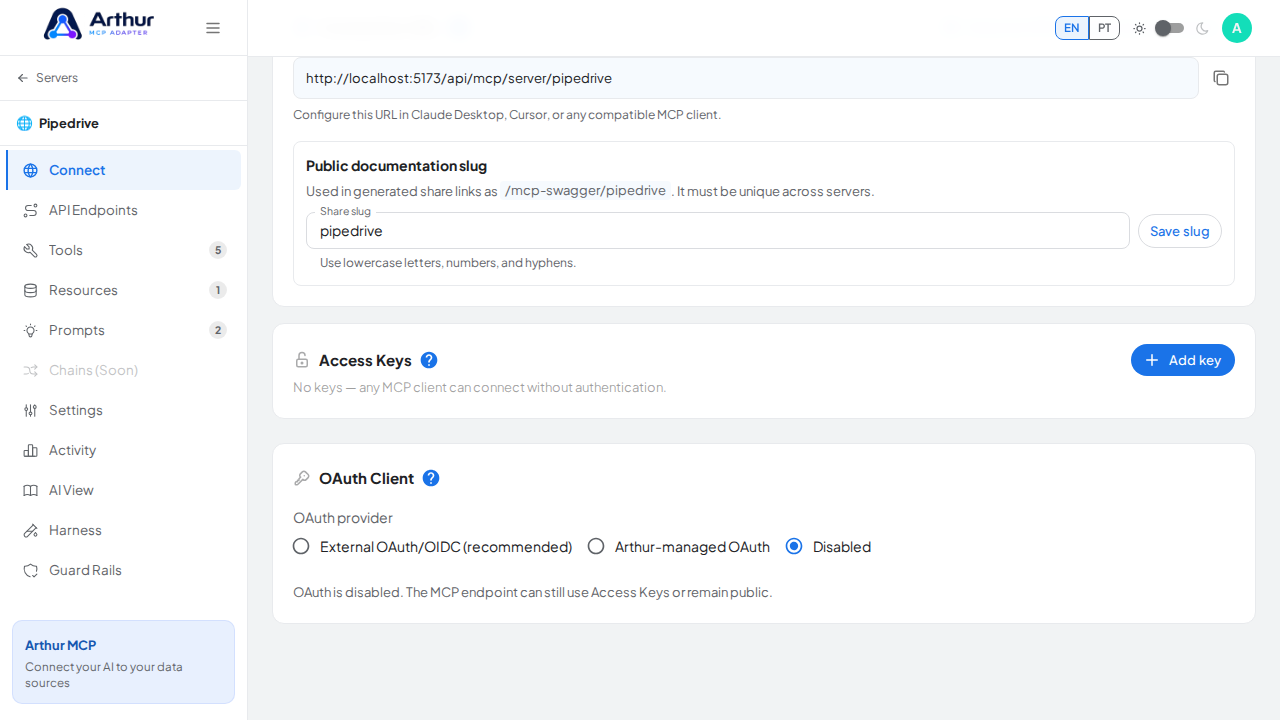
Open the server's Connect tab and find OAuth Client. Choose Arthur-managed for the fastest setup — click "Auto-generate" to fill in a client ID and secret, and save. For External, you'll need your own OAuth/OIDC provider's issuer URL, authorization URL, token URL, audience, scopes, and either a JWKS URL or an introspection endpoint with credentials.
Learn more: How to Connect ChatGPT via OAuth.
Tutorial video