
What Is the Activity Log Tab For?
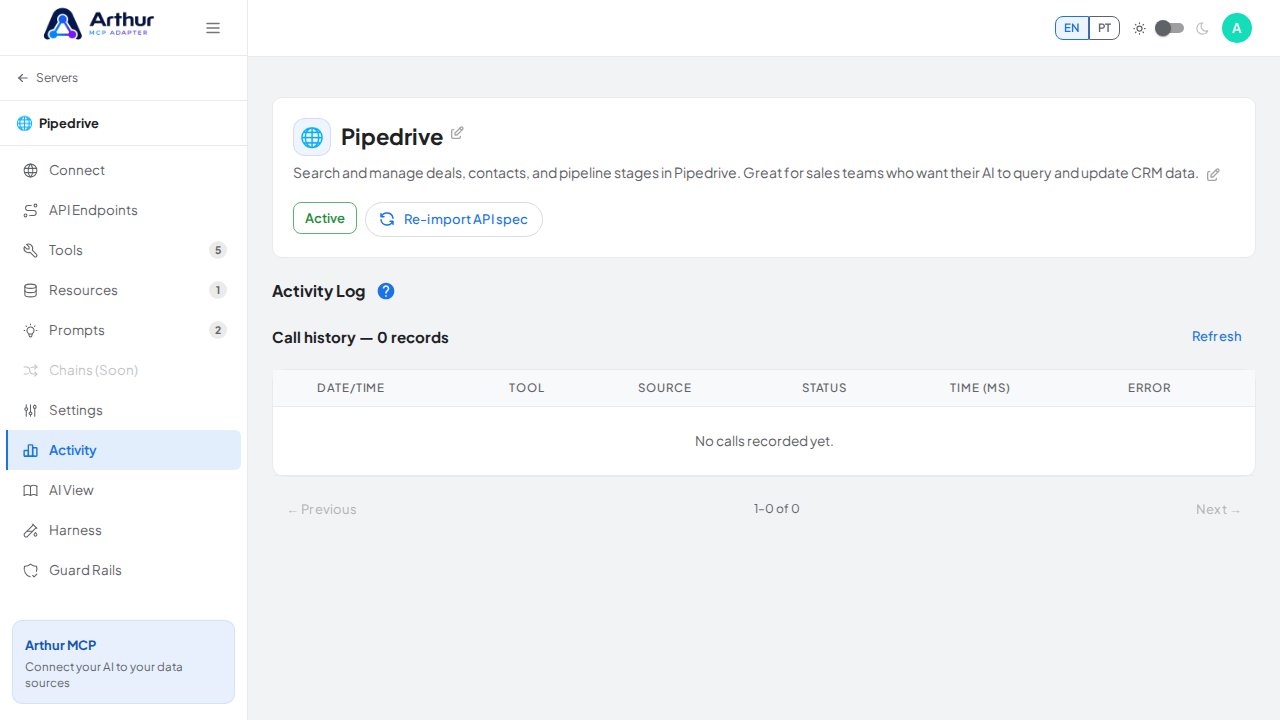
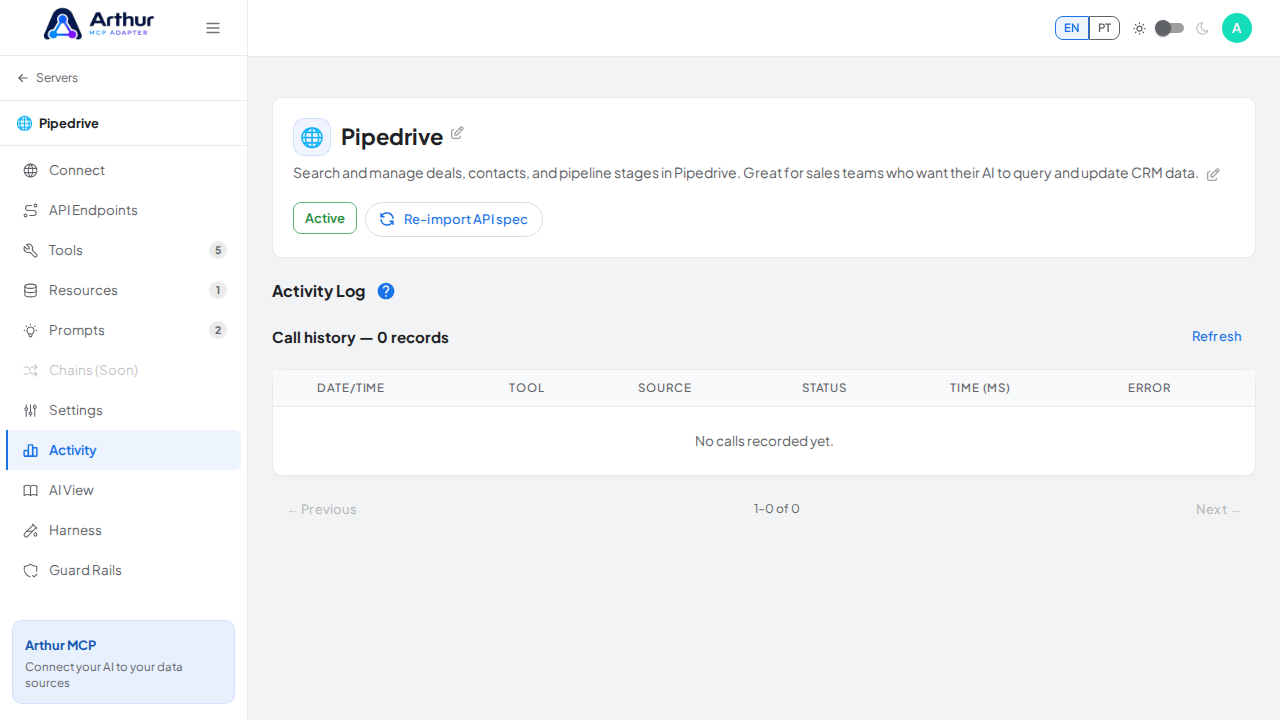
The Activity tab is a server's live execution log: every tool call, with timestamp, tool name, whether it came from an MCP client or a direct test, status code, response time, and any error message. Rows with a request or response body can be expanded to see the full JSON — useful for debugging a failing call or confirming an AI client is actually reaching your server.
Learn more: MCP Server Management.
Tutorial video