
What Are the Differences Between OAuth Client Types?
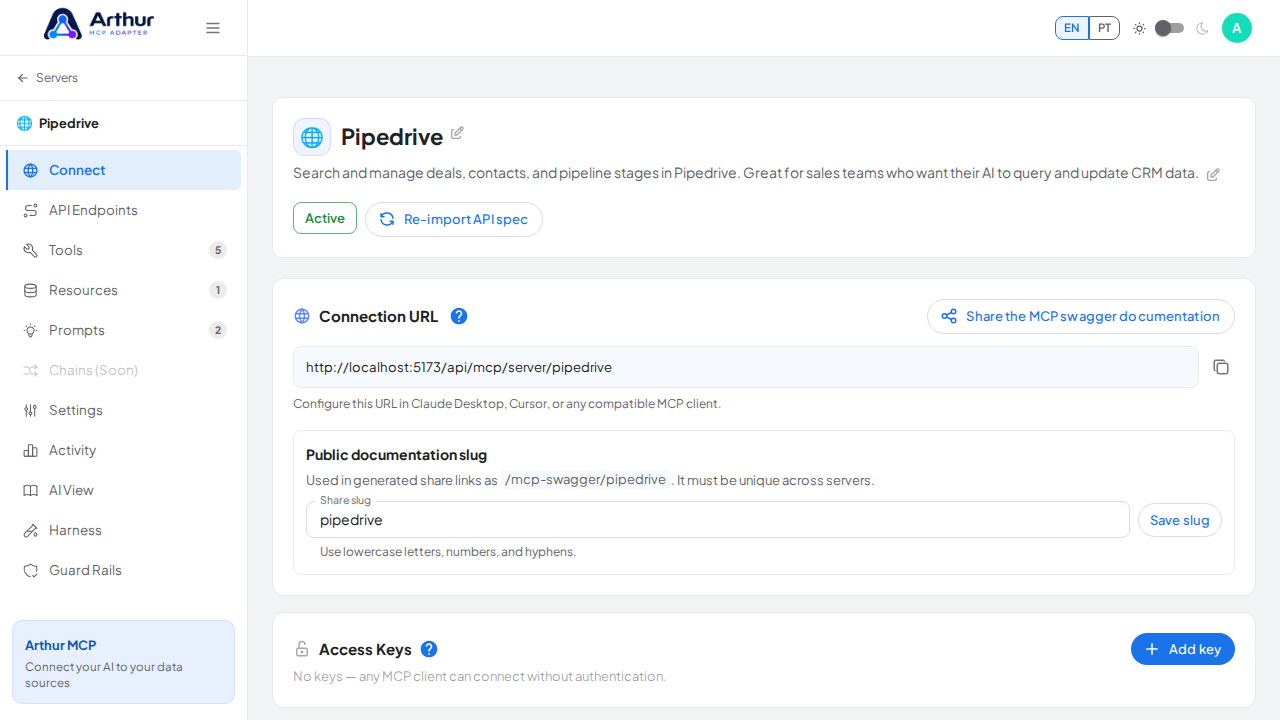
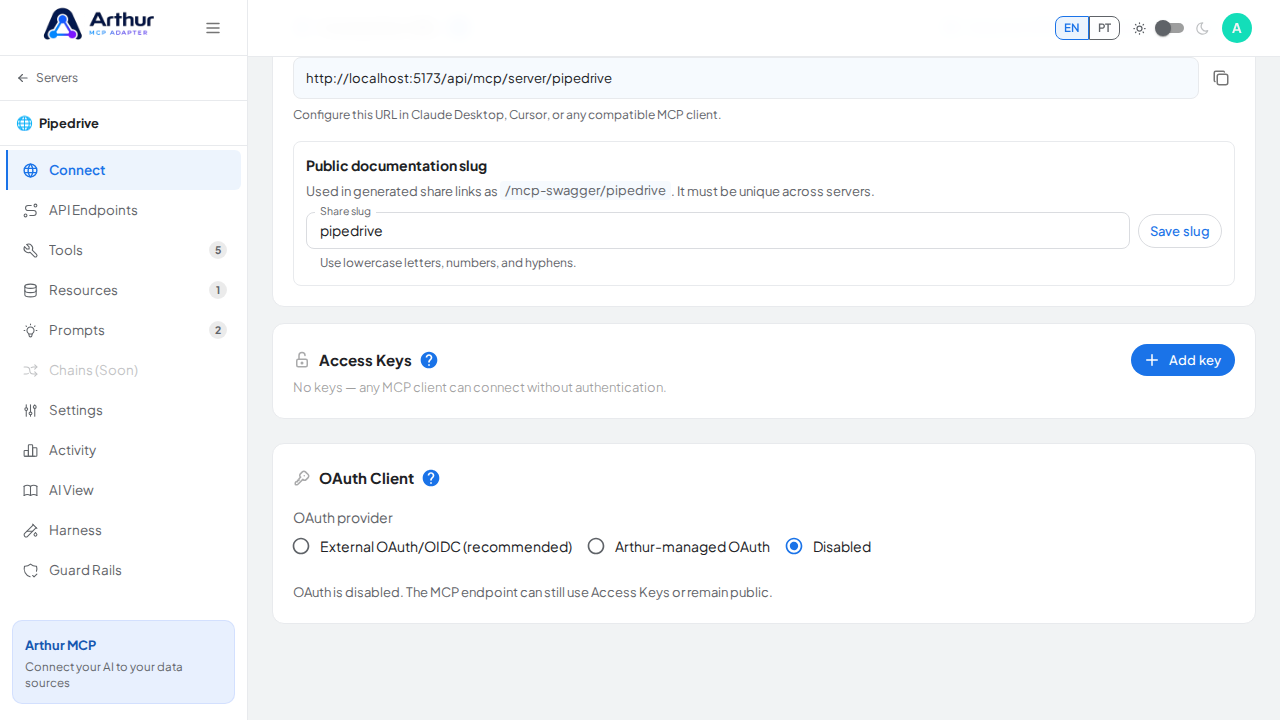
Arthur's OAuth Client has three modes:
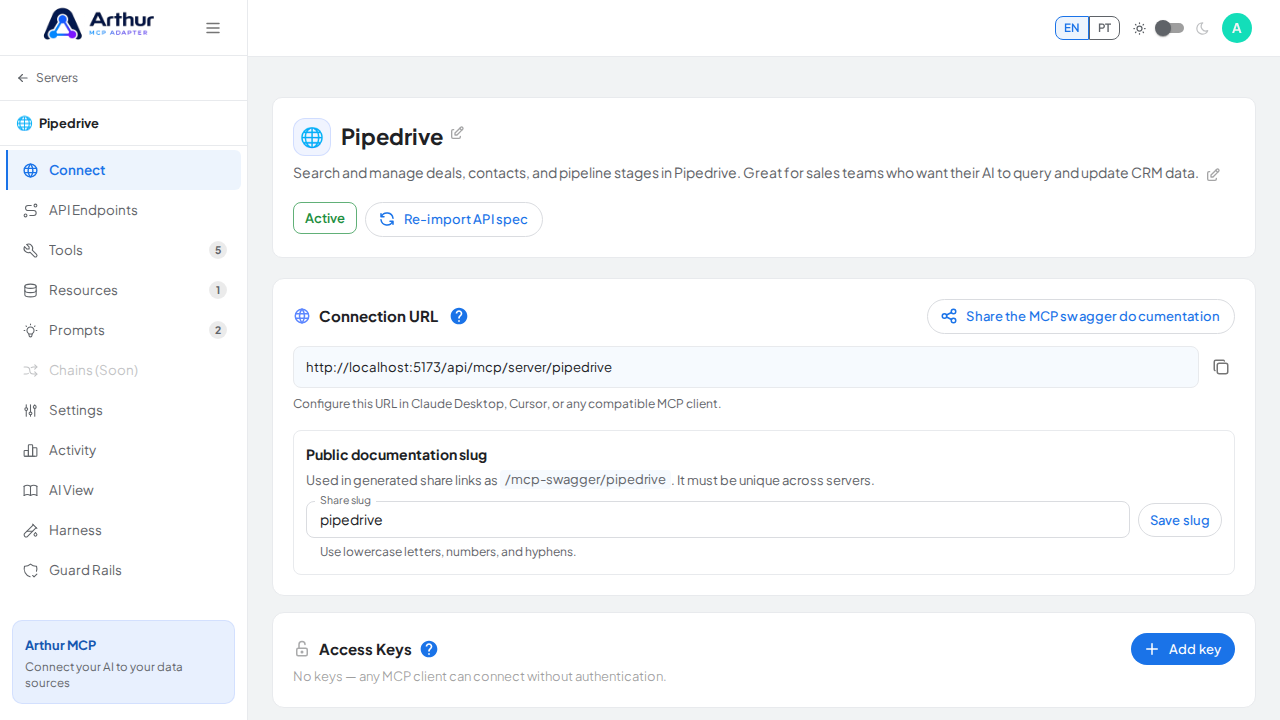
- Disabled — no OAuth; use an Access Key instead, or leave the server open.
- Arthur-managed — Arthur runs the authorization server itself. You just need a client ID and secret (Arthur can auto-generate both), and Arthur's own login page handles authentication.
- External — you bring your own OAuth/OIDC provider. You configure the issuer, authorization and token endpoints, audience, required scopes, and either a JWKS URL (for JWT access tokens) or an RFC 7662 introspection endpoint with confidential credentials (for opaque tokens). Arthur never collects the user's password in this mode — the AI client is redirected to your provider's own login and consent screens.
External is the recommended mode if you already run an identity provider; Arthur-managed is the fastest way to get OAuth working with no external dependency.
Learn more: How to Connect ChatGPT via OAuth.
Tutorial video